Maybe related with DNS Resolution over WireGuard vs OpenVPN
On OpenWRT I use often the internal dnsmasq server as the DNS server for the Wireguard client.
Allowing to me to use local DNS records for the private network (LAN) on the remote machine.
The Wireguard clients access the DNS server at the IP of the firewalls Wireguard network interface.
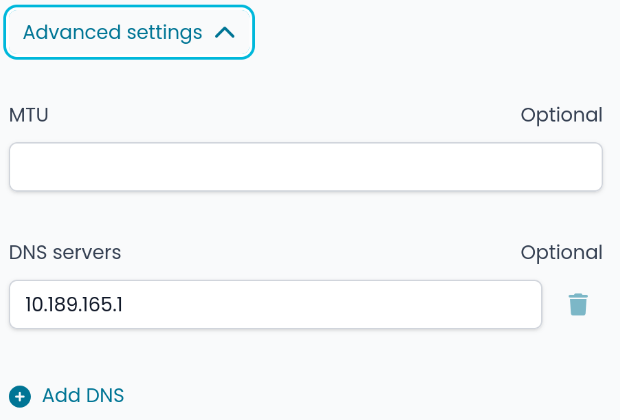
In this example if you add a Wireguard server tunnel with the filled in DNS server:
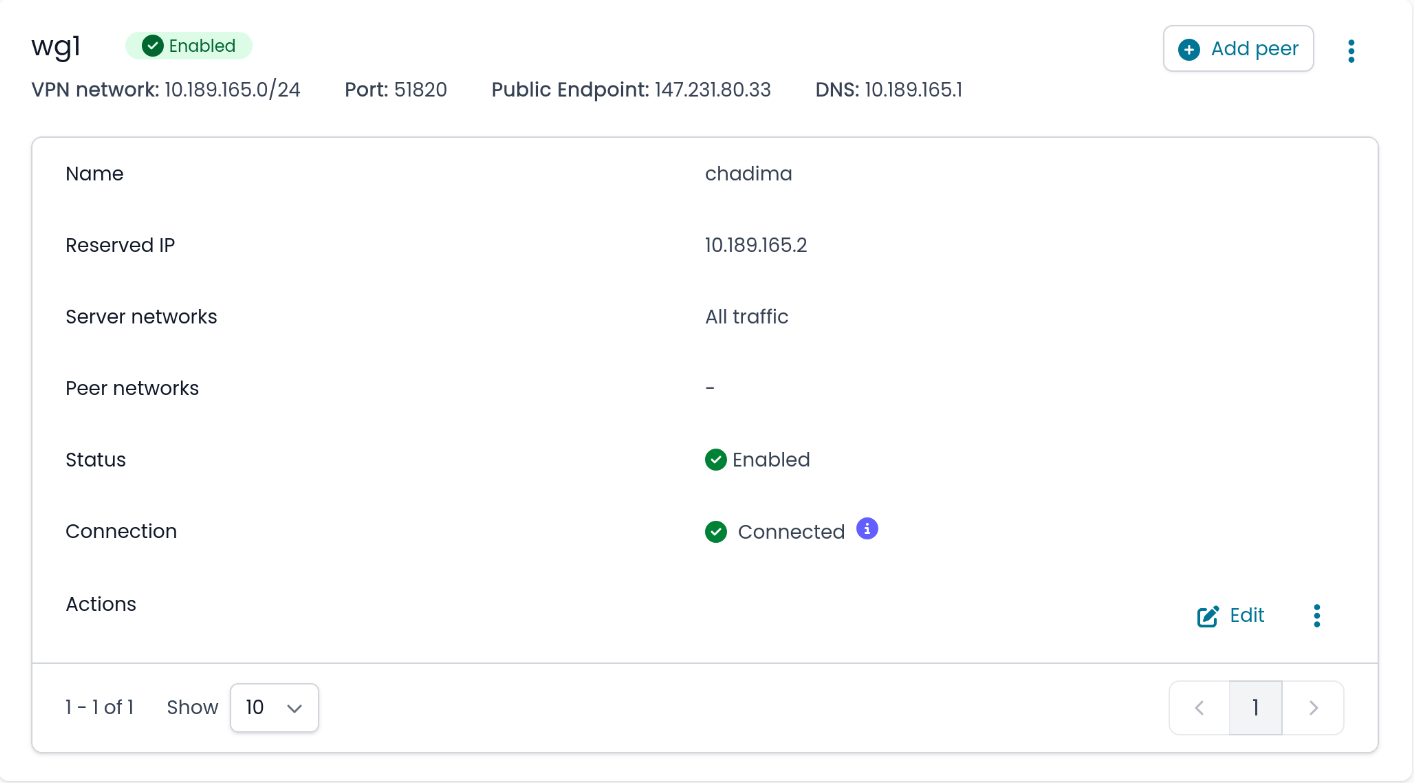
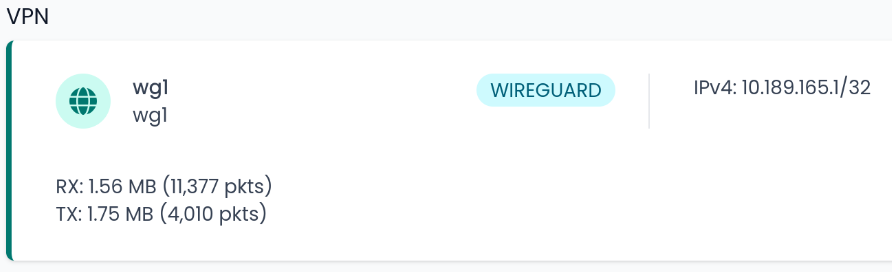
The Nethsecurity creates a Wireguard private network:
config interface 'wg1'
        option proto 'wireguard'
        option private_key 'xxx'
        option listen_port '51820'
        option ns_network '10.189.165.0/24'
        option ns_public_endpoint '147.231.80.33'
        option ns_name 'wg1'
        option disabled '0'
        option ns_type 'server'
        list addresses '10.189.165.1'
        list ns_dns '10.189.165.1'
And the dnsmasq server is listening on the Wireguard IP address (netstat port 53 selected):
tcp        0      0 147.231.80.33:53        0.0.0.0:*               LISTEN      7336/dnsmasq
tcp        0      0 127.0.0.1:53            0.0.0.0:*               LISTEN      7336/dnsmasq
tcp        0      0 172.19.0.1:53           0.0.0.0:*               LISTEN      7336/dnsmasq
tcp        0      0 10.189.165.1:53         0.0.0.0:*               LISTEN      7336/dnsmasq
tcp        0      0 ::1:53                  :::*                    LISTEN      7336/dnsmasq
tcp        0      0 fe80::98cf:75ff:fe5c:b90d:53 :::*                    LISTEN      7336/dnsmasq
tcp        0      0 fe80::b081:4fff:fef4:28f9:53 :::*                    LISTEN      7336/dnsmasq
udp        0      0 127.0.0.1:53            0.0.0.0:*                           7336/dnsmasq
udp        0      0 147.231.80.33:53        0.0.0.0:*                           7336/dnsmasq
udp        0      0 172.19.0.1:53           0.0.0.0:*                           7336/dnsmasq
udp        0      0 10.189.165.1:53         0.0.0.0:*                           7336/dnsmasq
udp        0      0 ::1:53                  :::*                                7336/dnsmasq
udp        0      0 fe80::98cf:75ff:fe5c:b90d:53 :::*                                7336/dnsmasq
udp        0      0 fe80::b081:4fff:fef4:28f9:53 :::*                                7336/dnsmasq
But the DNS responses don’t reach the Wireguard client. Using the LAN IP of the DNS server should not work and is not the correct solution. Only DNS servers on the WAN network are working or no DNS filled at all (uses clients standard DNS servers).
Solution is in next Reply  (Maybe I should post this issues on Github?)