Working Towards Implementing Some and Most of these apps if not all here: CRM, ERP, BPM for Business and PErsonal in ns8 - Feature - NethServer Community
I was Curious on Waiting for this Feature Implementation on Wallios before Implementation as ns8 App, [FEATURE REQUEST] Calendar · Issue #38 · ellite/Wallos (github.com)
We Have Initial Version Of Wallos: Open-Source Personal Subscription Tracker
Installation:
add-module ghcr.io/geniusdynamics/wallos:0.0.1-alpha 1
Configure App in settings Page
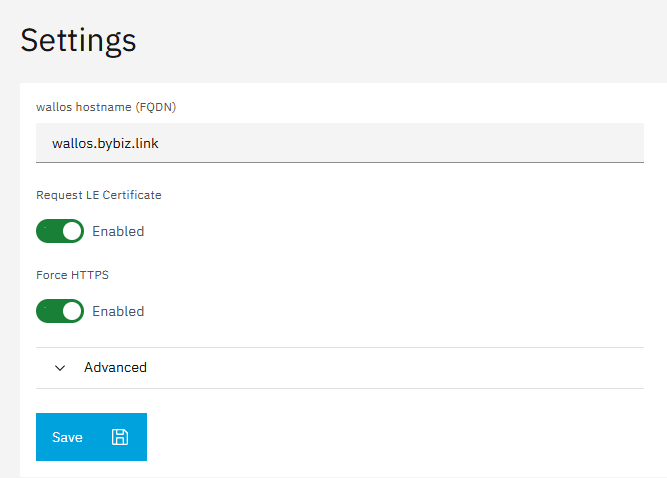
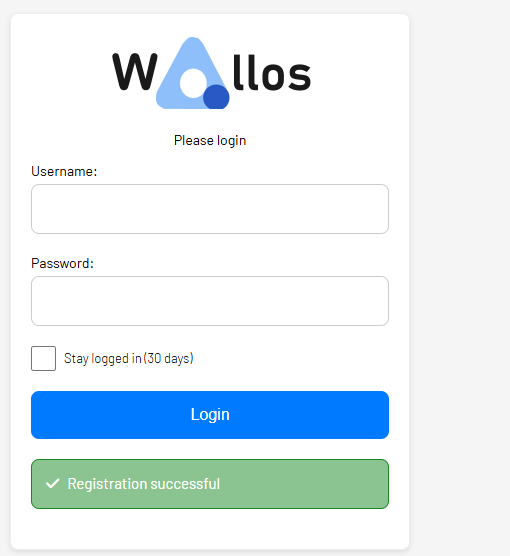
Configure Initial User Credentials
Login
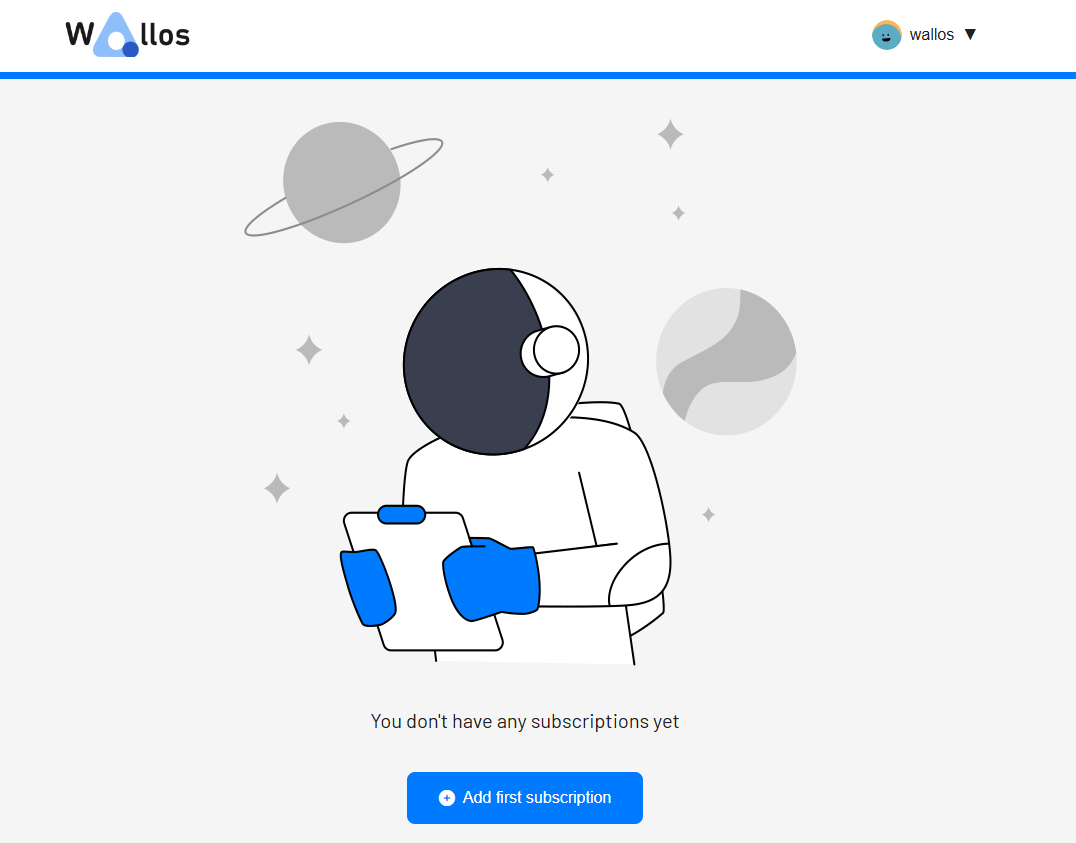
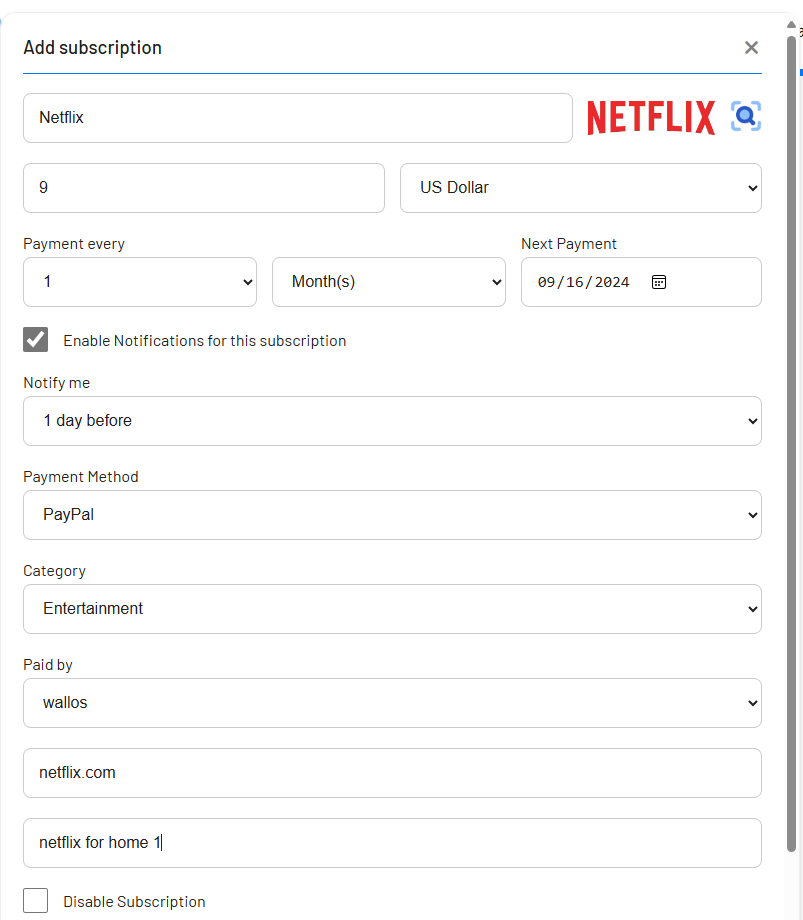
Add your first Subscription
Test Cases
Backup Restore
Clone Move
1 Like
Version 4.6.1 is available now.
1 Like
Hi, We can Update, However we do not have a testing server at the moment, till after the weekend.
Would you be Open to testing and reporting the update?
Release 1.1.1-beta1 · geniusdynamics/ns8-wallos
api-cli run update-module --data '{"module_url":"ghcr.io/geniusdynamics/wallos:1.1.1-beta1","instances":["wallos1"]}'
There you go
1 Like
Ok, it works and looks good so far. I will test backup now.
2 Likes
Data backup and recovery function correctly.
2 Likes
Version 4.8.0 is available now.
api-cli run update-module --data '{"module_url":"ghcr.io/geniusdynamics/wallos:dev","instances":["wallos1"]}'
help in testing if everything goes well after update
Sorry for the delayed response
1 Like
Well done @kemboielvis22
Everything works just as it did before the update.
1 Like
Hello Help in testing
api-cli run update-module --data '{"module_url":"ghcr.io/geniusdynamics/wallos:dev","instances":["wallos1"]}'
make sure it updates and upgrades without any problem also backup works
thanks
1 Like
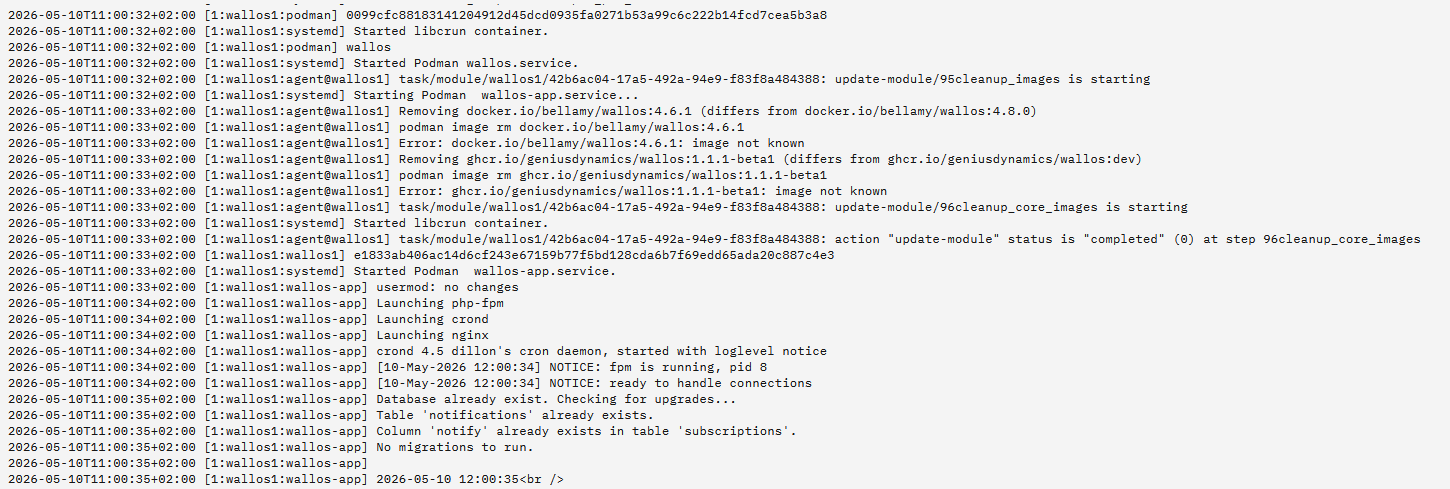
Something doesn’t seem to be working. The latest version is 4.8.4
1 Like
Is there an error log or something
Can you run
runagent -m wallos1 cat environment
IMAGE_DIGEST=sha256:94df3b7a96a592da8da445ffab7c5f2f2fb42f3c9636bd6fc11565cf7530137c
IMAGE_ID=dc1815d97d1b349724ddd09cd2b6adc4aee56dcad1db66d27cf7ac3cd0405e26
IMAGE_REOPODIGEST=Package wallos · GitHub
IMAGE_URL=Package wallos · GitHub
MODULE_ID=wallos1
MODULE_UUID=6e64034a-9fa3-4cf8-a59e-f3674d816e30
NODE_ID=1
PREV_IMAGE_DIGEST=sha256:4dc7c49c4dacc49dfc7cef7b551e3ef9223165788b863d8abc94c3e25f273e5c
PREV_IMAGE_ID=7e46e278c8e9a8f092d7a1c8797e3254c4a92c0c9de4e5739ef30ad13fbe3586
PREV_IMAGE_REOPODIGEST=Package wallos · GitHub
PREV_IMAGE_URL=Package wallos · GitHub
PREV_WALLOS_IMAGE=docker.io/bellamy/wallos:4.6.1
TCP_PORT=20029
TCP_PORTS=20029
TRAEFIK_HOST=wallos.xxx.com
TRAEFIK_HTTP2HTTPS=True
TRAEFIK_LETS_ENCRYPT=True
WALLOS_IMAGE=docker.io/bellamy/wallos:4.8.0
Okay Let me investigate on this
1 Like