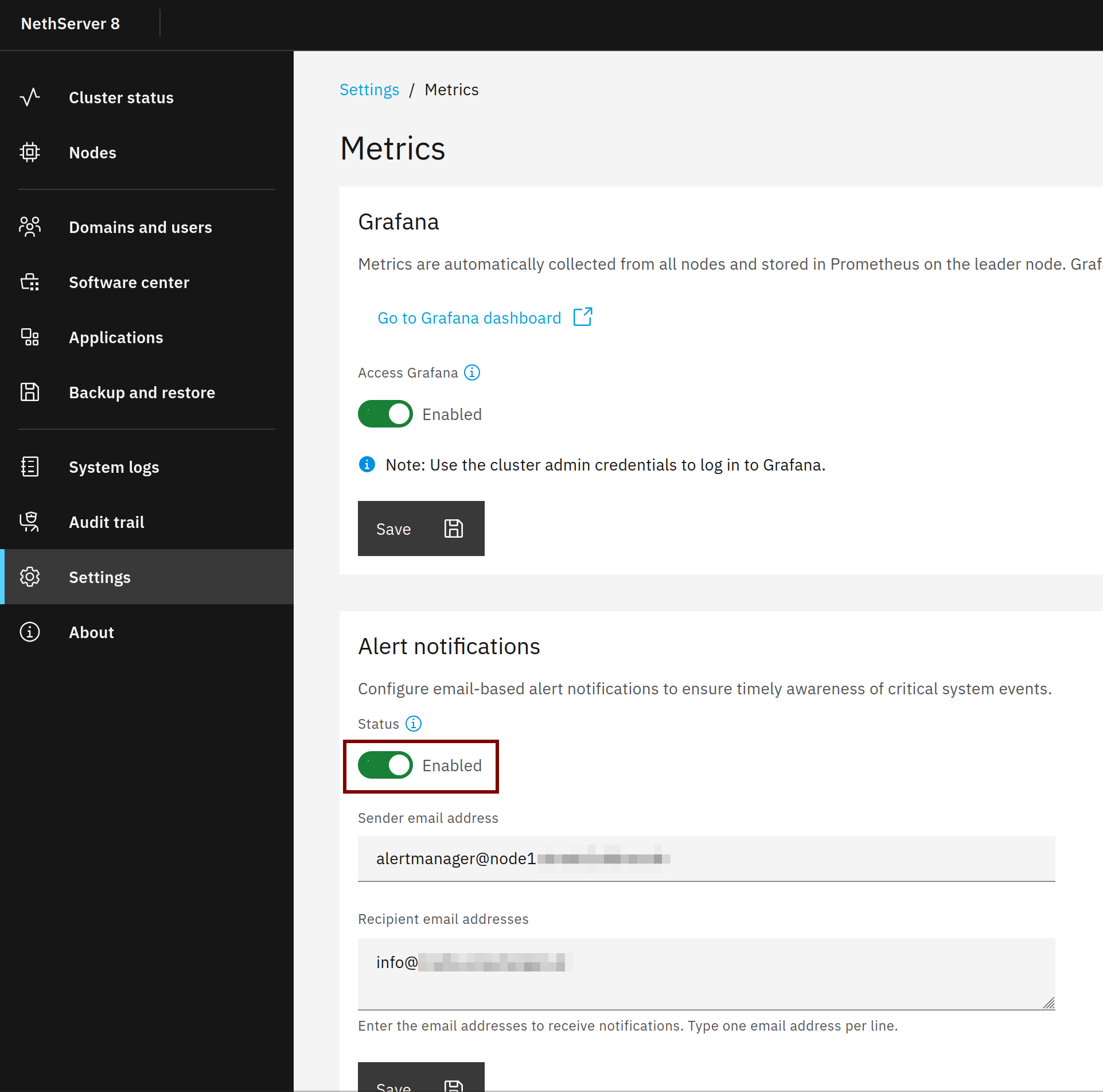
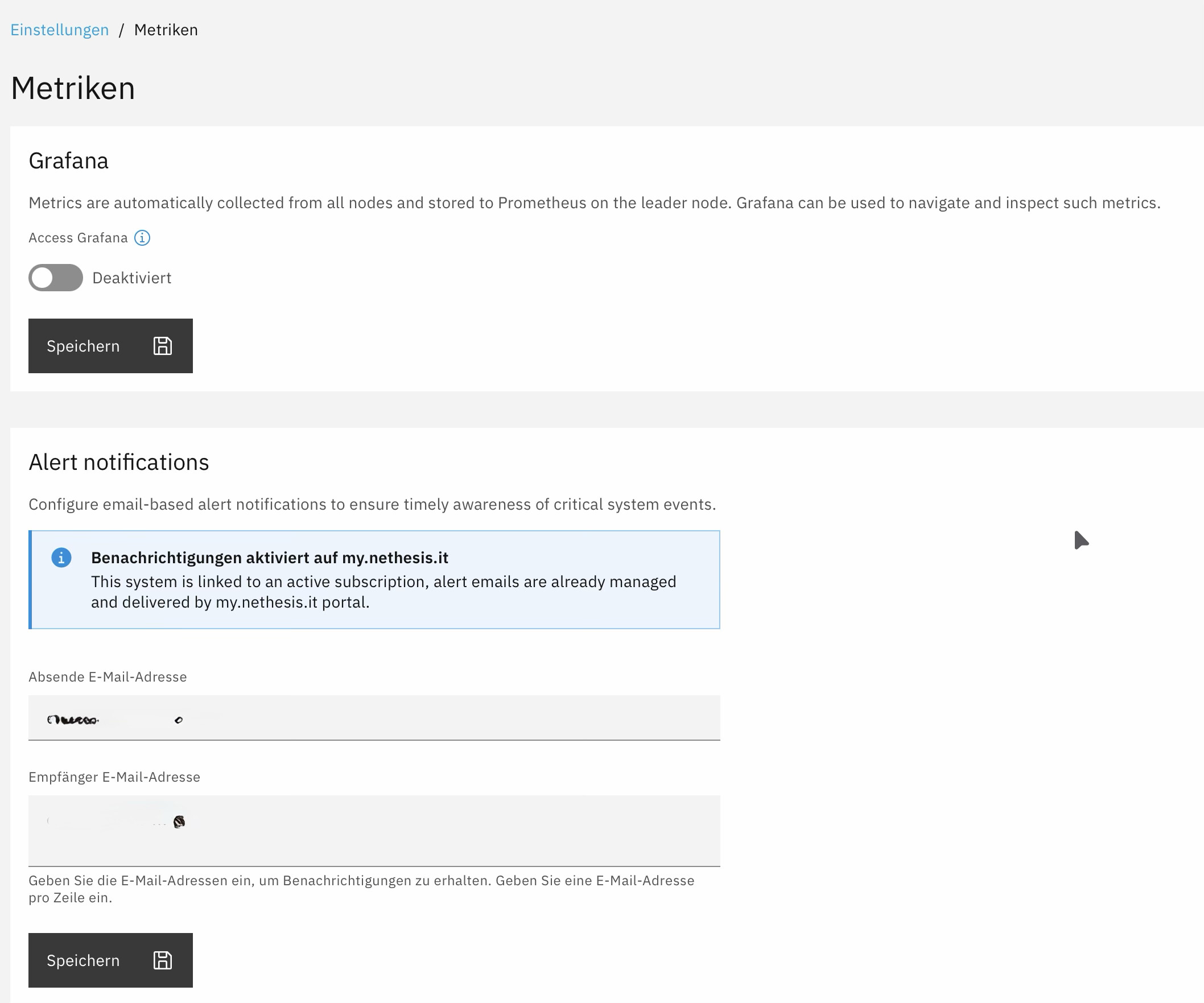
Yesterday I received a series of blank emails a few minutes apart and was initially puzzled as to what was going on.
Then it dawned on me that they must have come from Prometheus, so I checked the log and found that a certificate update had failed.
Is it possible to adjust the interval and the number of emails sent by Prometheus in the event of an error?
Is it possible to include a note in the message asking the recipient to check the log, rather than sending a blank message, if there is no specific information available?
@mrmarkuz I haven’t set up any custom alerts. The automatic certificate update didn’t work because the port wasn’t open in my firewall; I’m not sure if it’s the same issue. Once the certificate had been renewed, the error message no longer appeared.
runagent -m metrics1 nano rules.d/tlscert.yml
groups:
name: TLS certificates
rules:
alert: certexp
expr: 7d <= (max by (cn, sans) (traefik_tls_certs_not_after) - time()) < 28d
for: 5m
labels:
severity: warning
annotations:
summary: “TLS certificate on Node {{ $labels.node }} expires in {{ $value | humanizeDuration }}”
description: >
The {{ $labels.module_id }} certificate {{ $labels.cn }} valid for {{ $labels.sans }}
on Node {{ $labels.node }} expires in less than 28 days. It must be renewed, or
removed from the TLS certificates page.
alert: certexp
expr: 0 < (max by (cn, sans) (traefik_tls_certs_not_after) - time()) < 7d
for: 5m
labels:
severity: critical
annotations:
summary: “TLS certificate on Node {{ $labels.node }} expires in {{ $value | humanizeDuration }}”
description: >
The {{ $labels.module_id }} certificate {{ $labels.cn }} valid for {{ $labels.sans }}
on Node {{ $labels.node }} expires in less than 7 days. It must be renewed, or
removed from the TLS certificates page.
alert: certexp
expr: (time() - max by (cn, sans) (traefik_tls_certs_not_after)) > 0
for: 5m
labels:
severity: critical
annotations:
summary: “TLS certificate on Node {{ $labels.node }} has expired since {{ $value | humanizeDuration }}”
description: >
The {{ $labels.module_id }} expired certificate {{ $labels.cn }} (also for {{ $labels.sans }})
on Node {{ $labels.node }} must be immediately renewed, or removed from the TLS certificates page.