There is a extra disk mounted i n samba DC

You can check if the disk is listed with following command. If it’s listed it can be used.
volumectl list-base-paths
I guess you configured the second disk for samba manually which means that the samba shares are in the disk root directory like
sambashare1
sambashare2
...
…but when using “Podman named volume mount points redirection” it looks like
immich1
  immich-data
samba1
  homes
  shares
    _data
      sambashare1
I recommend to configure samba the same way as Immich. (Using volume redirection)
When you backup samba, remove it and restore it, there should be the same menu for the samba shares and homes when a disk is mounted correctly. Make a snapshot before so you can go back if something goes wrong.
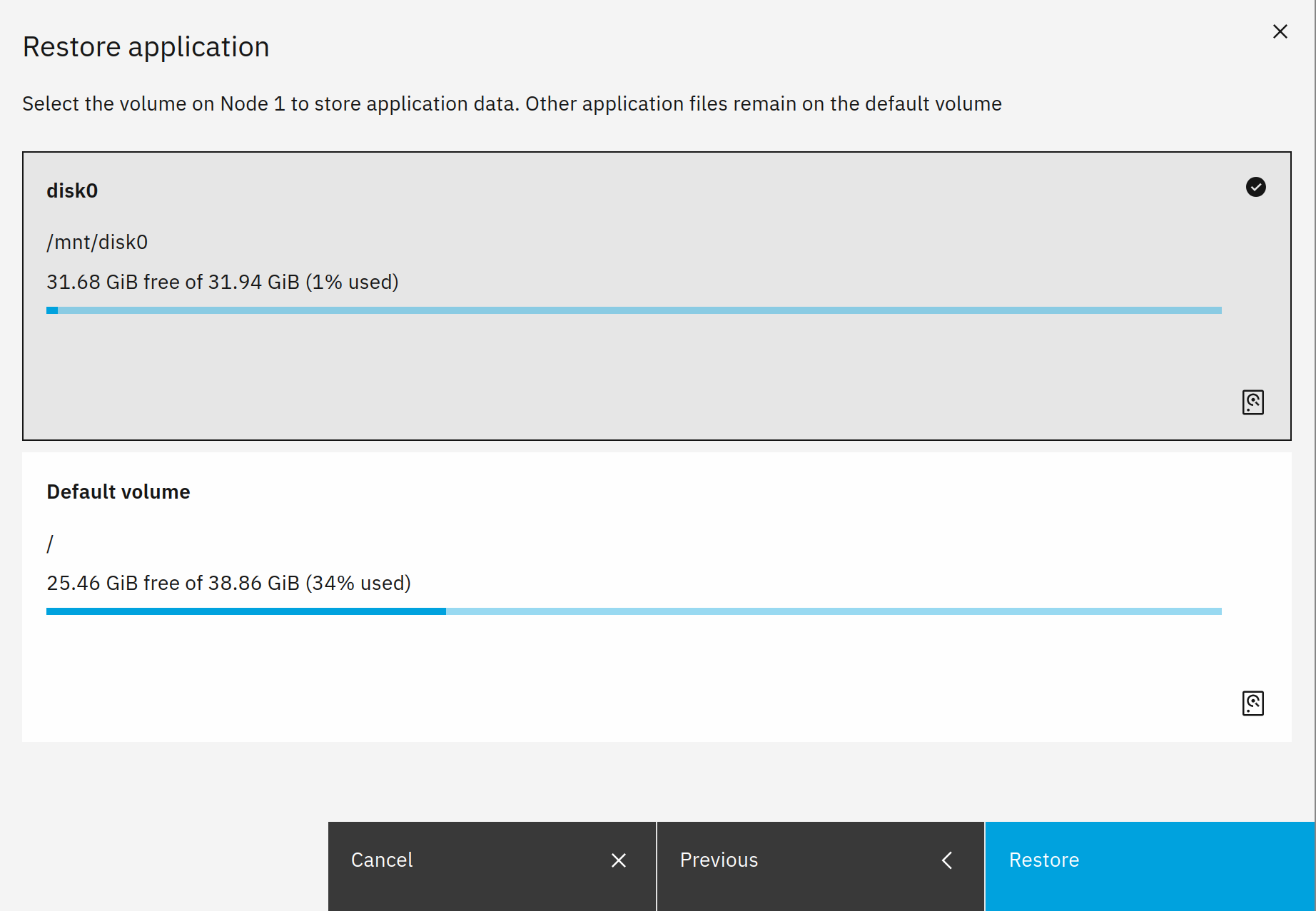
For more information just check out the documentation link I posted above.
1 Like
Hi MrMarkuz,
this is the output
volumectl list-base-paths
/mnt/disk2 (disk2) size=912.4G available=865.9G used=28.0K
I need a bit of help with, so sorry for the questions
fiddling with disks and docker are not cup of tea 
No problem.
Great, so the disk is mounted correctly and available for volume redirection.
- Take a snapshot - most important step as I didn’t test your scenario.
- Run an NS8 backup of samba
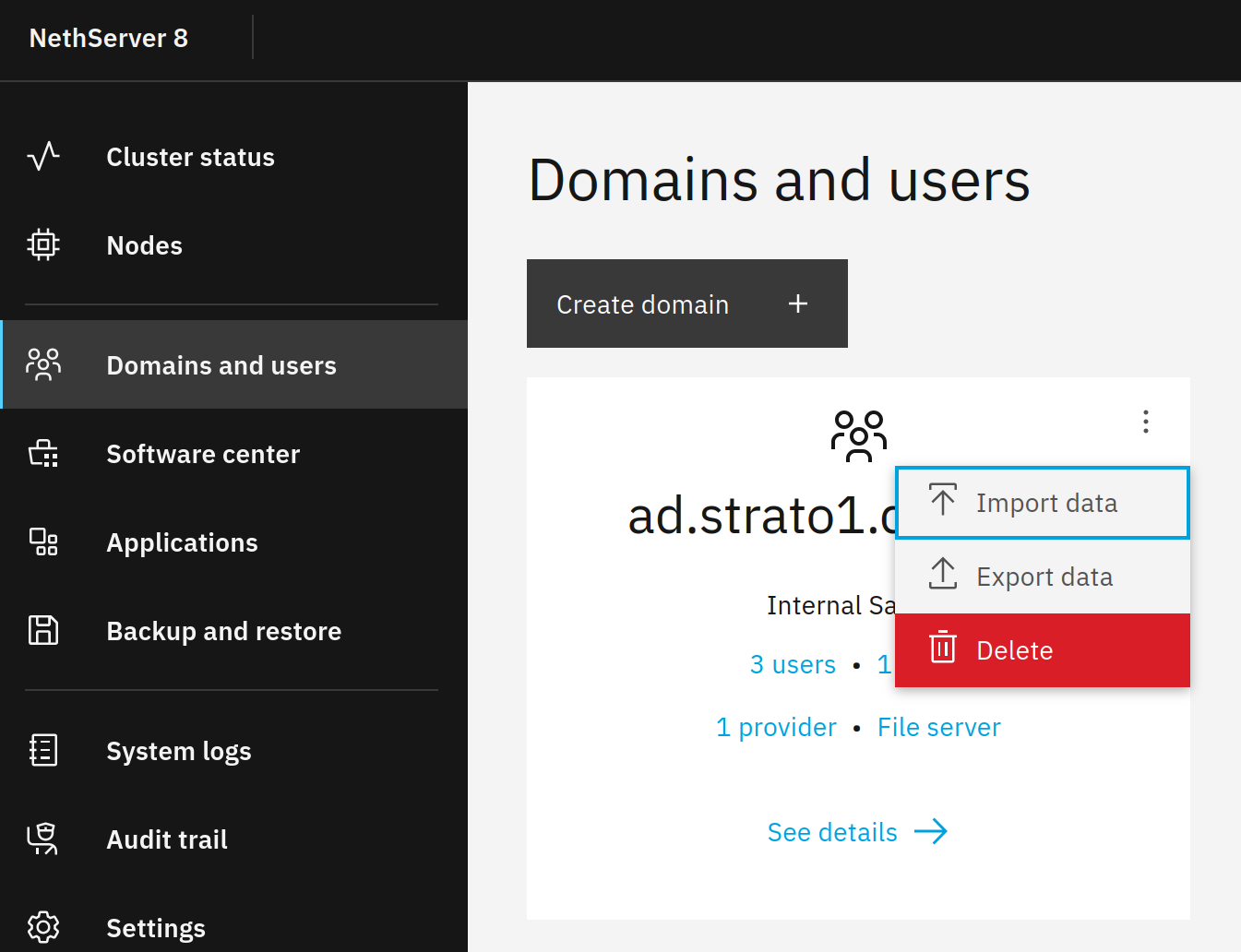
- Remove the samba user domain
- Check the extra disk. If it is not empty, remove the samba dirs/files or format the disk (you may need to unmount/remount it for formatting)
- Check if the extra disk is available (
volumectl list-base-paths) - Restore the samba user domain from the NS8 backup and select the extra disk for the data.
- Check if the user domain is working and the files are there.
The directory structure on the extra disk should look like
samba1
  homes
  shares
    _data
      sambashare1
- Install immich and select the extra disk for the data volume.
Now samba and immich should put their data to the extra disk. If something goes wrong revert to the snapshot created in step 1.
1 Like
Thanks.
It is not on my own server, So I’ll try soon.
1 Like