Hello
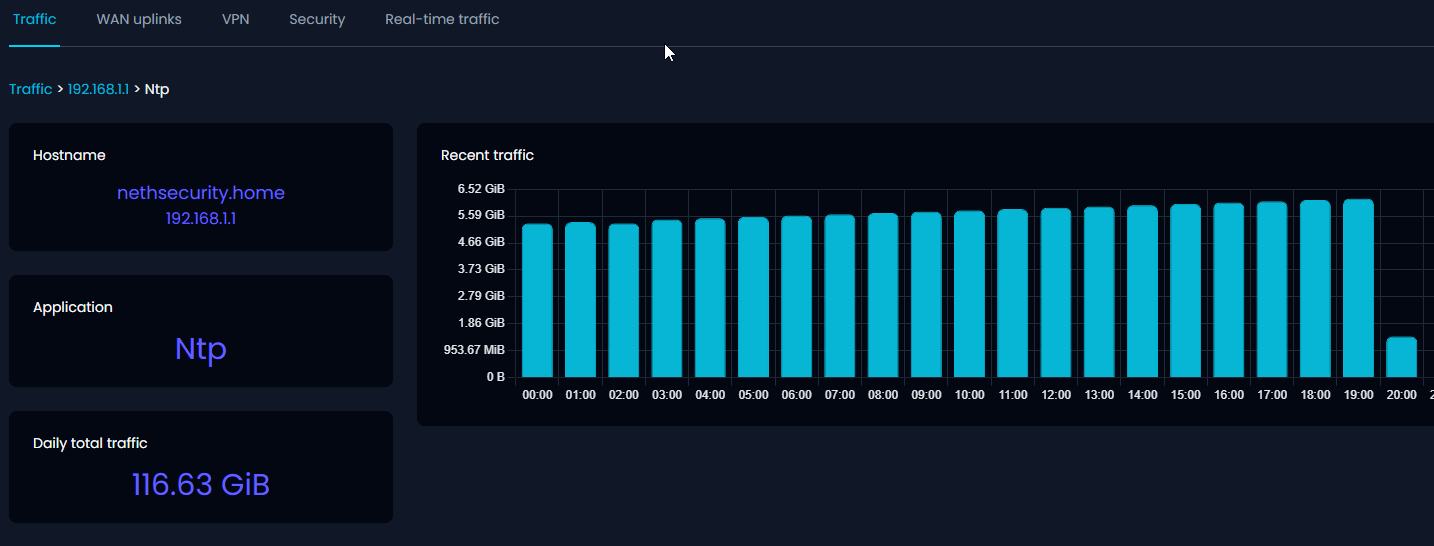
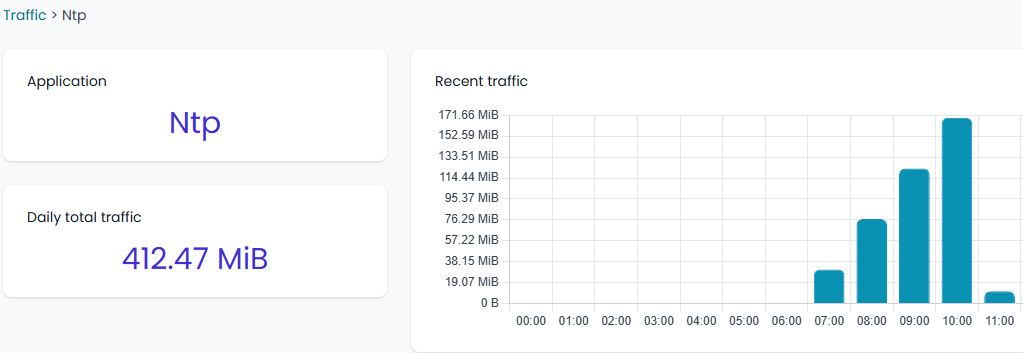
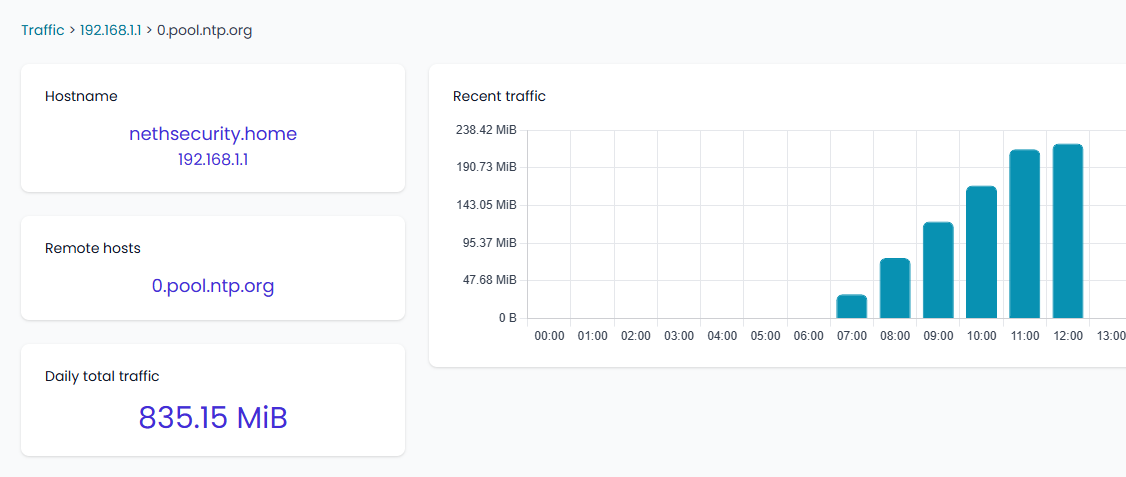
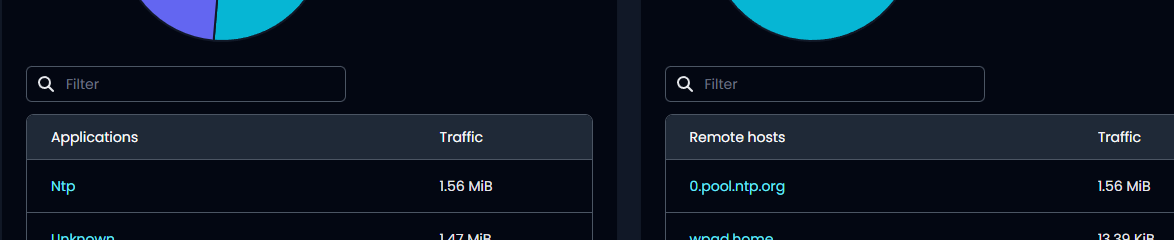
Is it normal that NTP uses this much data in Nethsecurity ?
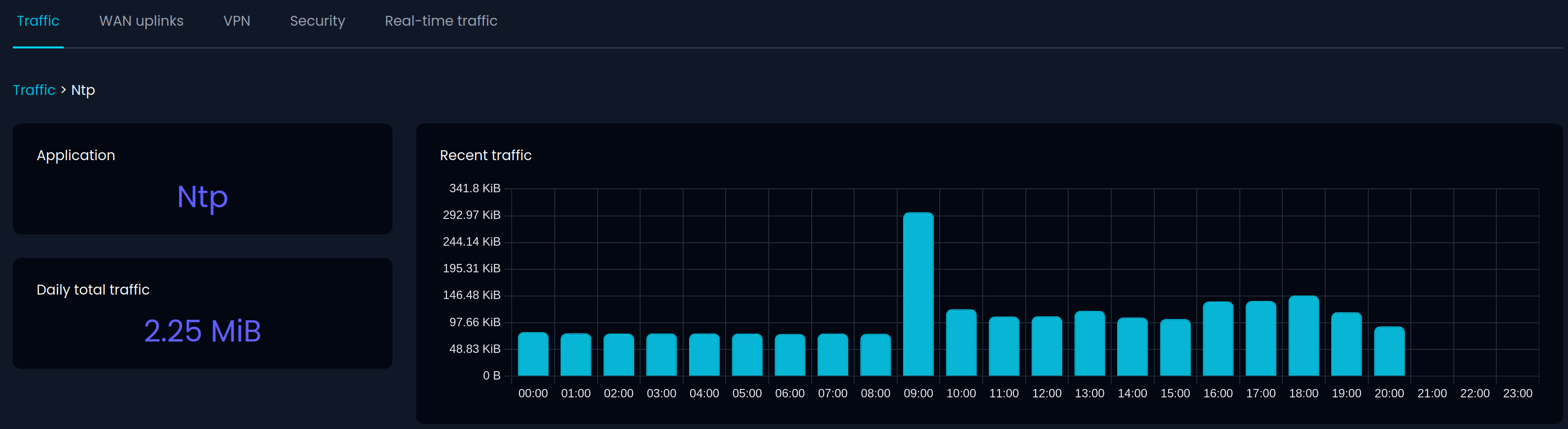
No and I also couldn’t find the NethSec itself as selectable host. Do you have more NethSecs in your network?
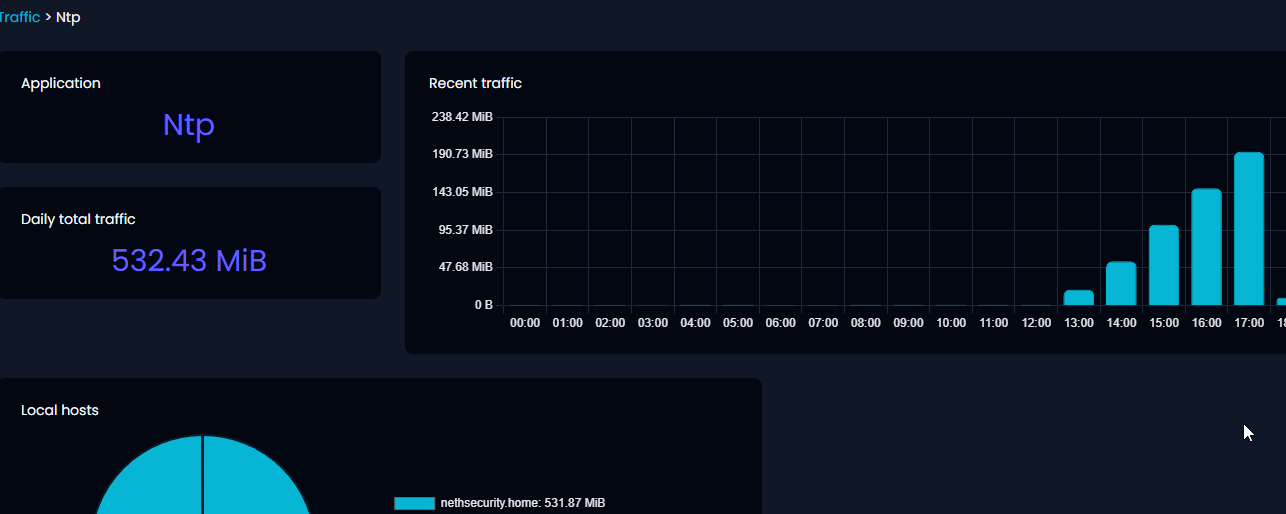
Here’s the complete NTP traffic of my network:
No. Just 1 NethSec.
Change to a different NTP server to see if this helps
A different NTP server did not solve the issue.
Now disable it for the moment
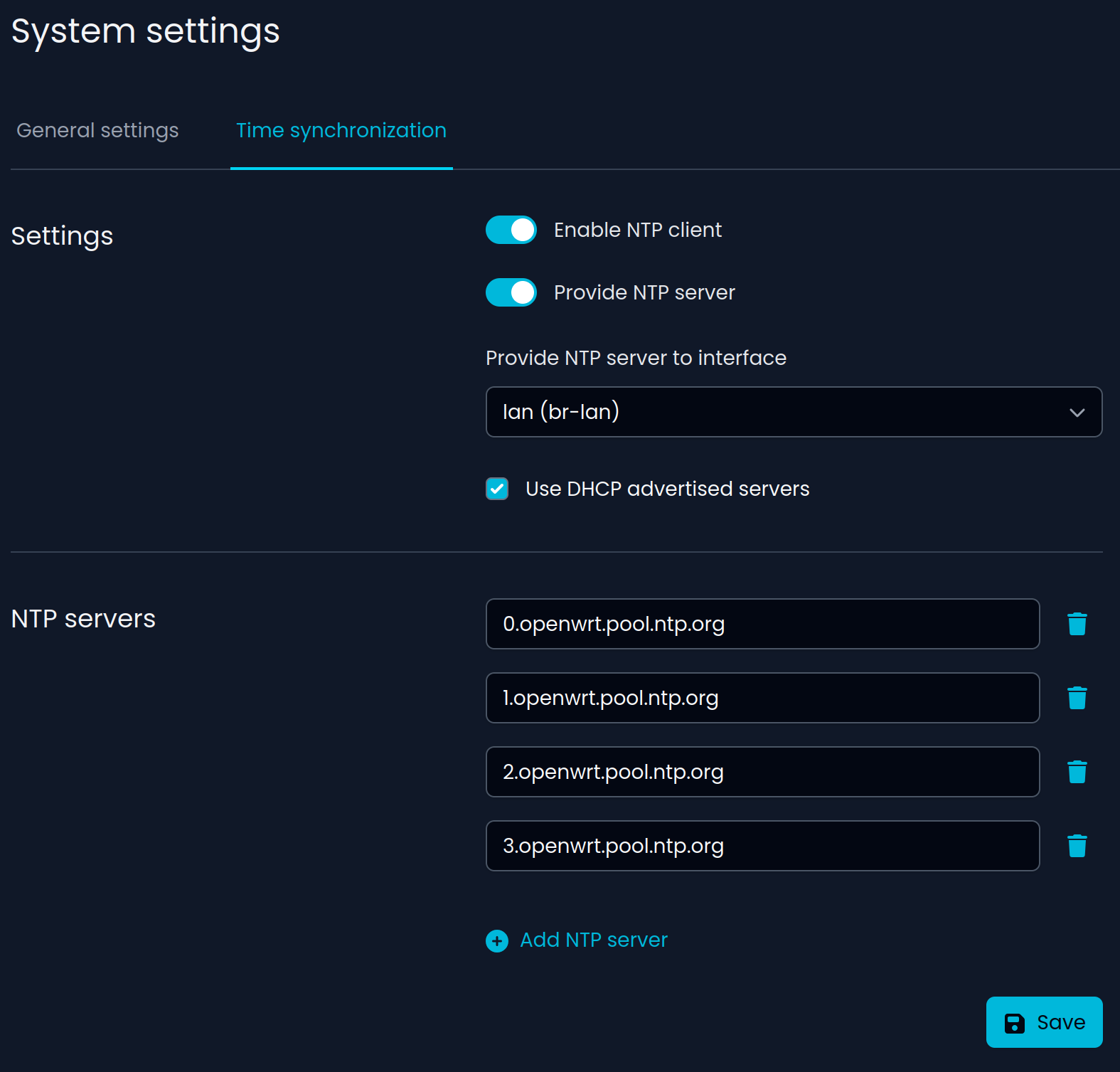
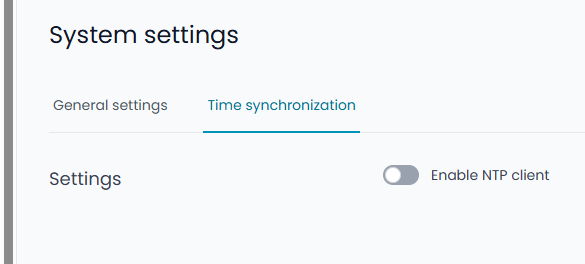
I’m using following NTP settings:
EDIT:
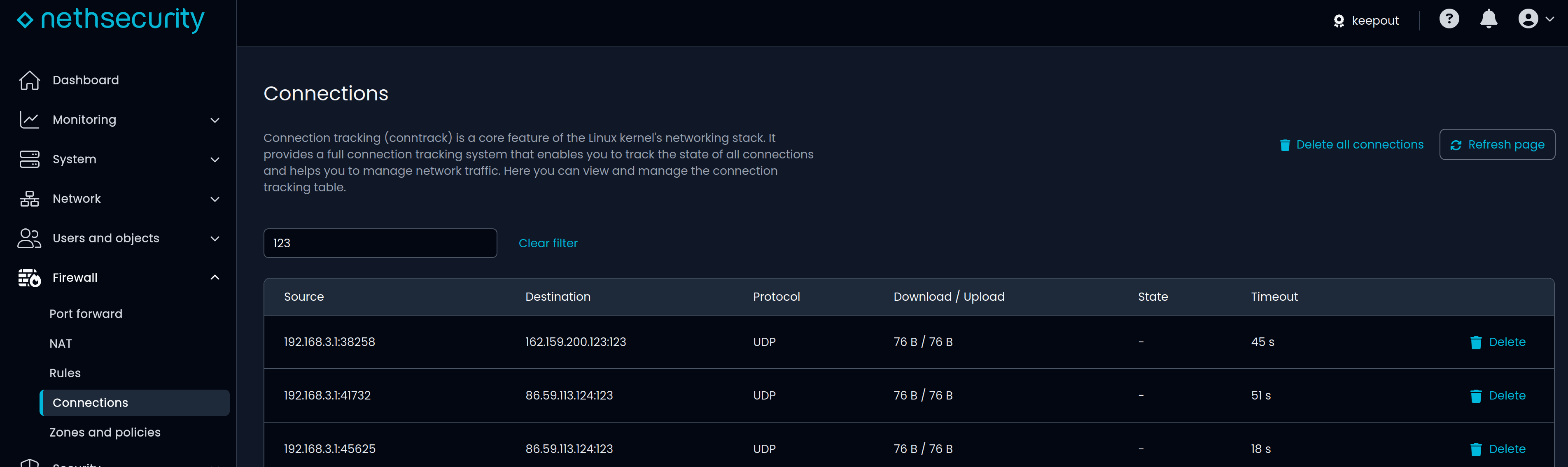
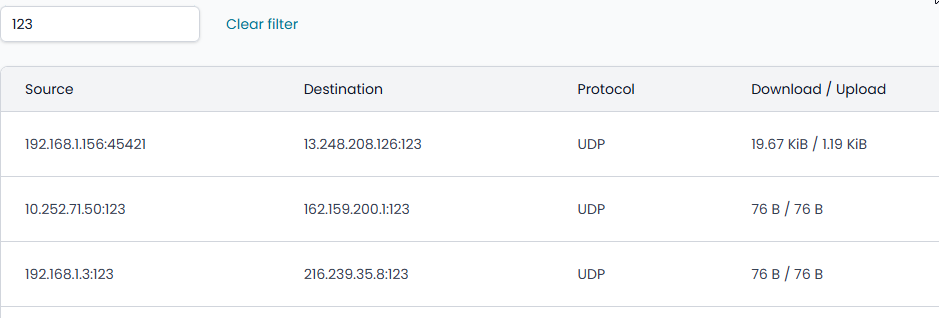
You could check the NTP connections by filtering port “123” to maybe find a faulty device:
Maybe Wireshark can help?
I can see a couple of reasons for this strange behavior:
I’m a bit confused.
I’ve disable the NTP server and did a reboot.
Looks less now, but as Giacomo mentioned it can also be user i n the system.
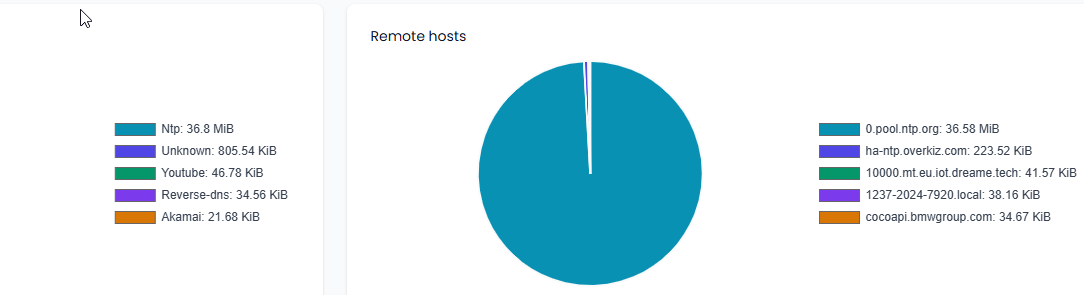
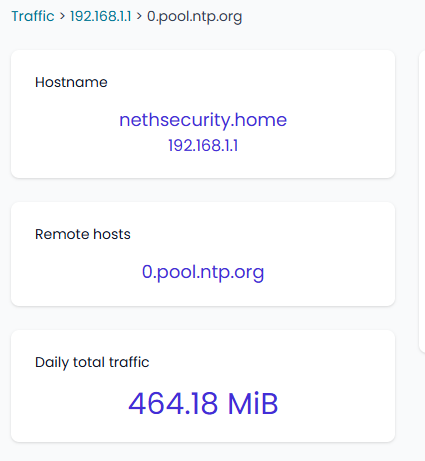
But i see still the NTP 0.pool.ntp.org as traffic
How can i use Wireshark on Nethsecurity ?
After a reboot is looks less, but it increases in time
How can i find out what or which IP is using the NTP?
Currently there are no windows PC’s active
It looks coming for 0.pool.ntp.org
Only this is now not configured like this
I used this previously and changed it to a different NTP server yesterday.
Also i’ve NTP disabled now
Does it help to check the connections with filtering NTP port 123 as explained here?
It keeps connecting to 0.pool.ntp.org
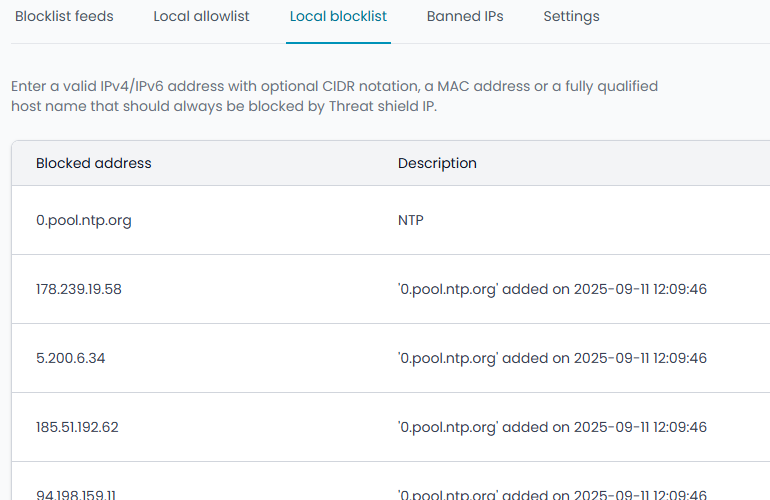
I’ve block this domain in the filter, but it keeps getting connected
I think you need to block it by using rules instead of content filter, see Rules — NethSecurity documentation
Ok. I’ve restored a previous VM to test.
Up to now the NTP data is normal.
Basically the settings are the same and not changed with the running version.
Only change is maybe the latest updates. Release versiob is the same 8-24.10.0-ns.1.6.0
I’ve reproduced the problem
After restoring to a previous VM it stopped the NTP data problem and did not come back for a few days
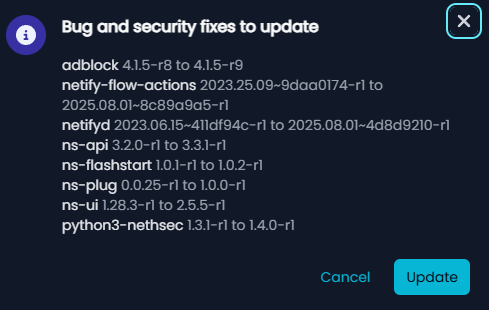
I did a update in the Nethsecurit UI and now it is back
Can i manual update a package to check which i causing the issue ?
It should be possible to update manually, see Package repositories | NethSecurity
Get available packages to upgrade:
opkg update
Upgrade a specific package: (for example ns-ui)
opkg upgrade ns-ui
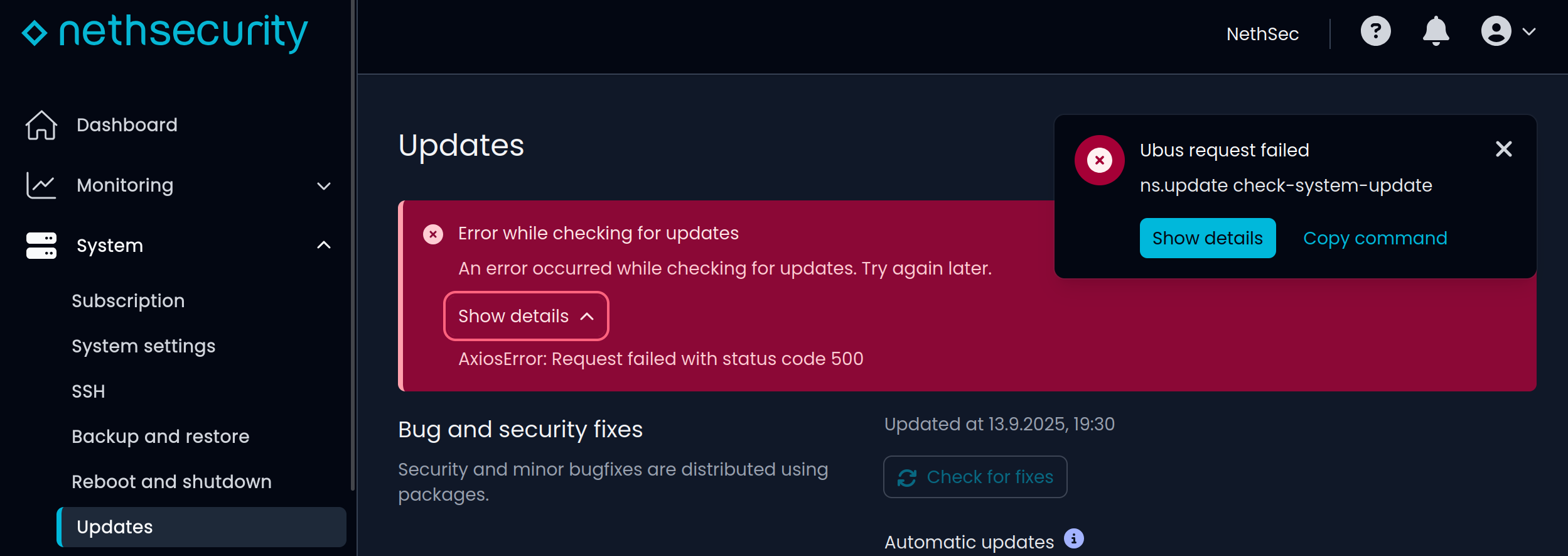
I tried it but I got an error and updates didn’t work anymore so please care about having a backup in case something goes wrong.
I’ve done an manual update.
It look like the problem is in Netify-flow-actions or Netifyd
After this update the NTP increased again. Strange part is that my time synchronization is set to 0.openwrt.pool.ntp.org and the data is coming 0.pool.ntp.org
I’ve manage to update the other package without breaking the UI
opkg upgrade $(opkg list-upgradable | awk ‘!/netifyd/ && !/netify-flow-actions/ {print $1}’)