it seems the default is force https but I do not know why dyndns doesn’t offer anymore a free ssl service
I understand why I get rid of them many years ago
it seems the default is force https but I do not know why dyndns doesn’t offer anymore a free ssl service
I understand why I get rid of them many years ago
╭─stephdl@leo.lan ~  ‹master›
╰─➤  curl -k https://checkip.dynu.com
Current IP Address: 90.76.3.30%
it seems that dynu could provide a free service but I think we need to trick it
changeip too
╭─stephdl@leo.lan ~ ‹master›
╰─➤ curl -k https://ip.changeip.com
90.76.3.30
could you try it ? over ssl and not encrypted, I use it locally since along time on my server
Ok stephdl, I modified as you wrote to me, on 2 servers that use the same service. I’ll update you as soon as possible. At the moment, thank you as always.
check the external IP and reboot the box, if it has changed then check your dynamic dns provider to validate the change. Thank you too @france you found a valid bug
Ok, let’s say that thanks to you who solve it … I just reported it.
However, I restarted the router and the clients work, currently in http and not https. But one of them gave me a mistake, I don’t think anything about that. Anyway I’ll go around.
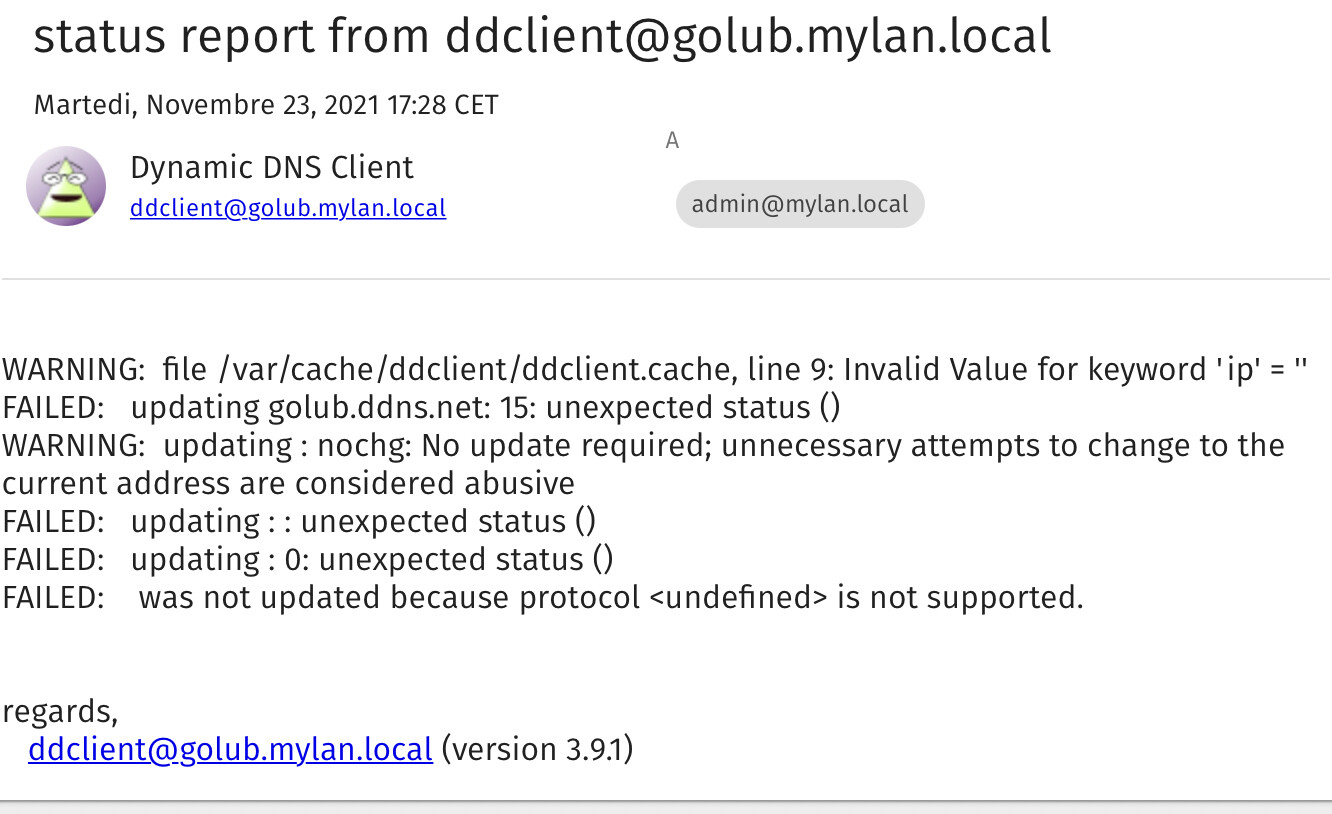
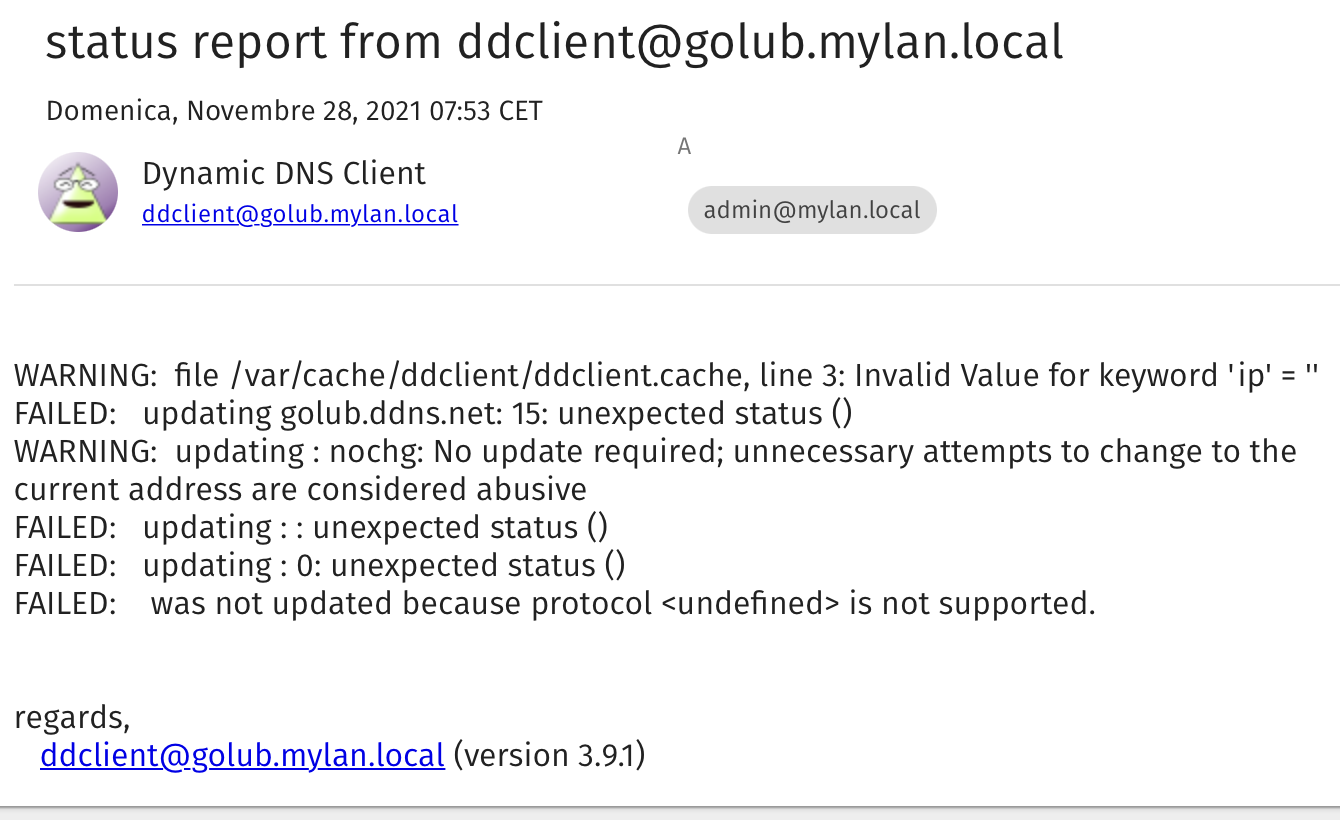
protocol is undefined like you see the above message
I fixed the issue in the 2.0.4 about no ssl and dyndns, see:
Hi, I updated the two servers with the ddns, but on one of the two it reports me by email error:
Nov 27 22:31:57 golub ddclient[4246]: WARNING: file /var/cache/ddclient/ddclient.cache, line 3: Invalid Value for keyword ‘ip’ = ‘’
Did you modify your settings or you just updated your server ?
What is the content of the file ?
I started the update, but this error reported it before … the first server does not give errors, the second continues to report the previous error.
WARNING: file /var/cache/ddclient/ddclient.cache, line 3: Invalid Value for keyword ‘ip’ = ‘’
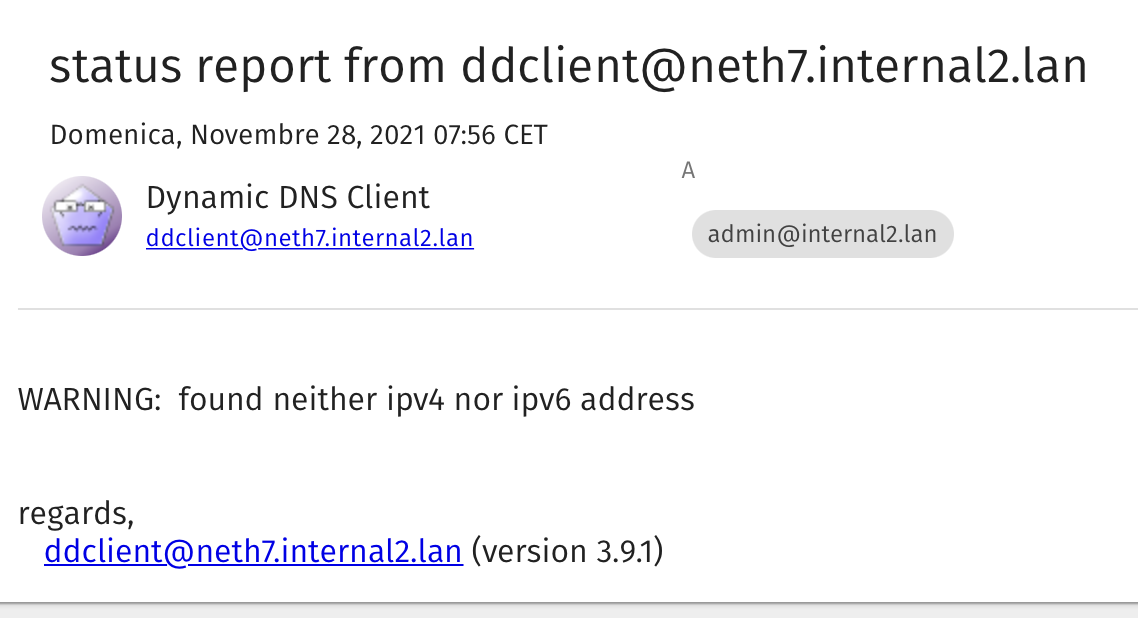
WARNING: found neither ipv4 nor ipv6 address
Hi all,
I am following this thread because my dyndns does’t work properly. I have to update manually every 30 days at noip.com.
If I try to change the frequency in the Manager (980) I received:
Tasks completed with errors
# (exit state)
If I reload the page, the new frequency is there.
I receive this error using checkip.dyndns.org or checkip.dyndns.org:8245 or ip.changeip.com with SSL or not.
Then if I run:
# /usr/sbin/ddclient
User root receives this email.
WARNING: found neither ipv4 nor ipv6 address regards, [ddclient@titi.toto.org](mailto:ddclient@titi.toto.org) (version 3.9.1)
But if again I run /usr/sbin/ddclient, then user root receives no more warning message.
# curl -k https://checkip.dynu.com
Current IP Address: 11.22.33.44

# curl -k https://ip.changeip.com
11.22.33.44
<!--IPADDR=11.22.33.44
But, since this is my main NS server, I don’t like to test too many things on it.
I don’t mind to update manually every 30 days.
Long time ago, I tested the noip.com client on a LOCAL VM and it worked correctly…
Michel-André
EDIT:
Also, another email to root:
WARNING:   file /var/cache/ddclient/ddclient.cache, line 1: program version mismatch;
ignoring /var/cache/ddclient/ddclient.cache
Hi Stephane, this morning I received other email messages after the upgrade, I am sending them to you to update you of the change made 
cat /etc/ddclient.conf
# ================= DO NOT MODIFY THIS FILE =================
#
# Manual changes will be lost when this file is regenerated.
#
# Please read the developer's guide, which is available
# at NethServer official site: https://www.nethserver.org
#
#

daemon=300                            # check every 300 seconds
syslog=yes                                      # log update msgs to syslog
mail=admin@mylan.local              # mail update msgs to root
mail-failure=admin@mylan.local      # mail failure msgs to root
pid=/var/run/ddclient/ddclient.pid                       # record PID in file.
ssl=no

use=web, web=checkip.dyndns.org/, web-skip='Current IP Address:'

##
## Noip (noip.com) dynamic addresses
##
server=dynupdate.no-ip.com, \
protocol=noip, \
login=myhost, \
password=xxxxxxx \
golub.ddns.net
##
##
cat /var/cache/ddclient/ddclient.cache
## ddclient-3.9.1
## last updated at Sun Nov 28 14:36:02 2021 (1638106562)
atime=1638106562,custom=0,host=golub.ddns.net,ip=,mtime=0,static=0,status=15,warned-min-error-interval=0,warned-min-interval=0,wtime=0 golub.ddns.netCould you try another checkip not relevant to dyndns.org
tested with my dual wan it works with dyndns
ssl=no

use=web, web=checkip.dyndns.org/, web-skip='Current IP Address:'
maybe we need the clues inside /var/log/messages
4274:Nov 28 15:21:56 firewall ddclient[25918]: SUCCESS: updating stephdl.domain.com: good: IP address set to 77.205.143.35
what about of
[root@firewall ~]# db dyndns show
the problem is on your side I bet, you have to dive to understand