OK I’ll try that. But I still want to know what I should see when I look at a CD / DVD burned from an iso.
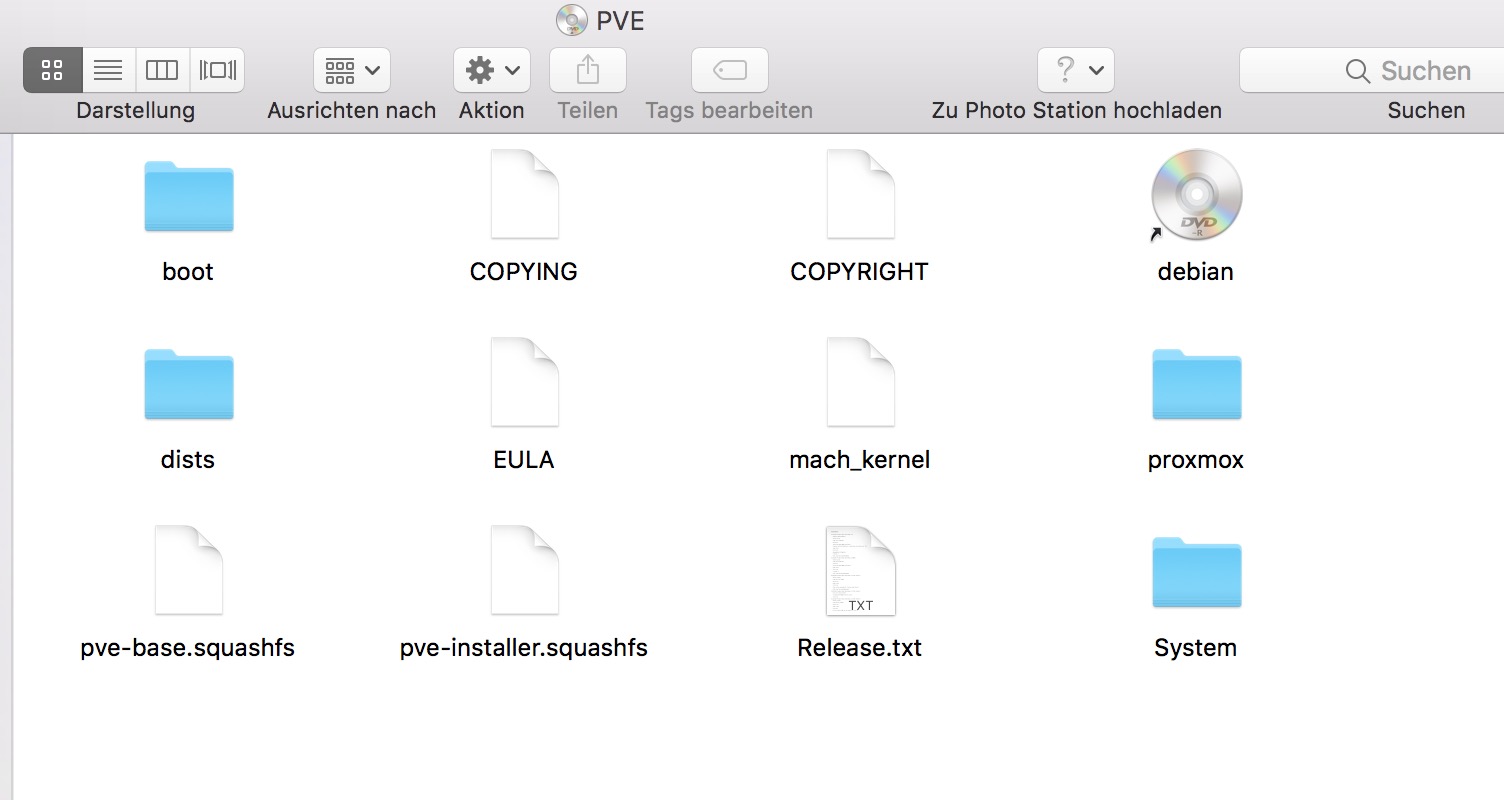
So what I’m understanding is that Finder takes the iso, does ‘something’ while burning the DVD which results in what you show me. And to get there I don’t open the iso, just tell Finder to burn it.
And maybe Burn.app does the same. But it didn’t for me.
You can try refind, it’s a boot manager for mac. It detects every boot medium at startup, so you can install from USB-Stick too.
https://www.rodsbooks.com/refind/
Downloads are here:
1 Like
OK, that worked. Up to a point. I have burned the CD and booted from it. Hooray!
Now I’m at a Grub command line. Nothing like the install instructions for PVE 6 promise.
Proxmox 5x has almost an identical install screen as Proxmox 6x…
Is any error shown during booting?
I hit the esc key and things started to look as expected…
1 Like
Good
When you get to the screen asking you to choose which disk to install Proxmox on (You’ve only one…) you hit the Option key and choose XFS as a filesystem!
Yes, I remembered that advice from earlier. Later I’ll ask or find out why 
Don’t know how to get the CD out now and the fan is running high speed. Maybe when I stick it all back together…
Thanks you very much for all your help and advice. But don’t go away!
XFS is much more stable and reliable than EXT4. NethServer also uses this rock solid file system.
I once ran into a similiar problem, also with a Mac Mini. Only difference this box wasn’t open, and I had no tools along to open it up. And the CD was still in the driive.
I did have my Macbook, and on there CCC (CarbonCopyCloner). Imaged my Macbook OS to a free HD (500 GB, NOT SSD) and rebooted that Mac Mini with the Disk hooked to a USB Adapter.
Mac OS could “eject” the CD, another reboot after setting the boot volume and power details (start when power comes again) a reboot saved the day!
Hold the mouse button down while booting–though this may only work with a wired mouse.
2 Likes