NethServer Version: NS8
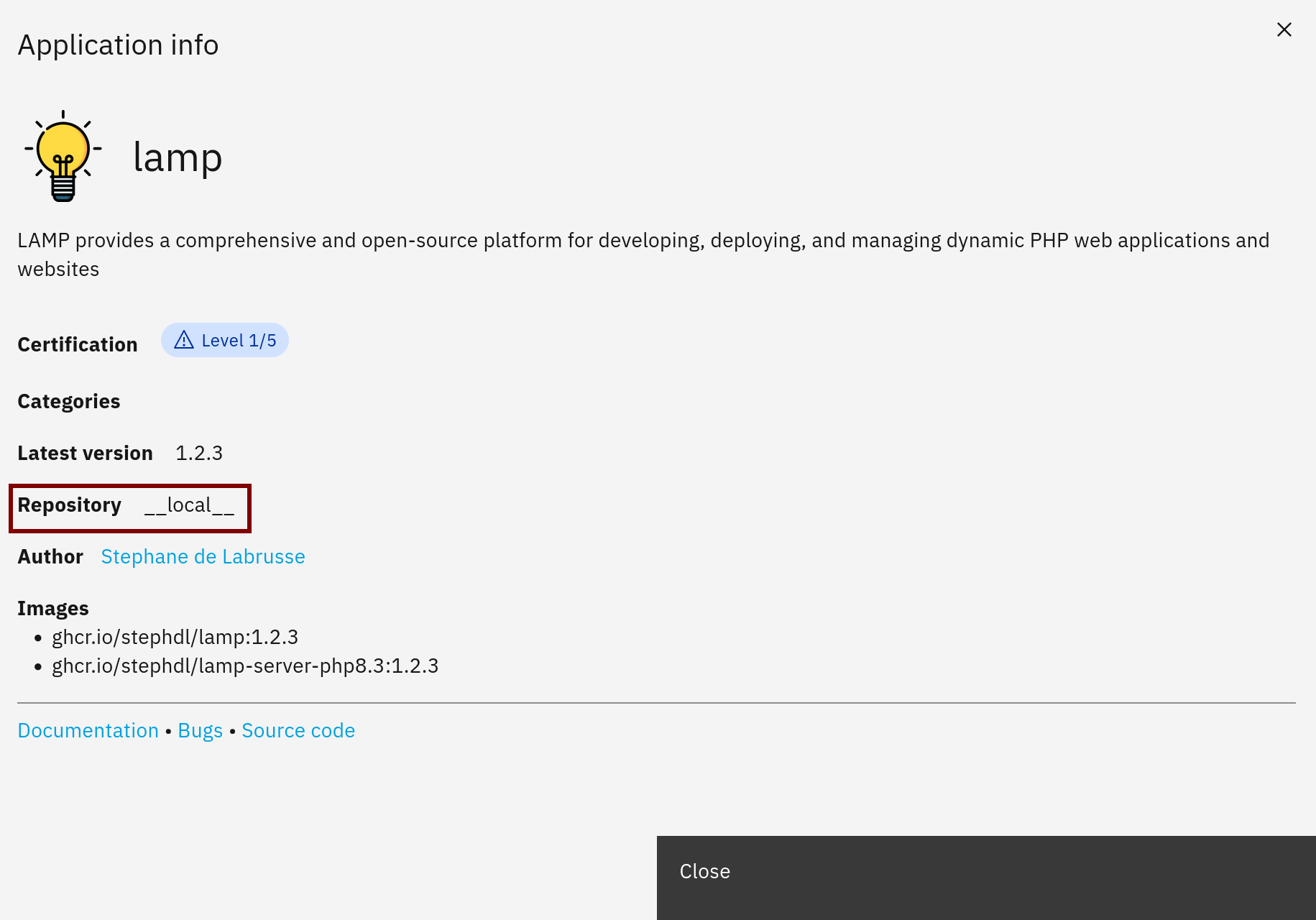
Module: Version 1.2.3
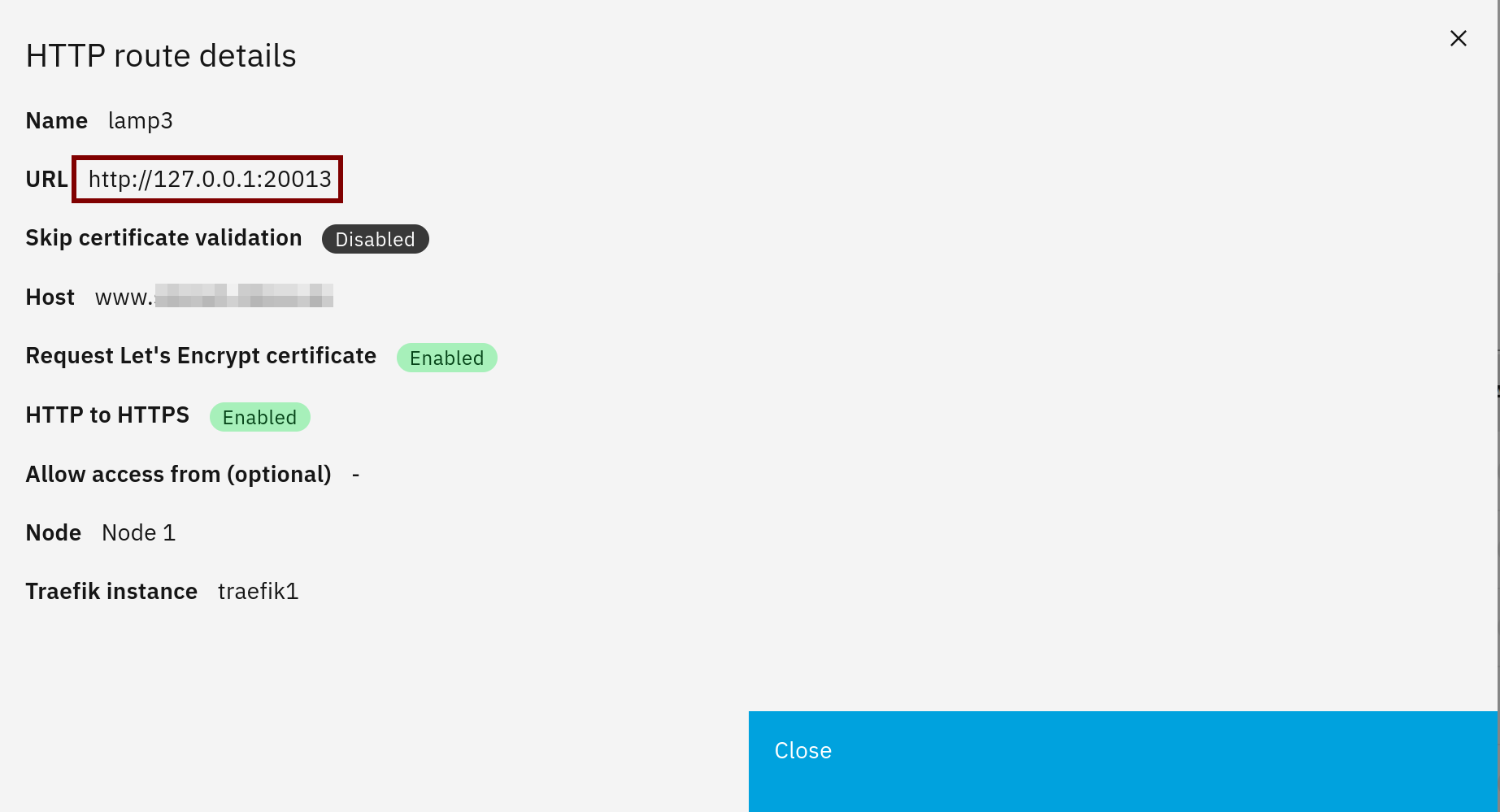
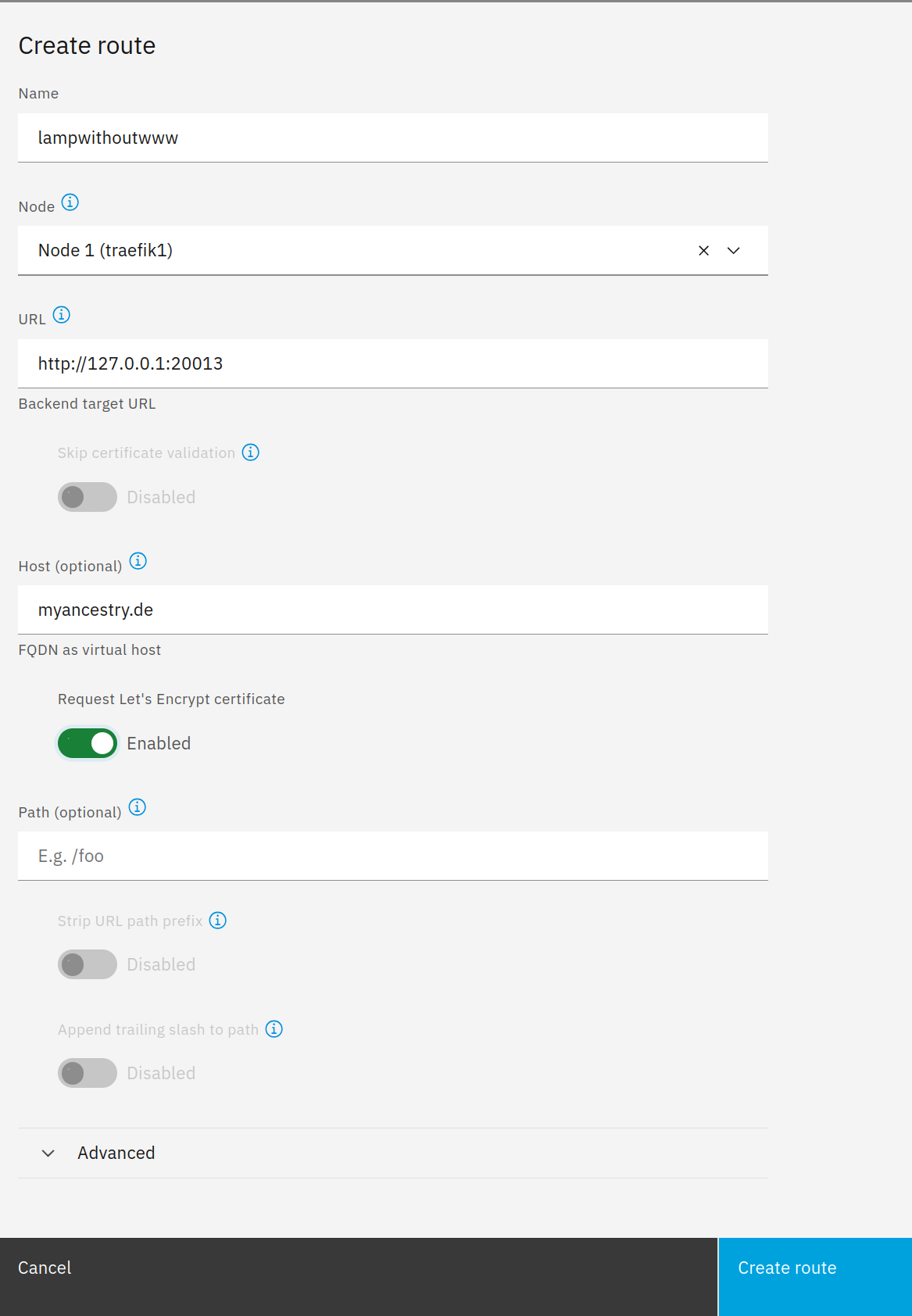
I’m still having trouble with the domain name resolution. The subdomain I created is www.myancestry.de
Accessing https://www.myancestry.de works perfectly.
However, accessing https://myancestry.de fails.
A redirect in the .htaccess file fails.
RewriteEngine On
RewriteCond %{HTTP_HOST}^myancestry\.de$ [NC]
RewriteRule ^(*)$ https://www.myancestry.de/$1 [R=301,L]
Here’s what I’ve figured out so far:
❯ curl -I http://myancestry.de
HTTP/1.1 404 Not Found
Content-Type: text/plain; charset=utf-8
X-Content-Type-Options: nosniff
Date: Wed, 18 Mar 2026 08:02:34 GMT
Content-Length: 19

❯ curl -I http://www.myancestry.de
HTTP/1.1 308 Permanent Redirect
Location: https://www.myancestry.de/
Date: Wed, 18 Mar 2026 08:02:59 GMT
Content-Length: 18

❯ curl -I https://www.myancestry.de
HTTP/2 403
cache-control: private, must-revalidate
content-security-policy: upgrade-insecure-requests
content-type: text/html; charset=UTF-8
date: Wed, 18 Mar 2026 08:03:25 GMT
expires: 0
permissions-policy: accelerometer=(), ambient-light-sensor=(), battery=(), camera=(), display-capture=(self), encrypted-media=(), execution-while-not-rendered=(self), execution-while-out-of-viewport=(self), fullscreen=(self), geolocation=(self), gyroscope=(), magnetometer=(), microphone=(), midi=(), navigation-override=(), payment=(), picture-in-picture=(self), publickey-credentials-get=(), screen-wake-lock=(), sync-script=(), sync-xhr=(), usb=(), vertical-scroll=(self), web-share=(), xr-spatial-tracking=()
pragma: no-cache
referrer-policy: strict-origin-when-cross-origin
server: Apache/2.4.58 (Ubuntu)
status: 403 Forbidden
strict-transport-security: max-age=31536000; includeSubDomains
x-content-type-options: nosniff
x-frame-options: SAMEORIGIN
x-xss-protection: 0

❯ curl -I https://myancestry.de
HTTP/2 404
content-type: text/plain; charset=utf-8
x-content-type-options: nosniff
content-length: 19
date: Wed, 18 Mar 2026 08:03:41 GMT
The WordPress and website addresses are correctly set to https://www.myancestry.de .
www.myancestry.de is a CNAME pointing to myancestry.de , and both names resolve to the same IP address 152.53.121.241.
So DNS is not the problem.
DNS itself does not perform a redirect, but only name resolution. However, the curl responses show that www is redirected to HTTPS, while myancestry.de is not processed by the VirtualHost on ports 80 and 443.
If the .htaccess file were active, http://myancestry.de would return a 301 redirect to https://www.myancestry.de/…; instead, it returns a plain 404, meaning the file is not being processed for this host. The fact that https://www.myancestry.de returns Apache/2.4.58 and the security/cache headers also confirms that only the www host is correctly bound to the WordPress site.
This corresponds exactly to a missing Apache virtual host configuration for myancestry.de, and Apache recommends using a redirect directly within the virtual host for canonical hostnames anyway, rather than first redirecting via .htaccess.
Source: Redirecting and Remapping with mod_rewrite - Apache HTTP Server Version 2.4
If I understand correctly, on NethServer/LAMP, an alias for myancestry.de is needed within the existing virtual host for www.myancestry.de so that the same Apache site responds. As long as myancestry.de is not served directly by the virtual host, no rule in the WordPress .htaccess file can take effect.
Even if I could figure that out (probably using a custom template? How?), I’d still need an SSL certificate for myancestry.de.
At this point, I must once again ask for your help.
And wouldn’t it be better overall if the vhost had implemented the redirect from the start?