NethServer Version: 8Module: Password Pusher
Hi Friends,
I am currently testing the Password Pusher app and have noticed that it is not possible to register/log in users because the app’s email function is not working. Is there another way to register/log in?
Regards…
Uwe
2 Likes
mrmarkuz
September 12, 2025, 7:53pm
2
It’s possible to create a user on CLI.
Enter passwordpusher-app container:
runagent -m passwordpusher1 podman exec -it -w /opt/PasswordPusher passwordpusher-app bash
Create admin user:
bin/create_admin user@domain.tld
You should get credentials…
Admin user created successfully!
==============================
Email: user@domain.tld
Password: somepassword
..and should be able to login.
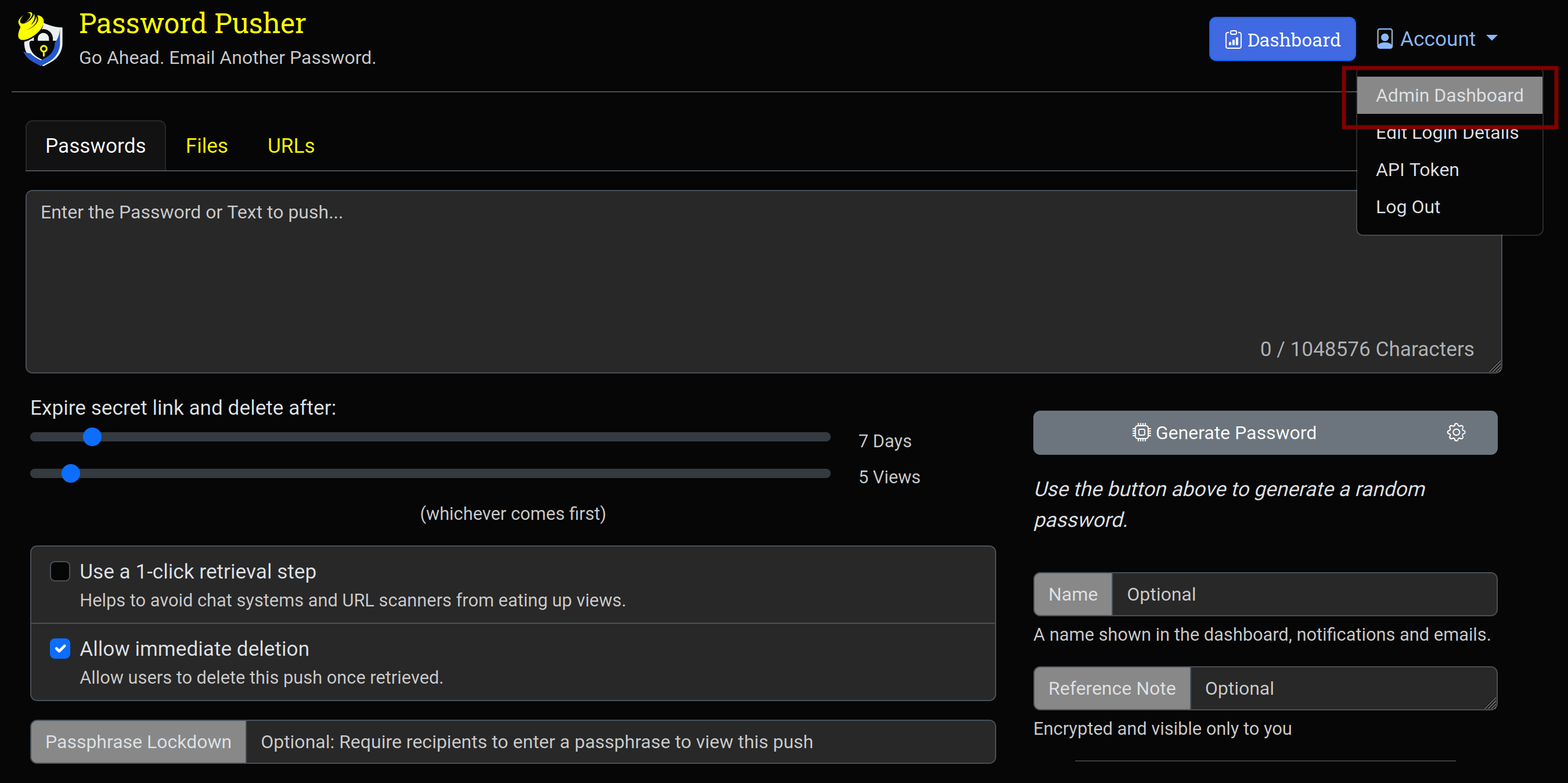
There’s an admin dashboard to manage users from the UI.
See also Administration Dashboard - Password Pusher Documentation for more information.
3 Likes
Hi @mrmarkuz and thanks for the solution.
I already thought that you would have to proceed similarly to documenso. However, changing the admin password in the account settings does not work. But you can solve this by creating a new user and assigning admin rights to them. If you log in with this user, you can delete the account previously created via the CLI without any problems.
What surprises me, though, is that anyone can create and push passwords without logging in. Pushing files and URLs, on the other hand, only works after logging in.
@oneitonitram : Is that intentional?
1 Like
mrmarkuz
September 13, 2025, 10:23am
4
To require users to login, the variable PWP__ALLOW_ANONYMOUS must be set to false.
Following command adds the variable to the password-pusher.env environment file and restarts the service:
runagent -m passwordpusher1 bash -c "grep -q PWP__ALLOW_ANONYMOUS password-pusher.env || echo 'PWP__ALLOW_ANONYMOUS=false' >> password-pusher.env && systemctl --user restart passwordpusher"
See Self-Hosted Configuration - Password Pusher Documentation for more info.
1 Like
Wunderfull…, it works.
Ist this th right command to get mailserver working?
runagent -m passwordpusher1 bash -c “grep -q PWP__MAIL__SMTP_ADDRESS password-pusher.env || echo PWP__MAIL__SMTP_ADDRESS‘=10.x.x.x’ >> password-pusher.env && systemctl --user restart passwordpusher”
mrmarkuz
September 13, 2025, 5:14pm
6
Good question, I need to check. Do you use the manual configuration or the mail app instance for mail notification in the NS8 Email notification settings?
As there are more variables that are used for mailing I recommend to edit the file using an editor and restart the service afterwards to check if it works.
If not already done, install your favorite editor, for example nano:
dnf install nano
Edit the environment file and change/add variables:
runagent -m passwordpusher1 nano password-pusher.env
Restart the service:
runagent -m passwordpusher1 systemctl --user restart passwordpusher
1 Like
No, I use the mail app instance. I’ll try out your suggestion.
1 Like
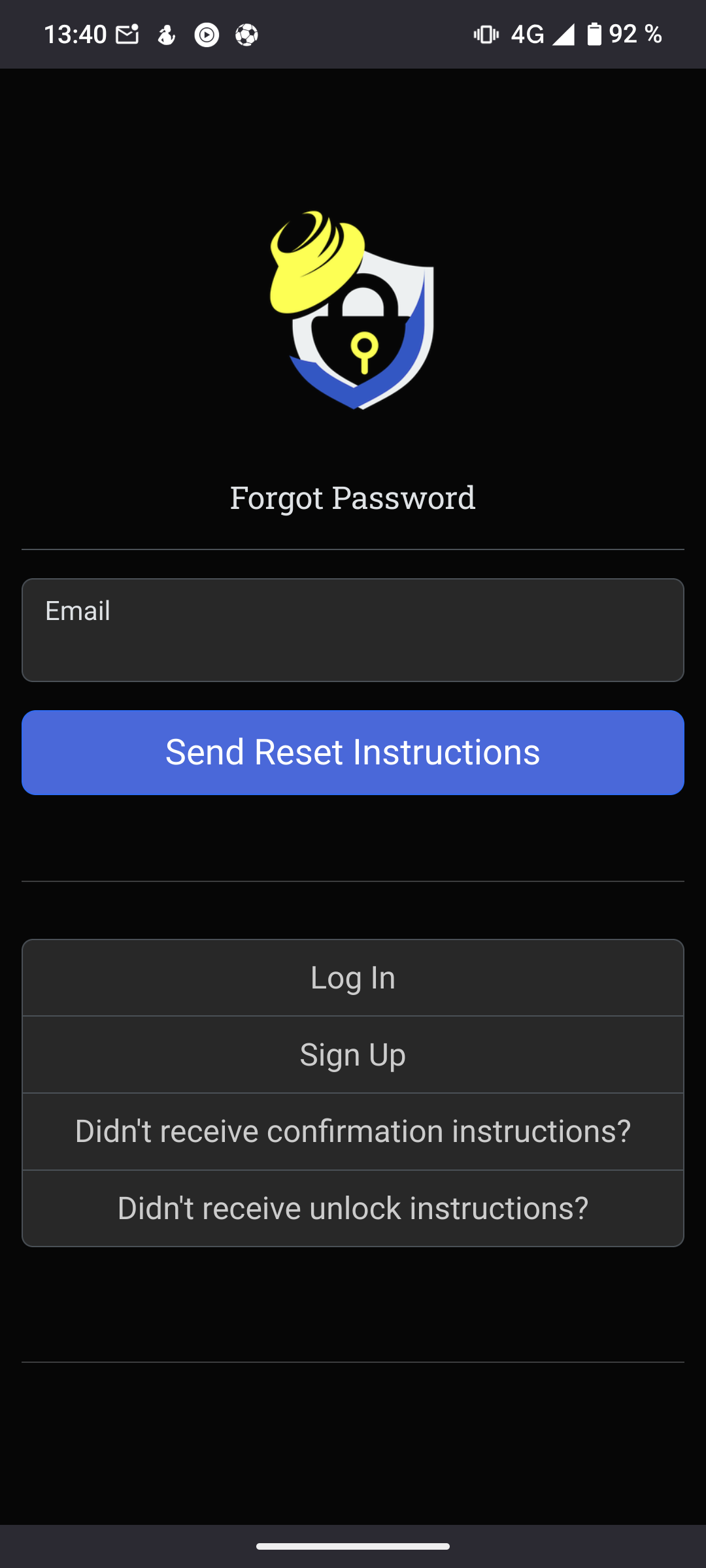
Doesn’t seem to be working. When I try to have the instructions for resetting my password sent to me, I see this:
1 Like
mrmarkuz
September 13, 2025, 10:37pm
9
You can follow the logs with following command to catch the errors: (CTRL-C to quit)
runagent -m passwordpusher1 podman exec -it -w /opt/PasswordPusher passwordpusher-app bash -c "tail -f log/production.log"
I got following error:
[9d3f144a-cd7f-420b-88c0-f7390a22579c] ArgumentError (SMTP From address may not be blank: nil):
The variable PWP__MAIL__MAILER_SENDER in password-pusher.env is set wrongly, it needs to contain the “SMTP from” mail address like
PWP__MAIL__MAILER_SENDER=Password Pusher <user@domain.tld>
1 Like
Good morning @mrmarkuz
No matter what I set, sending emails does not work.
Logfile created on 2025-09-01 07:21:50 +0000 by logger.rb/v1.7.0#15 ] WARN – : SolidQueue-1.2.1 Fail claimed jobs (13.5ms) job_ids:
mrmarkuz
September 14, 2025, 10:03am
11
Strange, there’s no error in the log. Did you get the “blue screen” again?
I tried the “Forgot password” option, did you try another mailing option?
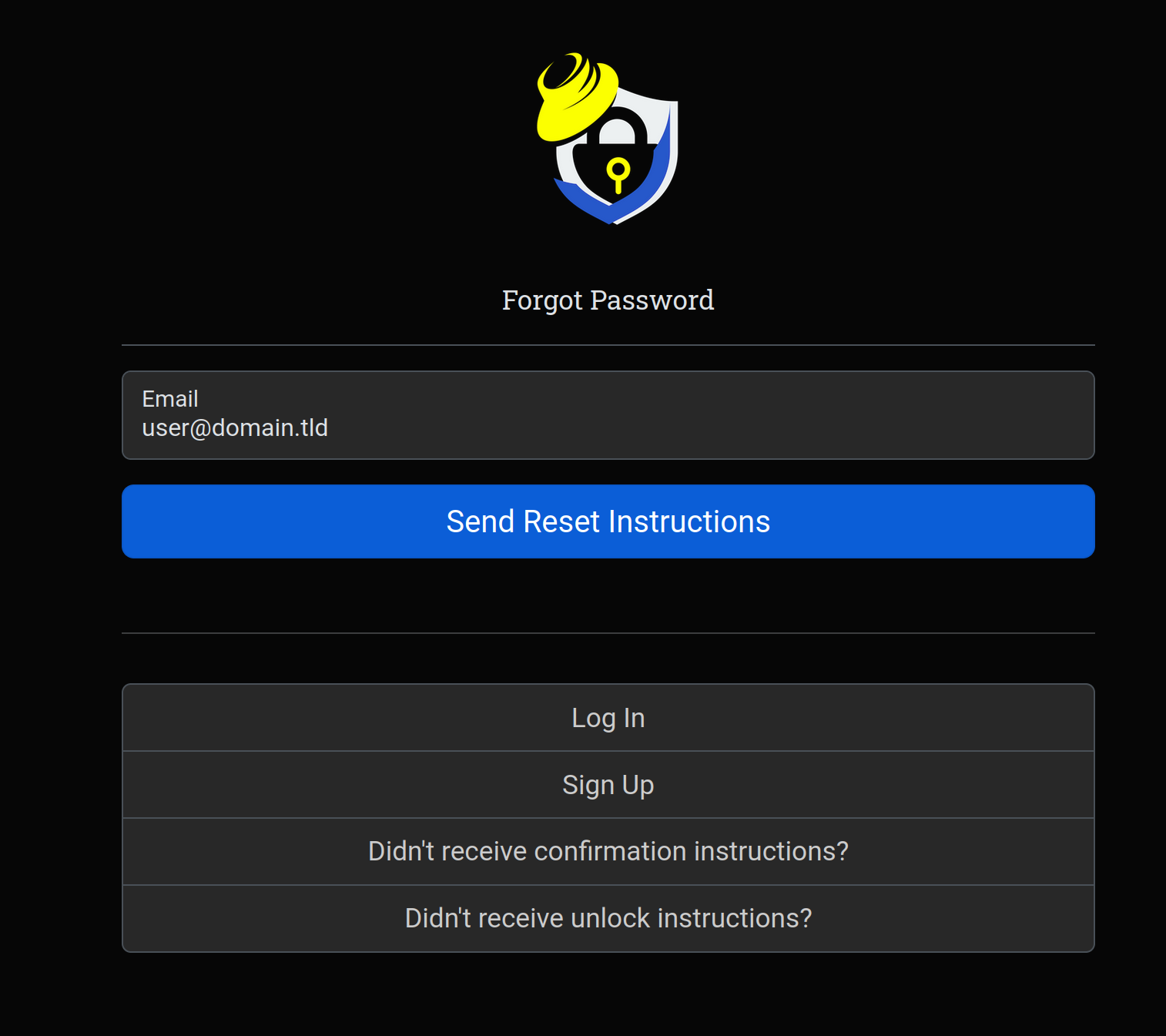
Usually when mailing works following message should appear after clicking “Send Reset Instructions”
I can’t get password pusher using the mail instance to work, I’ll have a look again later…
Those are the errors I got trying different settings:
[e7c6d08f-3219-4195-a262-d41b398233f9] OpenSSL::SSL::SSLError (SSL_connect returned=1 errno=0 peeraddr=10.5.4.1:25 state=error: certificate verify failed (hostname mismatch)):
[e56c02aa-15fc-4319-81e8-c623772f0998] Errno::ECONNREFUSED (Connection refused - connect(2) for "node.domain.tld" port 465):
[3f0b23f0-51f6-4e0a-adb9-5816b40ef030] Net::ReadTimeout (Net::ReadTimeout with #<TCPSocket:(closed)>):
EDIT2:
Is there an error in the mail instance log on the NS8 logs page?
1 Like
I get the same pic when i am asking for reset instructions. I get a blue screen like posted above when i click the button “password forgotten” I cant find errors in the logs of the mailserver instance.
1 Like
mrmarkuz
September 14, 2025, 11:42am
13
OK, so you’re getting the blue screen before you can send the mail?
I’m going to recheck later…
1 Like
Yes, i get exactly that image above. So far, so normal…
I get the blue screen after sending the mail.
And in the error logs i see this:
E, [2025-09-14T11:32:45.092956 #24 ] ERROR – : [305b01be-13de-4a20-a3b8-1243516af310]#24 ] ERROR – : [74d896b6-dde8-413b-b45c-f37980648fa4]#24 ] ERROR – : [ff7fc08b-ccb2-429d-be45-8420602315a0]
Edit:
Users who are already registered cannot change their password. When I try to do so, I get a blue screen.
1 Like
Let me investigate further on this
2 Likes
mrmarkuz
September 14, 2025, 8:20pm
16
Using the mail instance worked with following settings in password-pusher.env:
PWP__MAIL__MAILER_SENDER=Password Pusher <user@domain.tld>
PWP__MAIL__RAISE_DELIVERY_ERRORS=true
PWP__MAIL__SMTP_ADDRESS=10.5.4.1
PWP__MAIL__SMTP_PORT=25
PWP__MAIL__SMTP_STARTTLS=false
PWP__MAIL__SMTP_ENABLE_STARTTLS_AUTO=false
USER, PASSWORD AND SMTP_AUTH needs to be removed to disable authentication.
For more information you can check out the settings.yml in the container:
runagent -m passwordpusher1 podman exec -it -w /opt/PasswordPusher passwordpusher-app less config/settings.yml
1 Like
That’s what I thought after checking the settings in my NC instance. However, I simply entered NO in the settings you mentioned. But now it works. Thank you…
1 Like