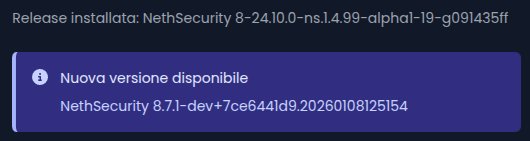
I’m prettu sure that there is not a testing version, idk what is the reason behind that, i checked to for comparison to another customer firewall and the latest stable version is the 8.7.1.
Wait for the developers maybe he has some idea why this is happen.
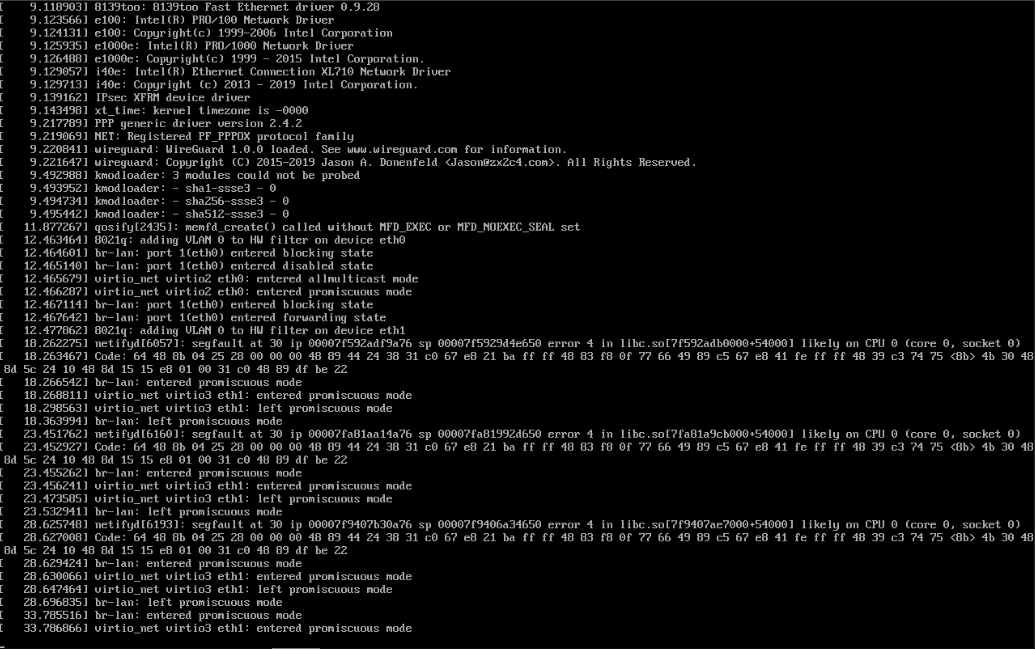
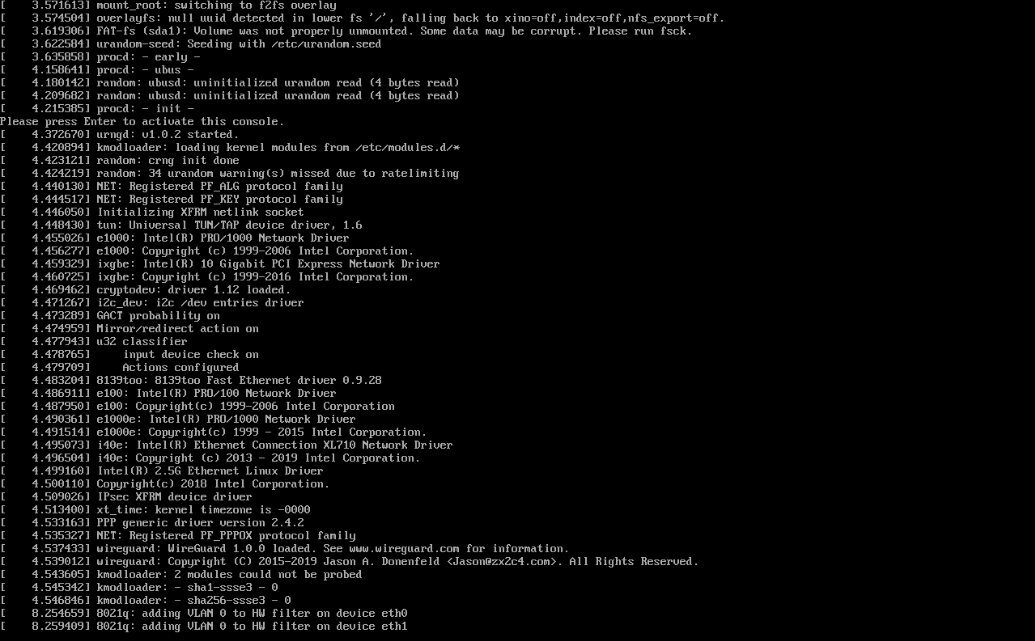
Hi, today morning already three customers they called me because they don’t have a network/internet both of them the firewall run on Proxmox VM, and they’re all stuck on this screen.
After the reboot i see that one of them had this version(see screenshoot below) and the other: 8 24.10.0-ns.1.5.1 i update all of at the latest version.
The only thing I noticed in common that these firewalls have is that they are all virtualized on proxmox
Maybe is occurs only when the nethsecurity is virtualized and running on Proxmox? I update the Proxmox of my customer at the latest version and kernel about 1 month ago, so if it depended on that strange one that only gives the problem now.
Hi guys today the problem back again all the customer have nethsecurity firewall virtualized on proxmox has the VM totally blocked/freeze.
I have noticed that i have one customer that they have nethsecurity running on a VM on Proxmox too but instead of ZFS they have LVM(default proxmox installation) and they don’t have the problem, so it seems that is some bug releated to proxmoxvm+zfs.
As i said above i can hit Enter on the console nothing appears is totally blocked, which LOG i can look at for understand which is the possible cause?
UPDATE:
From the Beszel Monitoring i see all of them except one goes down today at 12:22-12:23 am except one at 1:22am
In /var/log i don’t see log for previous boot but in “messages” only for the current boot.
not a single problem on all 9 nodes in the cluster and 6 more servers not in a cluster
looking in to bash history - yes i had to remove for all nodes a iSCSI storage (ZFS over iSCSI)
and uninstall a third party package proxmox-truenas (should never use it in first place)
now I’m using only standard NFS in addition to Ceph
this is all what i found in the history (i had already the latest ceph version):
apt update; apt full-upgrade -y; apt autoremove -y
pve8to9 --full # just info about any possible problems
sed -i ‘s/bookworm/trixie/g’ /etc/apt/sources.list
sed -i ‘s/bookworm/trixie/g’ /etc/apt/sources.list.d/pve-enterprise.list
sed -i ‘s/bookworm/trixie/g’ /etc/apt/sources.list.d/ceph.list
apt update; apt full-upgrade -y; apt autoremove -y
echo ‘grub-efi-amd64 grub2/force_efi_extra_removable boolean true’ | debconf-set-selections -v -u
apt install --reinstall grub-efi-amd64
apt modernize-sources
recently i had to reinstall some of the nodes
and it took maybe less time to remove a node from the cluster,
clean install Proxmox and join again the cluster
the only thing you have to setup again is the network
and I did save a copy of the file…
and if you reinstall a node the ceph rebalance is increasing the disk weareout



 never implemented.
