I have just migrated from NS7 but found a strange issue with public mailboxes:
It looks like permissions does not work on group level, but only on user level.
If we assign only the group to the public mailbox, then we cannot edit the mails (eg. set seen, move into), but once I add each user (thankfully we have only 5) then they have the proper rights.
I have tried removing and assigning the groups again, maybe triggering something, but no luck.
All set to Full control.
I am not sure if there is any way to check if NethServer have the correct information from the
Windows Server AD about which user is in which groups.
Or if it does, then it should be a problem with dovecot I believe.
I have tried it with Roundcube and also with Outlook mobile app.
–
Additionally a little strange thing I have found in Roundcube settings:
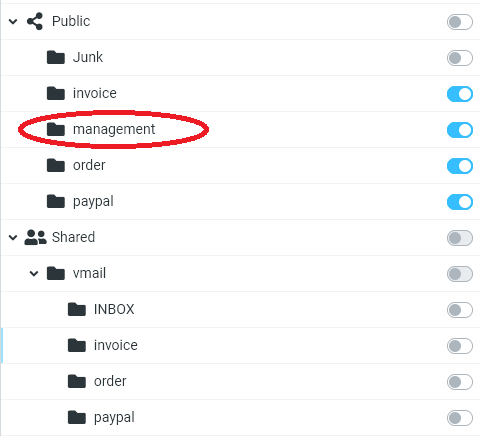
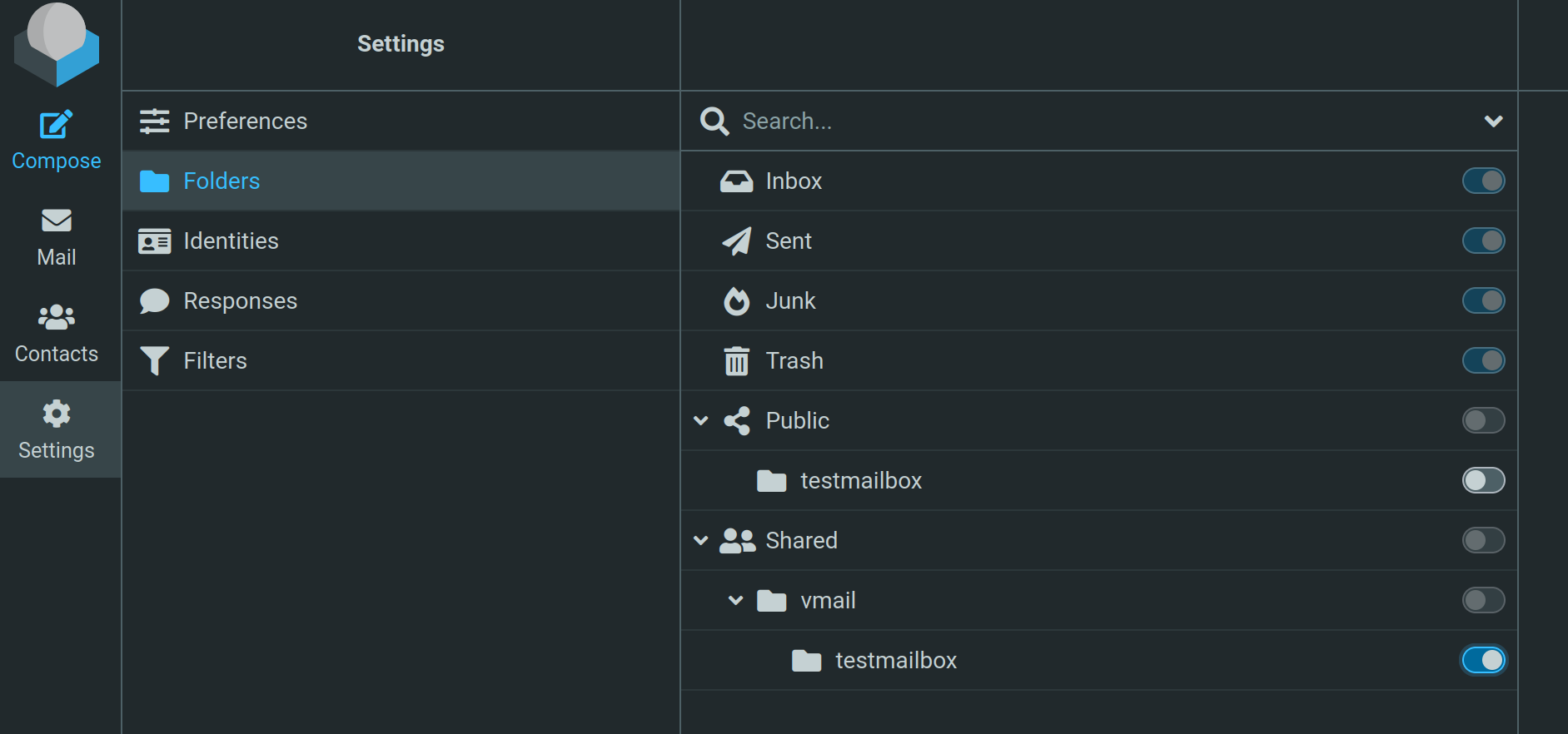
There are Public and Shared mailbox groups in the list (in Roundcube settings). Earlier in NS7 there were only Public mailboxes I believe.
Now here the mailboxes always appear in the Public group even if I don’t have permission as user (only as group), while in the Shared group it appears only if I have the permission (as user).
It feels like Shared would be the one that we would need to use by default. I am not sure if there is any way to hide the Public group. Or even, I am not sure if everything is works as intended.
You could check the groups and the member users using following command:
api-cli run cluster/list-domain-groups --data '{"domain":"MYDOMAIN"}'
The result looks like:
{"groups": [{"group": "admin", "description": "", "users": ["Markus"]}, {"group": "admins", "description": "", "users": []}, {"group": "Cloneable Domain Controllers", "description": "Members of this group that are domain controllers may be cloned.", "users": []}, {"group": "Domain Admins", "description": "Designated administrators of the domain", "users": ["Administrator"]}, {"group": "Key Admins", "description": "Members of this group can perform administrative actions on key objects within the domain.", "users": []}, {"group": "marketing", "description": "", "users": ["Andi", "Markus"]}, {"group": "sales", "description": "", "users": ["testuser1", "Andi"]}]}
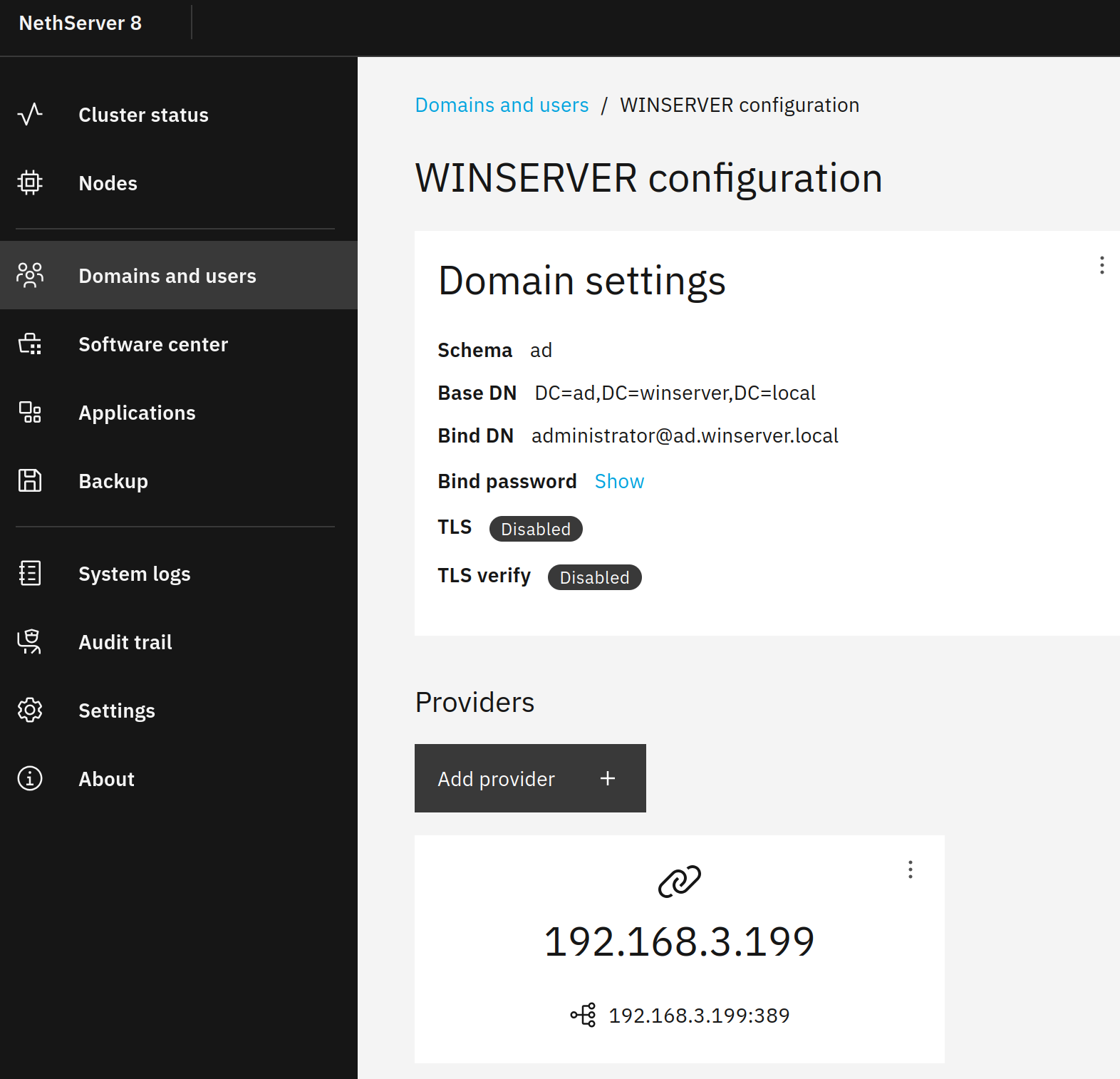
I tested with Win Server 2022 external user domain and when I assign a group to a public mailbox…
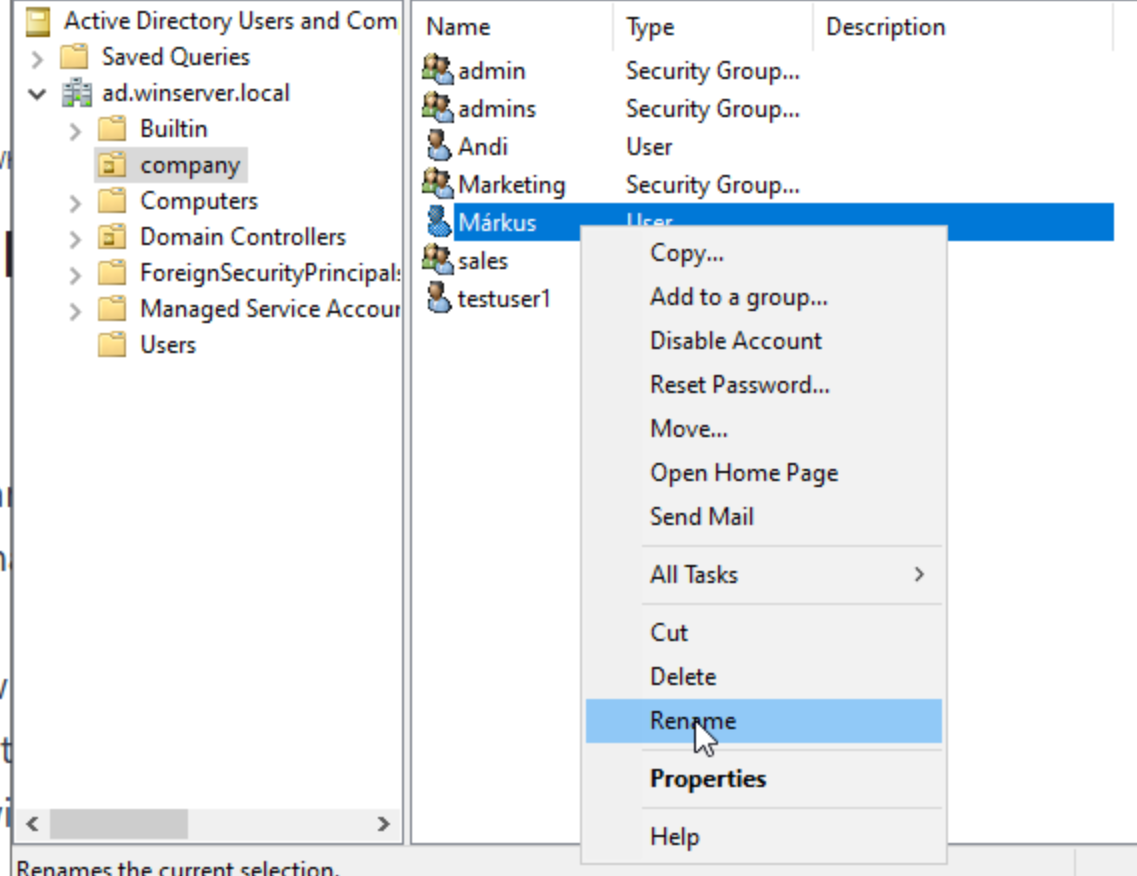
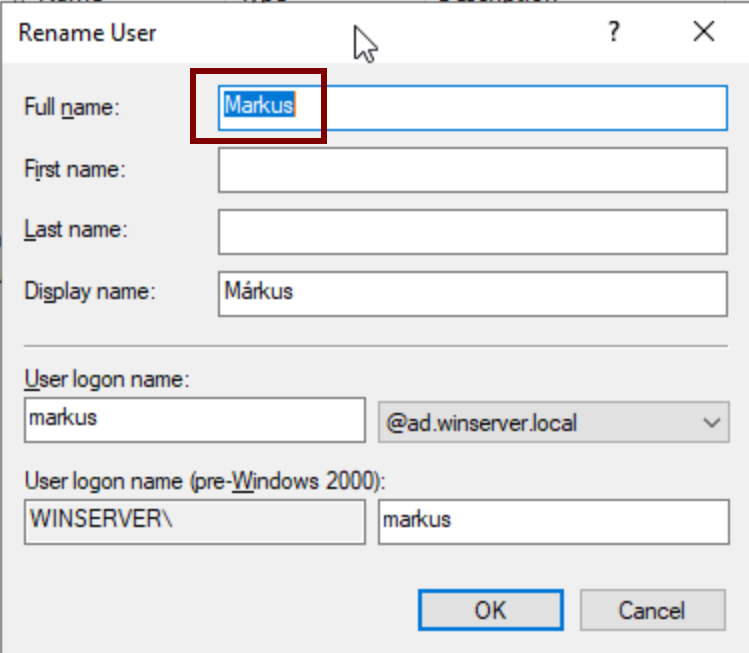
Strangely all of us has letter á somewhere in our first or last name which is translated to \u00e1 in this list.
While it does not cause a problem when rights given to the individual users, but somehow it does not work with rights set to groups in mail.
I tried it with the admin user that does not have any special characters and it works with that account. Also I created a user with space in the name but that was not a problem either. So it must be the á (and we have 9 such characters in the Hungarian alphabet).
Now I tried to fix it: I removed á from the display name, and NS8 updated it in the Users list, but the console query above still shows the same. I believe NS8 uses the name from the AD properties Object tab - Canonical name which cannot be changed. This means if I would need to fix it, then I would need to recreate all 5 users an possibly mess up everything in Windows and on NS8 as well.
So I don’t know how should it be fixed - preferably on NS8 side.
Maybe the received Canonical name (or whatever is its codename) should be converted to the same charset as it compares in mail permissions.
Or login name (in my case karoly.nagy or karoly.nagy@domain.tld) should be used.