Czech providers of PODA fiber optics internet or VDSL internet (similar in Germany) provide connectivity with PPPoE over a VLAN.
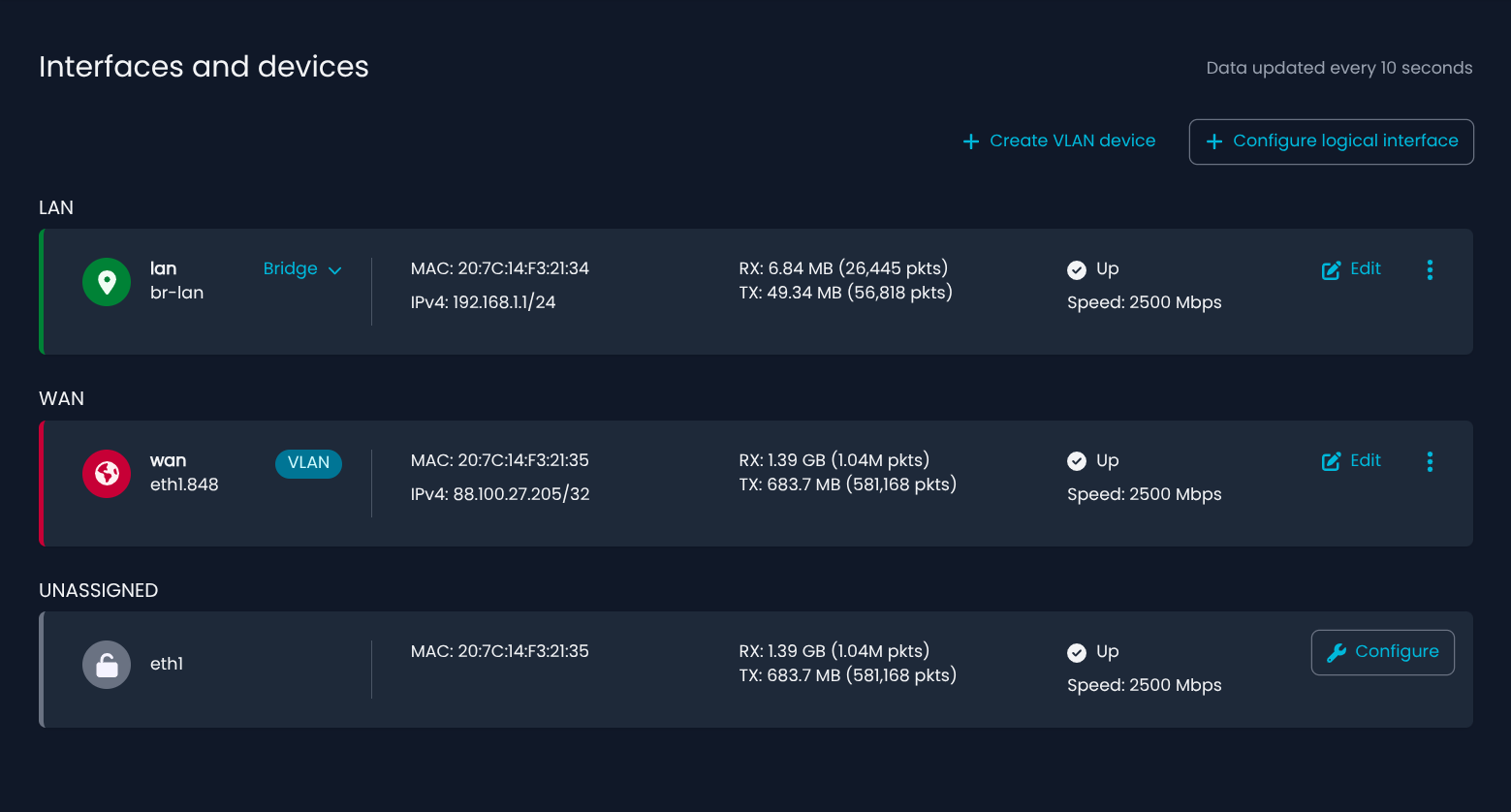
This is not supported out of the box in the web UI in Nethsecurity and has to be manually configured over uci or editing the config files. (Add a VLAN and use the VLAN for WAN with PPPoE instead of the eth1)
Would be nice to support this very common option (PPPoE over a VLAN for WAN connectivity) out of the box.
Just in Czech republic are 4.2 million households/connections with this setup.
My company also provides me with free FTTH connectivity with VLAN tagging, so I’m very familiar with this setup.
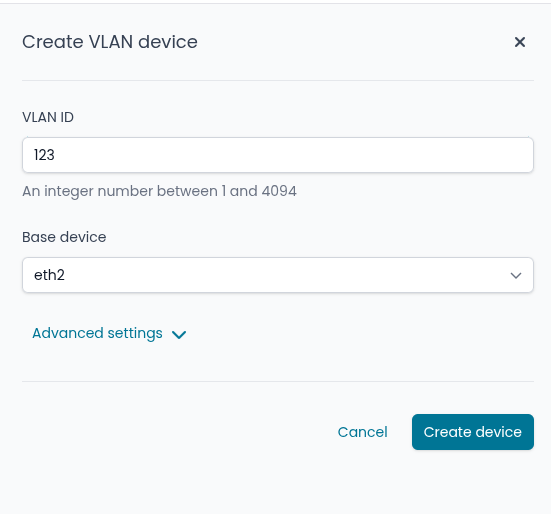
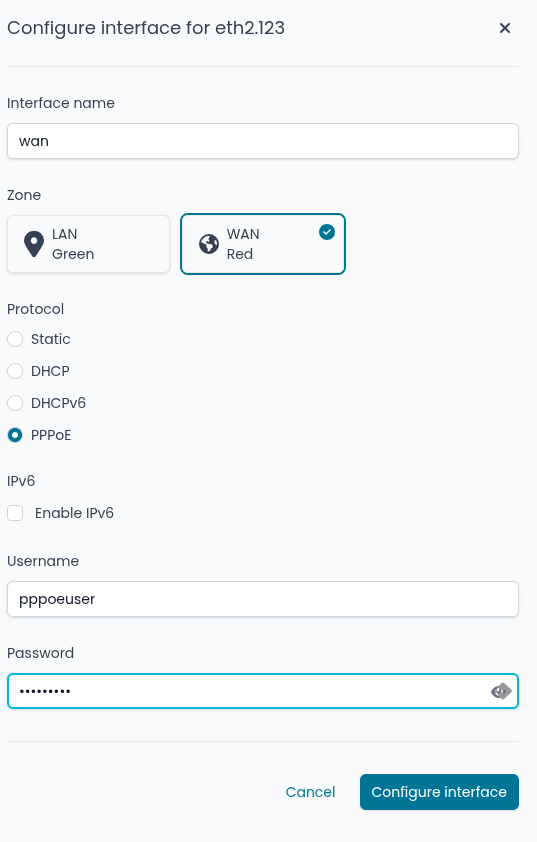
I can confirm that configuring PPPoE over VLAN on NethSecurity is absolutely possible and, as pointed out by Giacomo Sanchietti, it can be done directly from the GUI in about 2 minutes — no need to manually edit UCI settings or configuration files.
It’s a straightforward procedure, fully supported from the web interface, and works perfectly for FTTH deployments using VLAN tagging like the one described.
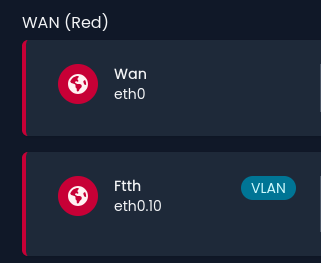
Thanks! I was actually looking to replace the physical WAN interface (eth0) with a tagged VLAN interface (eth0.xxx), rather than just adding a secondary VLAN interface to the existing WAN.
That was my mistake—both methods work, but I decided to follow the approach of replacing eth0 with eth0.xxx directly. I believe this is the default behavior on Turris OS and OpenWRT.
That said, there’s no issue with simply adding a tagged VLAN to the WAN for PPPoE; it just didn’t occur to me at the time.