NS8 Nextcloud logging enabled by default?

NethServer Version: NS8 current
Module: 1.5.0 (Nextcloud 31)
I’ve been having some problems getting my wife’s iOS devices to connect to NextCloud.

There is circle loop going from login screen to approve to login screen to approve to login screen.

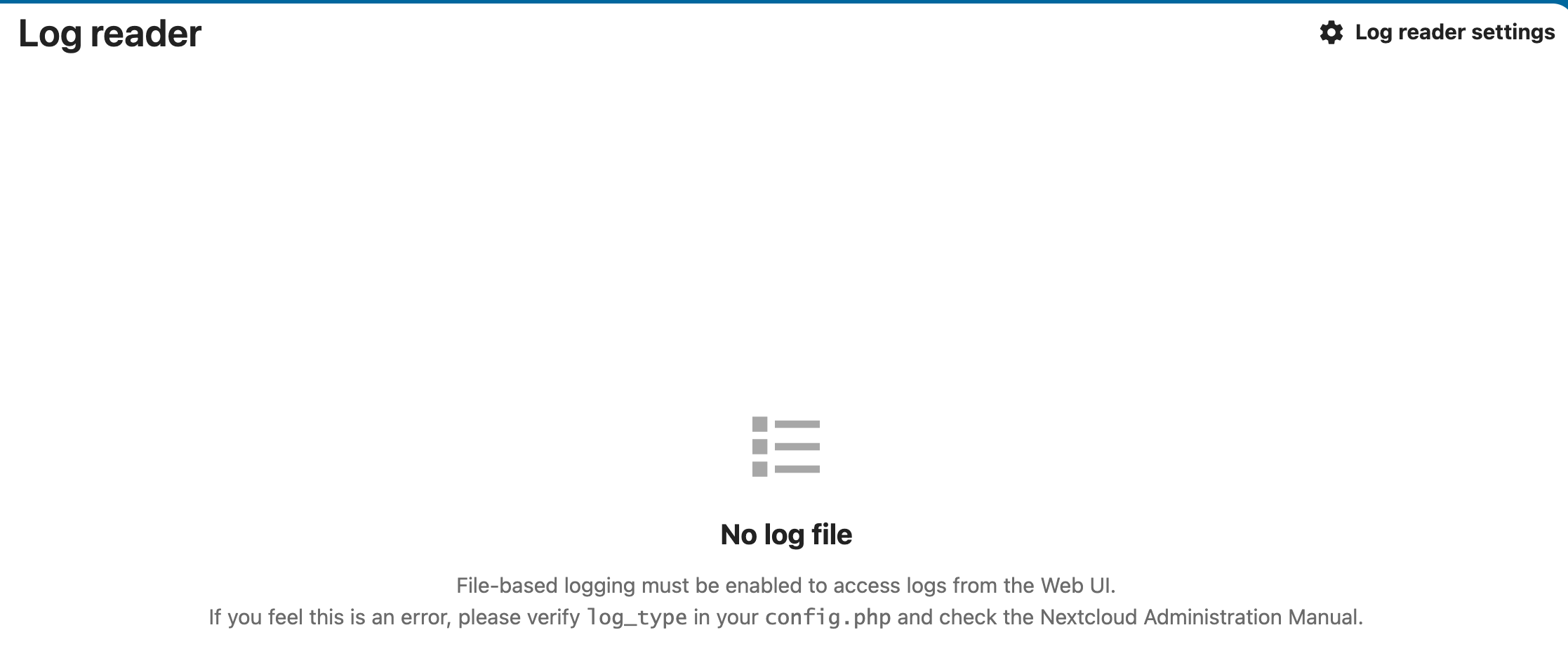
In trying to figure out the problem I went to Nextcloud admin and looked at “Logging” but it says

No log file
File-based logging must be enabled to access logs from the Web UI.
If you feel this is an error, please verify log_type in your config.php and check the Nextcloud Administration Manual.

Is the logging enabled by default?

If not, are the instructions somewhere in the docs that I haven’t found that detail how to enable logging? I also assume you have to set log rotation somewhere?
Thanks

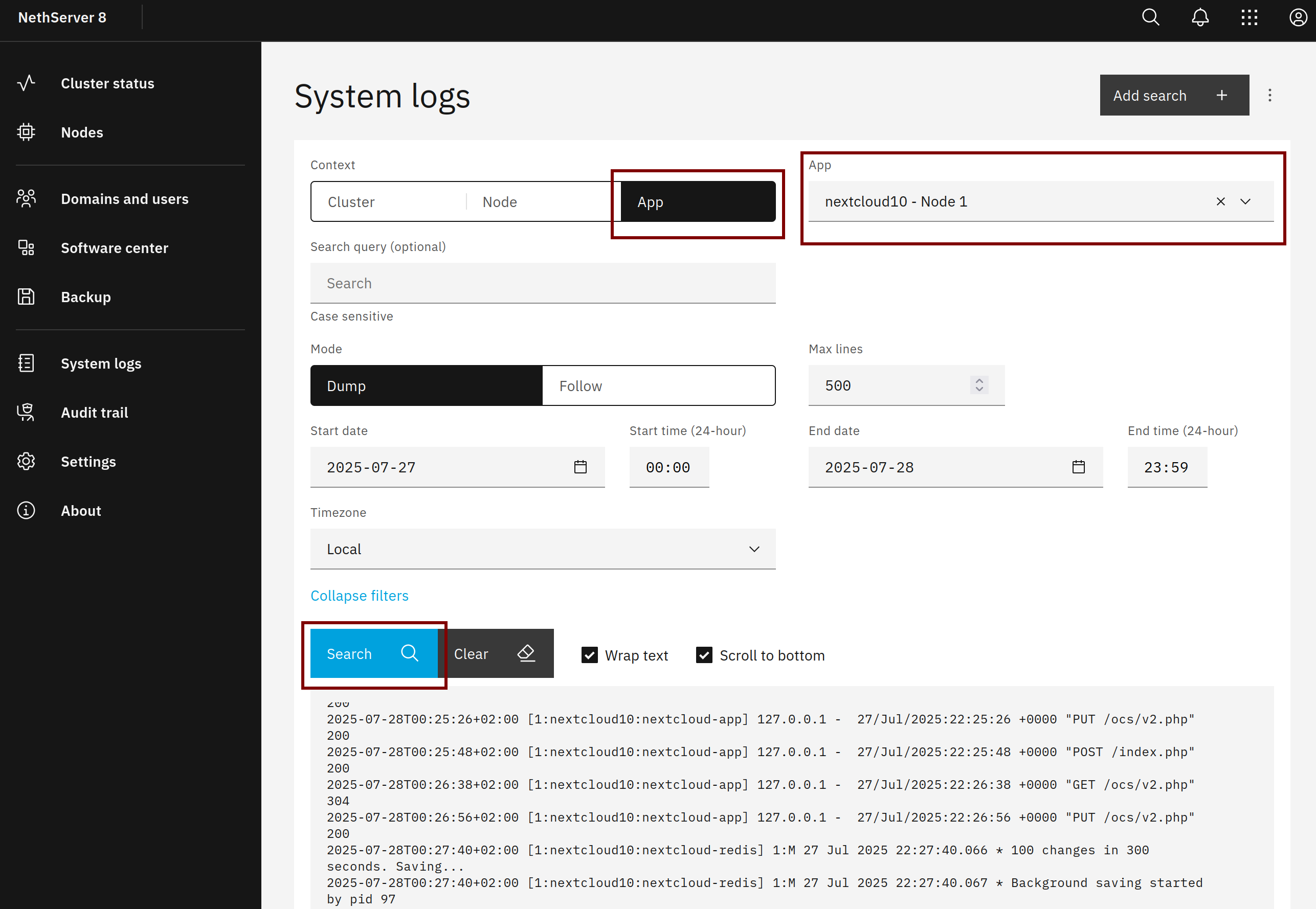
Yes, it’s enabled, the Nextcloud logs are available on the logs page, just select the nextcloud app instance.

If you need debug log level, see Mail app in Nextcloud not working with NS8 mail server - #11 by mrmarkuz

Hi @mrmarkuz ,

I have both apps Auditing/Logging v1.21.0 and Log Reader 4.0 installed.

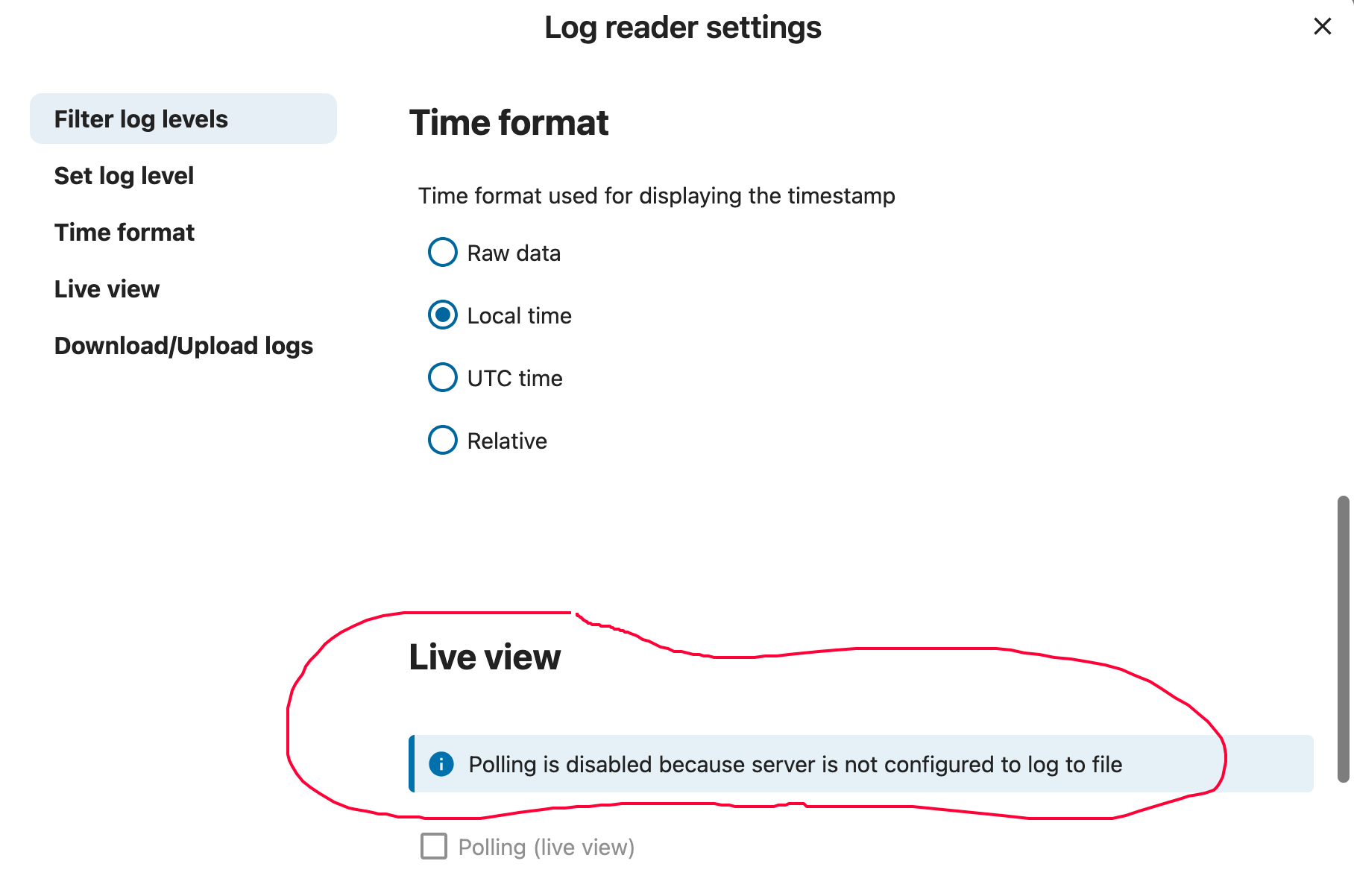
But in Administration:Setting:Logging, there is nothing.


and

I am missing something here but I don’t know what. Any suggestions are most appreciated.

Thank you.

Sorry for confusion, I meant the NS8 system logs page.
The Nextcloud logs are redirected to loki which saves the logs and cares about retention.

Thanks @mrmarkuz . Ah, now it makes sense.

Does that also mean that I don’t need the apps (Logging and Audit/Logging) in Nextcloud and can safely remove them?

I never tested, I’d keep them to avoid issues.

Thanks for the help!