Installed lamp on an other machine again and want to use.
But I cannot access…
# runagent -m lamp1 podman exec -ti lamp-app bash
Error: no container with name or ID "lamp-app" found: no such container
Installed lamp on an other machine again and want to use.
But I cannot access…
# runagent -m lamp1 podman exec -ti lamp-app bash
Error: no container with name or ID "lamp-app" found: no such container
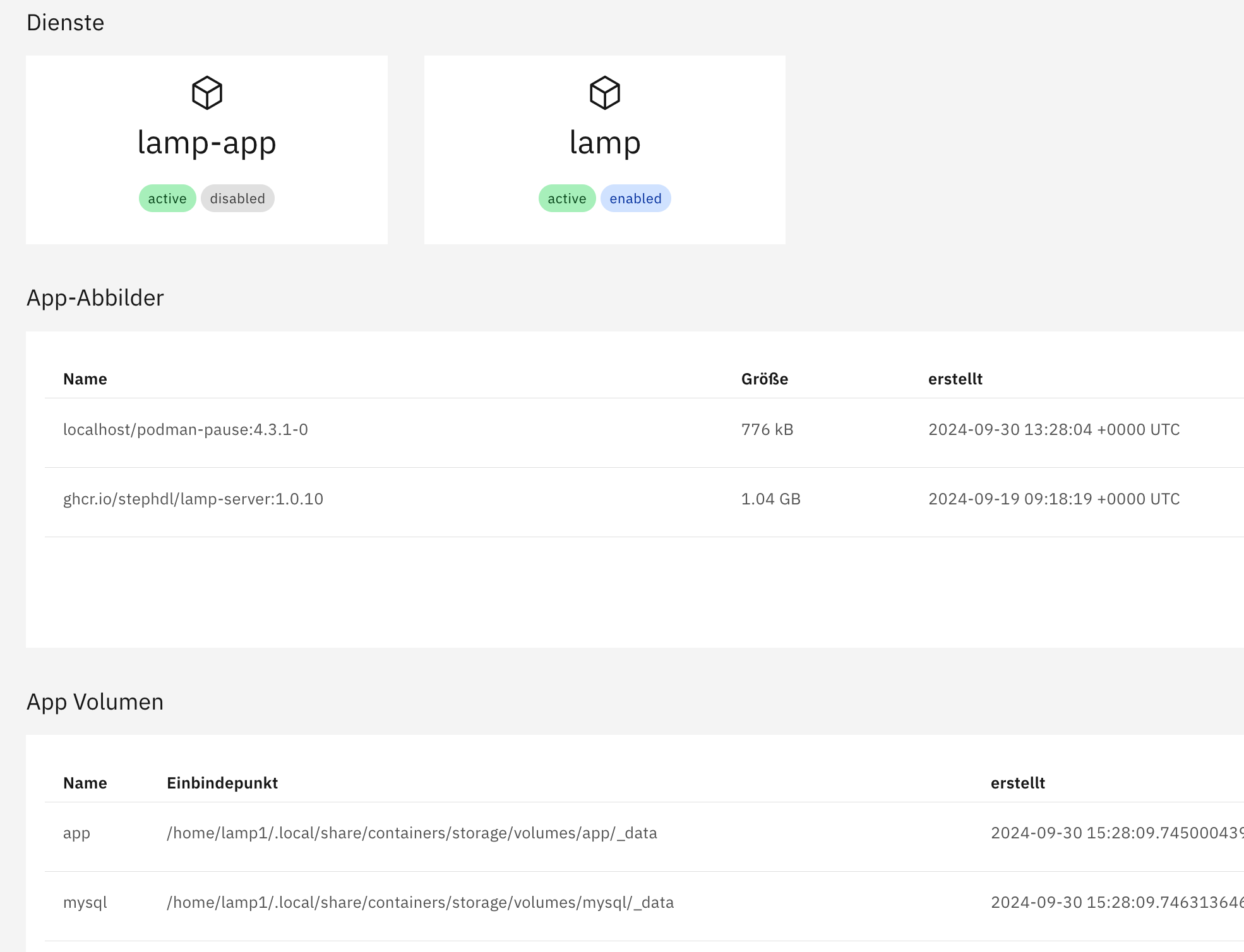
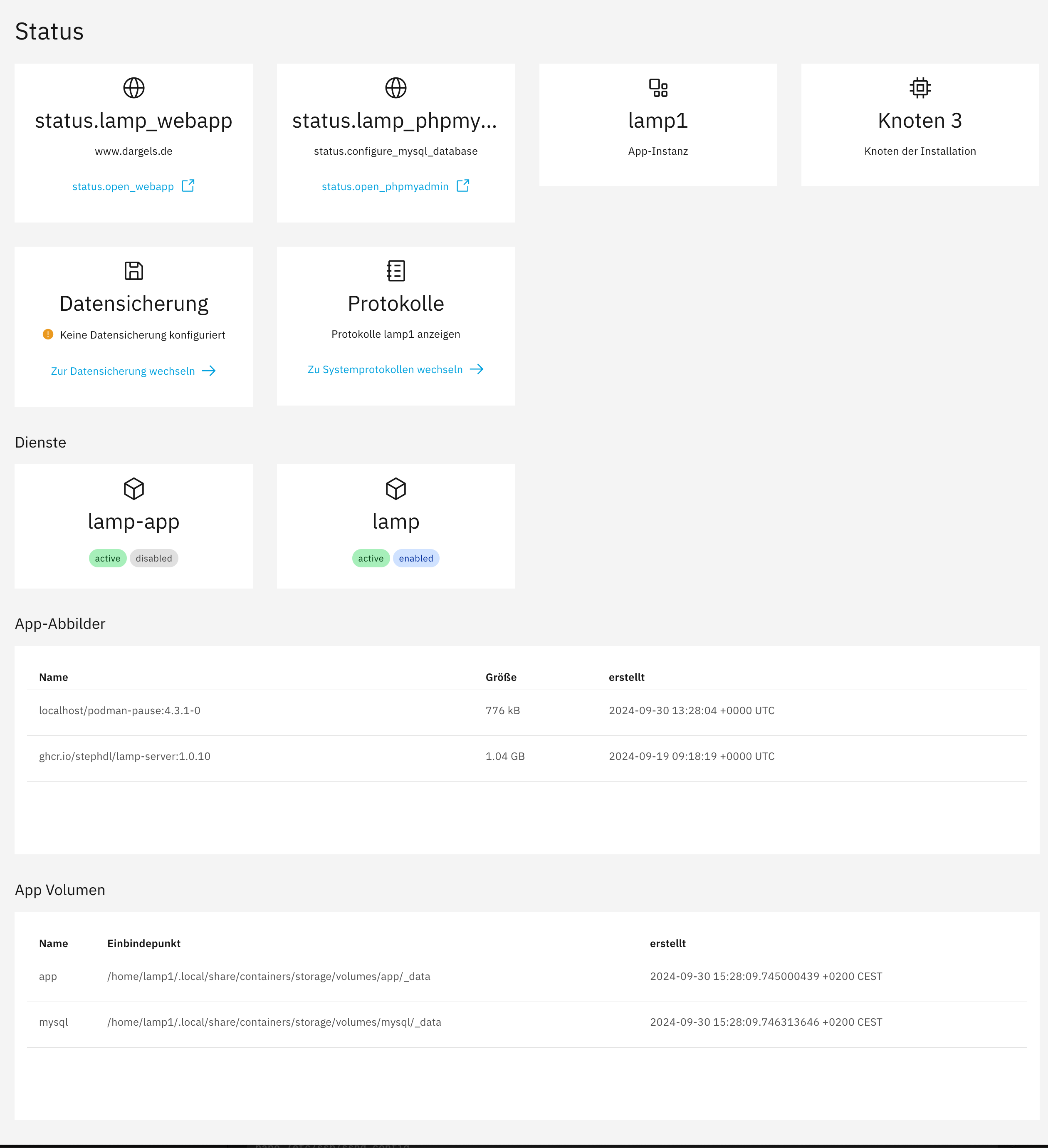
Describe what you did exactly and show us the complete context. For example the image you shared does not show us the complete informations list you have on the status page
I miss the node, the module id…
Sorry, I though it was clear enough.
Just the full story:
I migrated my hosted NS7-Server to a Migration-Server as new leader node1,
Finally, I got the new NS8 Server with the old content, excepted my websites.
Therefore, I installed LAMP App on the single node3.
Initially, I want to install WordPress and tried to get access to the container by using your manual.
But the access to the container failed
# runagent -m lamp1 podman exec -ti lamp-app bash
Error: no container with name or ID "lamp-app" found: no such container
Ps.:phpMyAdmin works
Hum
What about
runagent -m lamp1 podman ps
How you might have phpmyadmin workable if lamp-app does not exists
# runagent -m lamp1 podman ps
CONTAINER ID  IMAGE                               COMMAND     CREATED      STATUS          PORTS                    NAMES
55443fdd45f9  localhost/podman-pause:4.3.1-0                  6 hours ago  Up 6 hours ago  127.0.0.1:20020->80/tcp  33a8bbe6a6b4-infra
f800354f73ed  ghcr.io/stephdl/lamp-server:1.0.10  /run.sh     6 hours ago  Up 6 hours ago  127.0.0.1:20020->80/tcp  apache2-lamp-app
My fault sorry I changed the name of the container to be compatible with crowdsec
Use the new name apache2-lamp-app and not lamp-app
Will modify it in the documentation
Well, you KNOW that you are doing something wrong, WHAT you are doing wrong and how to FIX it. I have a long wayto go to connect those dots! Even as simple as when I forget to put sugar in my coffee, and I think’ Why does this coffee taste so bad?’

now it works thanks
Yep it works but not convenient, I think i have to do a wrapper to bundle some commands
List systemd services and state
List podman container
Go to the container
lamp1 status # display status
lamp1 runagent #become module in the state folder (for maintenance)
lamp1 go2container # go to the container
…
Just another problem…
I use lamp on another server and WordPress works fine.
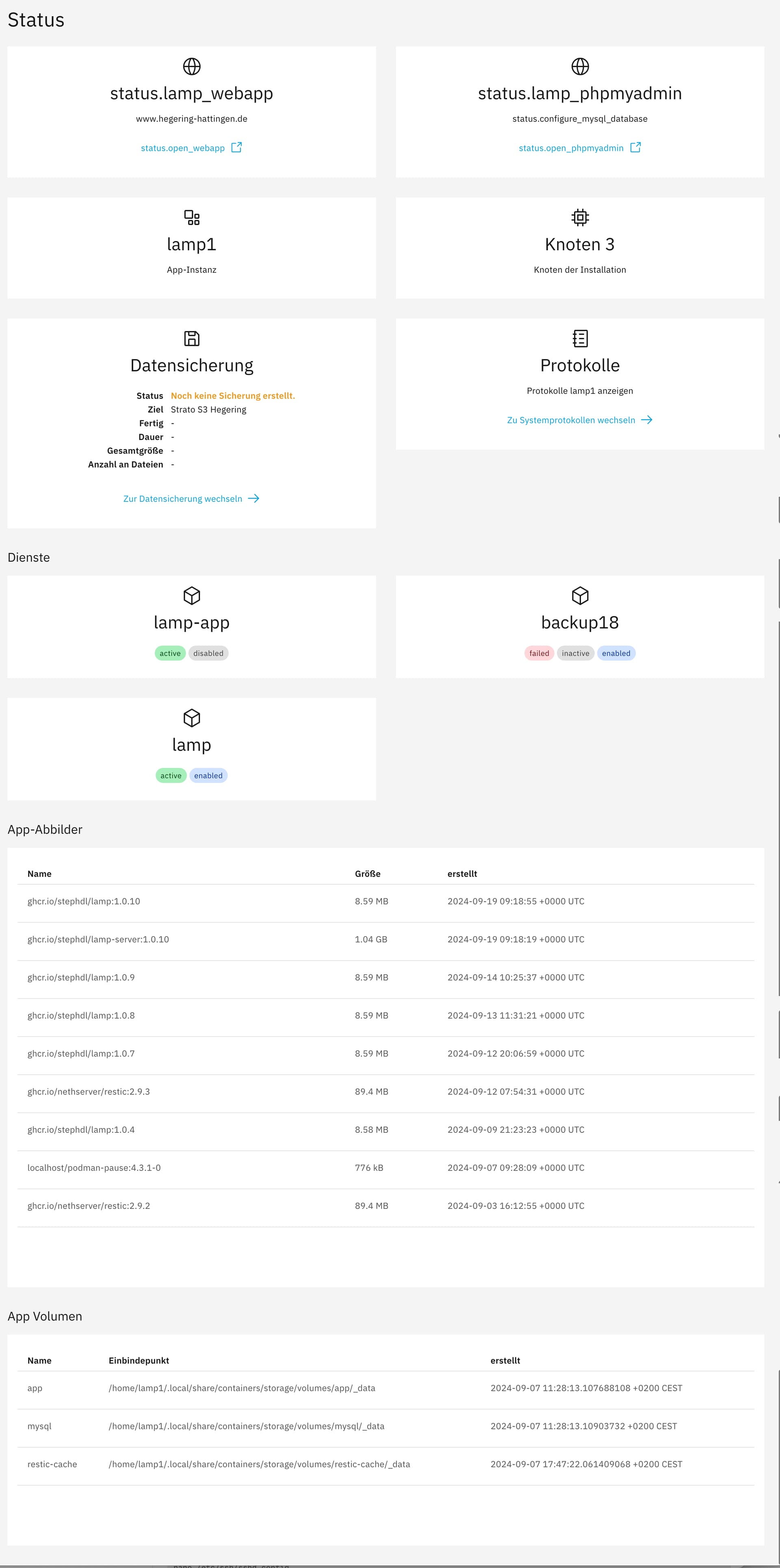
Task module/lamp1/run-backup run failed: {'output': '', 'error': 'Job for backup18.service failed because the control process exited with error code.\nSee "systemctl --user status backup18.service" and "journalctl --user -xeu backup18.service" for details.\n', 'exit_code': 1}
Task module/samba4/run-backup run failed: {'output': '', 'error': 'Job for backup18.service failed because the control process exited with error code.\nSee "systemctl --user status backup18.service" and "journalctl --user -xeu backup18.service" for details.\n', 'exit_code': 1}
2
# systemctl --user status backup18.service
Unit backup18.service could not be found.
I plaid not guilty for the failed backed of samba so maybe the issue is not from my side for lamp
What about to look for error with backup18.service in logs
journalctl -e -u backup18.service
We could have more informations
~
~
~
~
-- No entries --
Additionally, the backup fails with the same error on the new server as well.
open a terminal and do a journalctl -f, start the backup manually, look after errors
A brief interjection before I continue to analyze: What is the port of the mySQL/MariaDB?
3306?
podman exec -ti apache2-lamp-app mysqld --print-defaults
does not work
lamp is a bundle, apache + php + mysql on the same container
You interact with a linux socket to mysql, this is why you can use localhost instead of 127.0.0.1 or another IP
so in short, one container, no opened port from outside
Yes I know, and I did it.
But I installed another php-script /app/3rdparty-script and imported the corresponding DB with PhpMyAdmin.
I setup the config.ini.php and need the right port (3313 is certainly incorrect)
Consequently, my question about the MySQL port used.
3306 (default one) but only restricted to the container, no access outside
maybe you can find yourself by (inside the container)
ss -tulpn
But if the script is in a subdirectory of /app and I use the same database, this seems to be ‘inside the container’.
Or does it?
yes, 3306