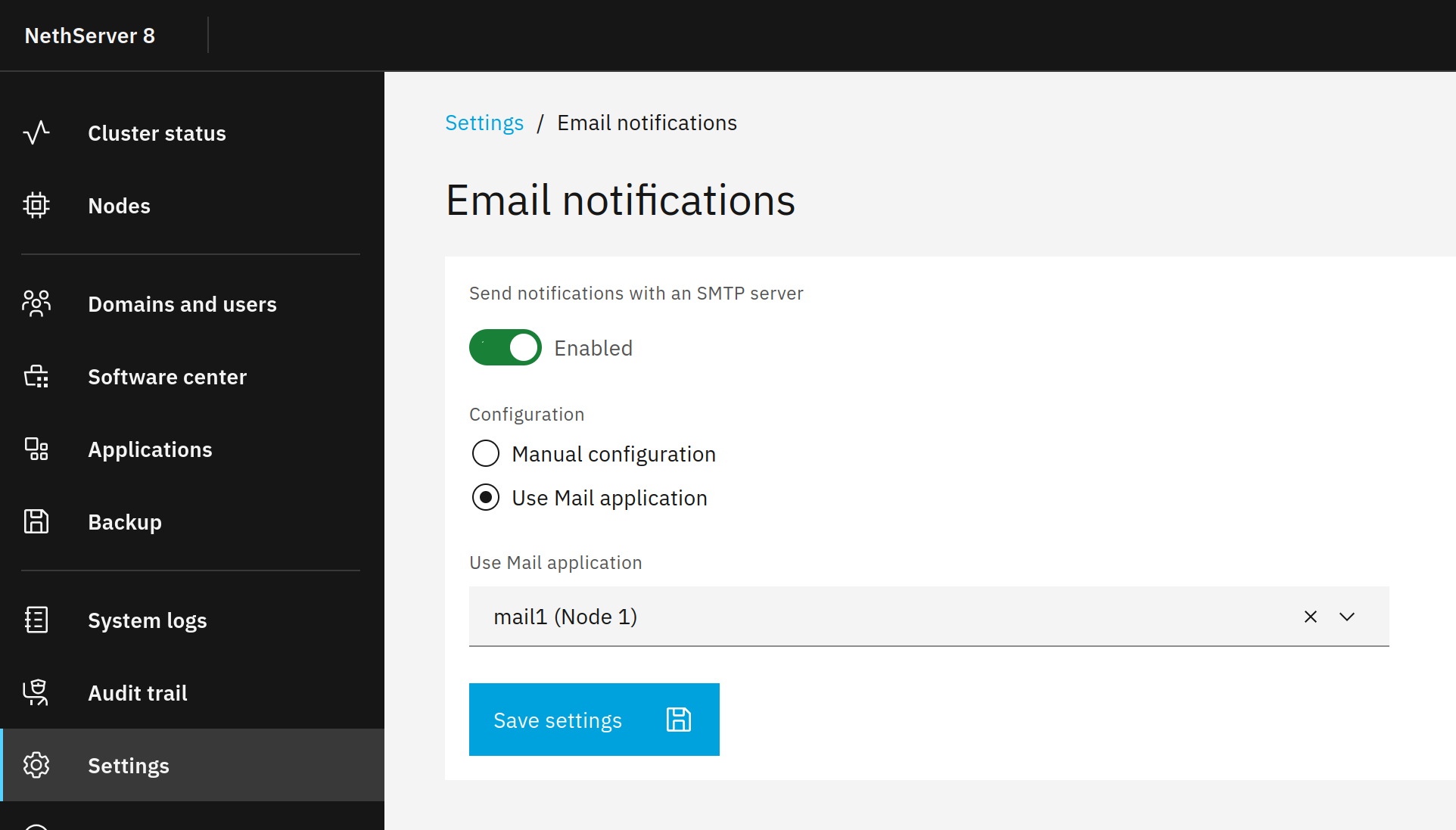
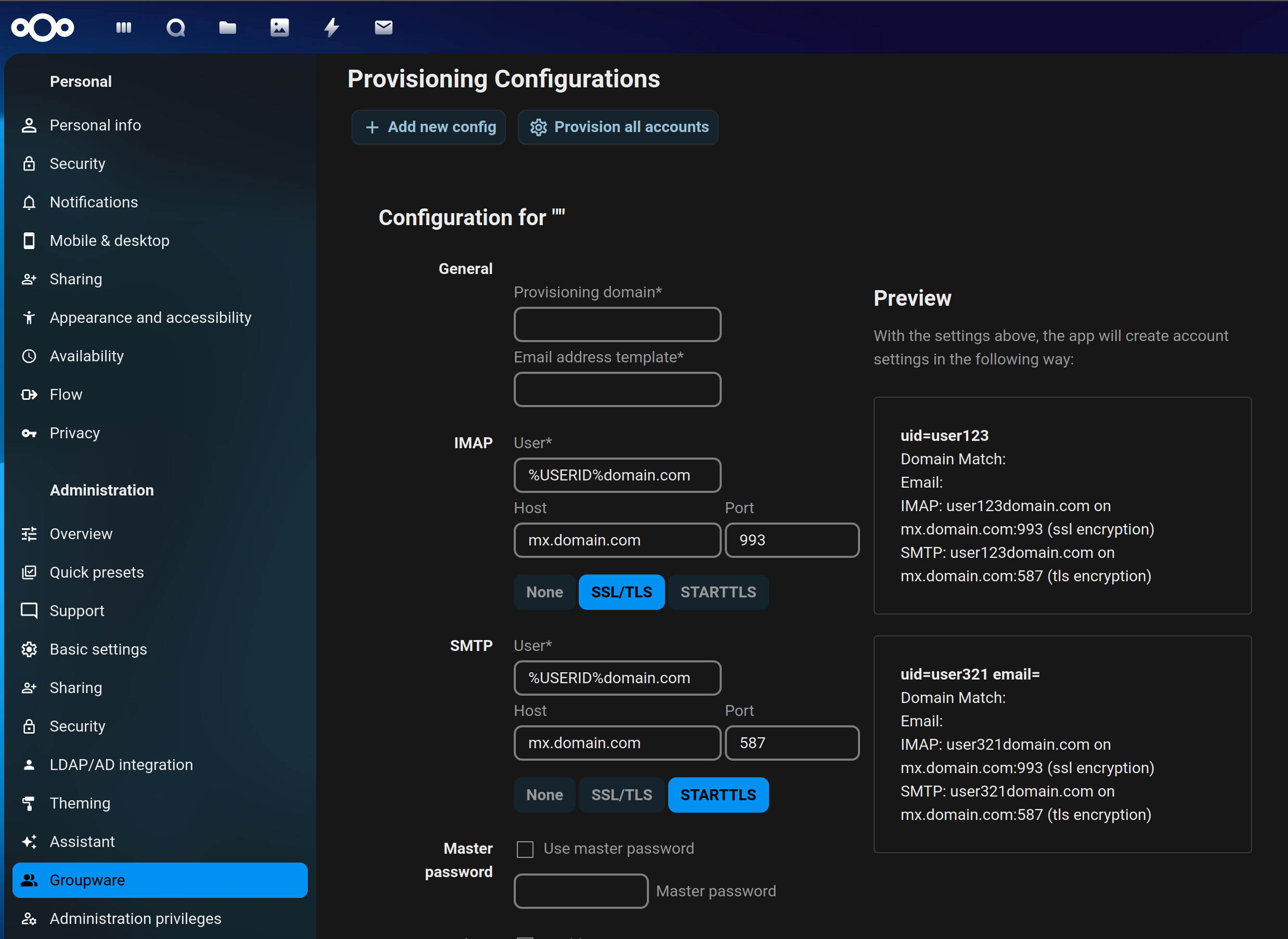
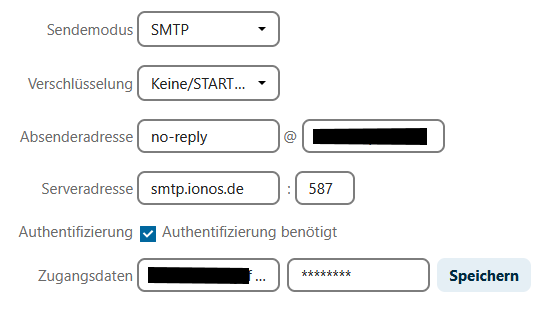
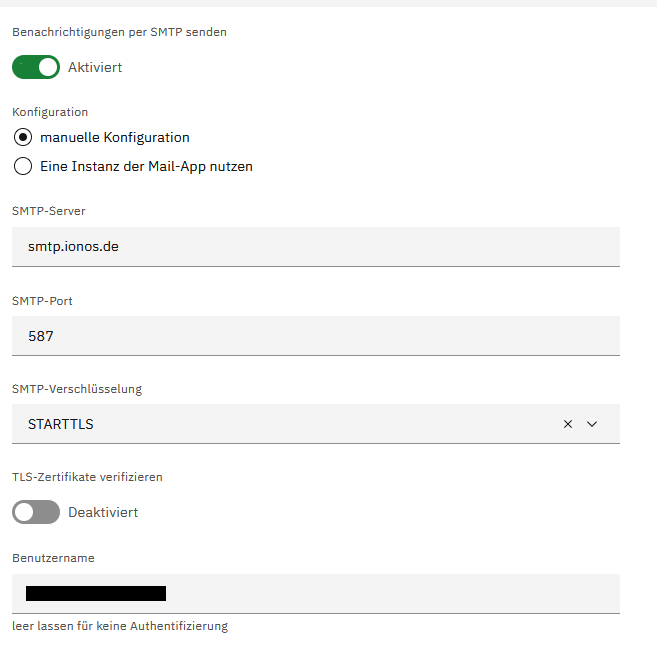
While setting up nextcloud, i set up mail and the test worked. After a few days (nothing installed), it doesn’t work anymore. AxiosError: Request failed with status code 400
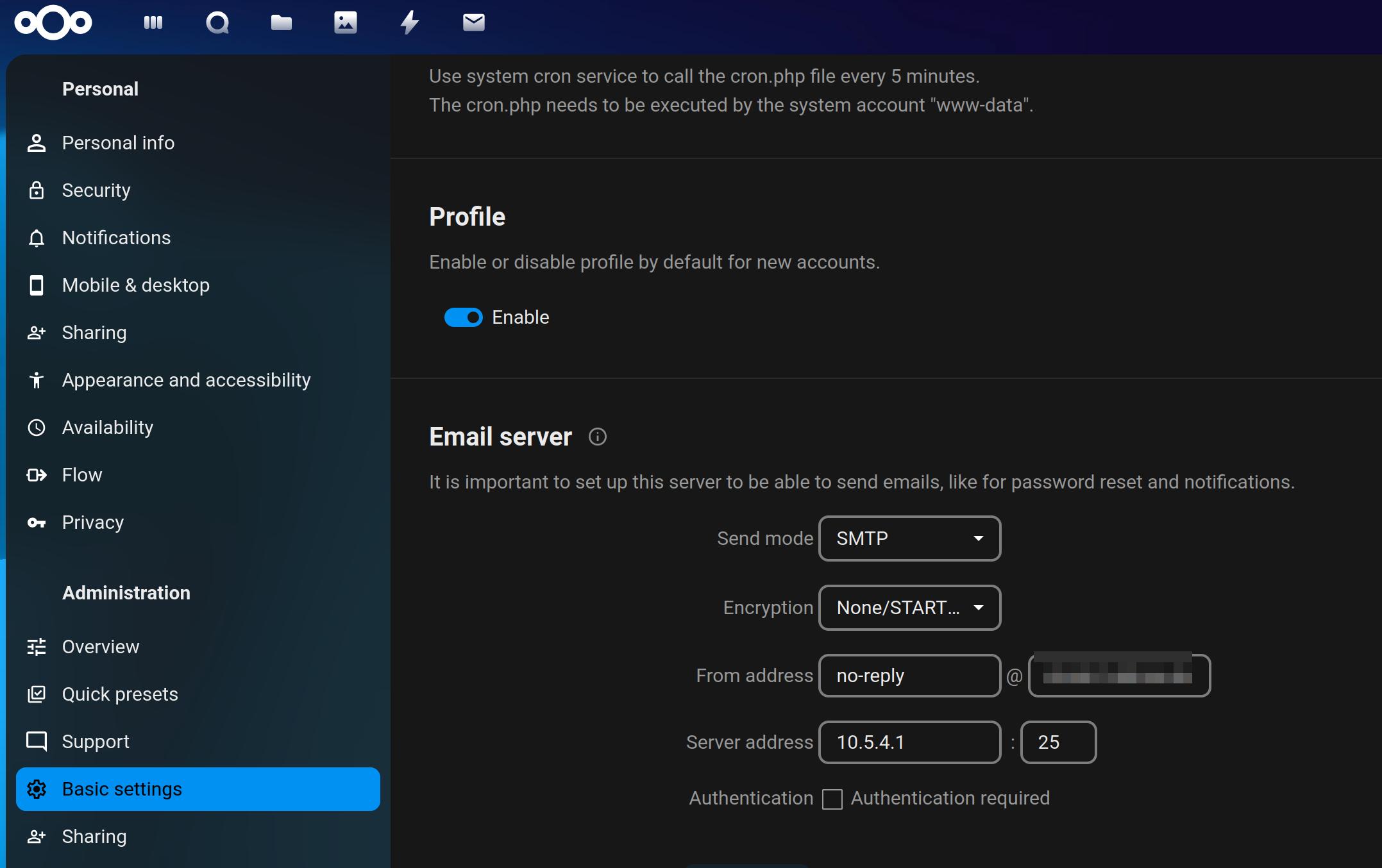
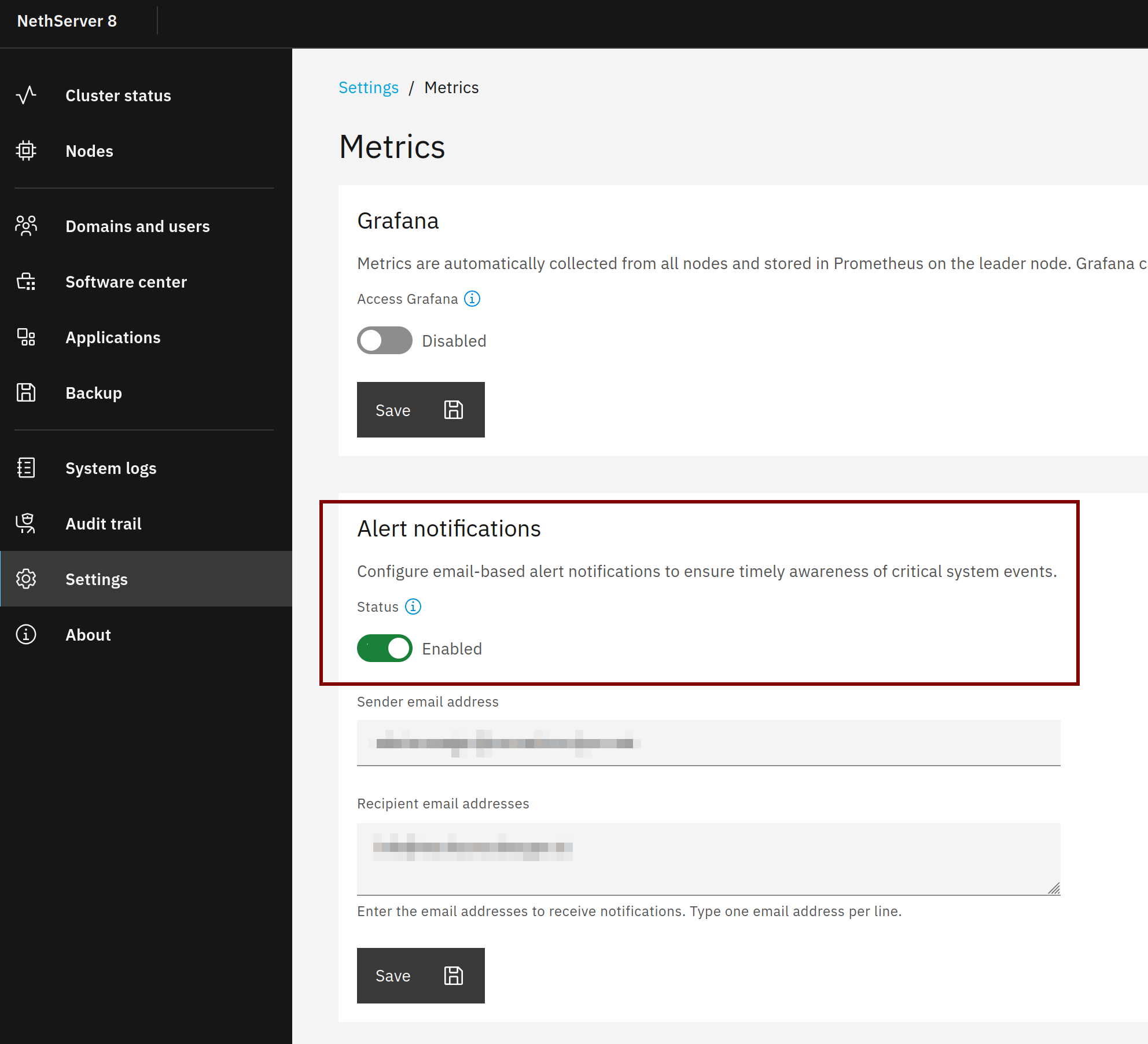
I have completely different settings that nextcloud displays by default in the basic settings than in my ns8 email notification settings. Can the ns8 mail settings be tested? Haven’t got an email since i set it up (ns7 anacron sent mails daily).
The ns8 mail notification settings are tested when they’re applied when you use “manual configuration”.
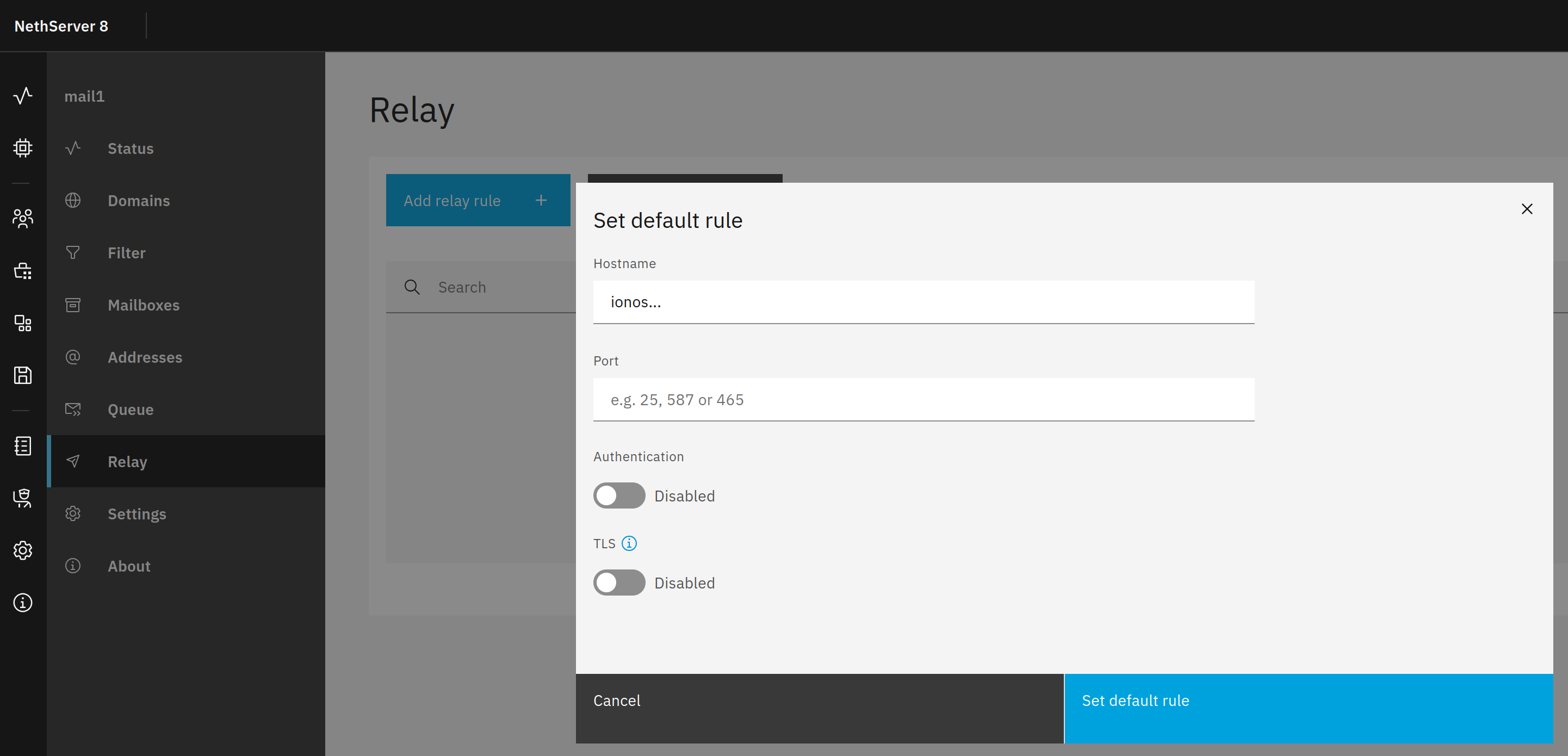
If “Use Mail application” is set, you may need to set the ionos smarthost (relay) in the mail app, see Mail — NS8 documentation
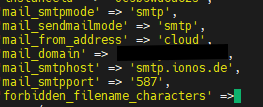
the hostname that’s always dispalyed in the sender address is my ddns hostname mydomain.ipv64.net and when i change it to the correct values of my ionos mailbox cloud@myionosdomain (and save it), it isn’t saved as the config file remains unchanged (with the above values which are correct). And i don’t use no-reply, as you can see above in the config.php snippet, i use cloud@myionosdomain. Even with the correct values i get the error, and when i log out and log in again, it’s reset to the values in the screenshot above (no-reply@mydomain.ipv64.net).
I could reproduce the issue.
The mail domain in the sender address is fetched from the Nextcloud FQDN and set via environment variables which override the config.php.
For example if the NC FQDN is nextcloud.domain.tld the mail domain is set to domain.tld.
For most cases that works because the NC domain is the same as the mail domain. I think adding a from address to the NC UI could be a solution…
As a workaround you could set the domain manually but the next update will overwrite it.
Edit discover-smarthost:
runagent -m nextcloud1 vi ../bin/discover-smarthost