Issue -
I have been unable to clear the Nextcloud error in routing http to https. This is affecting, programs like Nextcloud mail which the webpage does not load correctly. Looking at the errors received at the browser, I see there are indeed mixed content errors on page loads.
I have searched Nextcloud forums (including the mail app forum) and well as NethServer forums for leads with no luck. Has anyone got any ideas on what I might have missed?
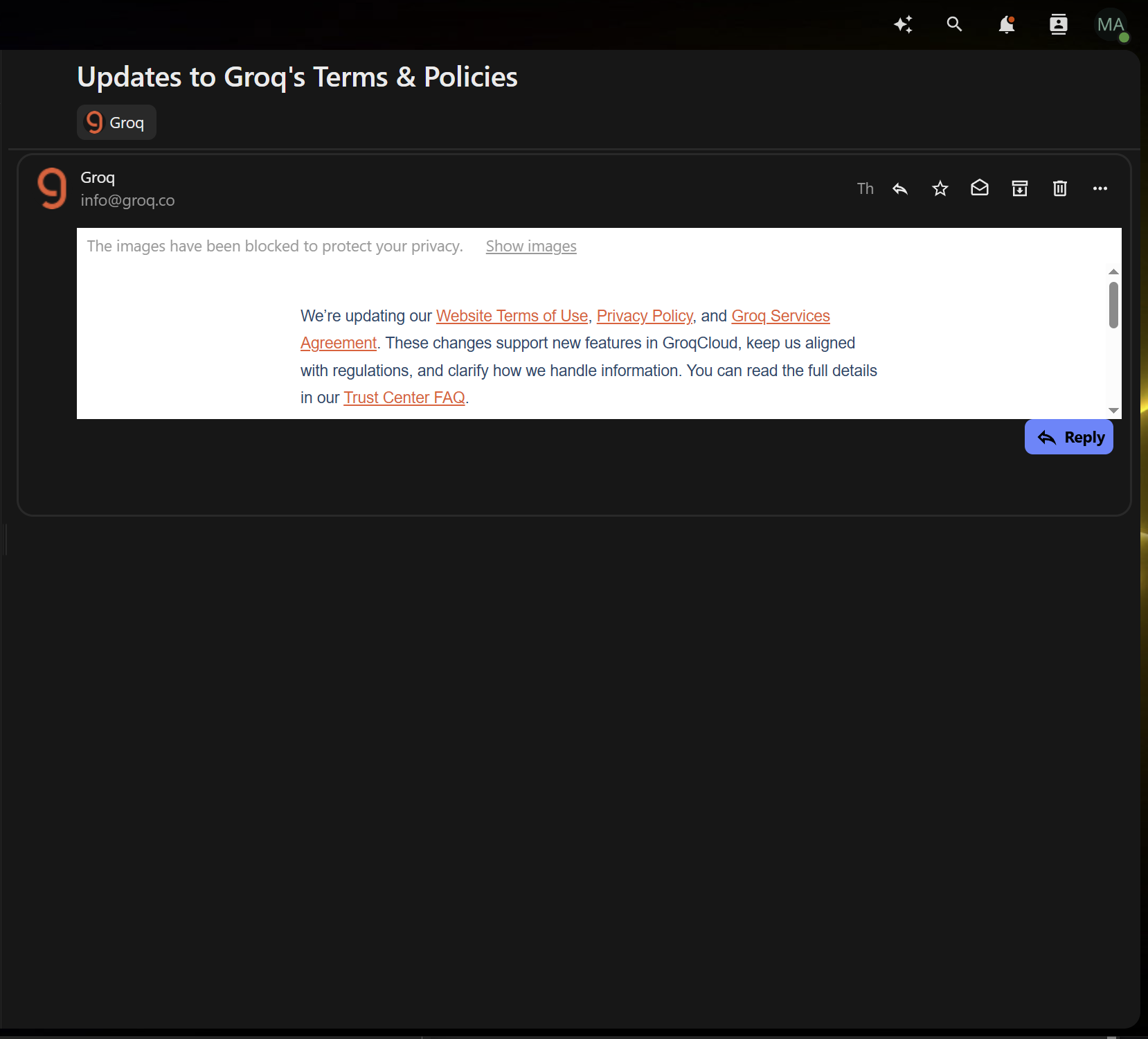
Nextcloud error -

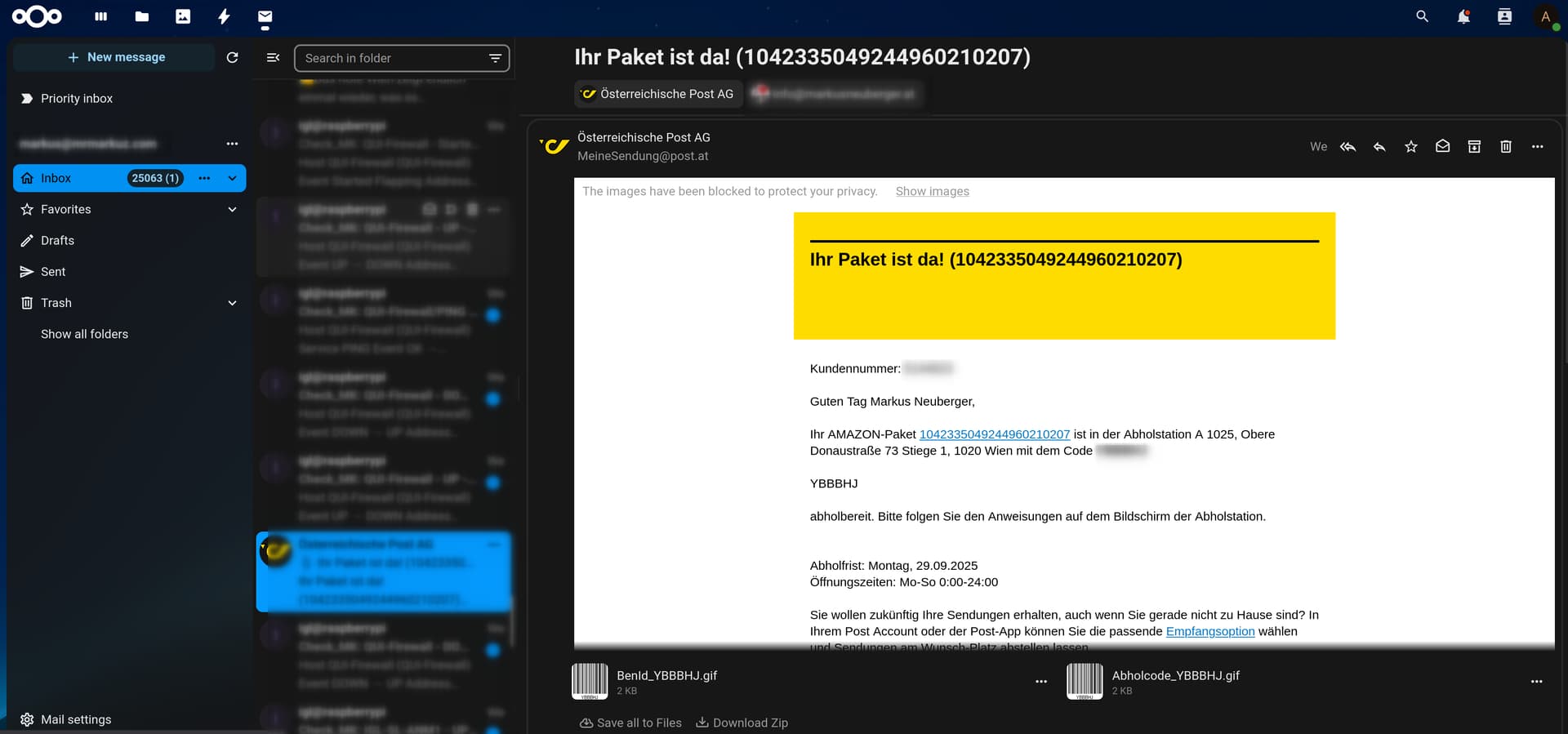
Browser page loading error when accessing Nextcloud mail app -

My set-up -
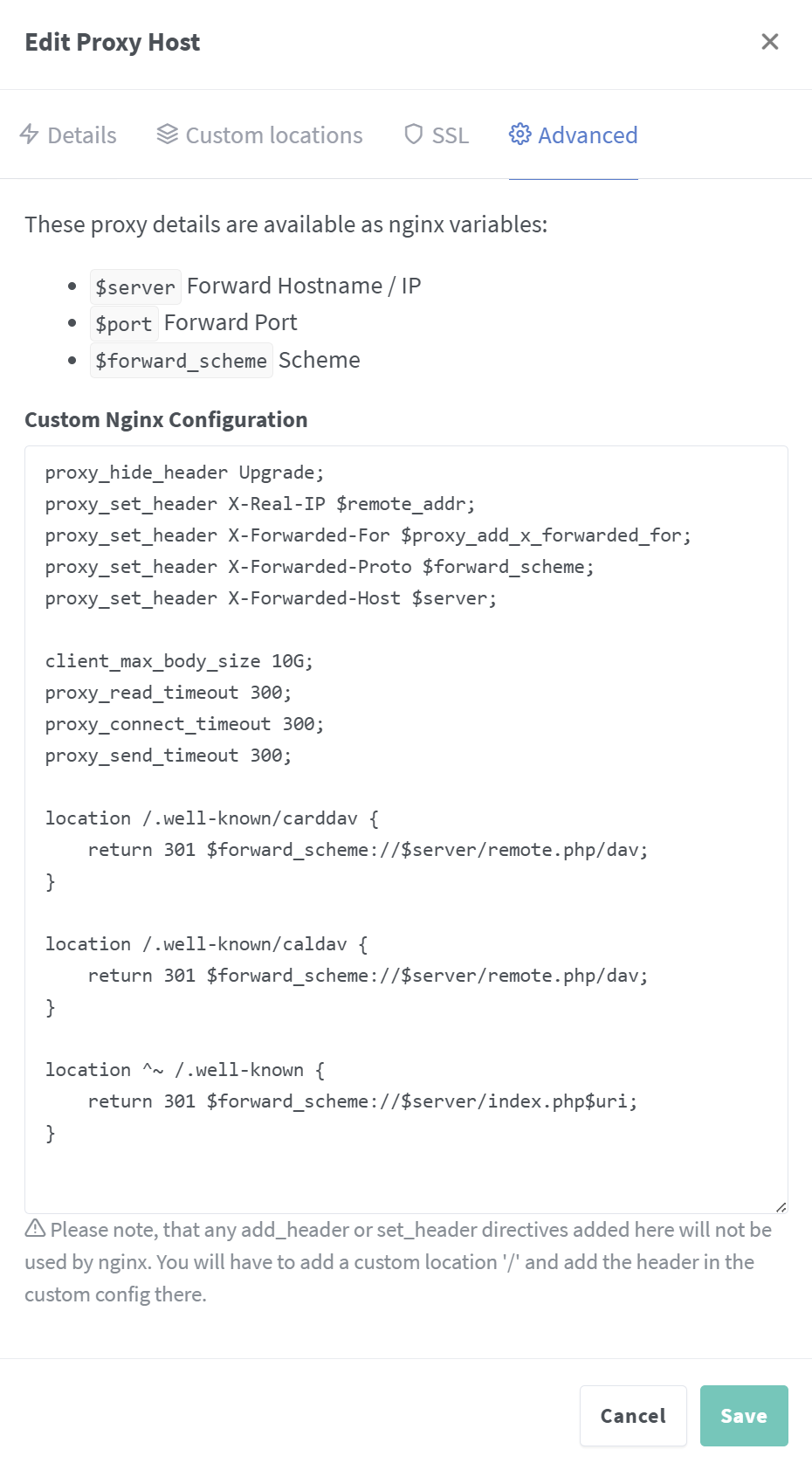
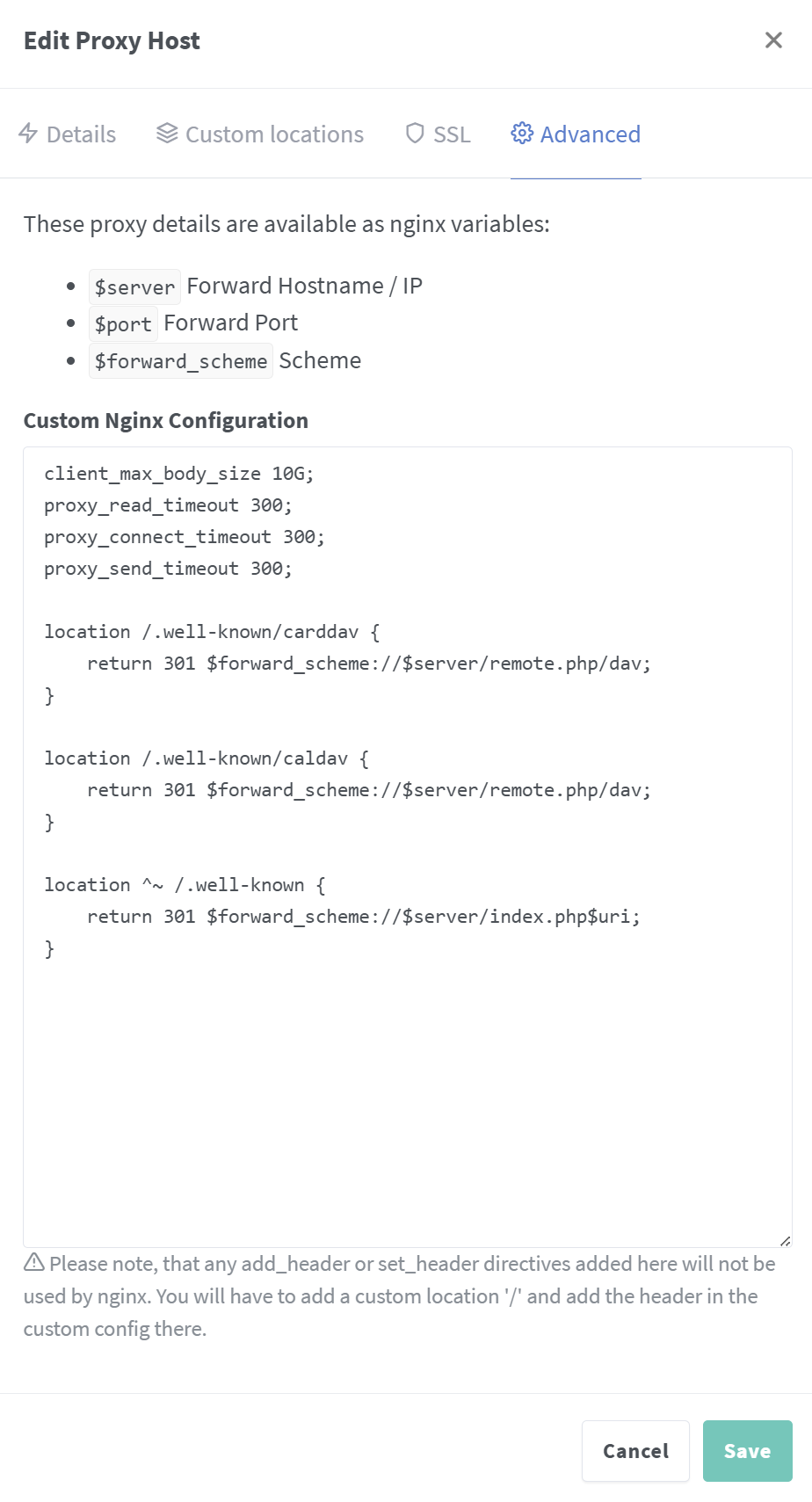
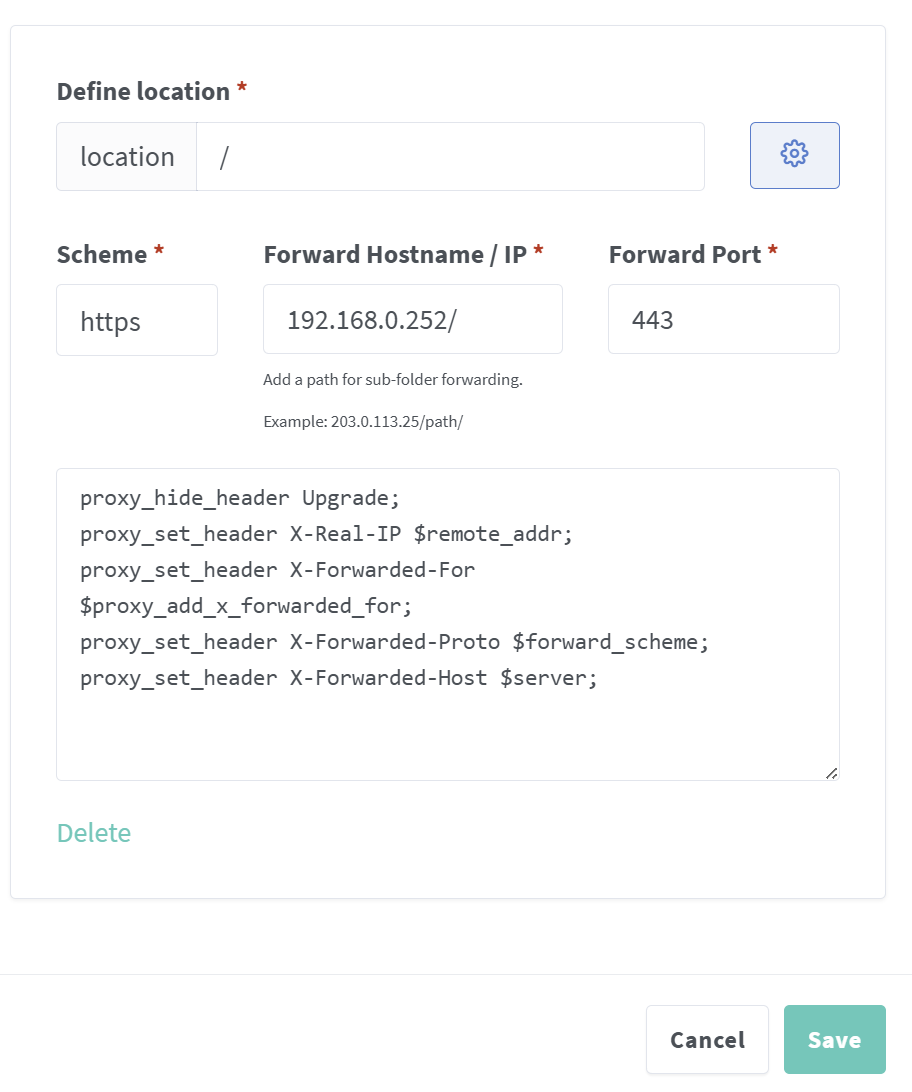
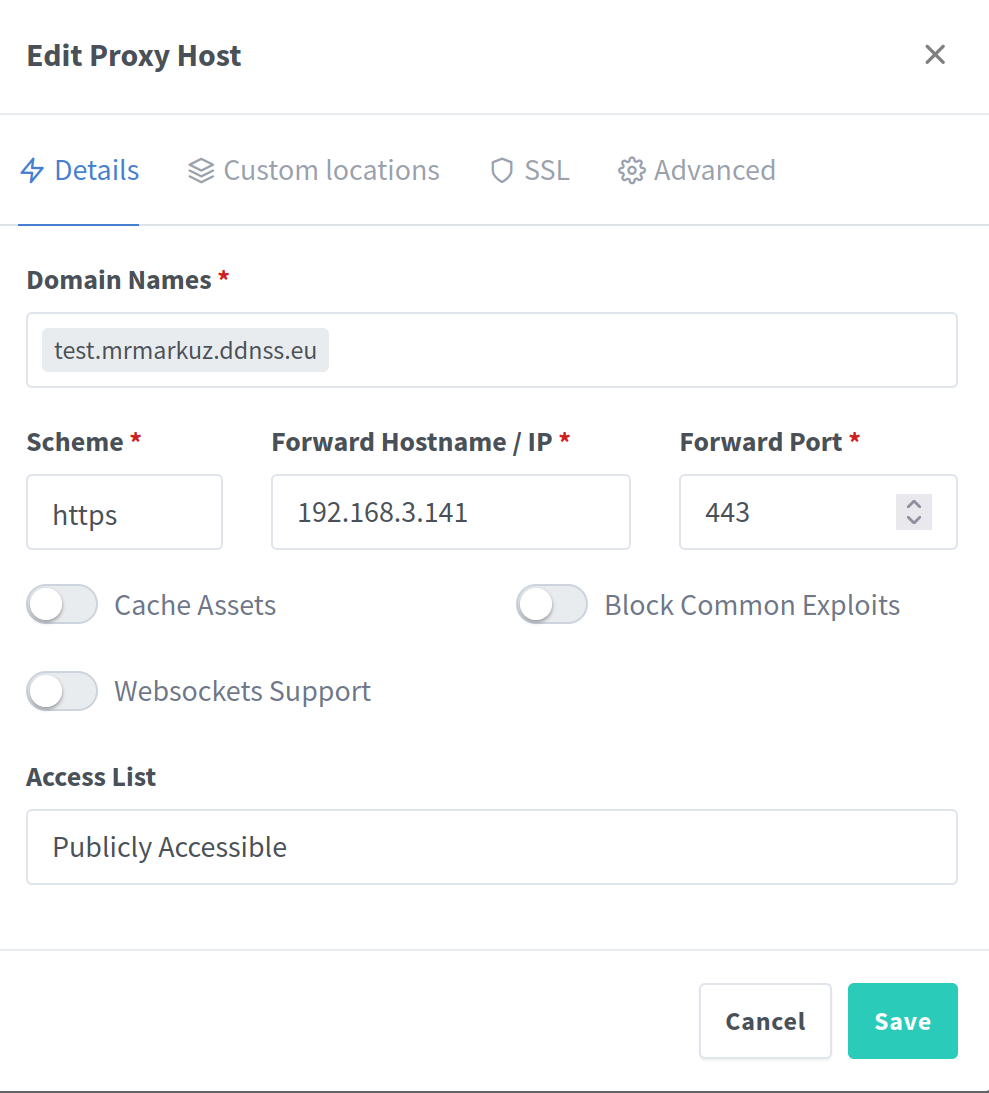
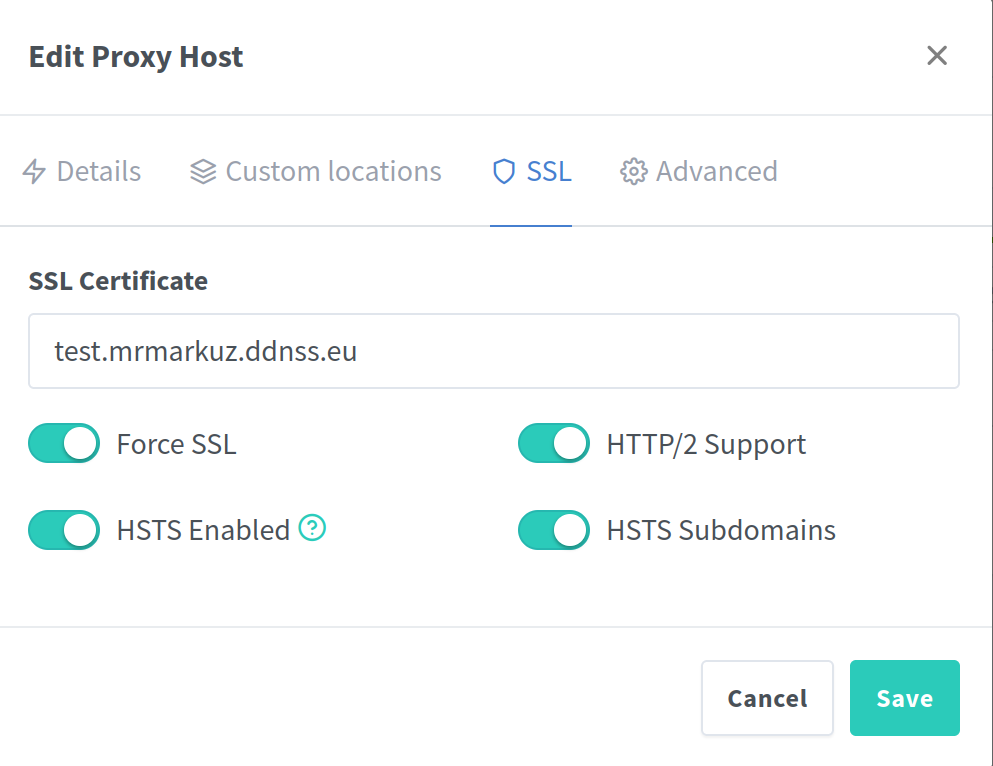
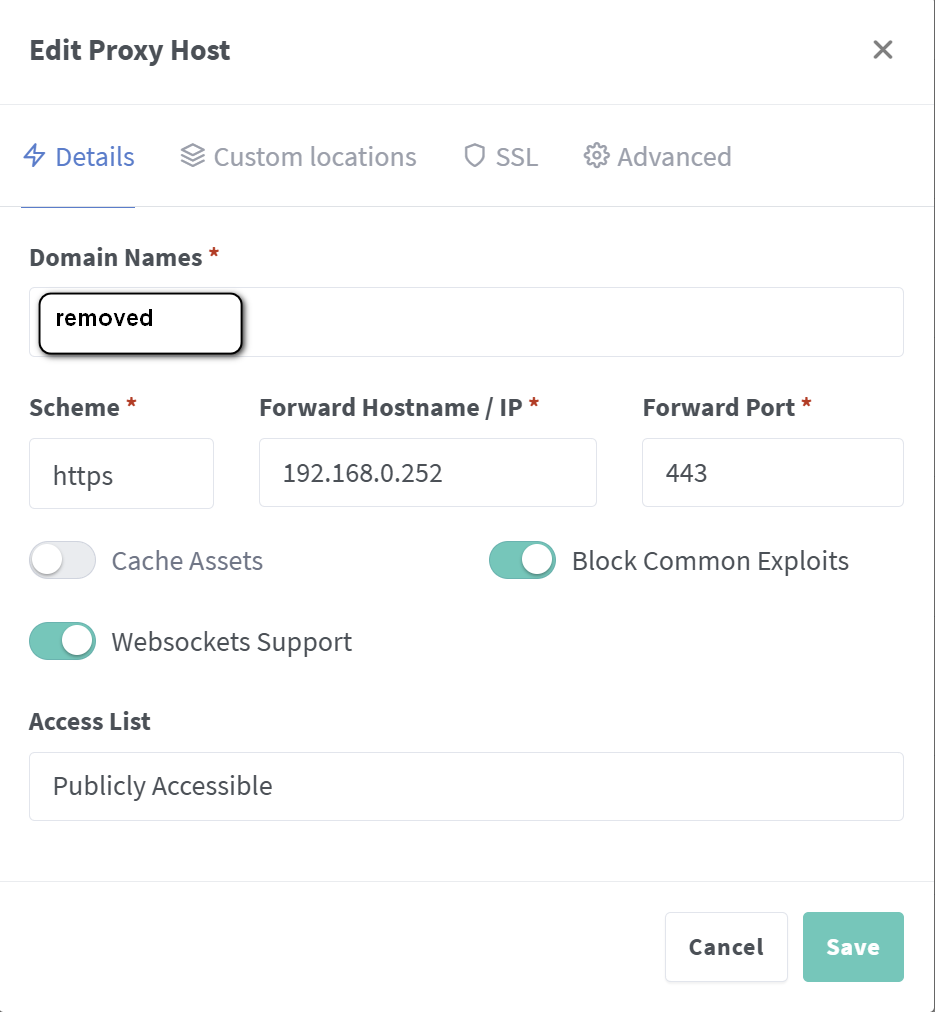
Nextcloud is hosted via NethServer 8 (fully patched with an IP address of 192.168.0.252) which is behind a Nginx Proxy Manager (IP address is 192.168.0.236)
Nginx Proxy Manager settings -
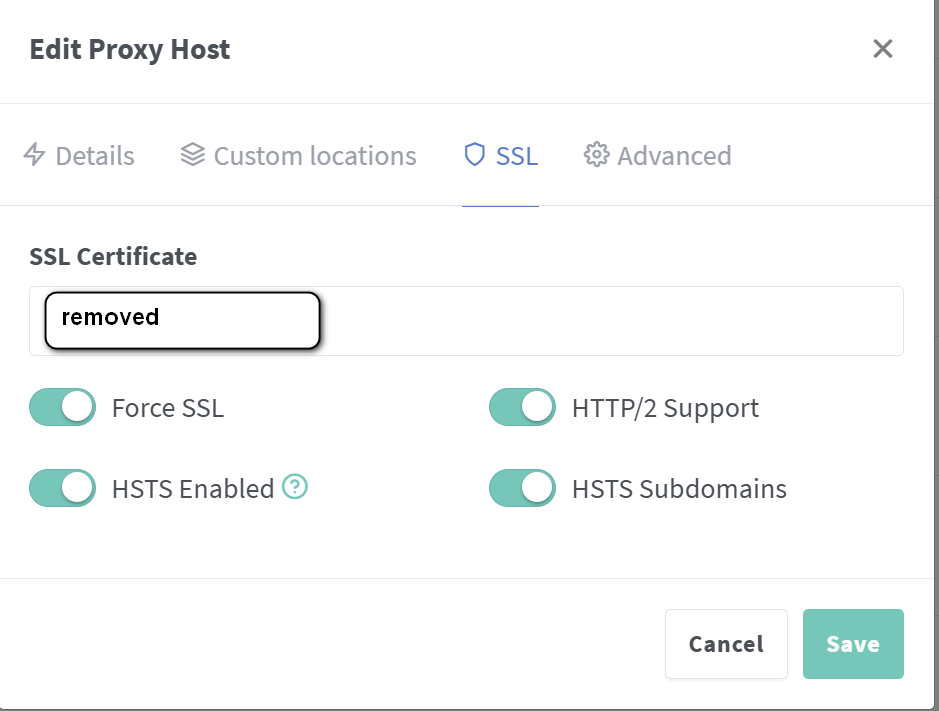
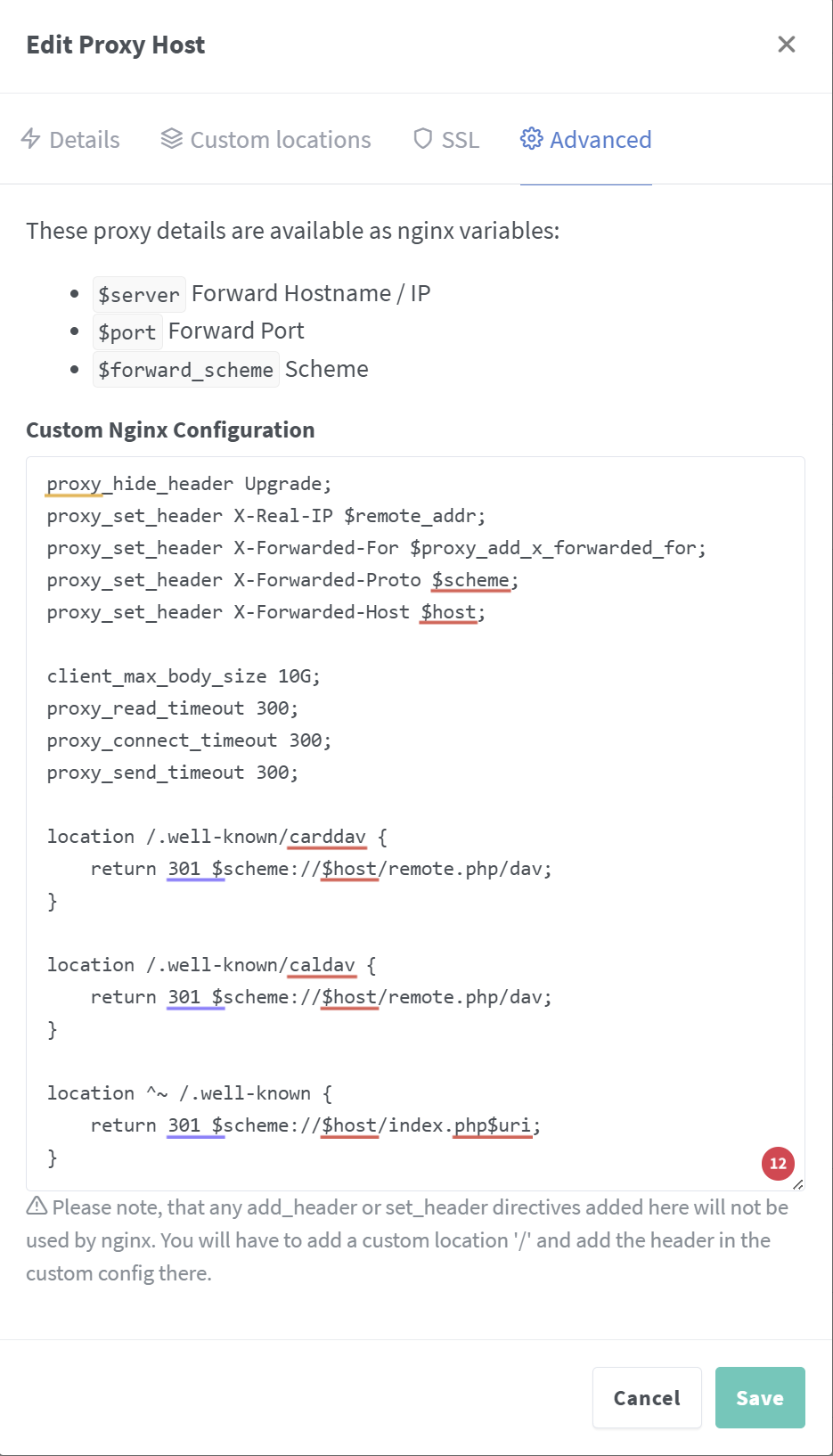
My Nextcloud config.php
<?php
$CONFIG = array (
  'memcache.local' => '\\OC\\Memcache\\APCu',
  'apps_paths' =>
  array (
    0 =>
    array (
      'path' => '/var/www/html/apps',
      'url' => '/apps',
      'writable' => false,
    ),
    1 =>
    array (
      'path' => '/var/www/html/custom_apps',
      'url' => '/custom_apps',
      'writable' => true,
    ),
  ),
  'memcache.distributed' => '\\OC\\Memcache\\Redis',
  'memcache.locking' => '\\OC\\Memcache\\Redis',
  'redis' =>
  array (
    'host' => '127.0.0.1',
    'password' => '',
    'port' => 6379,
  ),
  'overwriteprotocol' => 'https',
  'passwordsalt' => '---removed---',
  'secret' => '---removed---',
  'datadirectory' => '/var/www/html/data',
  'dbtype' => 'mysql',
  'version' => '31.0.6.2',
  'overwrite.cli.url' => '---removed---',
  'dbname' => 'nextcloud',
  'dbhost' => '127.0.0.1',
  'dbtableprefix' => 'oc_',
  'mysql.utf8mb4' => true,
  'dbuser' => 'nextcloud',
  'dbpassword' => 'nextcloud',
  'installed' => true,
  'instanceid' => 'ockrbd4i4s3a',
  'trusted_proxies' =>
  array (
    0 => '127.0.0.1',
    1 => '192.168.0.236',
  ),
  'overwritewebroot' => '/',
  'overwritecondaddr' => '^192.168.0.236$',
  'forwarded_for_headers' =>
  array (
    0 => 'HTTP_X_REAL_IP',
  ),
  'allow_local_remote_servers' => true,
  'trusted_domains' =>
  array (
    0 => 'localhost',
    1 => '---removed---',
  ),
  'mail_smtpmode' => 'smtp',
  'mail_smtpauthtype' => 'LOGIN',
  'mail_from_address' => '---removed---',
  'mail_domain' => '---removed---',
  'mail_smtphost' => '---removed---',
  'mail_smtpport' => '465',
  'upgrade.disable-web' => true,
  'updatechecker' => false,
  'check_for_working_wellknown_setup' => false,
  'log_type' => 'errorlog',
  'overwritehost' => '---removed---',
  'data-fingerprint' => '---removed---',
  'maintenance_window_start' => 1,
  'loglevel' => 0,
  'maintenance' => false,
  'app.mail.verify-tls-peer' => false,
  'ldapProviderFactory' => 'OCA\\User_LDAP\\LDAPProviderFactory',
  'app_install_overwrite' =>
  array (
  ),
  'memories.db.triggers.fcu' => true,
  'memories.exiftool' => '/var/www/html/custom_apps/memories/bin-ext/exiftool-amd64-musl',
  'memories.vod.path' => '/var/www/html/custom_apps/memories/bin-ext/go-vod-amd64',
  'memories.vod.ffmpeg' => '/usr/bin/ffmpeg',
  'memories.vod.ffprobe' => '/usr/bin/ffprobe',
  'mail_sendmailmode' => 'smtp',
  'mail_smtpauth' => true,
  'mail_smtpname' => '---removed---',
  'mail_smtppassword' => '---removed---',
  'mail_smtpsecure' => 'ssl',
  'app.mail.imap.timeout' => 30,
  'app.mail.smtp.timeout' => 5,
  'upload_max_filesize' => '10G',
  'post_max_size' => '10G',
  'csp' =>
  array (
    'frame-src' =>
    array (
      0 => 'self',
      1 => '*',
    ),
    'default-src' =>
    array (
      0 => 'self',
      1 => '*',
    ),
    'script-src' =>
    array (
      0 => 'self',
      1 => 'unsafe-inline',
      2 => 'unsafe-eval',
    ),
    'style-src' =>
    array (
      0 => 'self',
      1 => 'unsafe-inline',
    ),
    'img-src' =>
    array (
      0 => '*',
      1 => 'data:',
      2 => 'blob:',
    ),
    'connect-src' =>
    array (
      0 => '*',
    ),
    'media-src' =>
    array (
      0 => '*',
    ),
  ),
);
Nethserver 8 http route -