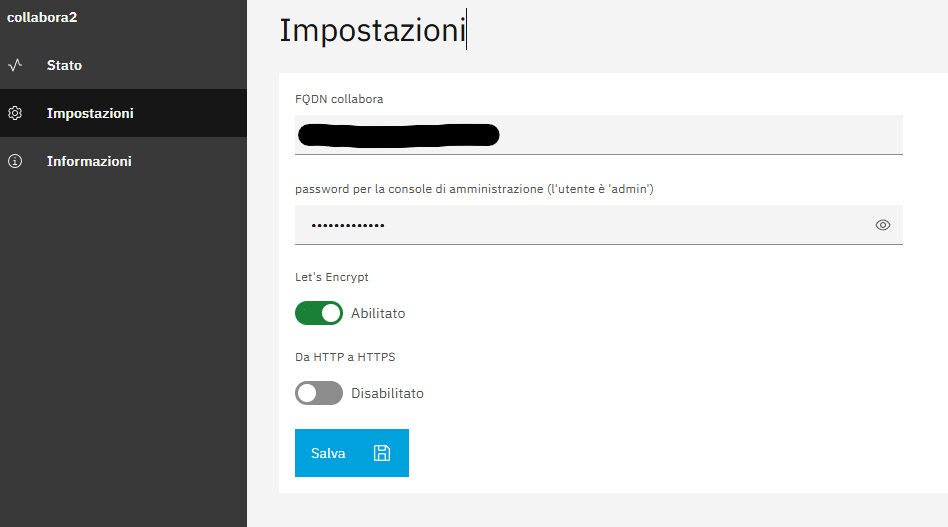
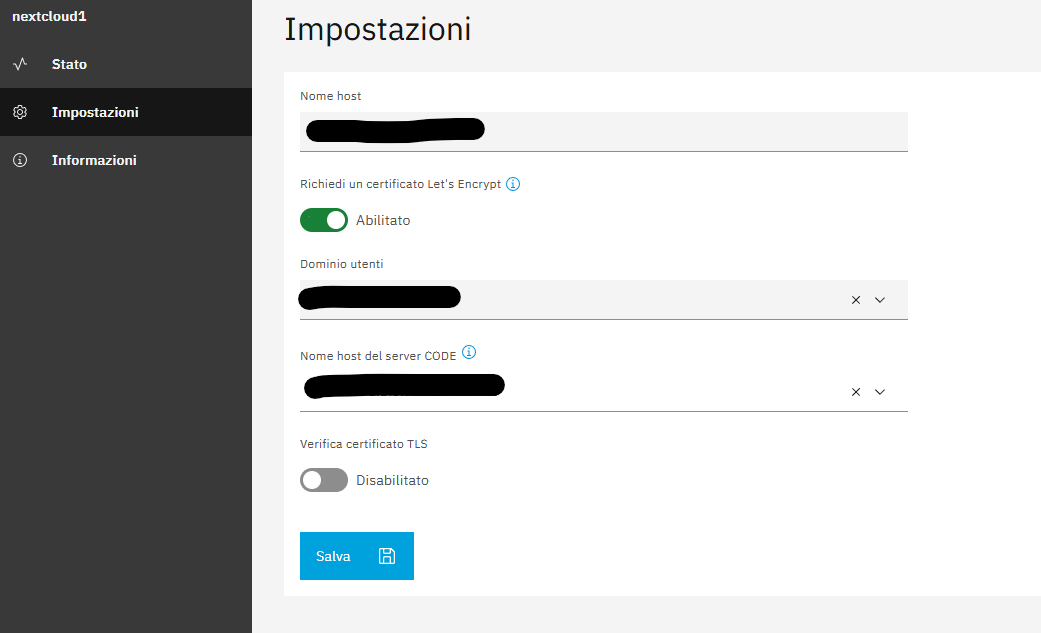
Yes I have configured both Letsencrypt for Nextcloud and Collabora, and the https is fine for both URL, I have already configured Nextcloud to use the internal Collabora using Nethserver
But i’m still seeing the Unauthorized WOPI error, @LayLow not sure if it’s related to the posts that you have shared (my test comes from a fresh nethserver 8 setup)
I’ve enabled the http→https redirection but still no success to edit docs trough nextcloud,
Trying to curl eachother app
[root@cloud ~]# runagent -m collabora2 podman exec -ti collabora curl https://cloud.<redacted>.it/apps/dashboard/
curl: (7) Failed to connect to https://cloud.<redacted>.it port 443 after 1 ms: Could not connect to server

[root@cloud ~]# runagent -m nextcloud1 podman exec -ti nextcloud-app curl https://collabora.<redacted>.it
OK
It seems that collabora can’t reach Nextcloud, but nextcloud can curl collabora and it returns “OK”
Just to clarify, since this is a fresh setup i’ve already tried to unistall and reinstall collabora, that’s why my collabora id is “collabora2”
and If I try to reach the URL https://cloud..it/apps/dashboard/ from my PC it’s working
It seems your node FQDN is the same as the Nextcloud FQDN. In that case inside the Collabora container cloud.domain.it is resolved to 127.0.1.1 and therefore Nextcloud can’t be reached.
I recommend to change the node FQDN to something like node.domain.it. Changing the node FQDN is explained in the documentation.
After restarting Collabora, it should be able to reach Nextcloud.