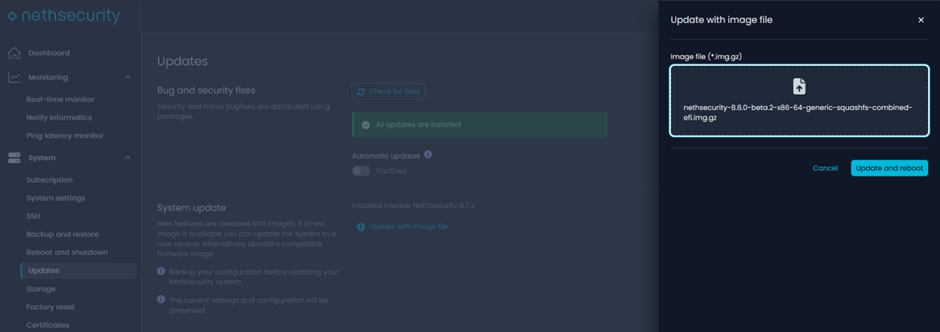
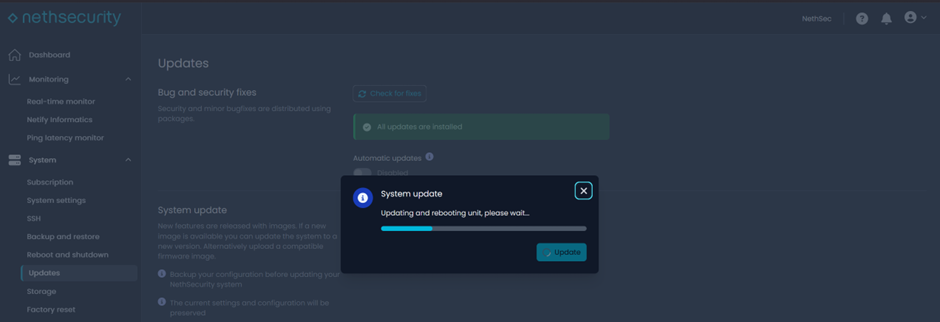
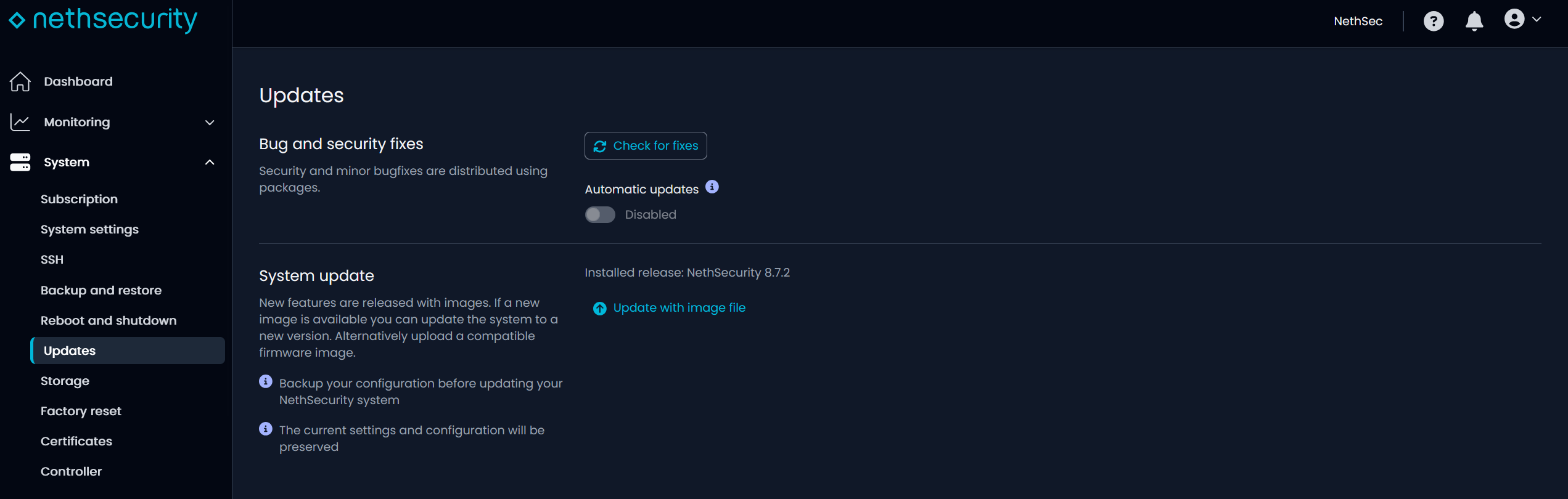
We are pleased to announce the release of NethSecurity-8.8.0-beta.2.
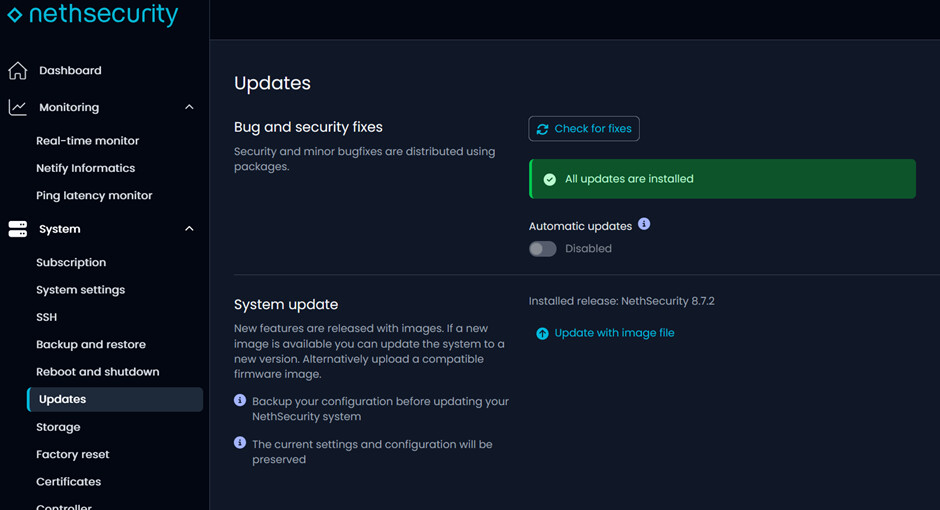
This version is a major platform update: NethSecurity 8.8.0 is based on OpenWrt 25.12, while version 8.7.2 was based on 24.10.
The rebase introduces significant updates to the system, kernel, main networking and VPN components, as well as numerous security fixes.
We need you 
We need to test the beta in as many scenarios as possible and collect as much feedback as possible.
Only after that will we be able to proceed with the stable release.
Since this is a beta, use in critical production environments is not recommended.
Download and try NethSecurity-8.8.0-beta.2 
 Controller compatibility
Using NethSecurity-8.8.0-beta.2 with Controller requires at least Controller version 2.2.7-dev.3.
At this stage, however, we do not recommend upgrading Controllers used in production: after upgrading to the version required by the beta, firewalls running stable versions of NethSecurity may no longer be accessible from the Controller.
Before upgrading the Controller or connecting a firewall to the beta, make sure the environment is intended for testing or evaluation and does not manage production devices.
 Beta highlights
NethSecurity-8.8.0-beta.2 introduces a major update to the system base.
This includes:
- update of the Linux kernel to version 6.12
- update of many system and networking components
- switch from the opkg package manager to the new apk package manager
- update of OpenVPN to version 2.7.4
- update of IPsec/strongSwan to version 6.0.3
- numerous vulnerabilities fixed in base components, the kernel, network services and system libraries
- general improvements in stability, compatibility and hardware support
The new package manager is one of the most relevant changes: apk replaces opkg as the package management system.
For users who only use the web interface, the impact should be minimal, while those who install or manage packages from the CLI will need to take the new command syntax into account.
This beta allows us to validate the behavior of the new system base in real-world scenarios, with configurations and installations different from those covered by internal tests.
 What’s new
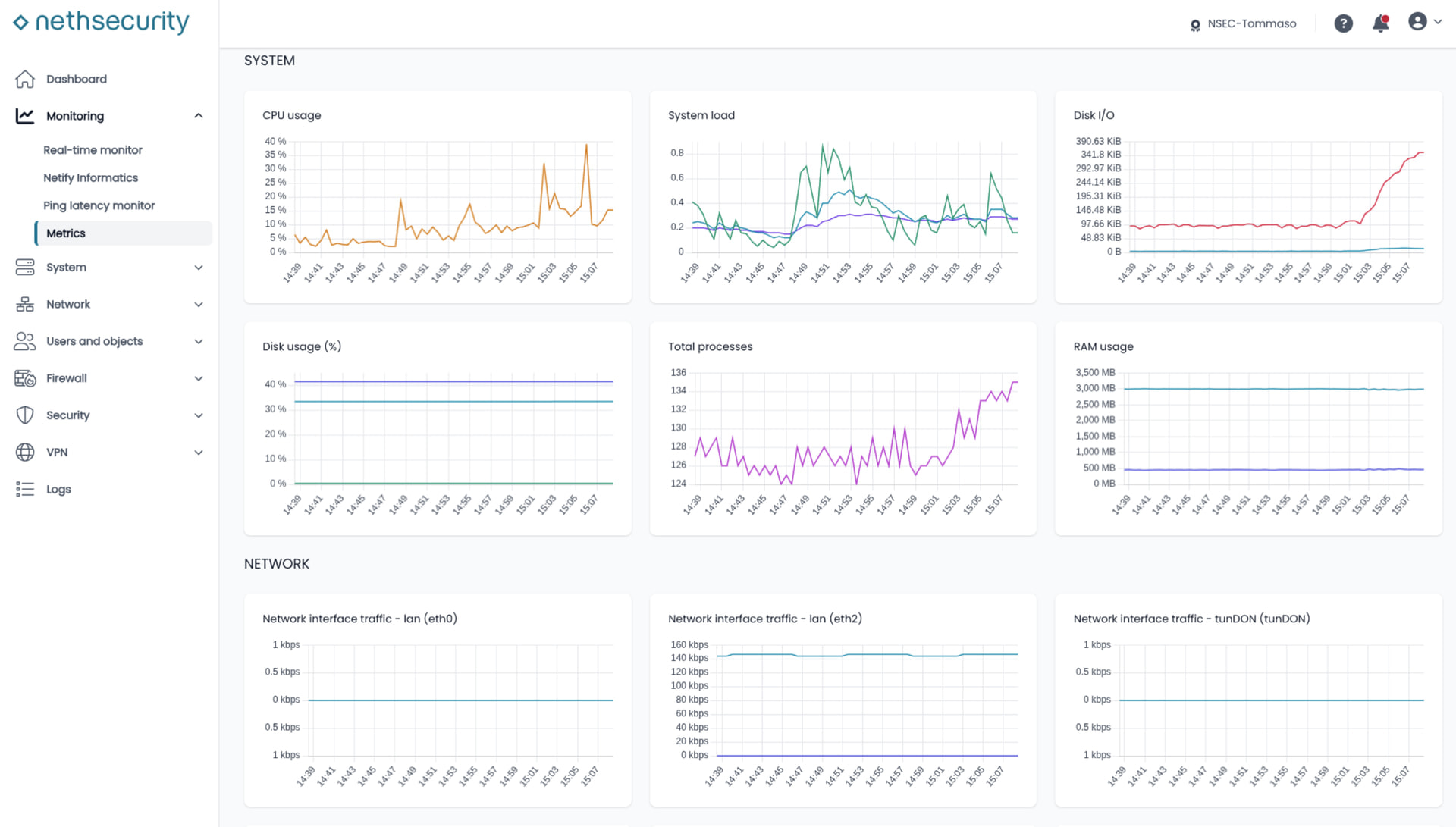
 Integrated native metrics
NethSecurity introduces a new section of natively managed metrics, integrated directly into the firewall interface.
The new section allows you to view information on many aspects of system operation, including:
- network traffic
- firewall load
- interface trends
- latency graphs
- useful indicators to check the overall status of the appliance
Some of this information was already available through Netdata, but it is now integrated directly into the NethSecurity UI, making consultation more immediate and providing higher retention.
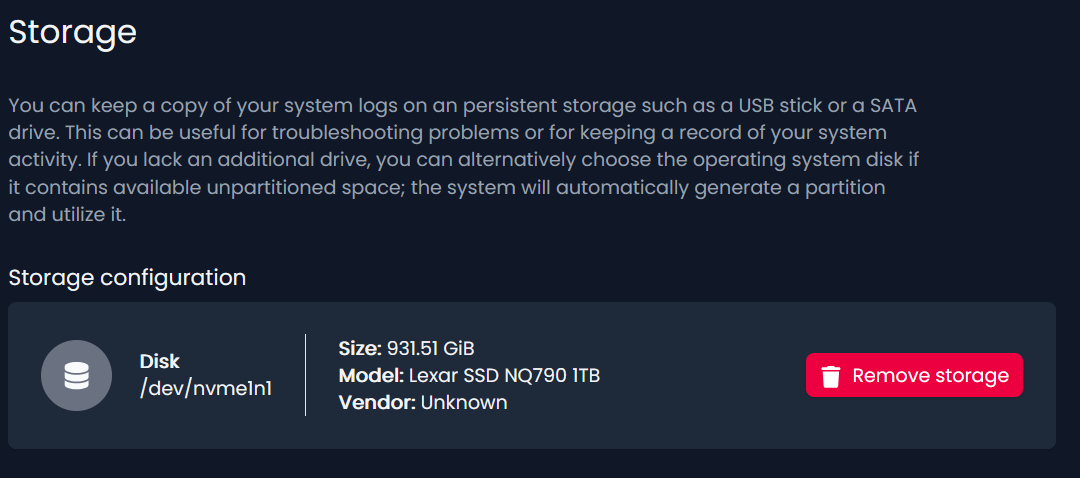
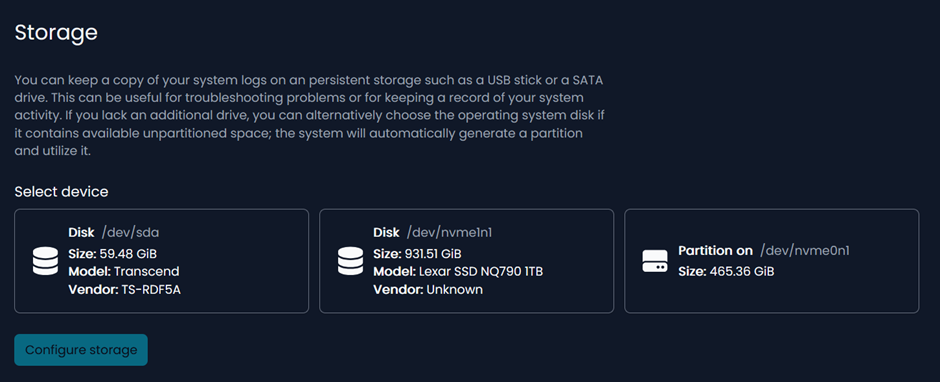
If storage is configured, metrics retention reaches up to 52 weeks.
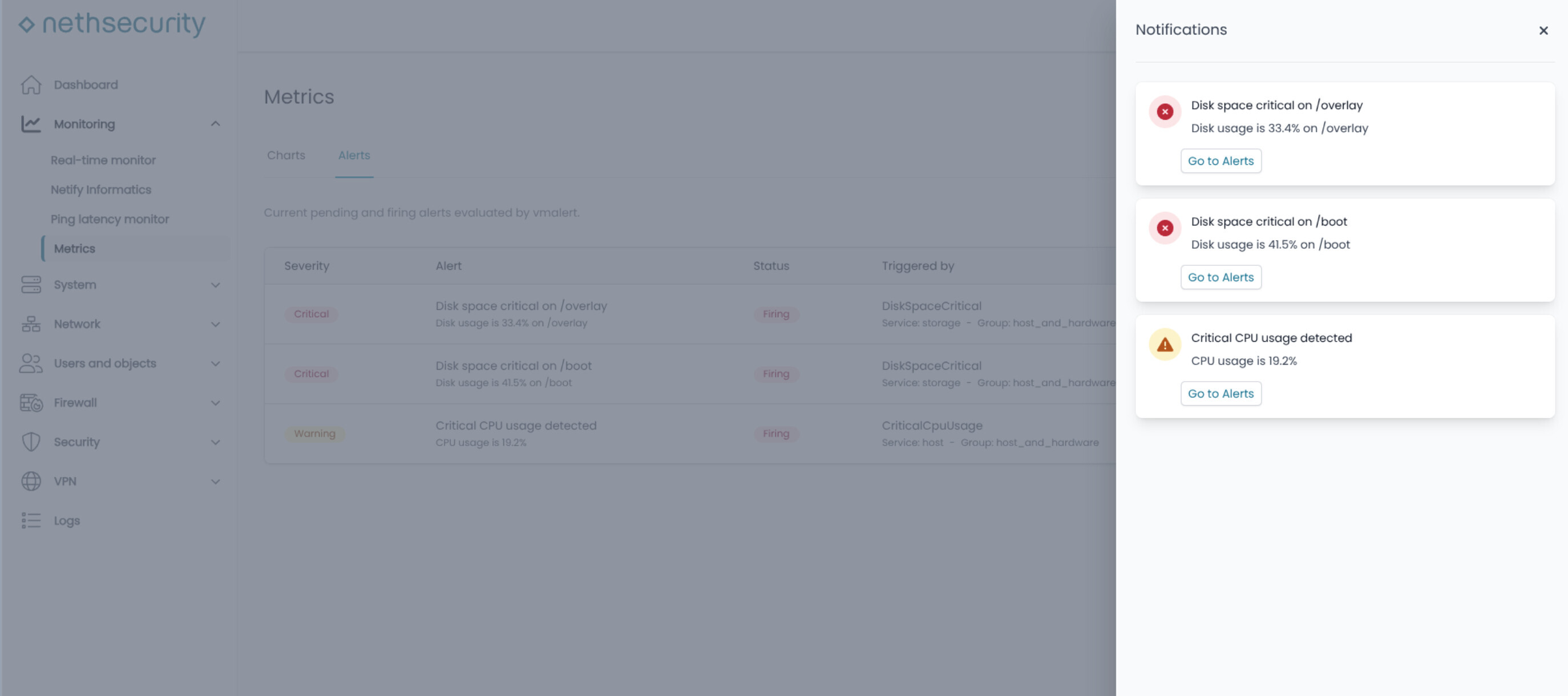
 Alerts and notifications
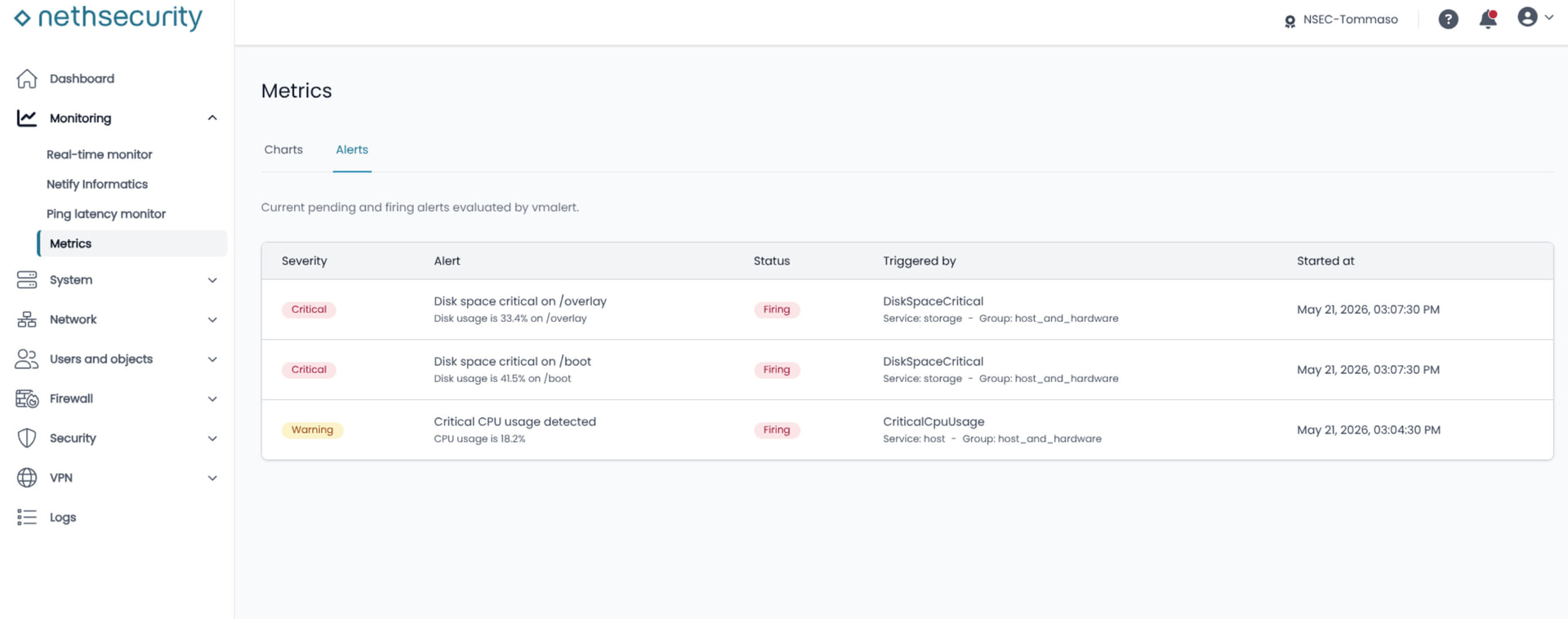
A new section dedicated to alerts and notifications has been introduced, designed to inform the administrator in case of firewall anomalies or relevant conditions.
This feature provides greater visibility into system status and allows faster action when events requiring attention are detected.
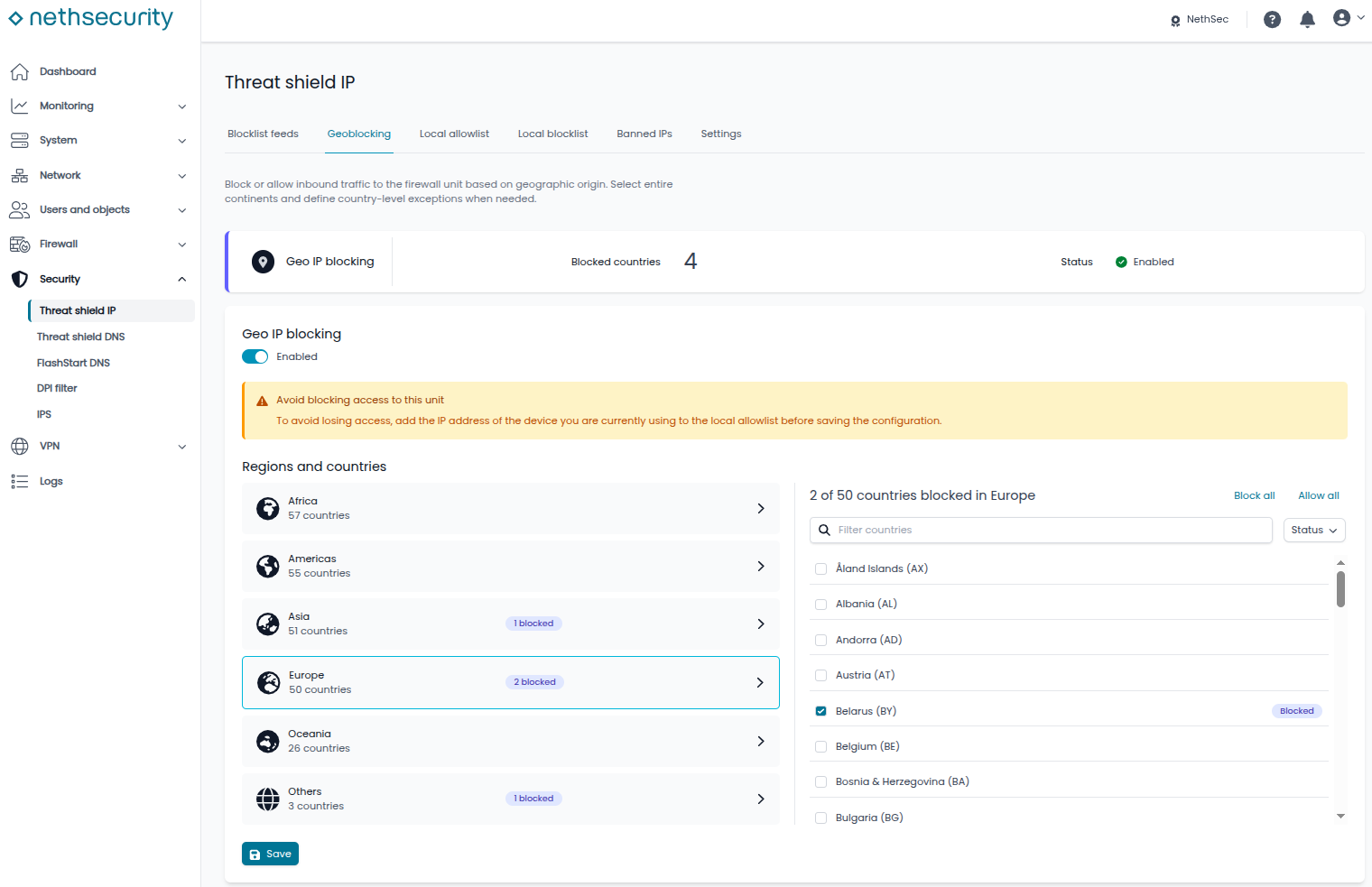
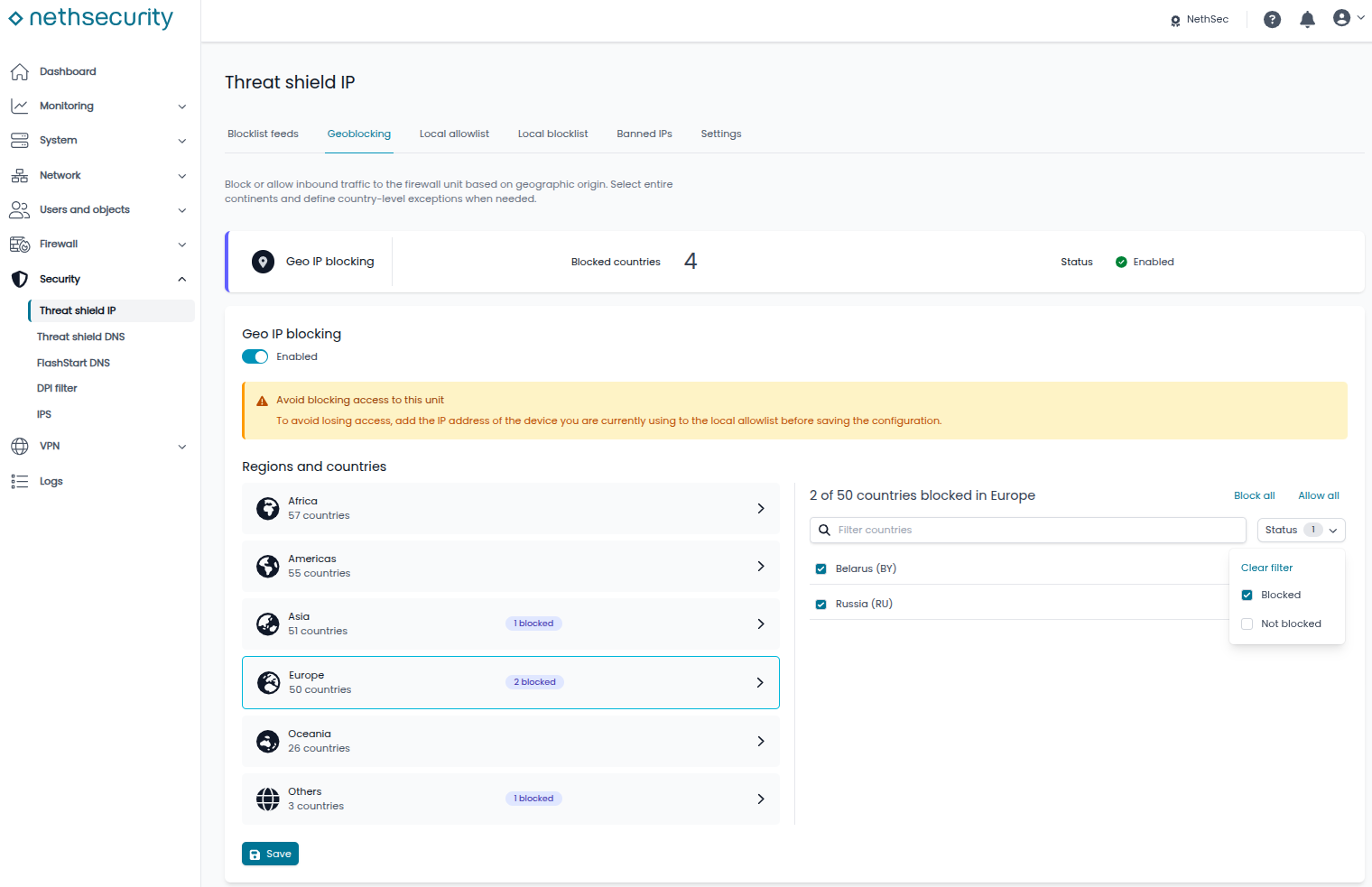
 Geoblocking in Threat Shield IP
The Threat Shield IP section introduces the ability to manage IP geoblocking directly from the firewall interface.
It is now possible to apply geoblocking rules, allowing more flexible management of policies based on the geographic origin or destination of IP addresses.
Blocking is active only for inbound traffic, blocking all requests from the internet while allowing hosts on the network to browse freely.
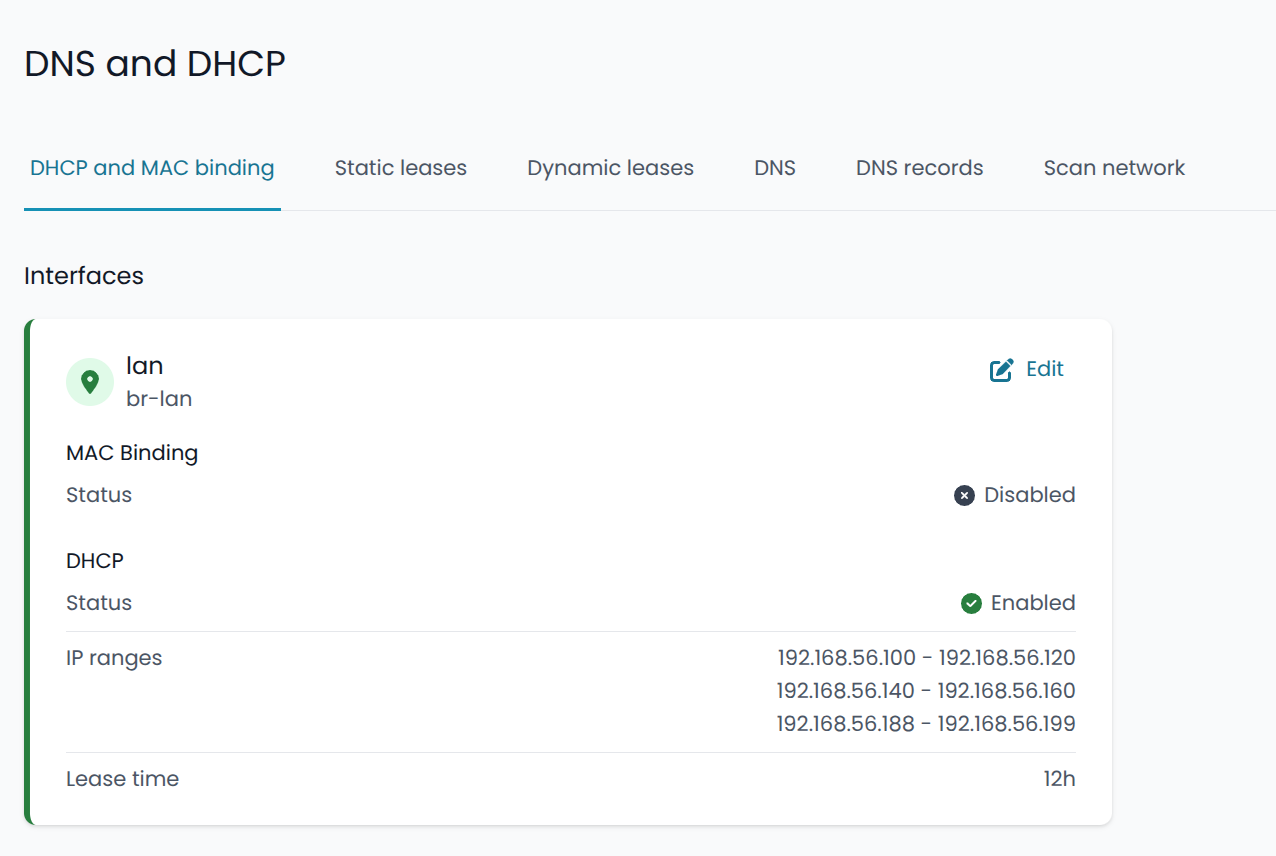
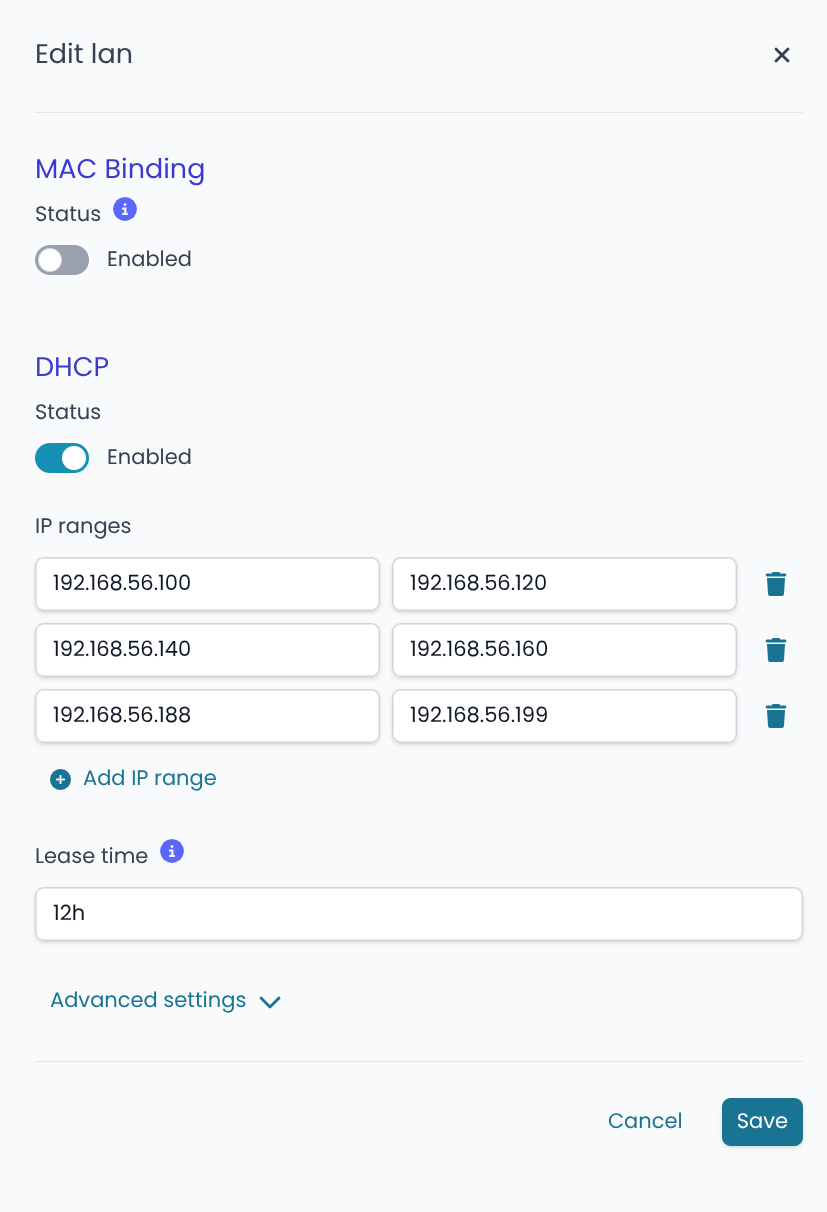
 DHCP server with multiple ranges
The new UI allows you to specify multiple IP ranges for the same DHCP server. This simplifies configuration in environments where the network includes a mix of devices with static and dynamic IP addresses.
 Emergency CLI tool
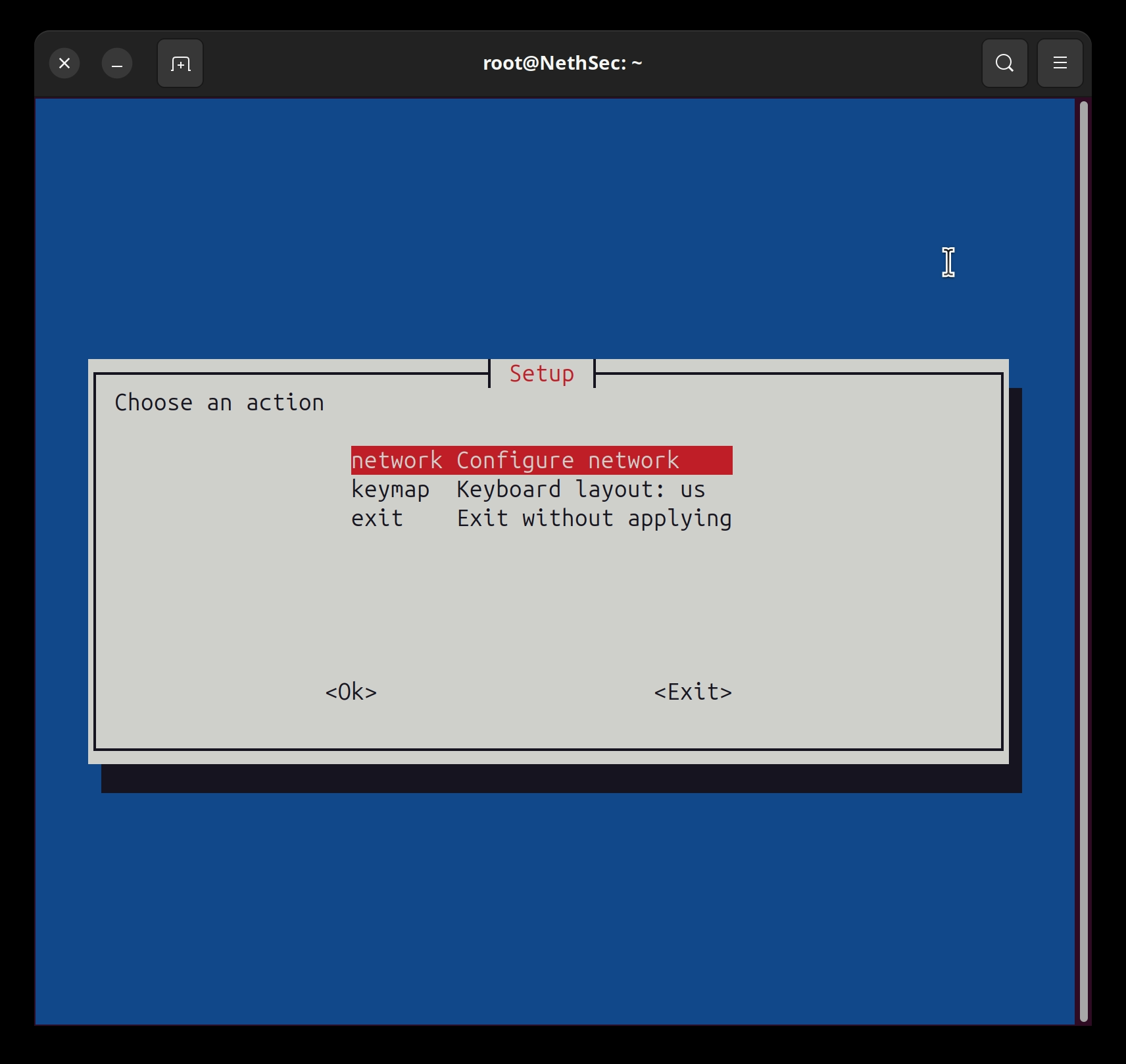
The new beta also introduces a CLI configuration tool, designed for emergency situations where it is not possible to access the firewall web interface.
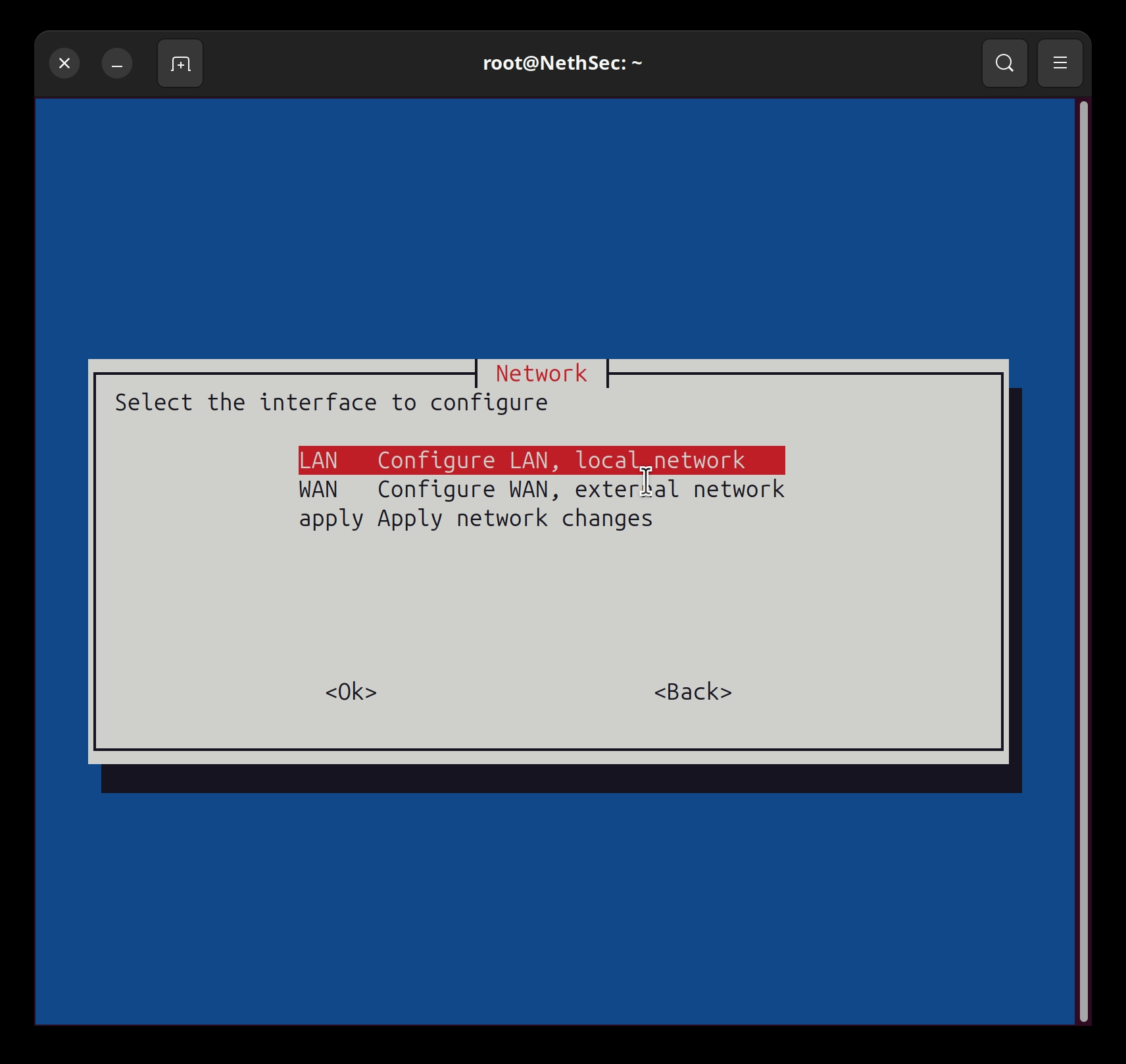
By accessing the system via console or SSH and running the setup command, it is possible to open a text-based menu that allows basic network configuration to be modified without using the browser UI.
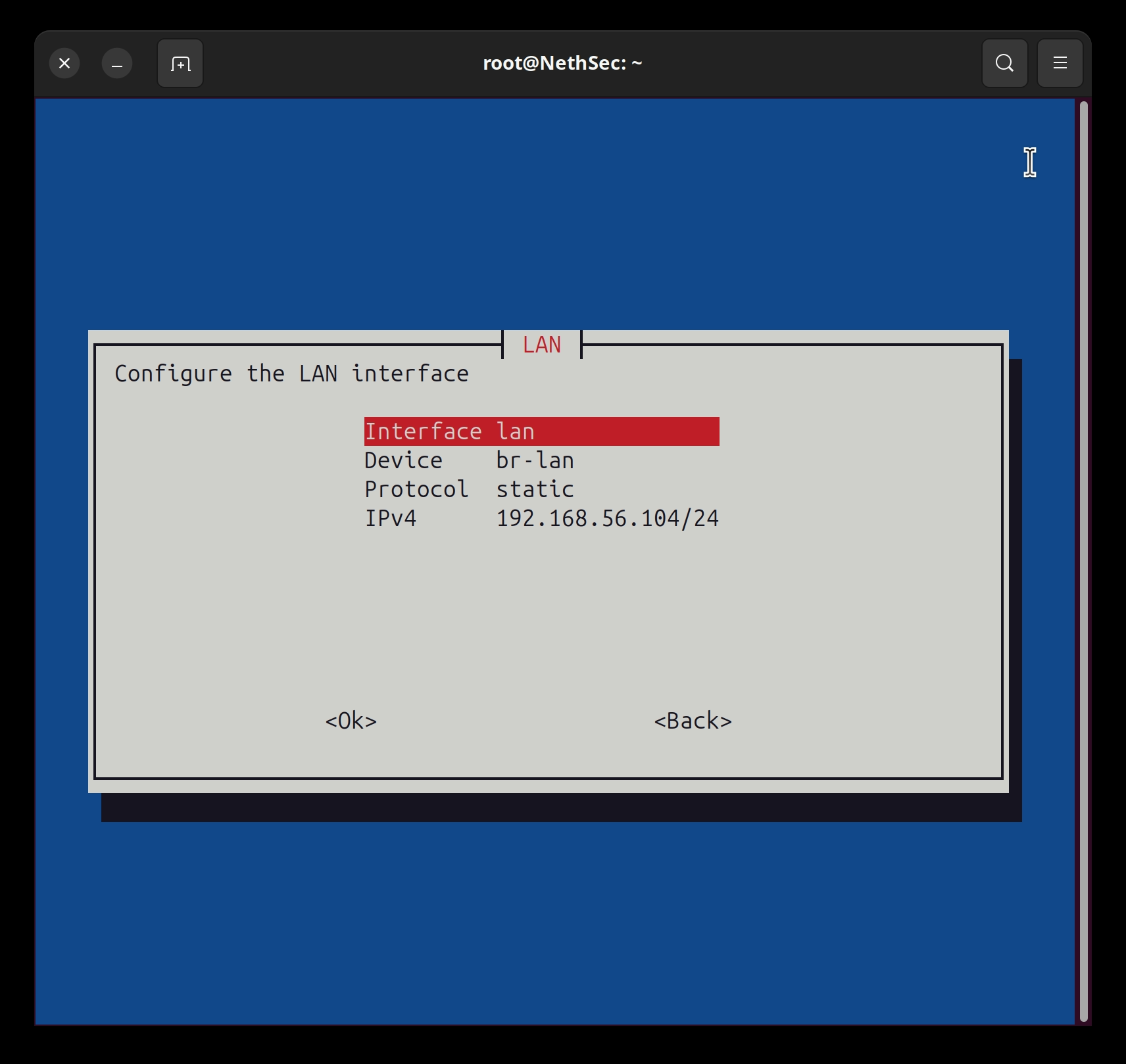
The tool allows you to:
- configure the LAN interface
- configure the WAN interface
- modify the IPv4 address and interface protocol
- apply network changes
- modify the console keyboard layout
This feature is especially intended for cases where an incorrect network configuration makes the web UI unreachable, or when working directly from the local console during installation, recovery or troubleshooting.
 Management of additional packages and image updates
Management of manually installed additional packages has been improved, an especially important aspect in this version due to the switch to the new apk package manager.
The goal is to make the behavior of additional packages more reliable in image update scenarios and customized installations.
 DHCP lease persistence on mounted storage
On appliances with configured storage, DHCP leases are preserved even in case of shutdown.
This change is useful in scenarios where maintaining DHCP lease status after reboots or updates is desired, improving service continuity in networks where address assignment is particularly important.
 Avahi / mDNS support
The Avahi (mDNS) package has been added to the NethSecurity repositories.
This makes it possible to enable local discovery scenarios based on mDNS, useful for example for devices, services or environments where automatic discovery of resources on the local network is required.
 New firewall action “NOTRACK”
A new action has been introduced in firewall rules: NOTRACK.
This action allows specific traffic to be excluded from connection tracking, useful in advanced scenarios where you want to reduce load or manage certain network flows in a more targeted way.
 OpenVPN updated
OpenVPN moves to version 2.7.4.
The update introduces a more recent base for roadwarrior and site-to-site VPNs based on OpenVPN.
Since this is a major version jump, we invite those who use OpenVPN to try the beta and report any anomalies with existing configurations, legacy clients, certificates, ciphers or custom options.
 IPsec updated
The IPsec engine, based on strongSwan, moves to version 6.0.3.
This is also an important update, requiring broad validation on real-world scenarios: site-to-site tunnels, configurations with multiple networks, route-based VPNs, configurations with certificates, PSKs and interoperability scenarios with firewalls from other vendors.
We especially invite those who use IPsec in production to test the beta in a lab environment and share feedback.
 New log management for bruteforce control
The component that analyzes logs looking for bruteforce attempts now works on a dedicated log file and monitors only the services typically affected by this type of control:
- OpenVPN
- Dropbear
- API server
It is important to know that any custom regexps will only be applied to the logs of these services.
 More features available in the community version
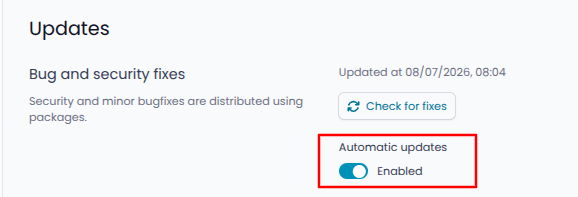
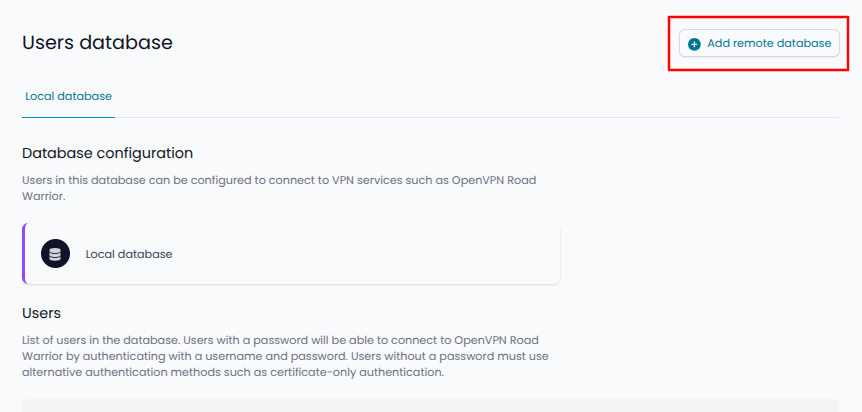
Starting with NethSecurity-8.8.0-beta.2, some features previously reserved for installations with an active subscription are now also available in the community version.
The following actions, previously visible but not clickable, can now be used:
- ability to enable automatic updates
- ability to connect to external user databases (for OpenVPN roadwarrior access)
 Features already introduced with 8.7.2 updates
Version 8.8.0 also includes some features that were already made progressively available through automatic updates of 8.7.2.
We report them here because they are part of the overall experience of the new version, but they may already be present on firewalls updated to 8.7.2.
 Native integration with CLM
Native integration with CLM is included, making centralized management of appliances easier and improving alignment between the firewall and the connected management services.
Permanent OpenVPN connection logs
OpenVPN connection logs are permanent for all firewalls equipped with storage.
Storage is configured by default on all physical appliances, making it possible to keep a more reliable VPN connection history without requiring additional configuration in most installations.
 Bug fixes
This beta includes several already verified fixes, including:
- fixed the count of OpenVPN client tunnels in the dashboard, where disconnected tunnels could be shown as connected
- fixed the status of users from an external database, who could appear disconnected even when they were actually connected
- fixed restoration of extra packages after image update
- fixed a Threat Shield DNS issue with empty lists after repeated changes
- fixed issues related to disabled packages after updates
- fixed a
netifydmigration issue after image update - added additional logs when DPI blocks traffic
 Why a beta?
NethSecurity 8.8.0 is not just a release with new features: it also introduces a major change to the system base.
The switch to the new platform version brings relevant updates to core components such as the kernel, VPN, package management, networking and security.
For this reason, we have chosen to publish a beta and collect feedback from the community before the stable release.
We are particularly interested in tests and reports on:
- upgrade from previous versions
- installations with additional packages
- OpenVPN
- IPsec
- WireGuard
- firewall and advanced rules
- DPI
- DHCP/DNS
- Threat Shield DNS
- Threat Shield IP and geoblocking
- native metrics
- alerts and notifications
- configurations with external user database
Known bugs
The complete list of known bugs is available here.
 Feedback
To report issues or share feedback on the beta, for maximum visibility we invite you to use this thread.