Docker install seems working:
Netbox-docker install
# install requirements
yum -y install git nethserver-docker

# enable portainer
config setprop portainer status enabled
signal-event nethserver-docker-update

# get docker-compose and set permissions
sudo curl -L "https://github.com/docker/compose/releases/download/1.29.2/docker-compose-$(uname -s)-$(uname -m)" -o /usr/local/bin/docker-compose
chmod +x /usr/local/bin/docker-compose

# get the docker environment
git clone -b release https://github.com/netbox-community/netbox-docker.git
cd netbox-docker

# write the docker compose config
tee docker-compose.override.yml <<EOF
version: '3.4'
services:
  netbox:
    ports:
      - 8000:8080
EOF

# get and start containers
docker-compose pull
docker-compose up -d
Use portainer to join container “netbox-docker_netbox_1” to the aqua network.

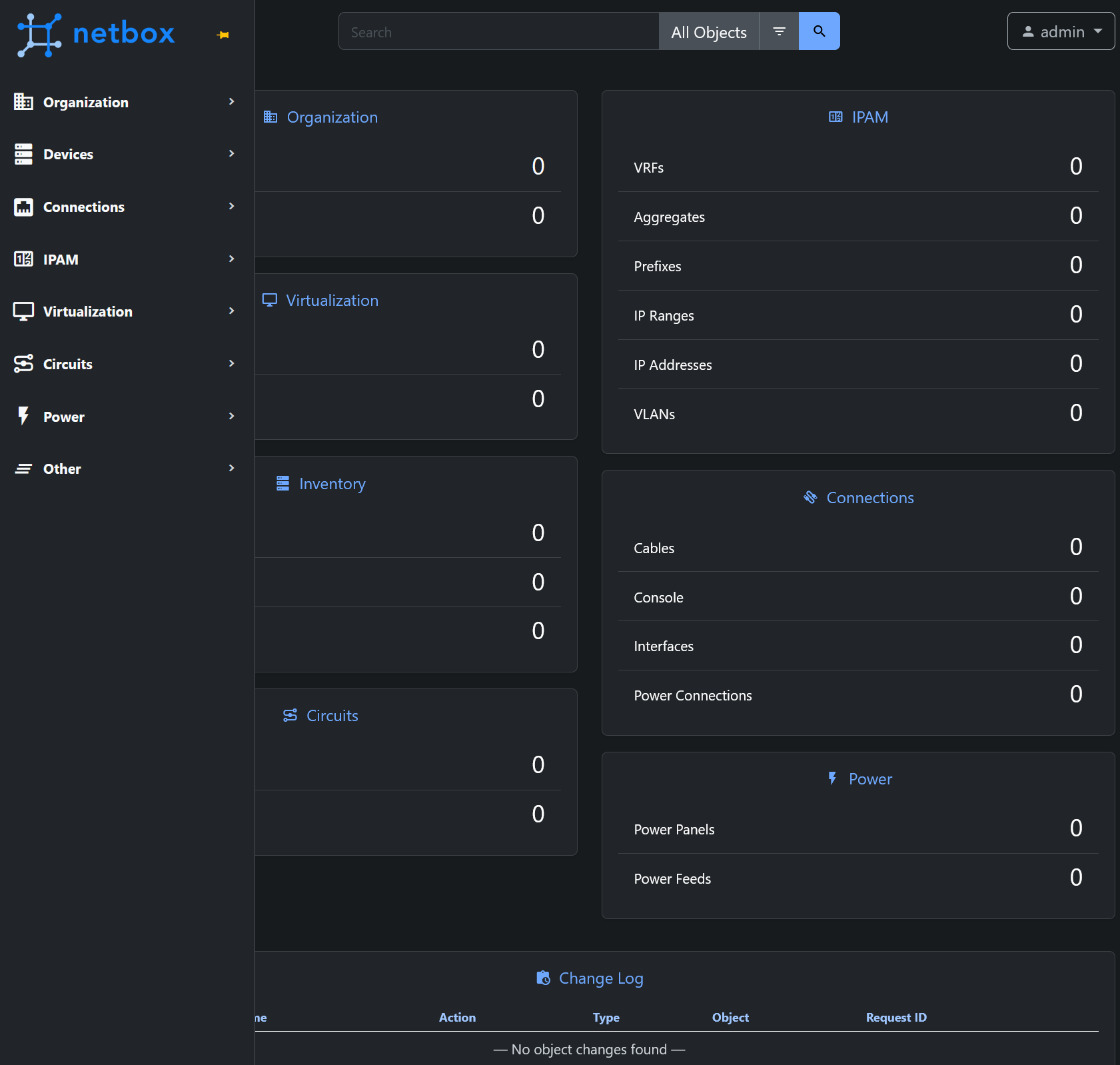
You may open port 8000 by creating a service and browse to http://<NethServer>:8000 or use a name reverse proxy to http://localhost:8000 and login with user admin and password admin
To open port 8000 you may use command line or the web UI.
config setprop netbox status enabled TCPPort 8000 access green,red
signal-event firewall-adjust
Update netbox
cd ~/netbox-docker
docker-compose down
git checkout release && git pull -p origin release
signal-event nethserver-docker-update
docker-compose up -d
Configure netbox to autostart and use aqua network
Edit ~/netbox-docker/docker-compose.override.yml to look like this:
version: '3.4'
services:
  netbox:
    ports:
      - 8000:8080
    restart: unless-stopped
  netbox-worker:
    restart: unless-stopped
  netbox-housekeeping:
    restart: unless-stopped
  postgres:
    restart: unless-stopped
  redis:
    restart: unless-stopped
  redis-cache:
    restart: unless-stopped

networks:
  default:
    external: true
    name: aqua