NethServer Version: 8
Module: AD/Samba
Hello! Background: I’m having a major problem with my old NS7; I’m getting an error that says, “The RPC server is unavailable,” and it seems this error is due to the Samba version. So, I’m trying to use a new NS8 (Proxmox VM, Rocky). I ran some tests back then and managed to get it working. But because I’ve been busy, months have gone by, and now I’m having a lot of trouble joining any computer to the new domain. I’ve been using Grok to try to fix it (and avoid bothering anyone), but I feel like I’m just going in circles. I haven’t been able to find a “how-to” guide that walks me through solving this. I’d almost bet that one already exists.
I can try reinstalling everything; if that solves my problem (I had already created all my users and groups) and I’ve already exported them to a file.
The problem, as I mentioned, is that when using the new AD’s DNS at 192.168.16.7/21 (yes, there are thousands of IPs—sorry)
Current Issues:
Windows 11 x64 PC
Connection-specific DNS suffix . . :
IPv4 address . . . . . . . . . . . . . . : 192.168.18.14
Subnet mask . . . . . . . . . . . . : 255.255.248.0
Default gateway . . . . . : 192.168.16.99
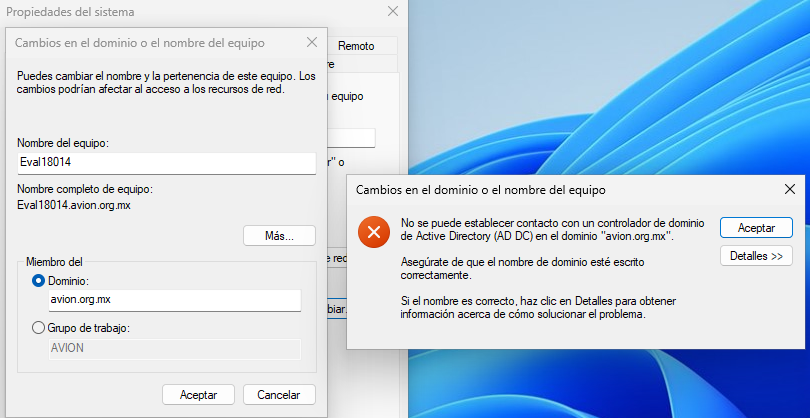
Error querying the DNS for the Service Location Resource (SRV) record used to locate an Active Directory domain controller (AD DC) for the domain “avion.org.mx”:
The error was: “This operation was returned because the timeout expired.”
(error code 0x000005B4 ERROR_TIMEOUT)The query referred to the SRV record for _ldap._tcp.dc._msdcs.avion.org.mx
The DNS servers used by this computer for name resolution are not responding. This computer is configured to use DNS servers with the following IP addresses:
192.168.16.7
Verify that this computer is connected to the network, that these are the correct DNS server IP addresses, and that at least one DNS server is running.
I’ve already added this to my hosts file:
192.168.16.7 avion.org.mx
192.168.16.7 ns8.avion.org.mx
192.168.16.7 ns8
192.168.16.7 ad.avion.org.mx
192.168.16.7 ad
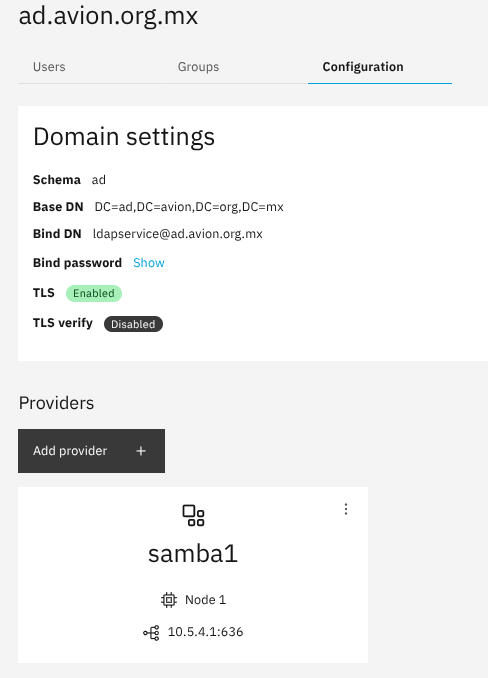
And this image show that “all is good”?
Thanks in advance.
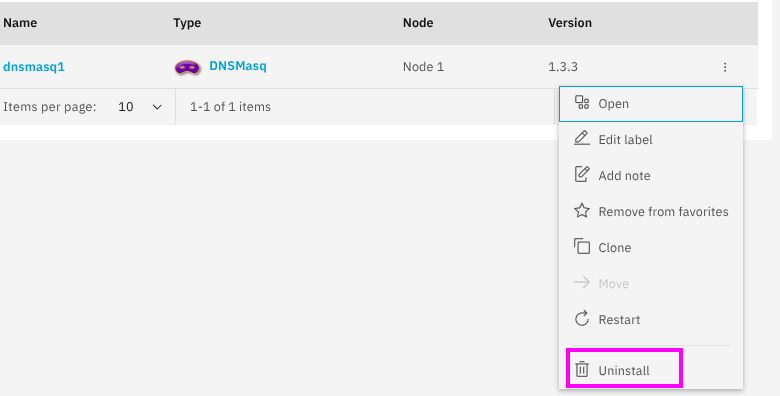
Added: I plan to use this AD exclusively for authentication; I don’t intend to install any additional services to avoid complications. I’ve only installed dnsmasq
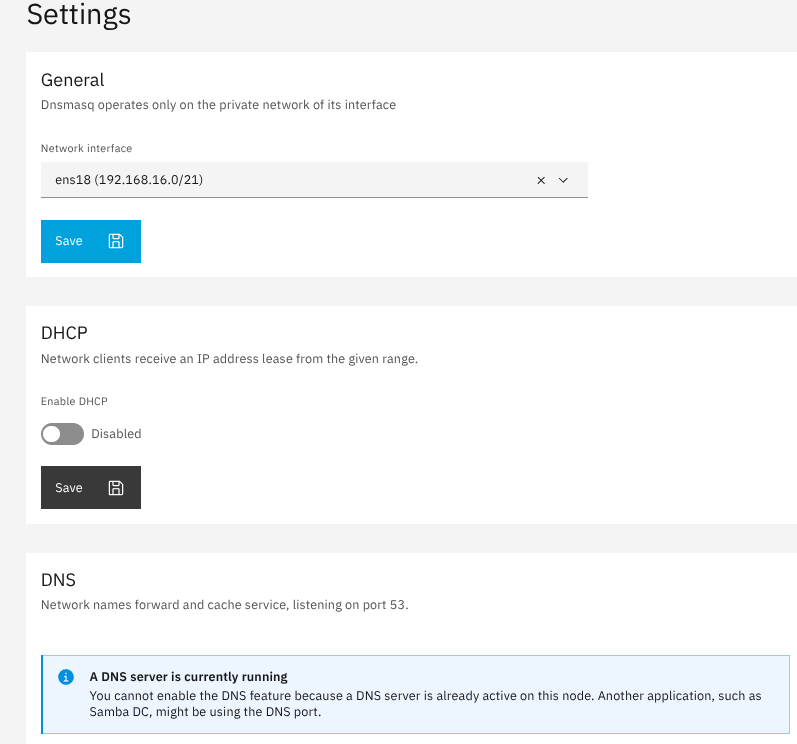
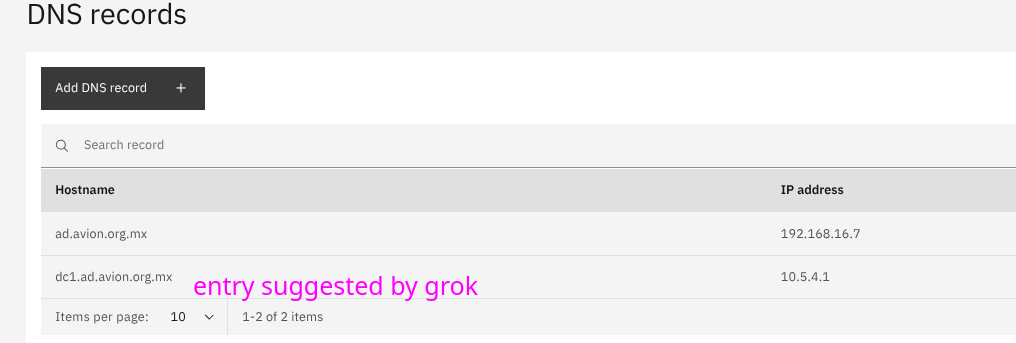
More info:
# podman ps
CONTAINER ID  IMAGE                                     COMMAND               CREATED            STATUS            PORTS           NAMES
ed5912663868  quay.io/prometheus/node-exporter:v1.10.2  --collector.cpu.i...  7 days ago         Up 7 days         9100/tcp        node_exporter
ffbe84162ed5  ghcr.io/nethserver/redis:3.20.0           redis-server /dat...  7 days ago         Up 7 days         6379/tcp        redis
6153de8e0e1e  docker.io/grafana/alloy:v1.11.3           run /etc/alloy/co...  7 days ago         Up 7 days                         promtail
3b570dd577f1  ghcr.io/nethserver/rclone:3.20.0                                7 days ago         Up 7 days                         rclone-gateway
5c465bdb9495  ghcr.io/nethserver/dnsmasq-server:1.3.3   dnsmasq               About an hour ago  Up About an hour  53/udp, 67/udp  dnsmasq1
A little more info:
cat /etc/resolv.conf
# Generated by NetworkManager
search avion.org.mx
nameserver 9.9.9.9
nameserver 1.1.1.2
nameserver 1.1.1.3