NethServer Version: NS8
Module: Minio
Hello, has anyone already managed to retrieve users from the NS8 domain with LDAP identity from the MINIO app?
NethServer Version: NS8
Module: Minio
Hello, has anyone already managed to retrieve users from the NS8 domain with LDAP identity from the MINIO app?
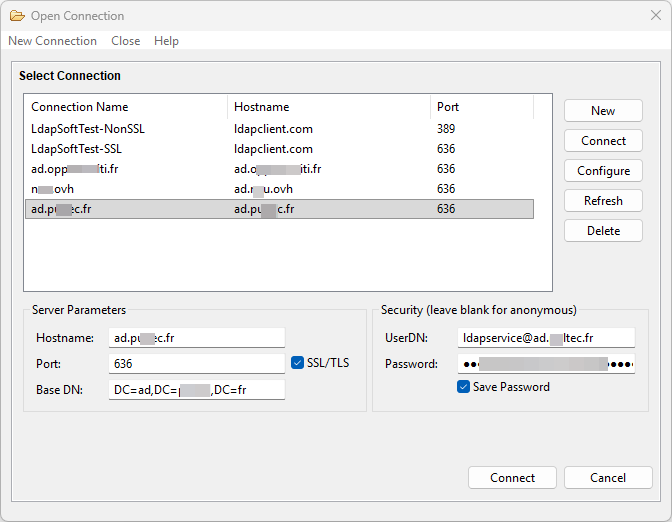
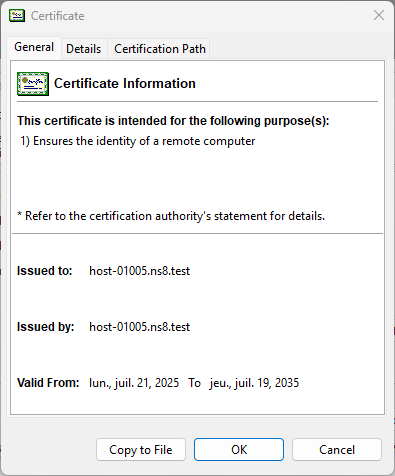
Let me rephrase my question: using LDAP with NS 8 integrated apps such as Nextcloud works without any problems, but connecting Minio to the LDAP service does not work. This is even with the same settings as Nextcloud. I also want to connect the pfsense user manager service, but it also refuses to connect. An LDAP client on Win11 works but with a certificate error. Is the certificate not the one from NS8?
the minio is deprecated and probably miss some fixes to connect it to ldap
--network=slirp4netns:allow_host_loopback=true --add-host=accountprovider:10.0.2.2
Something news is coming ns8-rustFs, maybe we should add the ldap with a pod @mrmarkuz
It seems rustfs doesn’t support ldap yet, see Could you please inform me if LDAP authentication function will be supported in the later version? · Issue #948 · rustfs/rustfs · GitHub
Thank you for your reply. If minio is obsolete, I will wait for the rustFs module. However, I still get an error when I try to use the LDAP directory as an authentication server in the Pfsense user manager, which worked with NS7.
By design OpenLDAP is not accessible from outer network. This Howto explains how to make it a public service: Reach NS8 OpenLDAP account provider from outside the cluster
With Debian Trixie as new base, we’d see how to implement it with Pasta.
Sorry, I didn’t express myself clearly. I use Samba Active Directory to manage users, not LDAP. Port 636 is open on the firewall.
With a Windows client on the network, I can connect.
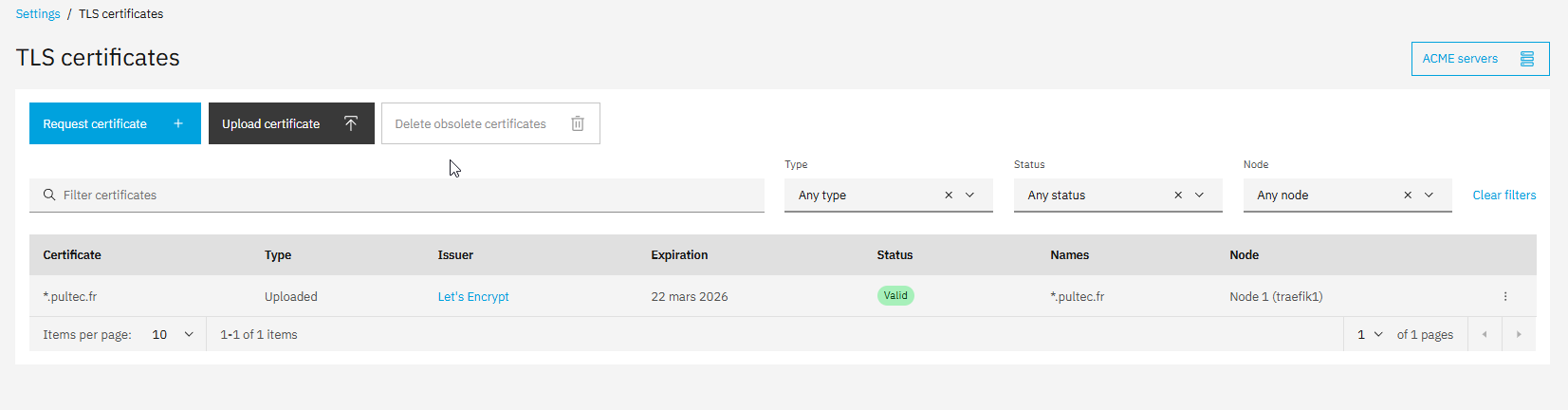
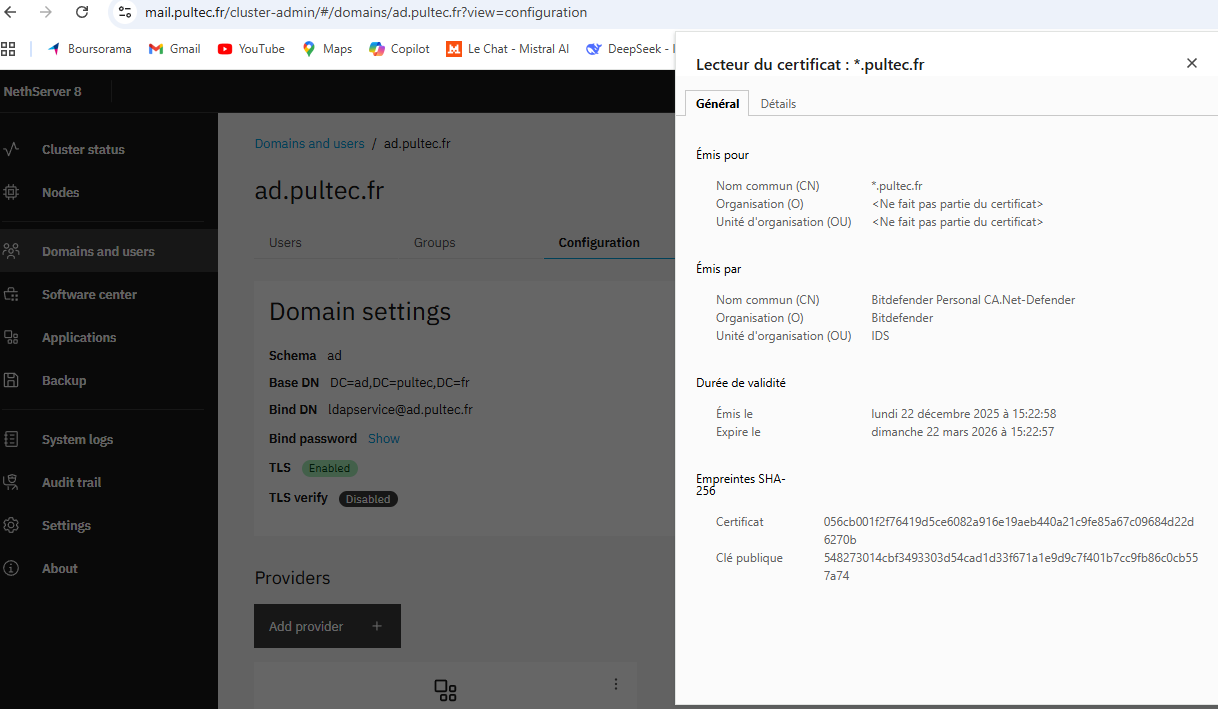
I consistently receive a certificate error even though NS has a valid Let’s Encrypt certificate.
certificate
After acceptance, I can connect to the server.
The connection from pfsense is systematically refused.
Certificate .ns8.test is the default self-signed one. pfSense cannot validate it because the issuing CA is not trusted, so TLS verification fails. You can either obtain a certificate from a public CA, or set up your own CA, generate a certificate for NS8 signed by it, and add the CA certificate to pfSense trusted CAs.
In any case, the server name of Samba DC, used to connect to NS8, must be present in the certificate Subject Alternative Name (SAN) (CN alone may not be sufficient). The server name must be the one of Samba DC, e.g. dc1.ad.example.org.
Finally, to pass the TLS certificate upload validator, the custom CA must be trusted by the node OS TLS trust store, as explained here: TLS certificates — NS8 documentation
That wildcard certificate does not match multi-level domain names like dc3.ad.example.com. I’m sorry — since you have an internal domain name, using a custom CA is the best way to go. This is a typical pain point in AD environments.