ghcr.io/stephdl/lemonldapng:1.0.0-dev.5
1 Like
Thanks for the great app! I need to take a closer look at LLNG as a lot of apps seem to support SSO. There’s already a documentation in the wiki: userguide:llng [NethServer & NethSecurity]
Installation went fine, login with AD admin user worked.
But changing the FQDN didn’t work in my tests.
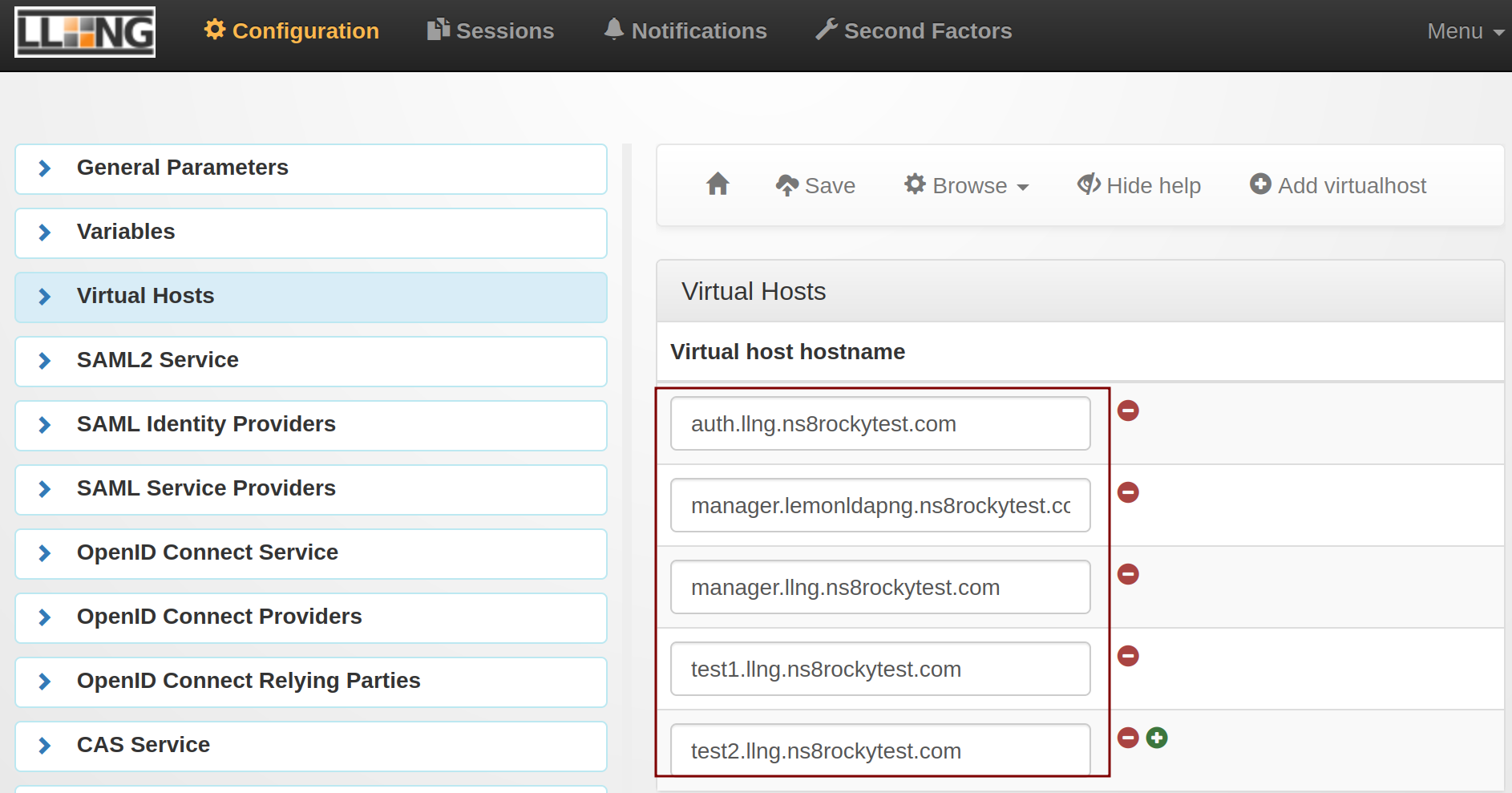
I changed the FQDN in the NS8 app settings after the first configuration from llng.ns8rockytest.com to lemonldapng.ns8rockytest.com which leads to getting the nginx default page on all virtual hosts.
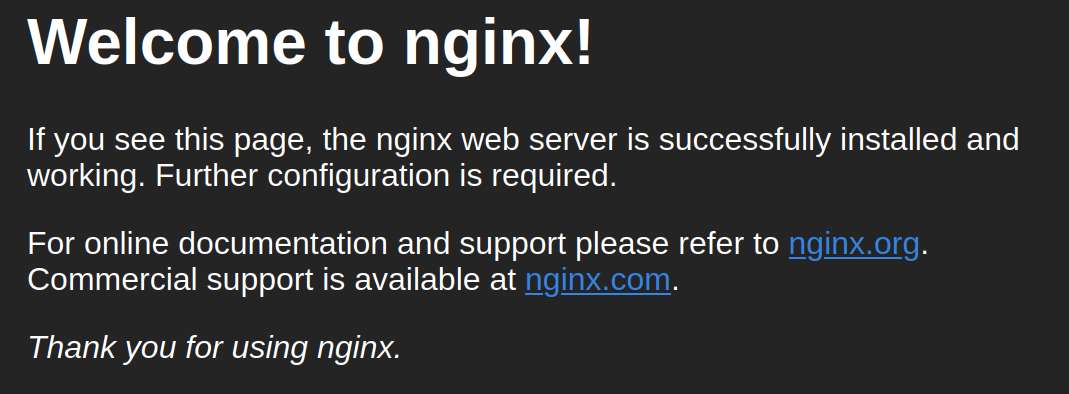
After changing the FQDN back to llng.ns8rockytest.com I was able to login again.
1 Like
I can change the favicon and logo and I’m fairly certain background the only thing is apps which if I remember needs the images to be in portal/htdocs/static/common/apps/ so I think everything works but we just need to add the volume for apps
so maybe adding --volume ./llng/apps:/usr/share/lemonldap-ng/portal/htdocs/static/common/apps:Z \ to imageroot/systemd/user/lemonldapng-app.service
also I tested after adding some data and did a restore it worked flawlessly
2 Likes
Nice shot. It try to fix it today
2 Likes
@mrmarkuz the container does not allow to modify on the fly the domain, I look inside but each virtualhost must be modified either with the UI of lemonldapng, or maybe with a script, for now once set, the fqdn fiels is disabled
apps is added @Shane_Treweek
2 Likes
ghcr.io/stephdl/lemonldapng:1.0.0-dev.6
1 Like
Virtual hosts can be added (at least they should be able to be) via modifying lm-conf.json file and permissions set via lemonldap-ng-cli
(e.g., /usr/share/lemonldap-ng/bin/lemonldap-ng-cli -yes 1 \ addKey \ 'locationRules/test.example.com' 'default' 'accept' \ 'locationRules/test.example.com' '(?#Logout)^/logout\.php' 'logout_sso' \ 'exportedHeaders/test.example.com' 'Auth-User' '$uid' \ 'exportedHeaders/test.example.com' 'Auth-Mail' '$mail')
So we could make a script for that also can use cli to setup saml apps so they can be scripted too
Also do we need to add the custom folders to file retention in script?
2 Likes
I’ve been able to set all icons, logo, favicon and background (I needed to use custom css file for background) I’ll do a how to later with the steps.
Next I need to test saml
Update
these are how you set the logo and favicon and custom css
first add your files to ./llng/theme (i.e., yourlogo.png, favicon.ico and custom.css.)



also go into Default skin and set to custom
the custom.css file I use to get the following look
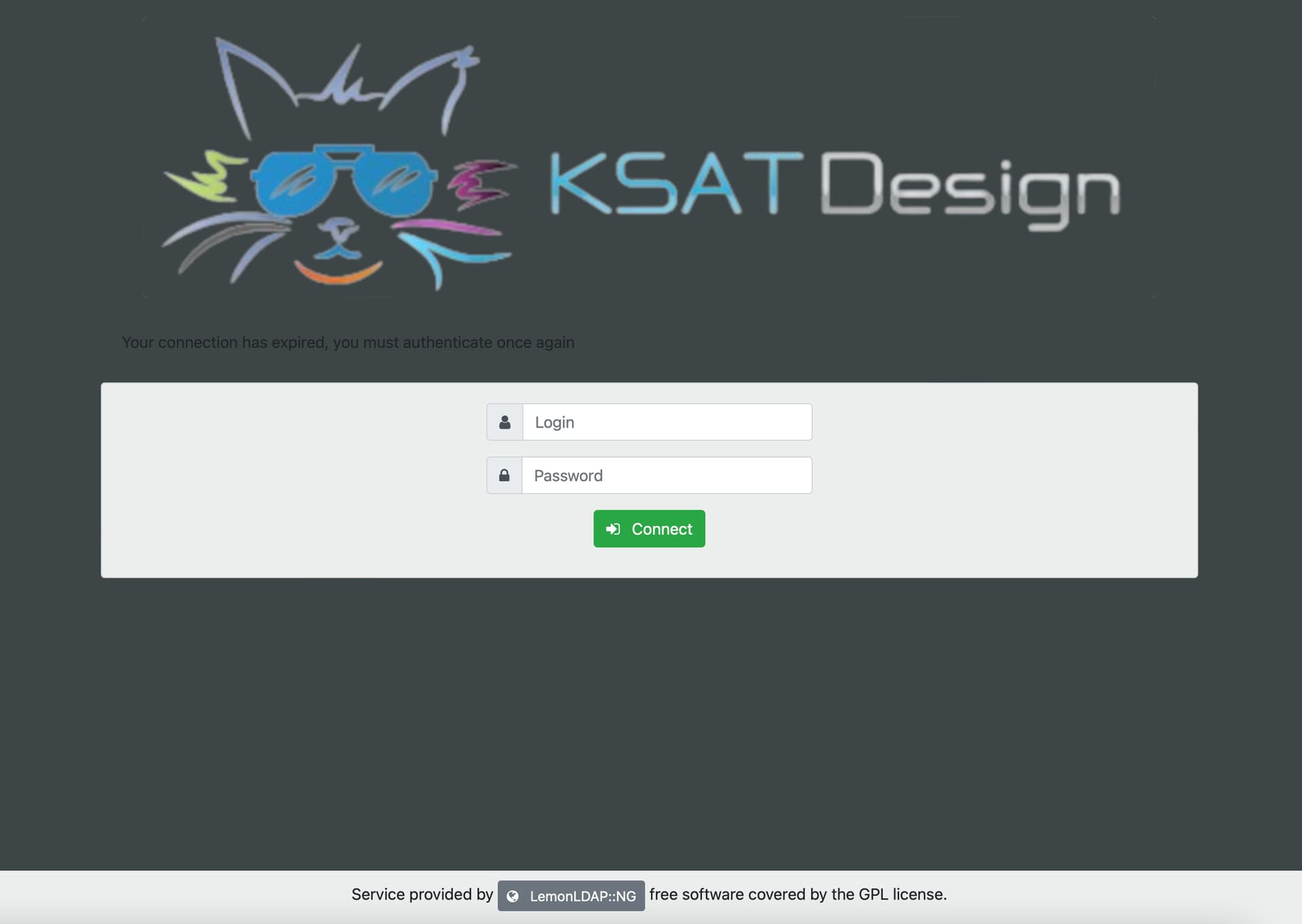
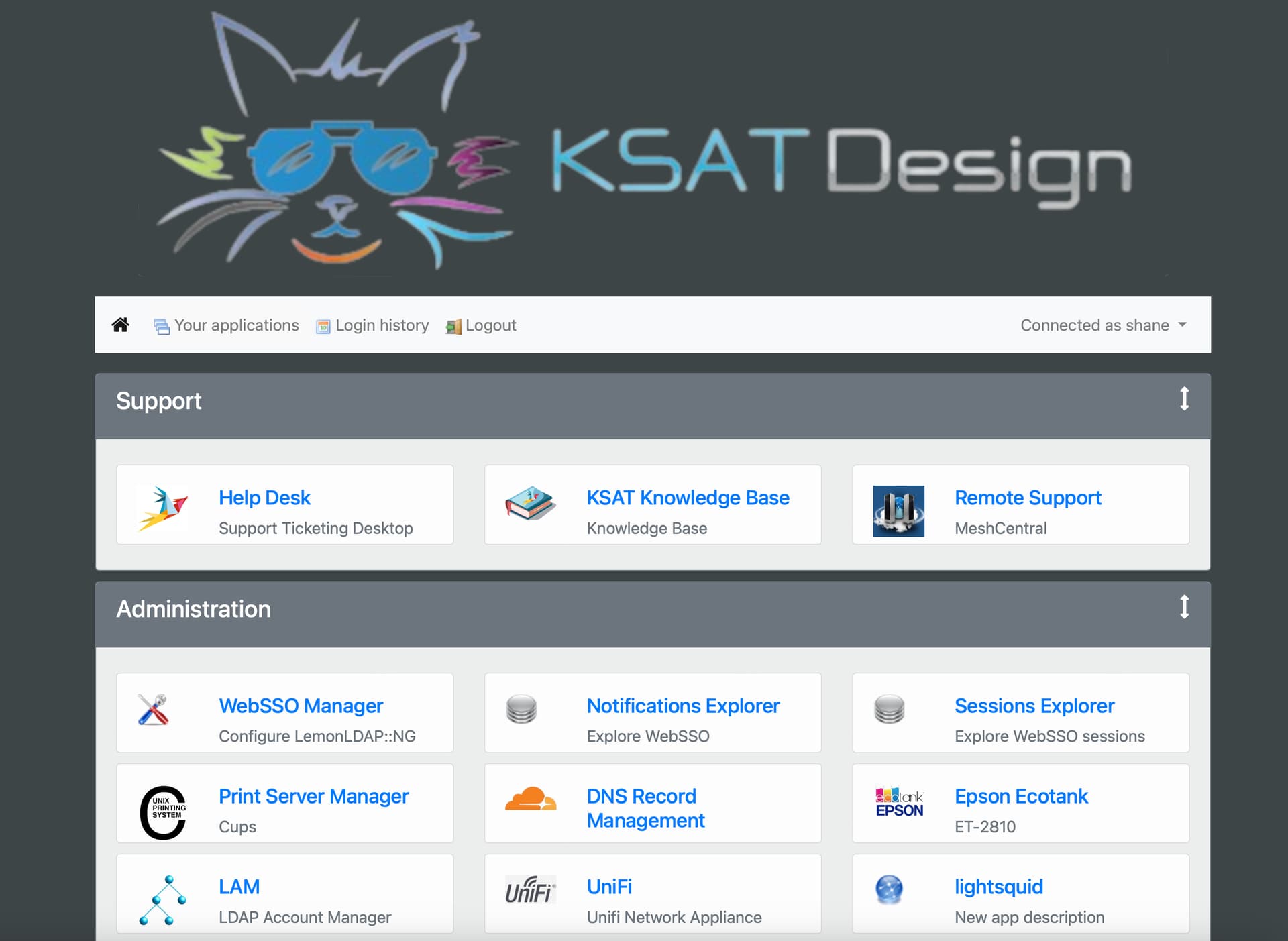
is
custom.css
html, body {
    height: 100%;
    background: url("yourlogo.png") no-repeat center fixed !important;
    background-size: cover !important;
}


#wrap {
    min-height: 100%;
    height: auto;
    margin: 0 auto -80px;
    padding:20px 0 80px
}

#footer {
    height: 80px;
    background-color: #fff;
    background-color: rgba(255, 255, 255, 0.9);
    text-align: center;
    padding-top: 10px;
    overflow:hidden
}

#header img {
    background-color: #fff;
    background-color: rgba(255, 255, 255, 0.8);
    margin-bottom:20px
}

.card, .navbar-light {
    background-color: #fff;
    background-color: rgba(255, 255, 255, 0.9);
    background-image:none
}

.login, .password {
    text-align: center;
    padding:20px
}


div.form {
    margin: 0 auto;
    max-width:330px
}

div.actions {
    margin:10px 0 0 0
}

div.actions a {
    margin-top:10px
}

div.actions button {
    margin-top:10px
}

.buttons {
    text-align: center;
    margin: 10px 0 0 0;
    cursor:pointer
}

.btn {
    white-space:normal
}

.btn span.fa {
    padding-right:8px
}

li.ui-state-active {
    background-color: #fafafa;
    background-color:rgba(250, 250, 250, 0.9)
}

#appslist, #password, #loginHistory, #logout, #oidcConsents {
    margin-top:20px
}

div.category {
    margin: 10px 0;
    cursor:grab
}

div.application {
    margin: 5px 0;
    overflow:hidden
}

div.application a, div.application a:hover {
    text-decoration:none
}

p.notifCheck label {
    margin-left: 5px;
    margin-top: 3px;
    display:inline-block
}

.notif div.form {
    margin 0 auto;
    max-width:1024px
}

.notif .h2, h2 {
    font-size: 1.6rem;
    font-weght: bold;
    text-align:center
}

.notif .h3, h3 {
    margin-top: 30px;
    margin-bottom: 30px;
    font-size:1.2rem
}

.notif .card-title {
    font-size:1.7rem
}

img.langicon {
    cursor:pointer
}

span#languages {
    padding: 5px;
    display: block;
    overflow: auto;
    max-height:80px
}

button.idploop {
    max-width:300px
}

button.idploop img {
    max-height:30px
}

div.oidc_consent_message > ul {
    text-align: left;
    list-style:circle
}

@media (min-width: 768px) {
    div.application {
        height:80px
    }

    div.application h4.appname {
        margin:0
    }

    #wrap {
        margin:0 auto -60px
    }

    #footer {
        height:60px
    }
}

.hiddenFrame {
    border: 0;
    display: hidden;
    margin:0
}

.noborder {
    border:0
}

.max {
    width:100%
}

.link {
    cursor:pointer
}

.nodecor:hover, .nodecor:active, .nodecor:focus {
    text-decoration:none
}

.fa.icon-blue {
    color:blue
}

.progress-bar-animated {
    width:100%
}

input.key {
    font-family: 'password';
    width:100px
}

@font-face {
    font-family: 'password';
    src:url(/static/common/fonts/password.ttf)
}

.info.table caption {
    color: black;
    text-align: center;
    caption-side:bottom
}

div.input-group > p.form-control {
    height:auto
}

div.input-group > p.form-control > label {
    display: revert;
    user-select: none;
    cursor:pointer
}

#btn-back-to-top {
    position: fixed;
    bottom: 70px;
    right: 20px;
    display:none
}

#remembertimercontainer {
    display:none
}

#globalrememberauthchoicecontainer {
    display:none
}

.renewcaptchaclick {
    cursor: pointer
}
note: I’m still working out what I don’t need in the css so I’ll update that after some testing also I need to fix
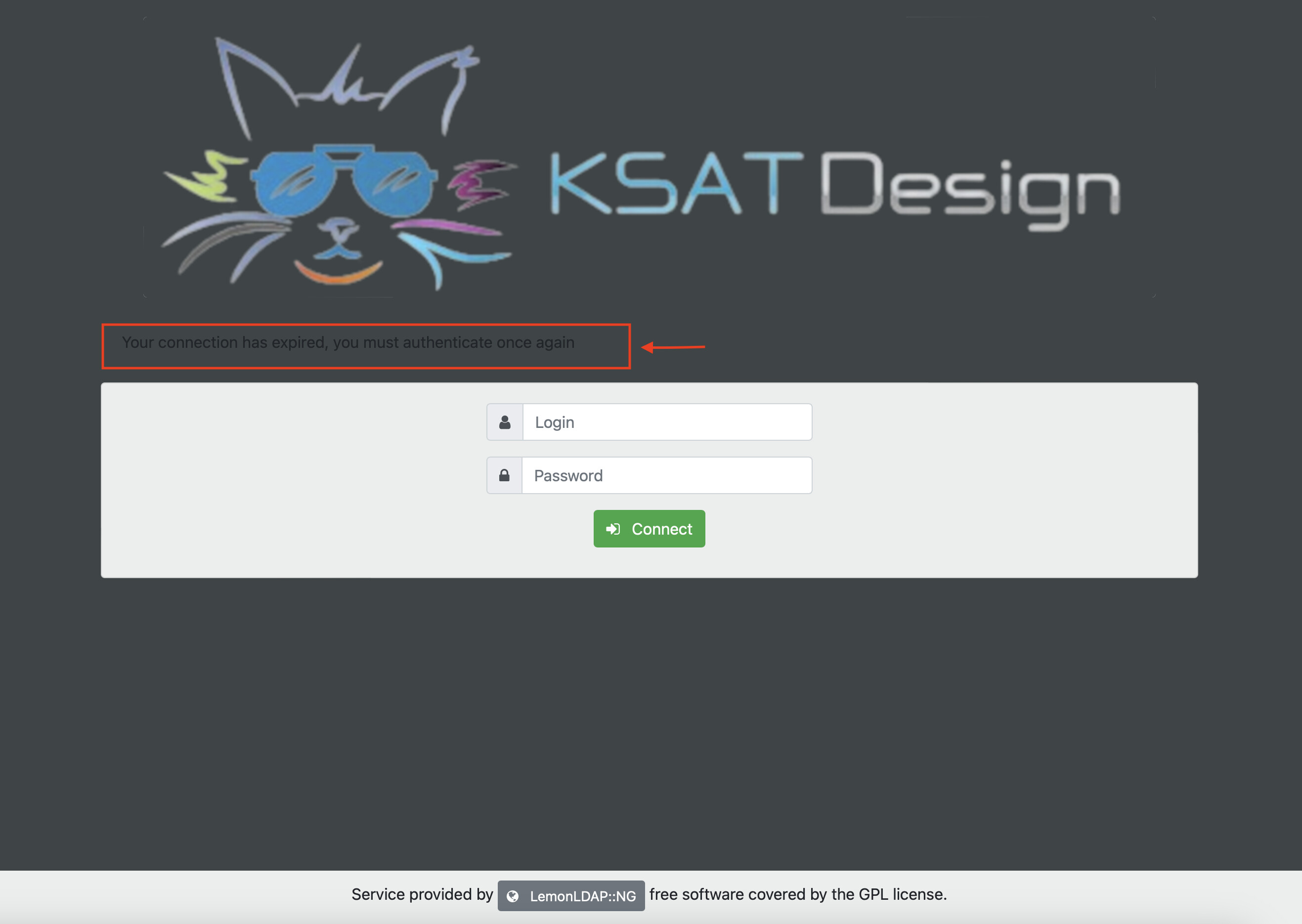
which should look like this
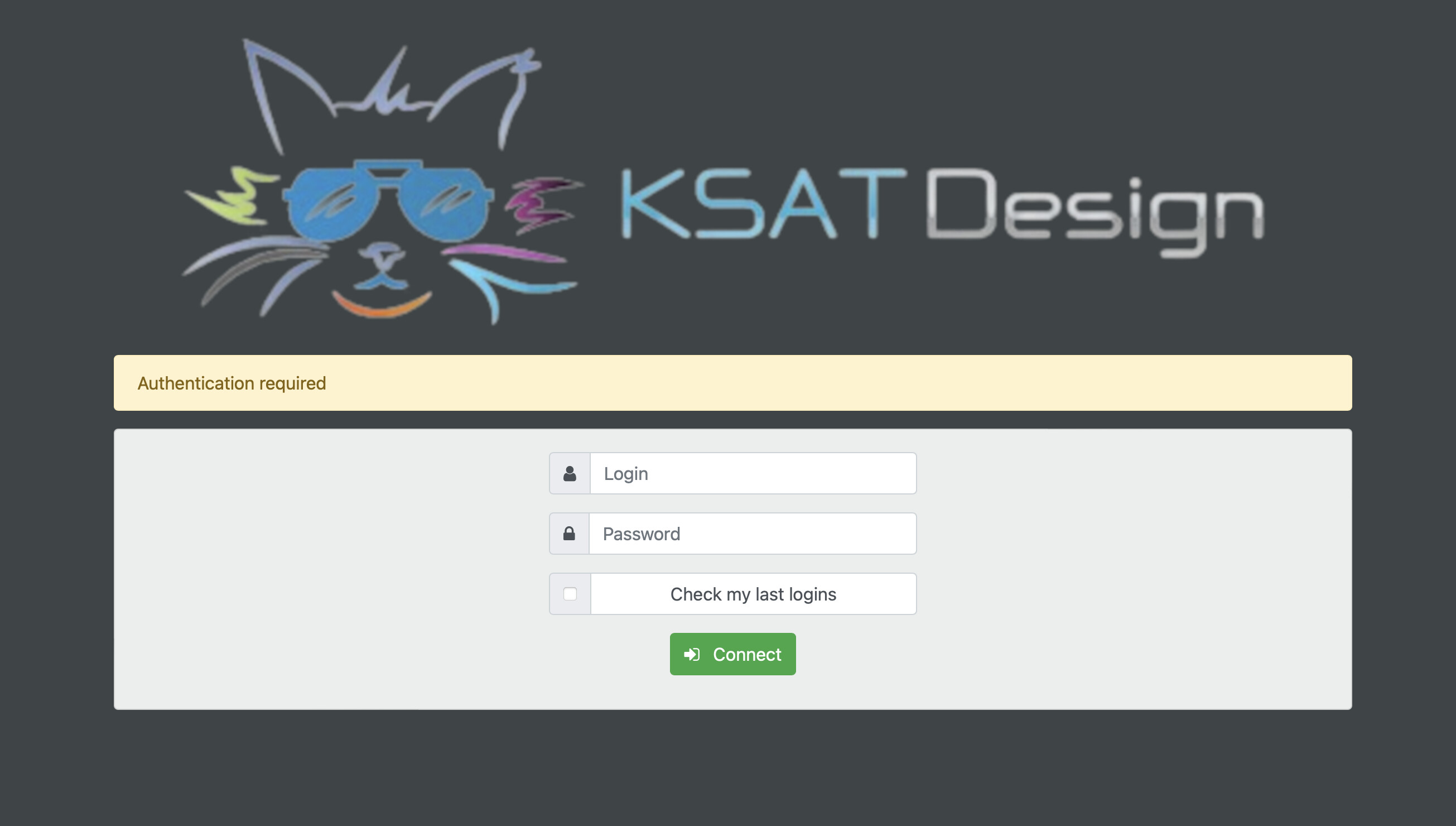
so I need to add
.alert attributes in the custom.css
1 Like
Sorry i do not understand ?
True but only for the auth, manager, test1, test2, and reload.
Obviously for any virtualhost you could add later I have no way to do it.
Is it an issue
, i tought yes but i could be wrong
Thanks a lot
Nice idea…once we know what we need to modify we could add/code it
I create the route inside traefik for reload, test1, test2
I am not sure for the needs, do we need to create a route for any virtualhost we add ?
Sorry I ment preservation not retention
–env PRESERVEFILES=“/etc/lemonldap-ng /var/lib/lemonldap-ng/conf /var/lib/lemonldap-ng/sessions /var/lib/lemonldap-ng/psessions /etc/nginx/sites-enabled” \
I tested, the route inside traefik is a mandatory…still trying to understand the tools 
I get a 404 without the route test1.sub.domain.org, test2sub.domain.org, reload.sub.domain.org,
not sure how it works
I added all mounted volumes except for the user customisation
Do you see a specific volumes to add ?, which one ?
I thought we might need to add the /usr/share/lemonldap-ng/portal/htdocs/static/CustomTheme etc to it so it keeps the data when the app restarts but wasn’t sure if that was required
the lemonldap-ng-cli can do a lot but I just remembered during my test (when I was using scratchpad) I exposed the cli by exposing /usr/share/lemonldap-ng/bin
(i.e., --volume ./llng/bin:/usr/share/lemonldap-ng/bin:Z \) but I couldn’t get it to work with permissions as it needed to be executed in the pod like
runagent -m lemonldapng1
cd llng/bin
lemonldap-ng-cli -yes 1 \ addKey \ 'locationRules/test.example.com' 'default' 'accept' \ 'locationRules/test.example.com' '(?#Logout)^/logout\.php' 'logout_sso' \ 'exportedHeaders/test.example.com' 'Auth-User' '$uid' \ 'exportedHeaders/test.example.com' 'Auth-Mail' '$mail'
it wouldn’t have the permissions as it’s rootless not sure if that is different with your app as I haven’t tested but I’m sure we can figure something out but it’s not something we need right now but something to aim for in maybe RC 2.0
no as LemonLDAP-NG is only checking to see if your authorised then letting the page load it’s not acting as a tunnel if that makes sense the only routes you need are for auth, manager, and reload
reload won’t show anything as I’m fairly certain it’s a url for the FASTCGI handler but it’s still needed as for test1, test2 they don’t technically need to do anything as their just sample place holder pages to show multiple categories and when implementing LemonLDAP-NG in the past we automatically remove them
I also forgot to mention if people want to use websites not in the domain they need to set cross domain options
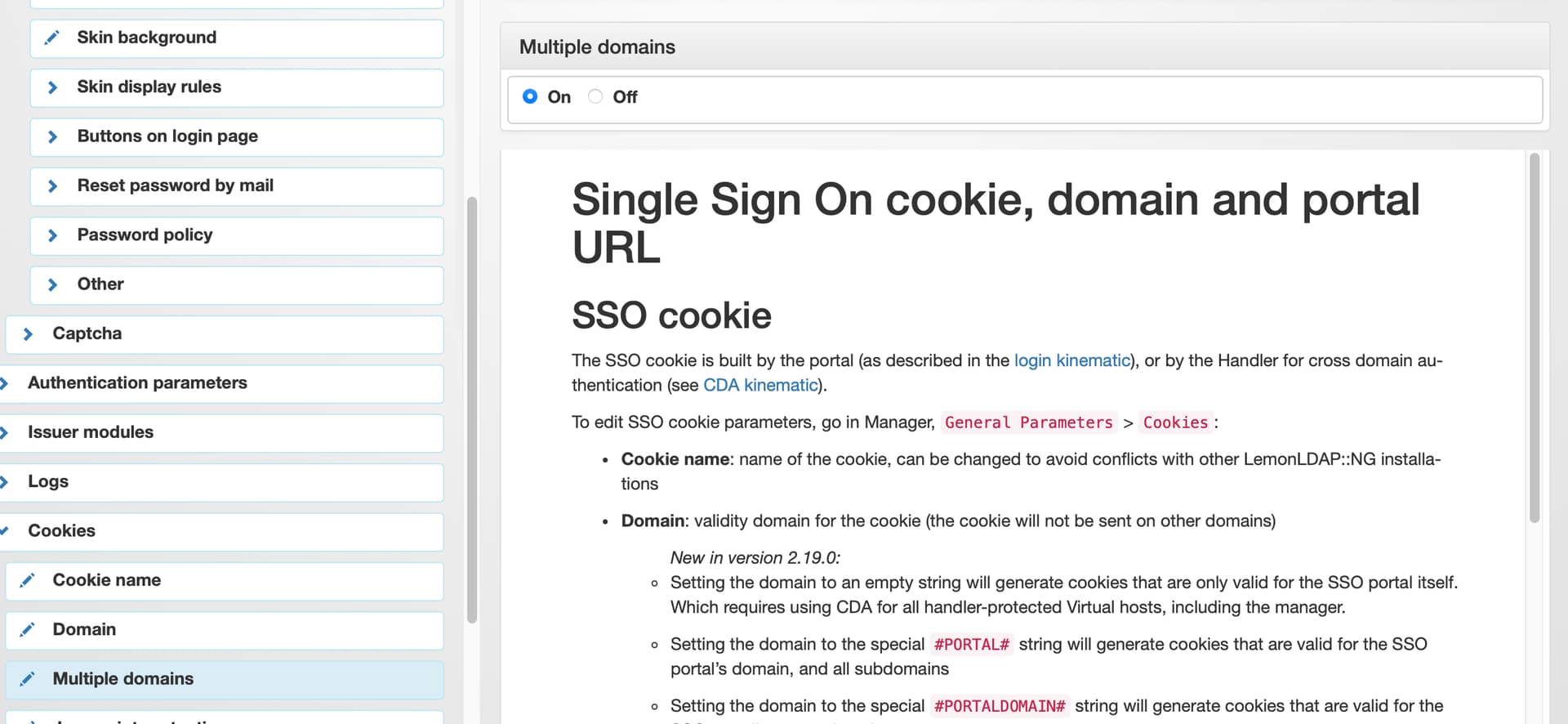
also sorry if I over explain things sometimes I’m just aware my explanations can make sense to me but after reading my answer a few times a then realise there a jumbled mess
1 Like
translations added fr, ar, es, de, it, pt, pt_BR
add-module ghcr.io/stephdl/lemonldapng:1.0.0-dev.7
2 Likes