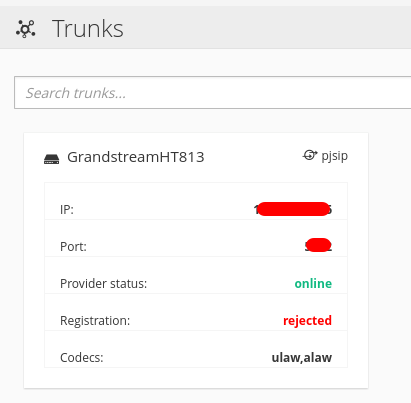
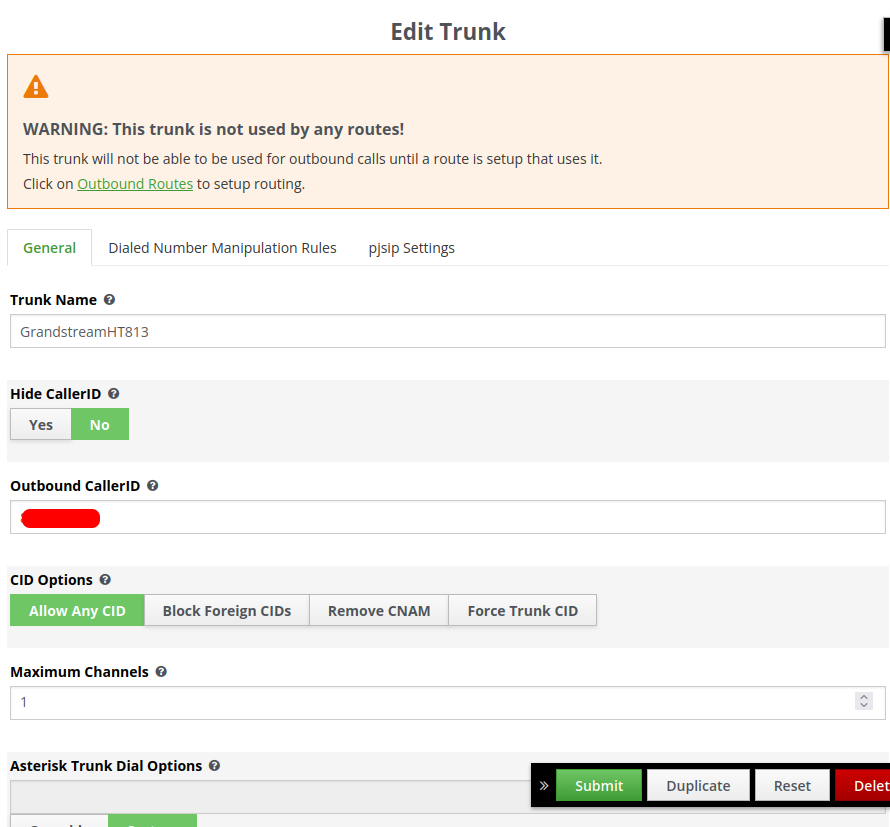
Over the weekend, I got some time to try to bring up Neth Voice. I got to the point of setting up a trunk with a HT813.
I set up my HT813 with the following help -
It took me a little bit to get the HT813 to be seen as online. Now I am stuck since for some reason, HT813 is rejected in Neth Voice as you can see below.
I did originally try it. But I will try it again, as it’s possible I didn’t have everything together when originally setting it up the first time. Defiantly, can’t hurt to test that again. Sometimes it all comes down to ORDER OF OPERATION. In turn which becomes the biggest time waster (I should have done it in that order the first time!!!)
Thanks for the response. Going to test it after dinner. Let you know what I find.
I remember the problem I had with registering, a real nightmare.
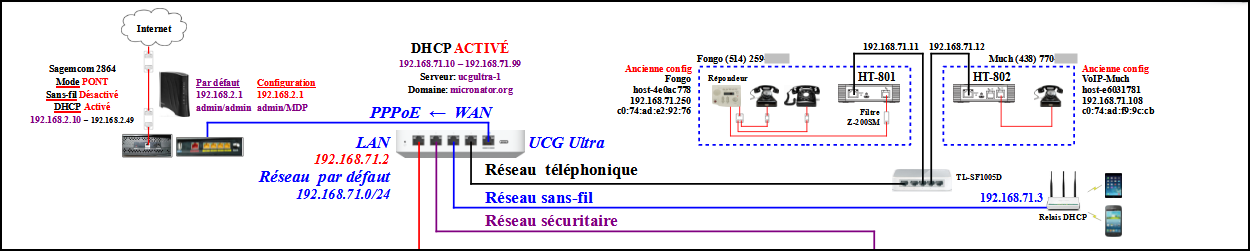
The best way I found was to have the DHCP server of the UCG Ultra firewall to give the proper nameserver and gateway IP addresses to those HT. That way, the HT is able to get to the Internet and download/update to the latest version of its OS then reboot, register the proper way, and finally gives a nice dial tone when I pick up the handset of my very very old analog telephone.
If not, when I pick up the handset, a voice tells me that the device is not registered.
The solution was to change my phone provider for a better one who supplied a new HT-802.
I plugged the new ATA and Bingo! nothing to do and I had a dial tone right away.
That is when I got my second ATA and second telephone number so to never experience a no phone miserable day. I pay a “big” $4.99 CAD / month and now when I sleep, I have beautiful dreams and no more nightmares…
Michel-André
P.S. I forgot. The UCG Ultra also have a DNS server in which I created 2 DNS “A” records that point to the respective reserved IP of the ATA. I didn’t have to redirect any SIP port.