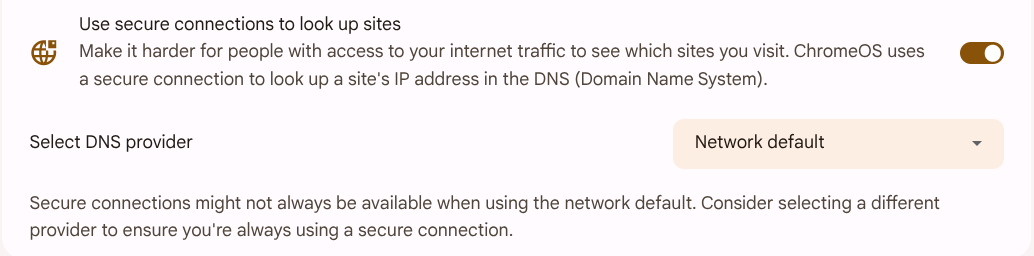
I did the tests. Yes, ChromeOS uses DNS over HTTPS if available at default. And I think There is a similar function in Windows and MacOS… So this problem looks solved. Now the new problem is why the DPI filter doesn’t block DoH if enabled (without a subscribtion). This is being addressed in another thread.
Nethsecurity firewall:
- download Nethsecurity 8.7.1
- write to USB stick
- boot Nethsecurity
- enable Threat shield DNS (default settings - force DNS redirection on these zones: selected lan, redirected ports:53, 853)
- add local blocklist orf.at
ChromeOS client:
- network, name servers: Automatic name servers
- nslookup orf.at → NXDOMAIN
- network, name servers: Custom name servers (tried 1.1.1.1, 8.8.8.8 etc.)
- nslookup orf.at → OK
Explanation:
If the ChromeOS “Use secure connections to look up sites” setting is enabled, ChromeOS will attempt to upgrade its DNS lookups to DNS-over-HTTPS (DoH) using your current internet service provider’s (ISP) DoH service, if available. This will bypass the port 53 and 853 redirecting and enforcing Threat shield DNS. Disabling (default is enabled) this feature restores the expected behavior (forcing Threat scheld DNS even with custom name servers).