Any chance of getting a dark theme for this forum? There are plenty available for Discourse, and as most websites (and Discourse instances) I use do have a dark mode, this one sticks out like a sore thumb.
3 Likes
Night owl here  I usually make use of some browser extension to darken those webpages, but they do take resources over time.
+1 for dark theme (just remember to tweak the black text from the logo).
1 Like
In @alefattorini we trust!
1 Like

thank you @alefattorini
Thanks, it works but
Look at what? There’s no dark theme that I can see:
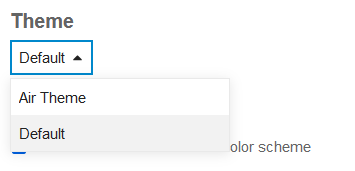
Ah, reloading the page gave me the button you were pointing to. Yes, it works.
1 Like
O_o ---- IT’S ALL DARK! ---- o_O
2 Likes
The “white” logo is shown correctly now, maybe it was a Firefox issue… 
I did, actually it is all white.
1 Like
Thanks, it works as expected. I think it was a firefox cache issue on my side…
Looks like this button (and its corresponding theme) have disappeared–forum glitch?
1 Like
I lost the dark theme too, safari just flashed and came back white. :sadface
It should be manageable in the profile preferences/interface settings:
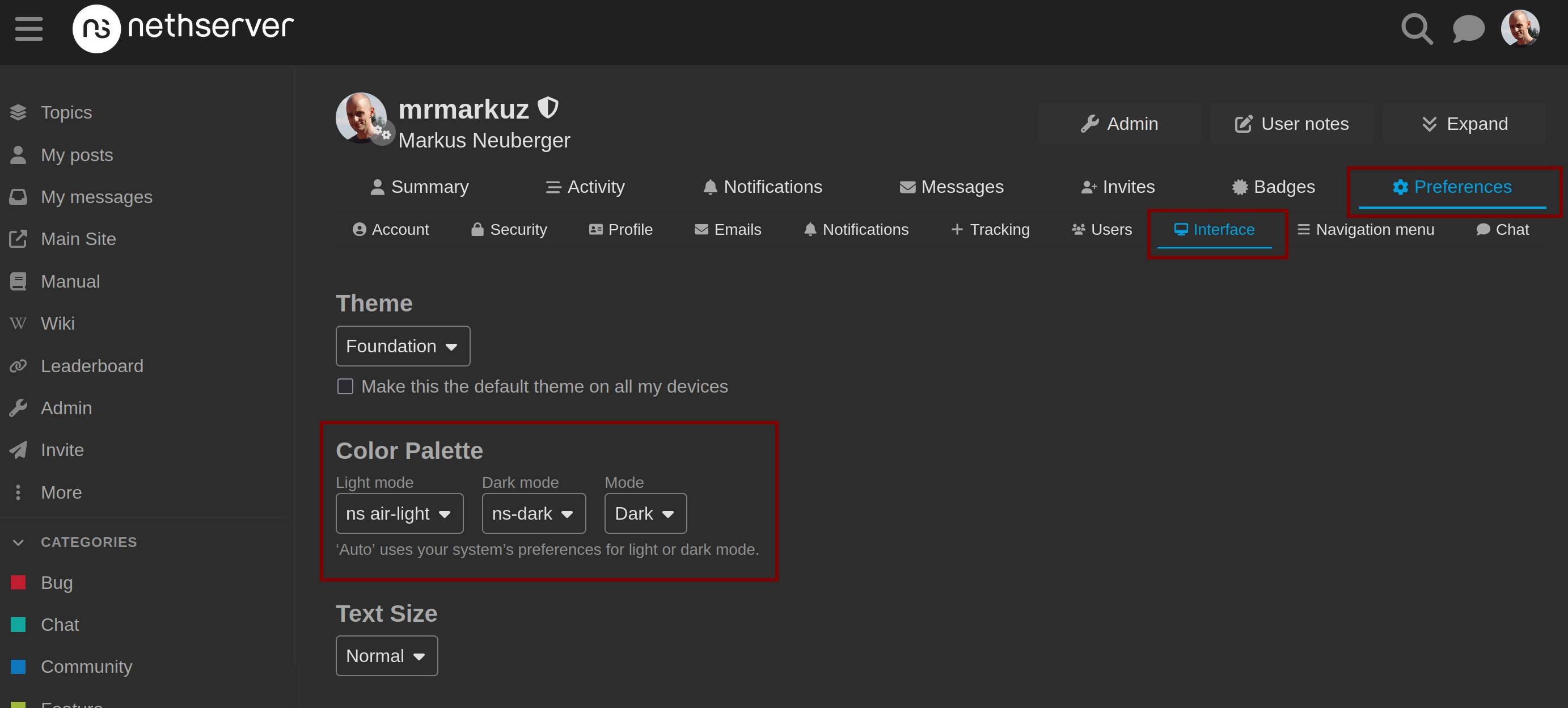
See Explanation of dark mode, how to select it, and how to enable switching - Users - Discourse Meta
But the light/dark mode dropdown isn’t available any more, at least for me, with the Foundation theme:
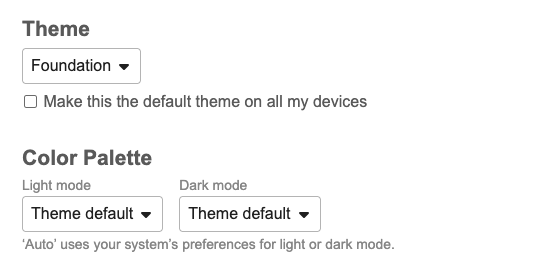
If I change to the Air theme, it is, but not with Foundation. And the toggle had been in the upper-right corner of the page, right near the user menu.
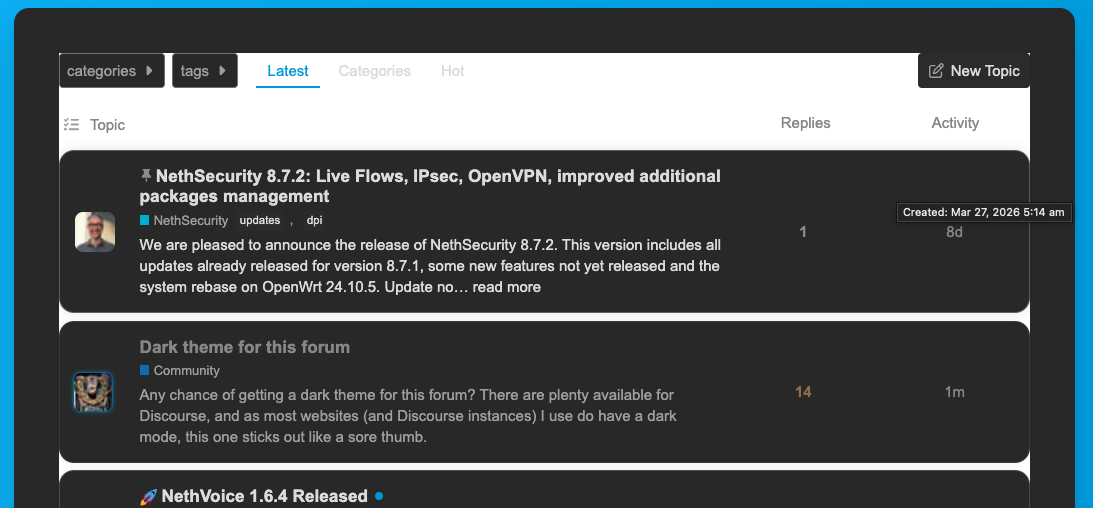
And dark mode in the Air theme needs some work:
This dropdown isn’t availabe?
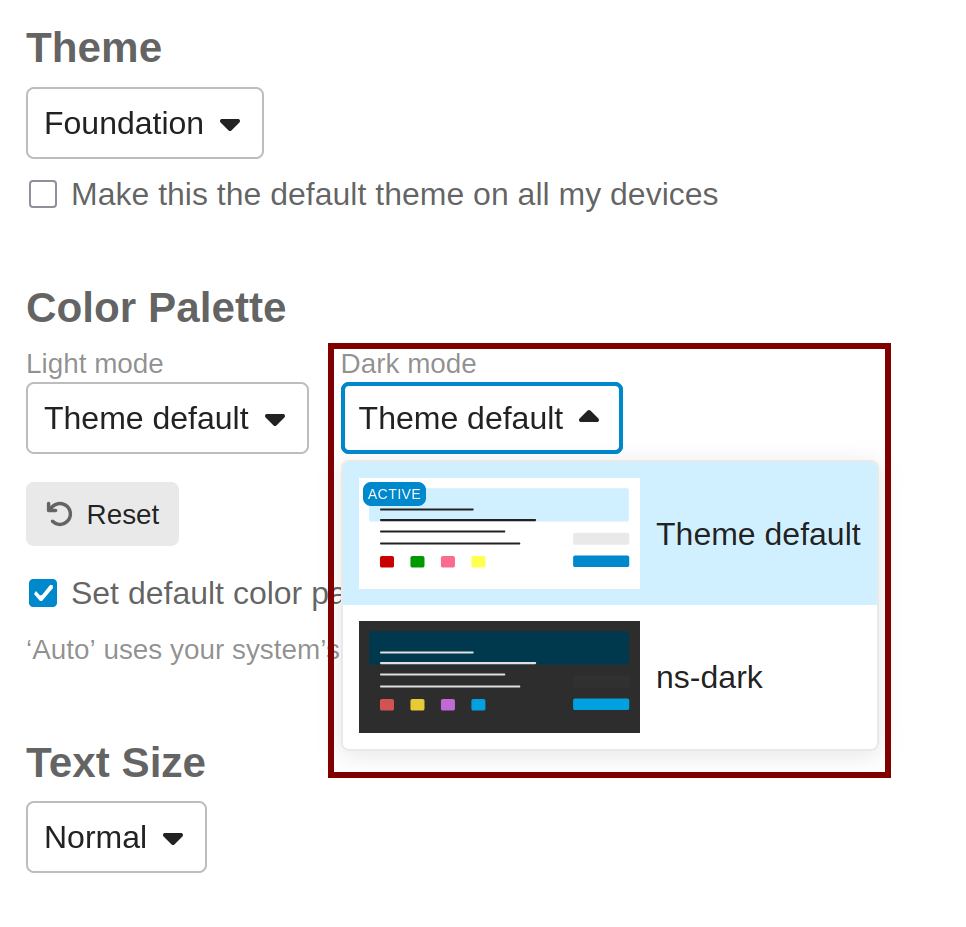
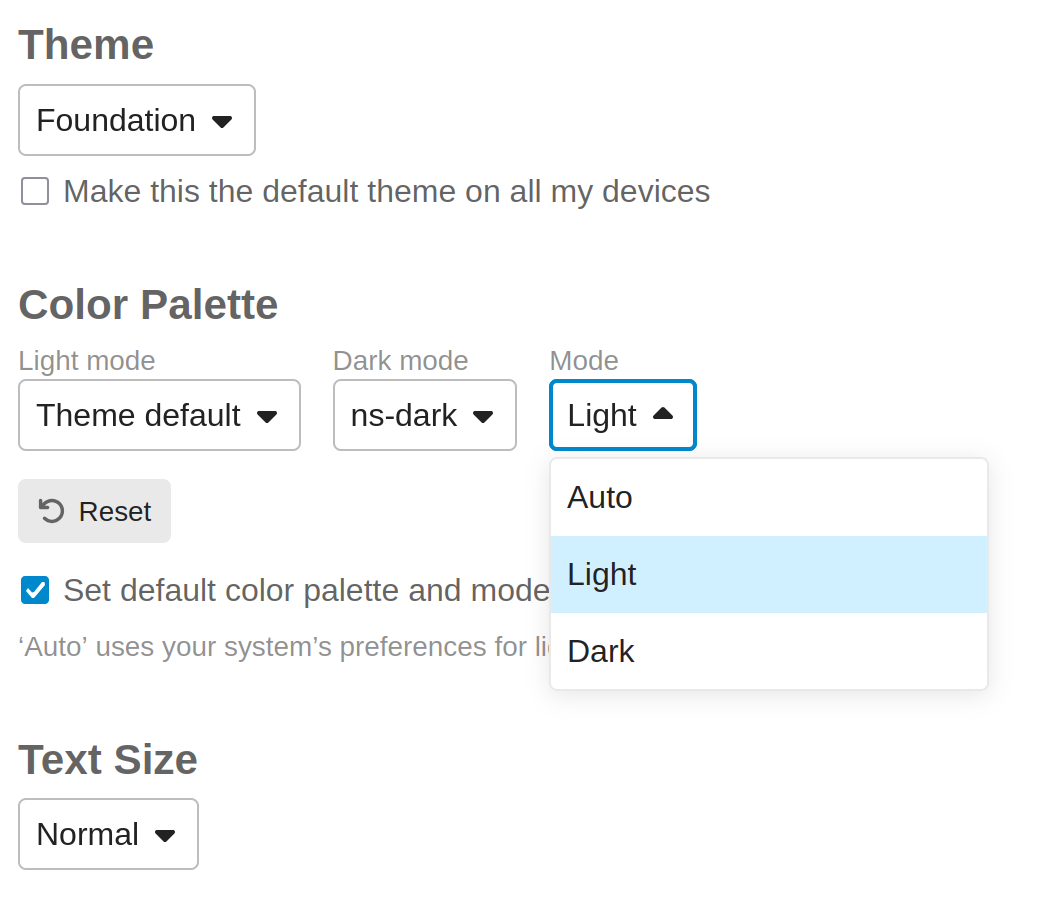
When I select another Dark mode theme than the “Theme default”, another dropdown (“Mode”) appears:
1 Like
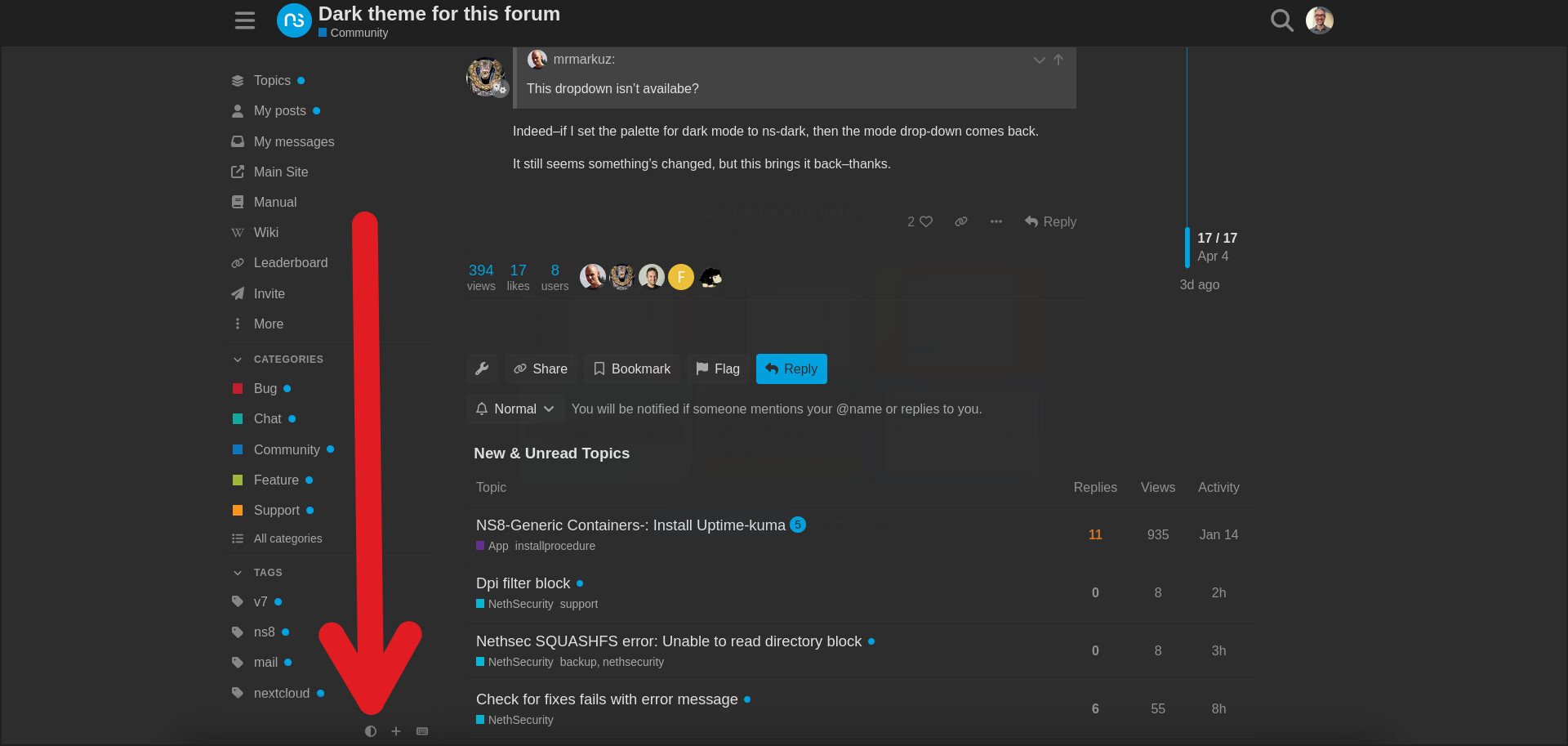
Indeed–if I set the palette for dark mode to ns-dark, then the mode drop-down comes back.
It still seems something’s changed, but this brings it back–thanks.
2 Likes
Not on mine in Safari. The other two selectors are there.
I think you need to set the “Dark mode” to something else than “Theme default” as explained here.
When the “Mode” dropdown is visible, the theme selector should be there too.
In Safari a page refresh is required.
1 Like