Config folder deleted in LAMP Module

NethServer Version: 8
Module: LAMP

Hi everyone! I’m developing a small PHP application for internal use and have installed LAMP module to run it.

The container includes an APP folder (containing the application itself) and a CONFIG folder (kept separate and inaccessible from the internet, containing the configuration files needed for the app to work correctly).

After using it for a few days, I ran into an issue: I noticed that whenever the instance restarts, the CONFIG folder gets deleted, and I have to recreate it every time. Is there a way to fix this?

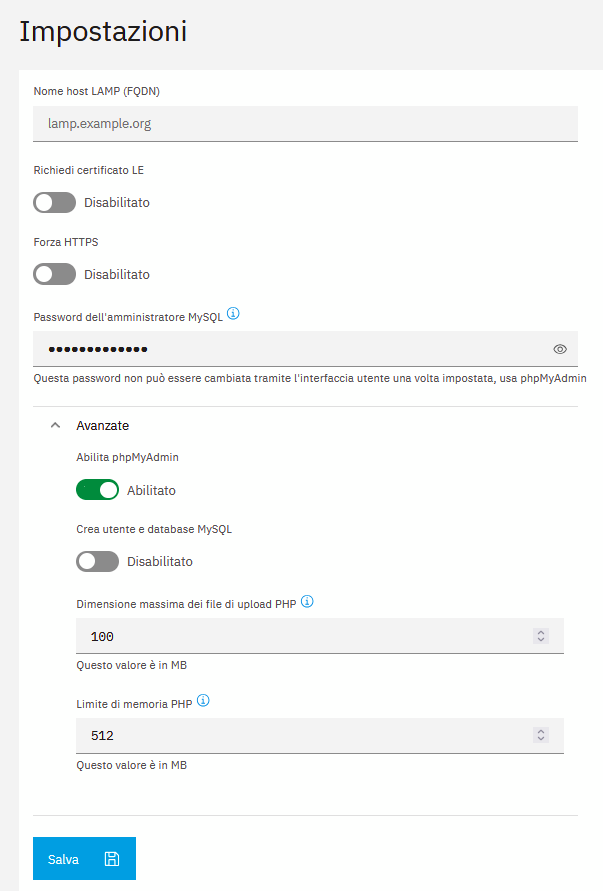
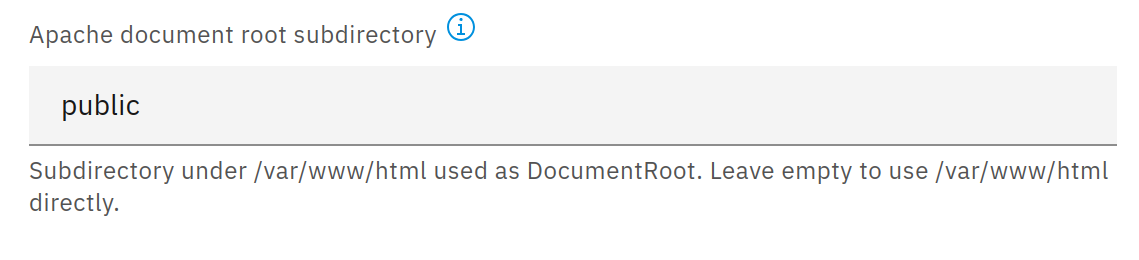
You could change the document root under advanced settings to a subdirectory of the app directory, for example “public”.

So you could put the app files to the new public directory and the config files to the app directory.
This way everything should be persistent and the config files (in the app directory) are not accessible from the internet.

As an alternative you could add another volume for your config directory as explained here but it’s not included in the backup.

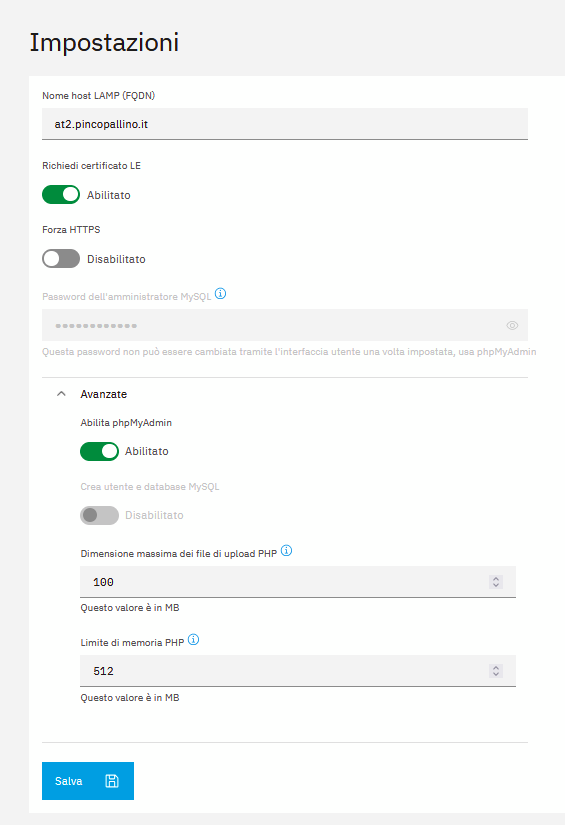
I tried looking but can’t find the setting, these are the settings I see.

Which ns8-lamp version is installed? The current one is 1.3.3.

ns8-lamp is provided by the Nethforge repository. Is it enabled? See Software center | NethServer 8 documentation

Sometimes a browser refresh is needed to show new UI elements.

1 Like

Thank you Markus for yours reply.

I have a very strange problem:

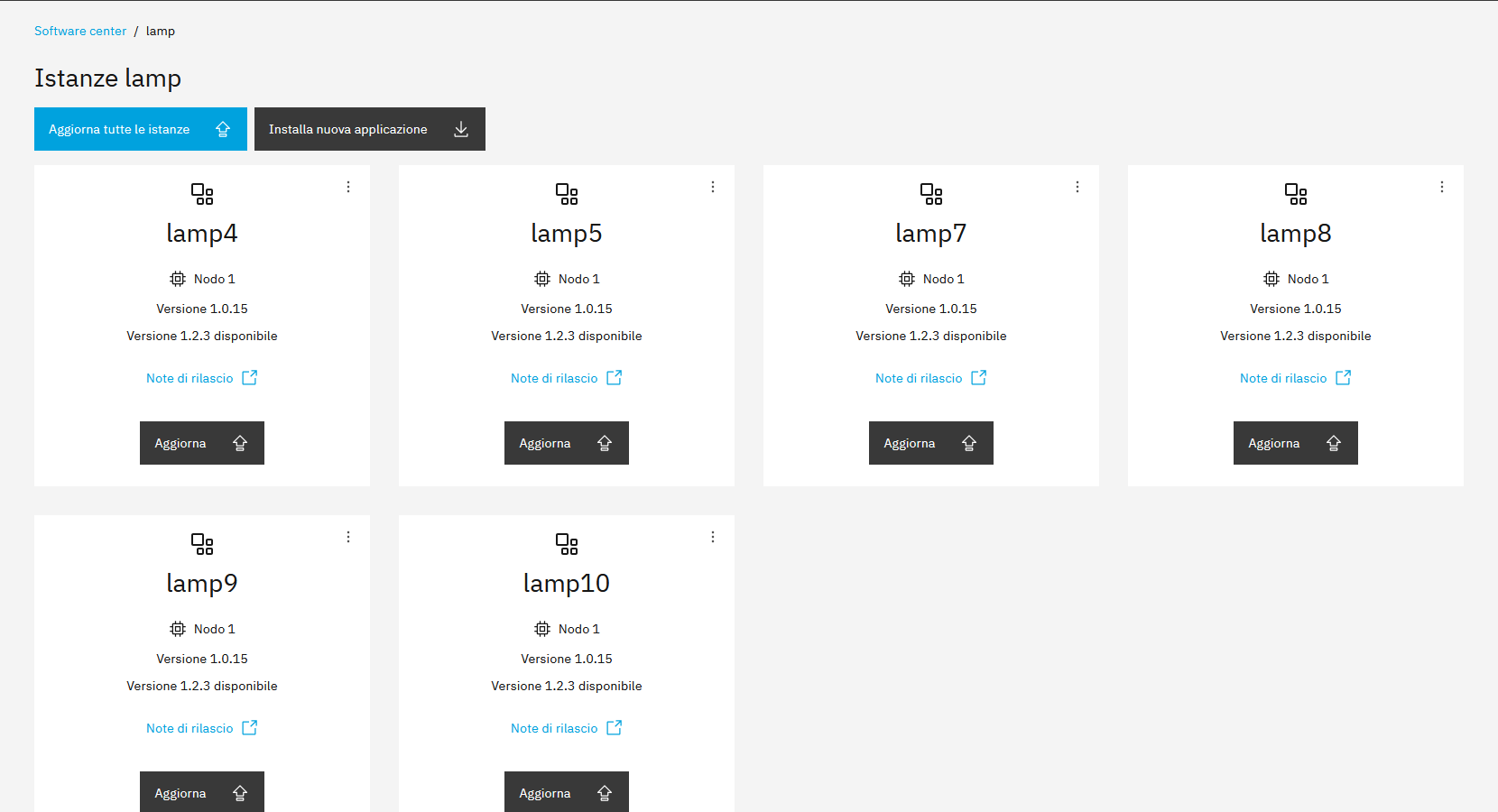
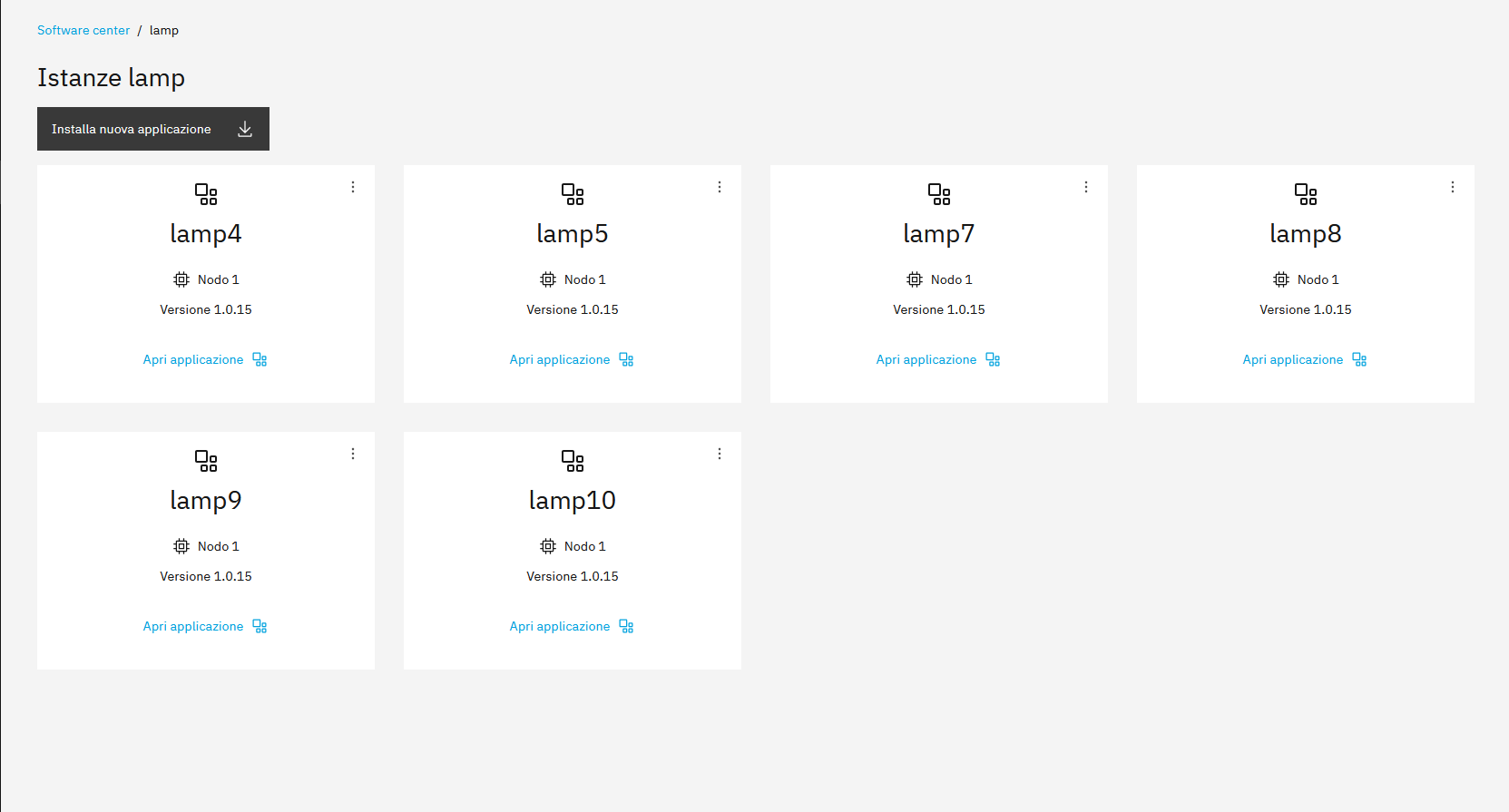
  • If I try to update the system and check the LAMP instances, I can see all the instances but no updates are shown;
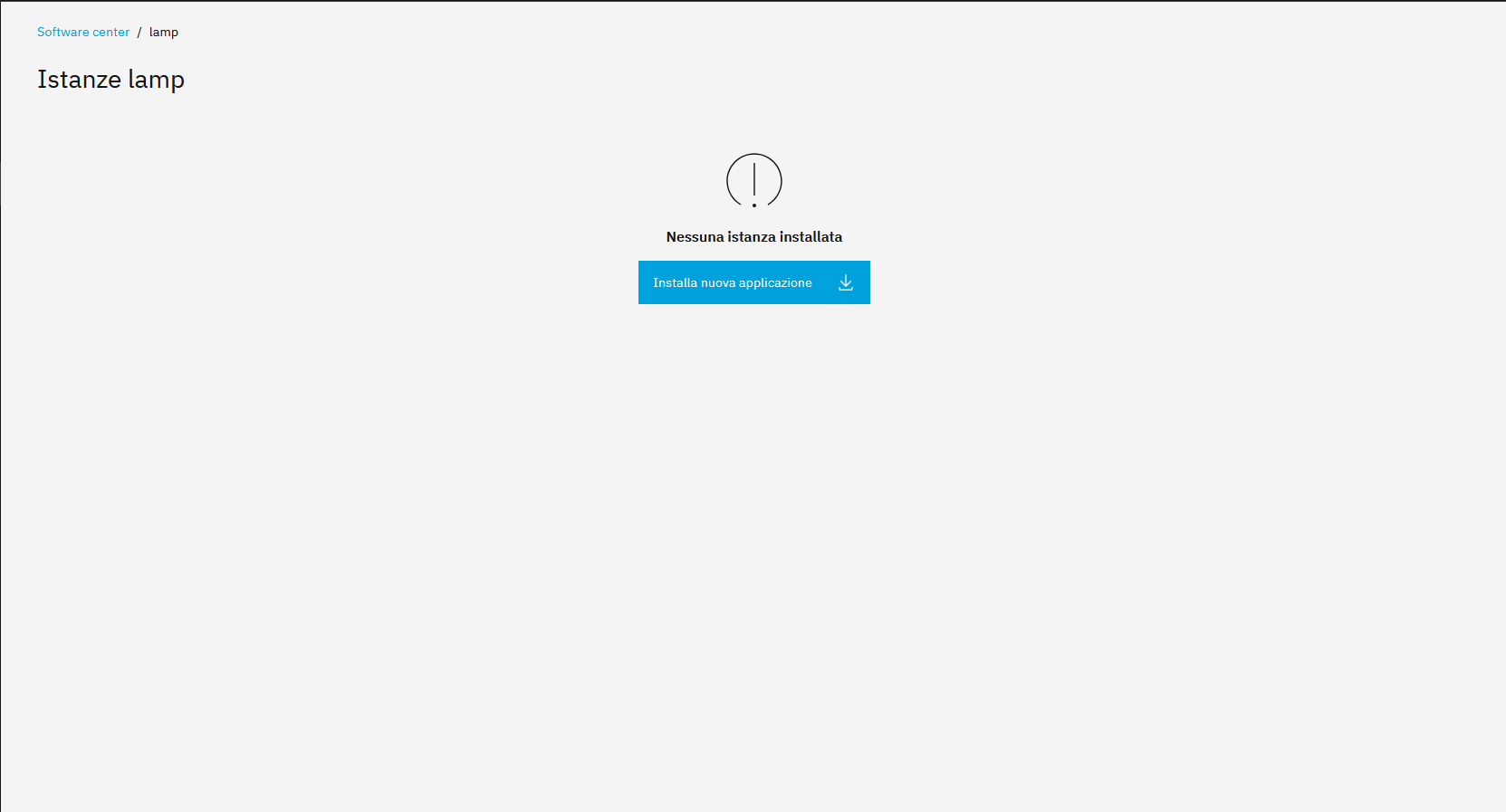
  • if I enable the nethforge repository on the application page, I don’t see any instances;
  • if I enable the StephDL repository, I have the option to update all instances to version 1.2.3, but not to version 1.3.3.

Is it possible that I installed the LAMP module from StephDL repository and then it has been moved to nethforge repository?

Can I just update the module to versione 1.2.3 (enabling StephDL repository) and then to version 1.3.3 (enabling NethForge repo)?

Yes, I guess that’s the reason.

You could try it but if it doesn’t work please try to update a lamp instance with following command. In this case the force parameter is needed but it shouldn’t be set for conventional updates.
See also Request to join Nethforge for ns8-lamp - #6 by stephdl

api-cli run update-module --data '{"module_url":"ghcr.io/nethserver/lamp:1.3.3","instances":["lamp1"],"force":true}'
1 Like

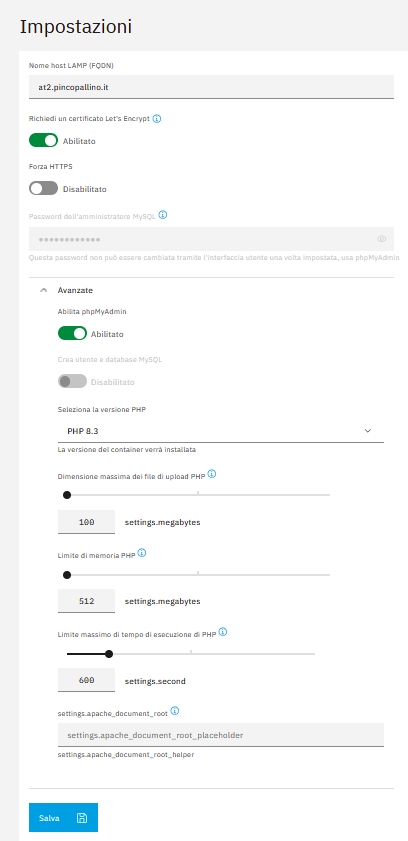
I updated an instance to the latest version (1.3.3), but I still don’t see the apache document root subdirectory.

immagine

Did you already try a browser refresh?

1 Like

I refresh browser cache right now, it’s working! Thank you!

2 Likes