How can I tell what went wrong?
journalctl -f in a terminal ssh and try to login
In this case, the first thing to try is reloading the browser page, e.g. Ctrl + Shift + R or the equivalent shortcut. It may be worth suggesting this in the error message. What do you think, @andre8244?
If the error persists (because it’s not network-related) Steph’s solution is the last chance.
In general a page reload might help, but in most cases if it was just a temporary error, the user can try again without reloading the page; if it was a backend issue, reloading the page won’t help.
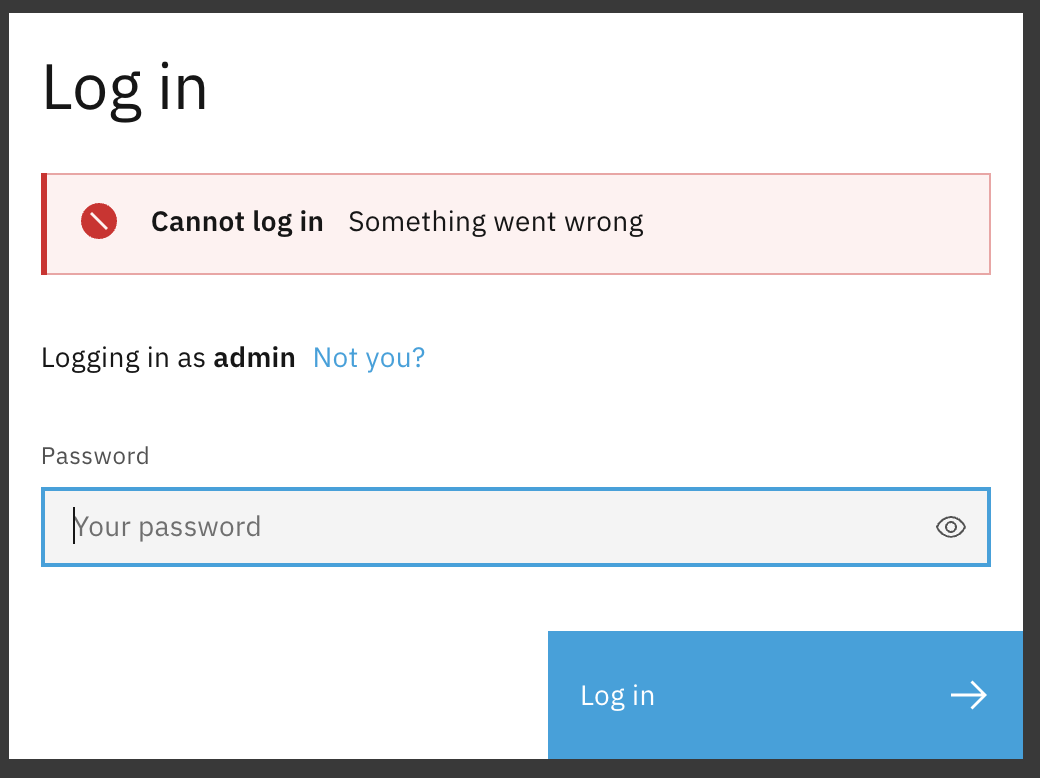
“Something went wrong” is a generic message that is shown for unpredictable errors; maybe you hit a 500 Internal Server Error.
Specific messages for predictable errors are shown, such as for invalid authentication credentials, network error, or network timeout.
On NS8, we try to do what most webapps do: hide very technical errors that the average user probably would not understand. To understand what went wrong, most skilled users can:
- use
journalctlas suggested by Steph - use the browser developer tools
- use System logs page (of course, after a succesful login
 )
)
Thanks. I have been blocked for now for too many tries. Will get back to it. Luckily I have a VNC connection from the VPS provider, otherwise I would have been blocked for a looong time due to setting block duration to days instead of hours. That is my own ‘wrong’-doing.
[update] I could login using a VPN (So different IP). The logs are too cluttered with messages that I can not find the root or possible cause. Sorry, and thanks for the insight of ‘Something went wrong’.