I was sharing calendars to @users group in SOGo, allowing all users to subscribe to it. It stopped working after 2.2.7 update (user “@users” not valid anymore). I would have to individually allow sharing / subscribing to each individual user, which is pretty uncomfortable. Any suggestions? Thanks
any evidences in log ?
Basically it is only an upstream upgrade
I will test later. I had to restore the previous version from backup (worked well) to keep the production running.
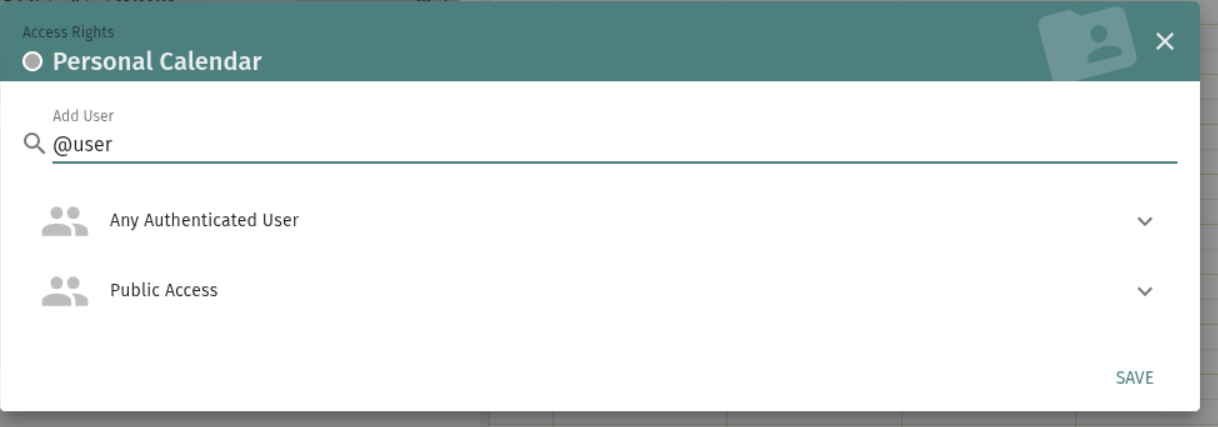
Using Any Authenticated User works fine on my side too, and each user still has to subscribe individually to the shared resource — there’s no group involved, so that’s expected behavior, not a bug.
Since it broke specifically after the 2.2.7 upgrade, we need logs to confirm what’s actually failing: can you grab the sogod log (journalctl -f _UID=$(id -u sogo1 )) at the exact moment you try the sharing, and paste the error here?
If the logs confirm this is a regression from the 5.12.11 upstream update rather than something environment-specific, we’ll need to open an issue upstream
On my current SOGo 2.2.3 I am using this setup
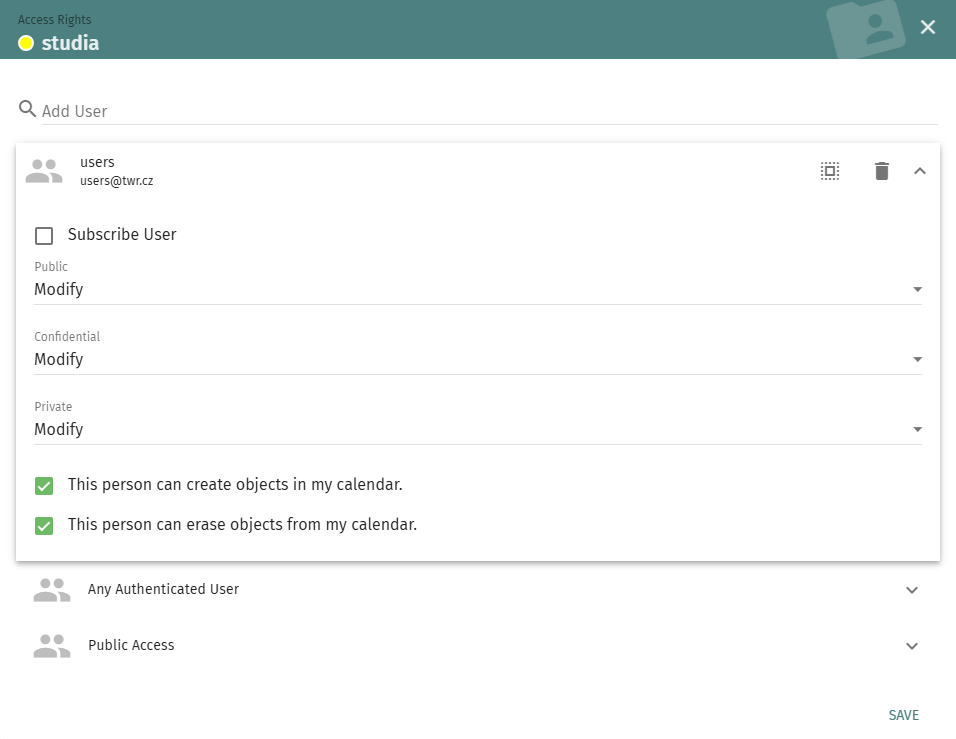
On SOGo version 2.2.7 the users (users@twr.cz) group becomes invalid. It is visible in the sharing list, but its tab does not open and I cannot even delete the group (error message: group does not exist).
I may set the calendar sharing to “All Authenticated users”, but I am afraid it would change the shared calendars references / guids, so every user may have to resubscribe.
With a given number of calendars, users, and different used CalDAV clients (e.g. Thunderbird), resubscribing everything would be quite laborious.
I consider the fact that an otherwise valid and previously working group suddenly becomes invalid after the upgrade to be a bug/regression.
yep it looks like a bug of upstream
I have a clue, let me dive in it
side effect of Set canAuthenticate to NO in SOGo LDAP config by stephdl · Pull Request #123 · NethServer/ns8-sogo · GitHub
After that the groups are back again
2.2.8 is coming
I can confirm that the issue was resolved by this update. Thank you very much for the prompt solution!