Bad gateway On Apps for some servers

NethServer Version: 8.5
Module: PostalServer as reference
Module: traefik

I have a very interesting problem, that i need hlep investigating and resolving,
this is not the first time i have come accross the issue, but its the first time it has become apparrent.

Nethserver 8 Apps, are self contained, and by definition, should work without issues on any server they are deployed on, if they worked.

I am facing a problem whereby, on some servers, the app would bring a bad gateway error once configure,d while on other servers, you get the app working and running.

I have tested multiple scenarios, install, re-install, and the same problem is recurrent.

[root@cluster clientuser]# curl http://127.0.0.1:20003
curl: (52) Empty reply from server
[root@cluster clientuser]#

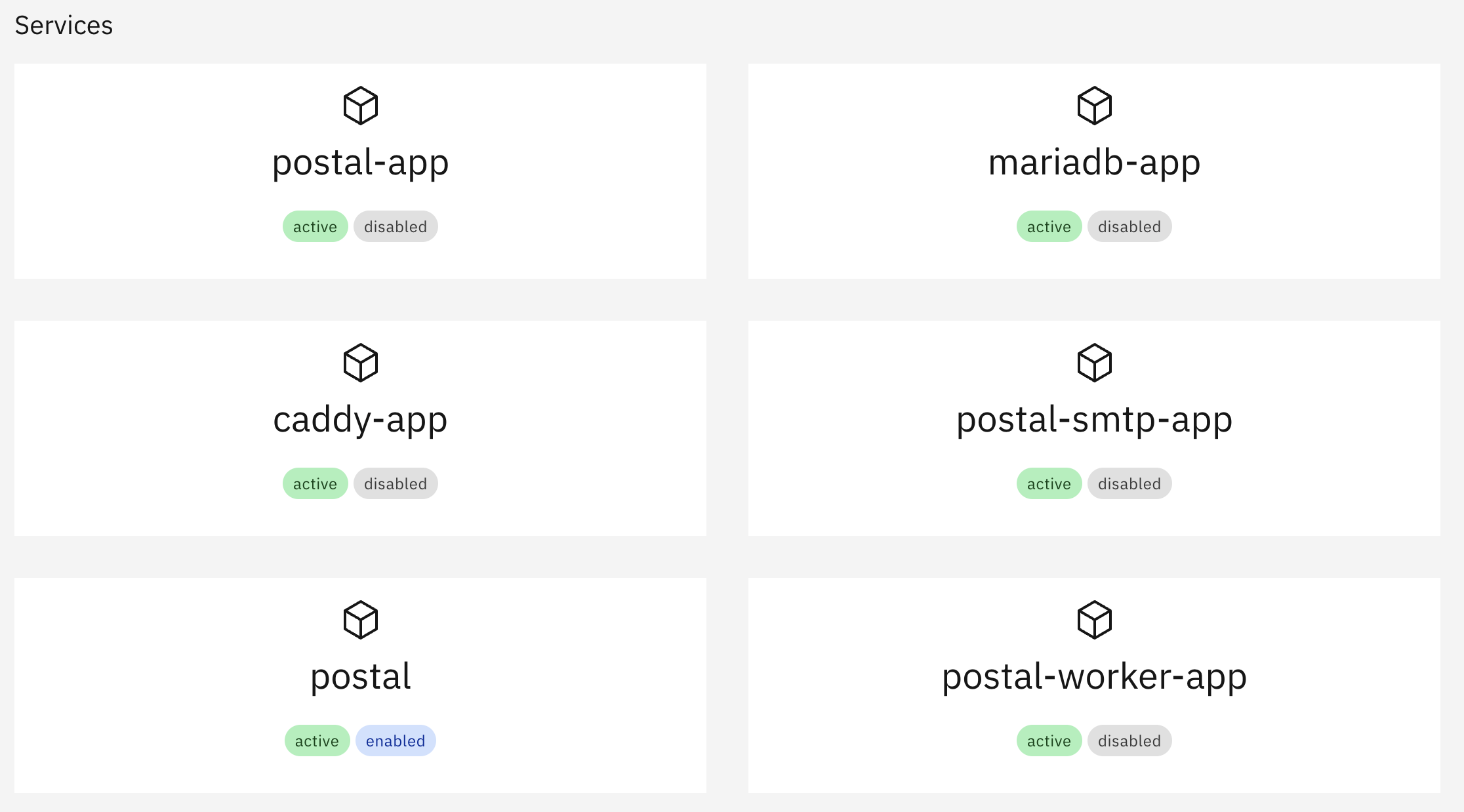
Doing curl with internal ip presents this error, However all services are running, and no aparent errors on logs.

Could there be some server configs, that might cause apps to work on some and not on others.

I have tested 4 servers thus far, App runs on 2 servers, does not on 2 others.

It’s not easy to say… Exclude server resource issues first.

am not following

Also could ipv6 have a problem, caus ei see it in the server not working

For example, disk or CPU is too slow.

IPv6 May or May not be present in this case it’s a config issue.

these ar enot an issue at all. as stated, tested different servers accross OS, and not yet discovered a common pattern, however its an issue i know to be there.

challenge is to identify origin and resolve it for good.
this single problem has given me sleepless nights since ns8 was announced initially, i never read anything about the issue.

this is what we have

[root@cluster clientuser]# podman network inspect podman
[
     {
          "name": "podman",
          "id": "2f259bab93aaaaa2542ba43ef33eb990d0999ee1b9924b557b7be53c0b7a1bb9",
          "driver": "bridge",
          "network_interface": "podman0",
          "created": "2025-07-29T08:30:59.091415886+02:00",
          "subnets": [
               {
                    "subnet": "10.88.0.0/16",
                    "gateway": "10.88.0.1"
               }
          ],
          "ipv6_enabled": false,
          "internal": false,
          "dns_enabled": false,
          "ipam_options": {
               "driver": "host-local"
          },
          "containers": {}
     }
]

on postal, this is what happened

[root@cluster clientuser]# ^C
[root@cluster clientuser]# sudo firewall-cmd --zone=public --add-port=20003/tcp --permanent
success
[root@cluster clientuser]# sudo firewall-cmd --reload
success
[root@cluster clientuser]# curl http://localhost:20003
curl: (52) Empty reply from server
[root@cluster clientuser]# ^C
[root@cluster clientuser]# ^C

After configure module

[root@cluster clientuser]# curl http://localhost:20003
curl: (56) Recv failure: Connection reset by peer

I sometimes get this when the app is spinning up after (initial) config. After a minute or so and a browser cache refresh, the app presents itself and all is up and runnign. I always check the app and container status.

in our case it still remains the same.

We even just tried another new module, Joplinserver, also, it did not run on the servers which postal refused as well, and only offered bad gateway, but installed it on a different server, it works without issues.

they ar eAlma Linux and rOkcy Linus,

ON debian and centos stream, they work without issues.

there might be an underlying issue to be investigated

Can some people test on their servers and say if it worked on their side

to be exact with the version numbers
it worked on this server
LINUX VERSION=5.14.0-514.el9.x86_64

NAME="CentOS Stream"
VERSION="9"
ID="centos"
ID_LIKE="rhel fedora"
VERSION_ID="9"
PLATFORM_ID="platform:el9"
PRETTY_NAME="CentOS Stream 9"
ANSI_COLOR="0;31"
LOGO="fedora-logo-icon"
CPE_NAME="cpe:/o:centos:centos:9"
HOME_URL="https://centos.org/"
BUG_REPORT_URL="https://issues.redhat.com/"
REDHAT_SUPPORT_PRODUCT="Red Hat Enterprise Linux 9"
REDHAT_SUPPORT_PRODUCT_VERSION="CentOS Stream"

It did not work on the servers below

LINUX_VERSION=5.14.0-570.26.1.el9_6.x86_64

NAME="Rocky Linux"
VERSION="9.6 (Blue Onyx)"
ID="rocky"
ID_LIKE="rhel centos fedora"
VERSION_ID="9.6"
PLATFORM_ID="platform:el9"
PRETTY_NAME="Rocky Linux 9.6 (Blue Onyx)"
ANSI_COLOR="0;32"
LOGO="fedora-logo-icon"
CPE_NAME="cpe:/o:rocky:rocky:9::baseos"
HOME_URL="https://rockylinux.org/"
VENDOR_NAME="RESF"
VENDOR_URL="https://resf.org/"
BUG_REPORT_URL="https://bugs.rockylinux.org/"
SUPPORT_END="2032-05-31"
ROCKY_SUPPORT_PRODUCT="Rocky-Linux-9"
ROCKY_SUPPORT_PRODUCT_VERSION="9.6"
REDHAT_SUPPORT_PRODUCT="Rocky Linux"
REDHAT_SUPPORT_PRODUCT_VERSION="9.6

Installed from software center and configured with certificate and https. App is up and running on provided FQDN as configured.

However, the LE Certificate is NOT obtained as shown by the traefik logs. Not even after configuring again and again, so no valid LE certificate.

2025-07-29T12:09:53+02:00 [1:traefik1:traefik] 2025-07-29T10:09:53Z ERR Unable to obtain ACME certificate for domains error="unable to generate a certificate for the domains [notes.XXX.com]: error: one or more domains had a problem:\n[notes.XXX.com] invalid authorization: acme: error: 400 :: urn:ietf:params:acme:error:connection :: xx.xxx.xxx.xx: Timeout during connect (likely firewall problem)\n" ACME CA=https://acme-v02.api.letsencrypt.org/directory acmeCA=https://acme-v02.api.letsencrypt.org/directory domains=["notes.XXX.com"] providerName=acmeServer.acme routerName=joplin3-https@file rule=Host(`notes.XXX.com`)

All other apps on the same node have a valid LE certificate as per configuration.
Rocky 9 VM 1 NIC only.

What is the command to get those values pls?

should be visible from the app detail on softwarec entre.

we have just published a new release, try updating to it

api-cli run update-module --data '{"module_url":"ghcr.io/geniusdynamics/joplin:1.0.5","instances":["joplin1"],"force":true}'

could you test on the same server PostalServer also, if possible…

my bad. see feedback in joplin thread.

What needs to be done here please and why the option?

Bad gateway.

please see 2025-07-29T15:33:12+02:00 [1:postal1:postal-worker-app] 2025-07-29 13:33:12 +000 - Pastebin.com

I uninstalled due to overflooding the logs with errors

After configuring module, you are supposed to wait for services to start, then intitialise postal, it sin the docs

you were to click initialise postal

The errors dissapear once postal has been initialised