Now this is just confusing
But first let me try with root then we see if it will fix the issue
Hello sorry for the silence
I have made some few updates can you help me test
add-module ghcr.io/geniusdynamics/goauthentik:dev 1
1 Like
Thanks. Can you elaborate on what this change will do please?
This create a temporary file system in the ram and also gives it read write permissions
1 Like
So if I want to throw caution to the wind[1] and test this on my production system, how would I do it? I presume I’d need to revert the earlier sysctl noted above?
after taking a snapshot of the VPS ↩︎
you can just use the update command
api-cli run update-module --data '{
  "module_url": "ghcr.io/geniusdynamics/goauthentik:latest",
  "instances": ["goauthentik1"],
  "force": true
}'
It should work
Not sure if this was successful or not:
[root@ns8 ~]# api-cli run update-module --data '{
  "module_url": "ghcr.io/geniusdynamics/goauthentik:latest",
  "instances": ["goauthentik2"],
  "force": true
}'
Warning: using user "cluster" credentials from the environment
<7>podman pull ghcr.io/geniusdynamics/goauthentik:latest
Trying to pull ghcr.io/geniusdynamics/goauthentik:latest...
Getting image source signatures
Copying blob sha256:65bdf35c7c8f8ae3ff8b09297539f95933fe0c2aad41b16ff7b84f4abb471e2c
Copying config sha256:cd108443012189eadaf6569d1bd49736e49ce862897bb17bbee64f8cb6af1b28
Writing manifest to image destination
cd108443012189eadaf6569d1bd49736e49ce862897bb17bbee64f8cb6af1b28
<7>extract-ui ghcr.io/geniusdynamics/goauthentik:latest
Extracting container filesystem ui to /var/lib/nethserver/cluster/ui/apps/goauthentik2.42034e69
ui/css/
ui/css/about~31ecd969.f3b8eb2f.css
ui/css/app~748942c6.614eb7ef.css
ui/i18n/
ui/i18n/de/
ui/i18n/de/translation.json
ui/i18n/en/
ui/i18n/en/translation.json
ui/i18n/es/
ui/i18n/es/translation.json
ui/i18n/eu/
ui/i18n/eu/translation.json
ui/i18n/it/
ui/i18n/it/translation.json
ui/i18n/pt/
ui/i18n/pt/translation.json
ui/i18n/pt_BR/
ui/i18n/pt_BR/translation.json
ui/img/
ui/img/module_default_logo.1a24208b.png
ui/index.html
ui/js/
ui/js/about~31ecd969.0ec3f23f.js
ui/js/about~31ecd969.0ec3f23f.js.map
ui/js/app~748942c6.0d5ac832.js
ui/js/app~748942c6.0d5ac832.js.map
ui/js/chunk-vendors~0605657e.7f254d6a.js
ui/js/chunk-vendors~0605657e.7f254d6a.js.map
ui/js/chunk-vendors~0f485567.2be49e6e.js
ui/js/chunk-vendors~0f485567.2be49e6e.js.map
ui/js/chunk-vendors~17faf02d.7f68aab6.js
ui/js/chunk-vendors~17faf02d.7f68aab6.js.map
ui/js/chunk-vendors~1d97ff09.290bda9d.js
ui/js/chunk-vendors~1d97ff09.290bda9d.js.map
ui/js/chunk-vendors~2a42e354.0df57e14.js
ui/js/chunk-vendors~2a42e354.0df57e14.js.map
ui/js/chunk-vendors~2aa62147.38204dba.js
ui/js/chunk-vendors~2aa62147.38204dba.js.map
ui/js/chunk-vendors~41d44f25.e7779fa1.js
ui/js/chunk-vendors~41d44f25.e7779fa1.js.map
ui/js/chunk-vendors~46852254.0b6d19c2.js
ui/js/chunk-vendors~46852254.0b6d19c2.js.map
ui/js/chunk-vendors~57473a66.f586d2ed.js
ui/js/chunk-vendors~57473a66.f586d2ed.js.map
ui/js/chunk-vendors~5bb1f863.3efba861.js
ui/js/chunk-vendors~5bb1f863.3efba861.js.map
ui/js/chunk-vendors~5eba3806.b8428291.js
ui/js/chunk-vendors~5eba3806.b8428291.js.map
ui/js/chunk-vendors~690b702c.fd888ae3.js
ui/js/chunk-vendors~690b702c.fd888ae3.js.map
ui/js/chunk-vendors~7274e1de.72bc2eab.js
ui/js/chunk-vendors~7274e1de.72bc2eab.js.map
ui/js/chunk-vendors~86f6b1bc.5c91cadf.js
ui/js/chunk-vendors~86f6b1bc.5c91cadf.js.map
ui/js/chunk-vendors~b5906859.deff14e4.js
ui/js/chunk-vendors~b5906859.deff14e4.js.map
ui/js/chunk-vendors~bc21d4b3.68b10b46.js
ui/js/chunk-vendors~bc21d4b3.68b10b46.js.map
ui/js/chunk-vendors~be71a85b.9c367aa3.js
ui/js/chunk-vendors~be71a85b.9c367aa3.js.map
ui/js/chunk-vendors~c8728516.dd1ccc58.js
ui/js/chunk-vendors~c8728516.dd1ccc58.js.map
ui/js/chunk-vendors~d2305125.6a99a4ff.js
ui/js/chunk-vendors~d2305125.6a99a4ff.js.map
ui/js/chunk-vendors~d9886323.1a1a66f6.js
ui/js/chunk-vendors~d9886323.1a1a66f6.js.map
ui/js/chunk-vendors~db300d2f.ddb8641c.js
ui/js/chunk-vendors~db300d2f.ddb8641c.js.map
ui/js/chunk-vendors~ec8c427e.5c1734c3.js
ui/js/chunk-vendors~ec8c427e.5c1734c3.js.map
ui/js/chunk-vendors~fdc6512a.81c5c86c.js
ui/js/chunk-vendors~fdc6512a.81c5c86c.js.map
ui/js/lang-de-translation-json~3c620948.e0b5ebcd.js
ui/js/lang-de-translation-json~3c620948.e0b5ebcd.js.map
ui/js/lang-en-translation-json~9b60384d.02e0bc0a.js
ui/js/lang-en-translation-json~9b60384d.02e0bc0a.js.map
ui/js/lang-es-translation-json~f7c30340.434383b0.js
ui/js/lang-es-translation-json~f7c30340.434383b0.js.map
ui/js/lang-eu-translation-json~8ed4c5c2.33ab4b3c.js
ui/js/lang-eu-translation-json~8ed4c5c2.33ab4b3c.js.map
ui/js/lang-it-translation-json~e043826f.e33749b0.js
ui/js/lang-it-translation-json~e043826f.e33749b0.js.map
ui/js/lang-pt-translation-json~45d767f3.8b3eaa68.js
ui/js/lang-pt-translation-json~45d767f3.8b3eaa68.js.map
ui/js/lang-pt_BR-translation-json~eef7148a.487e22b9.js
ui/js/lang-pt_BR-translation-json~eef7148a.487e22b9.js.map
ui/metadata.json
ui/shortcuts.json
6735248abdf53401b0323d61e3bcab79526145b92f2b740ad555ceb5c5c64faf
<7>rm -rf '/var/lib/nethserver/cluster/ui/apps/goauthentik2.42034e69~'
<7>podman rmi --ignore ghcr.io/geniusdynamics/goauthentik:2.0.0
{}
[root@ns8 ~]#
But the version changed:
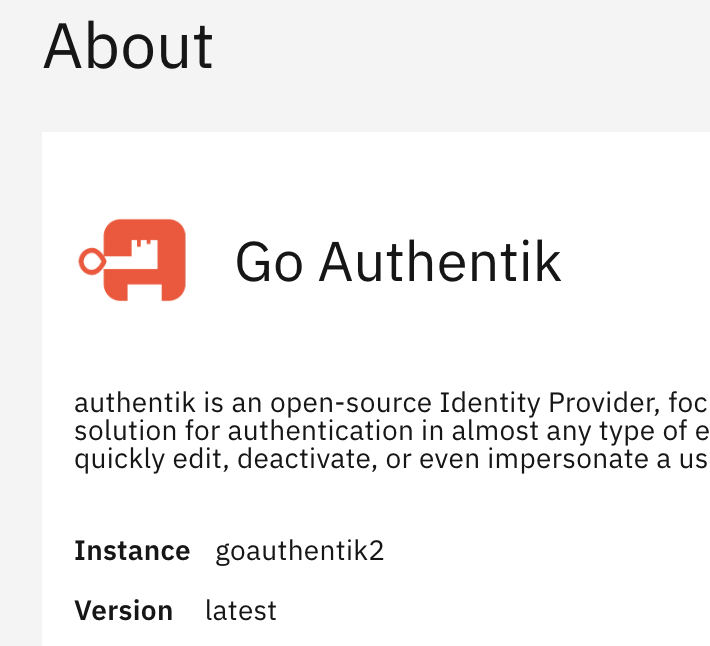
I’m able to log in using both username/password and a passkey. It still works after running sysctl fs.protected_regular=1.
Anything else to test?
Last you were unable to login if it logins in its good
for now just continue using if anything occurs am available for help
1 Like
Happy it does seem to work for now, but I question what the solution (what patch exactly) is to the root cause and if ‘we’ fully understand.
New install of Authentik 2.0.1 via software center, configured with FQDN, httpS and Certificate:
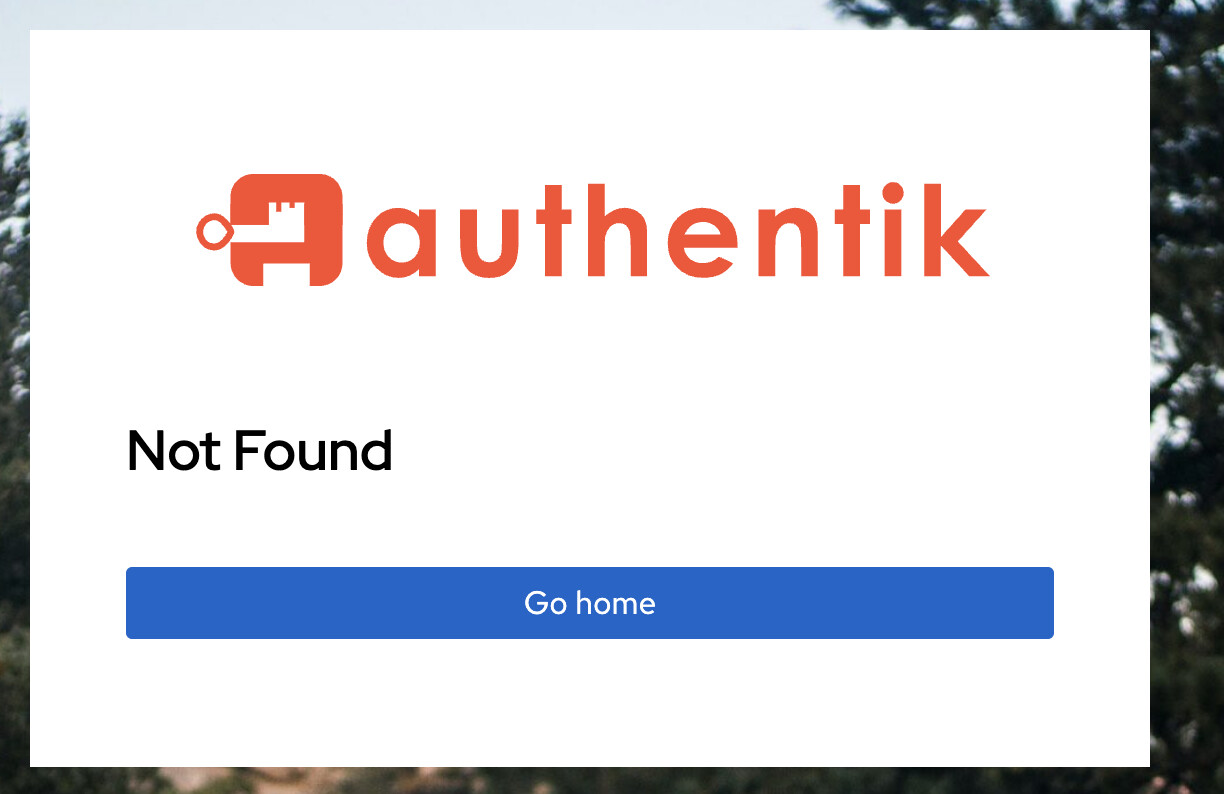
Have to manually go to https://auth.domain.link/if/flow/initial-setup/
1 Like
I think that’s expected behavior. You’d only go there for the initial setup. Though it might be good to link to that page from somewhere in the NS8 UI. But it is noted in the wiki and the README:
-
Complete the initial setup:
- Open your browser and navigate to
https://auth.yourdomain.com/if/flow/initial-setup/ - Follow the on-screen instructions to complete the Authentik setup
- Configure your first authentication flow and create administrative users
- Open your browser and navigate to
2 Likes
Thanks will add it
To readme.md
1 Like
Go Authentik Version 2025.10 released
add-module ghcr.io/geniusdynamics/goauthentik:dev 1
help me test if it works
2 Likes
Maybe a little more context can help to prevent confusion/descision making?
An existing or new installation of the Authentik module via software center will install Authetik NS8 module version 2.0.1 with Authentik version 2025.8.1.
By issuing the above command, an existing Authentik installation will be overwritten by the dev version but also labeled as module version 2.0.1 but with Authentik version 2025.10.0. An new installation with the above command will install this dev version 2.0.1.
2 Likes
Sorry i mean to test the dev version
add-module ghcr.io/geniusdynamics/goauthentik:dev 1
this is version 2025.10.0
you can test back up and restore and upgrading to see if it works without issues
2 Likes

Thank you For testing
Will be released in a few
2 Likes
If I apply above command it will install a second instance on the same node. Can you tell me how to do an inplace update? Or restore the current version into the new version?
To update an instance on CLI:
api-cli run update-module --data '{"module_url":"ghcr.io/geniusdynamics/goauthentik:dev","instances":["goauthentik1"]}'
1 Like
Thanks, had to adjust the URL since it is not hosted in the NethServer Github container repo, but it seems to have worked.
1 Like