OK, that’s much better understandable for me!
I think in that case, your solution is simple: Trusted Networks!
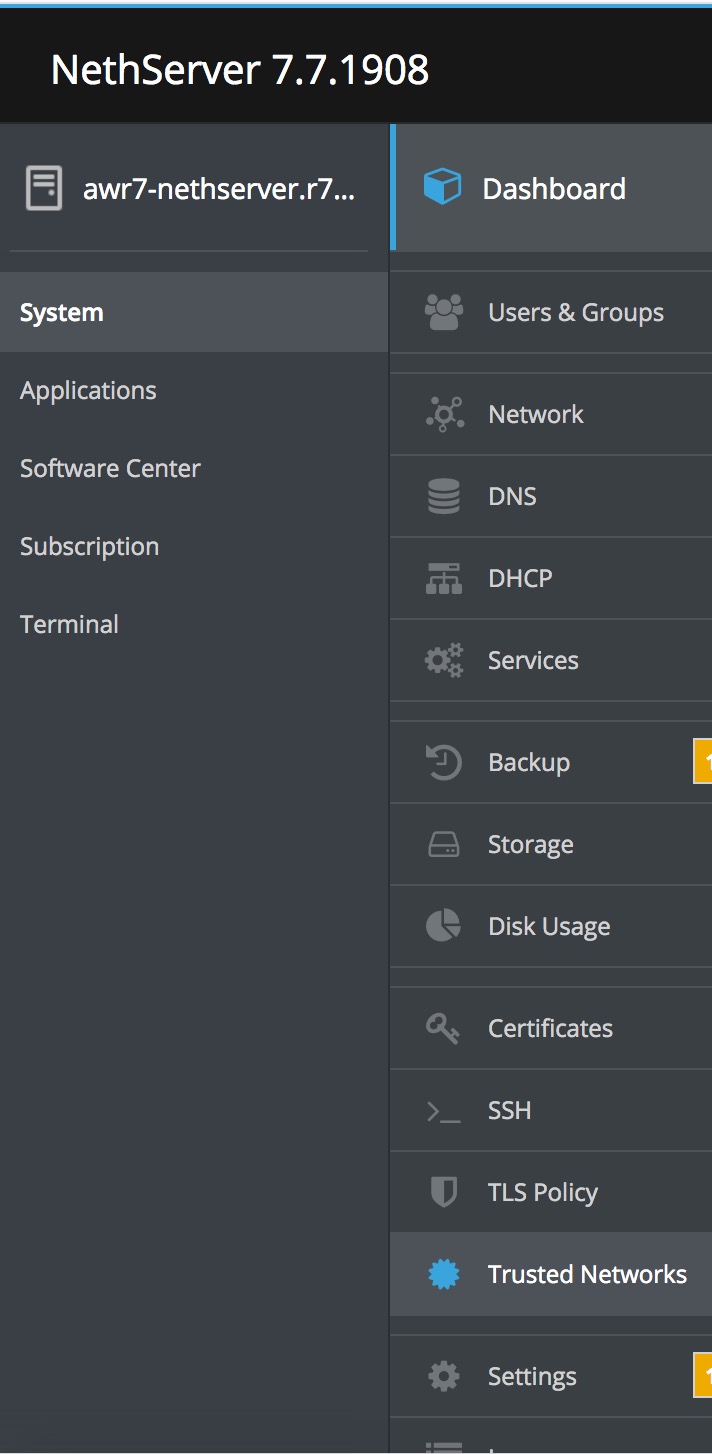

Add in your two VPN Networks, 100 and 200…
This adds a rule allowing access to the two networks!
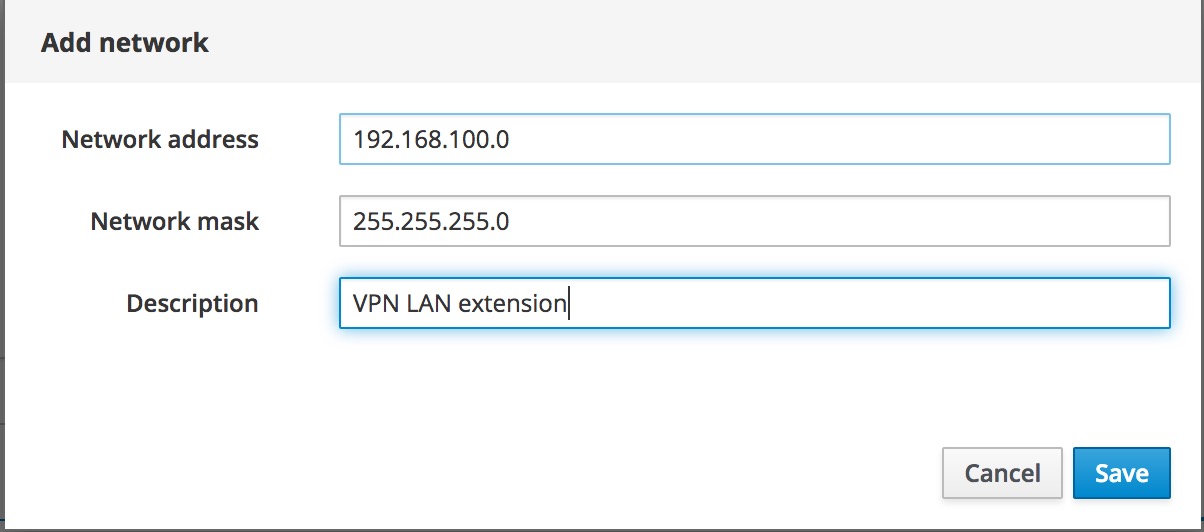
Finito! 
Explanation: Trusted Networks are allowed to access (reach) the Windows Services (AD / Shares).
You also need to use this feature, if say connecting to your office Nethserver from home with a roadwarrior VPN or even a site 2 site VPN. The home LANs IPs should go in this list too.
Andy
Note: If this solves your problem, please mark this as solution…