NethServer Version: NS8 current version Module: mail?
I have probably one of the simplest setups for Nethserver. In NS7 it managed my AD, DNS and mail and after the move it’s only users and mail. To that I have a Sophos XG as firewall in my network.My installation runs on Debian 13 with a local firewall activated. My computer is on the same subnet as the mail server for troubleshooting.
I have three different connectivity issues.
From internal network.
Can’t access with using the external hostname either by https or imap, this worked before and to my knowledge nothing has changed in the firewall, except a hostname for NS.
I can’t access with the internal hostname by imap using Thunderbird
From external network.
Works fine with https and mail app on iPhone but doesn’t work with Exchange app on iPhone.
It’s a lot to make sense of so I created this table to explain the scenarios.
Column 1
Column 2
Column 3
Internal network
External network
imap in Thunderbird using internal hostname
No
N/A
imap in Thunderbird using external hostname
No
Not tested
webmail using external hostname
No
Yes
imap using iPhone mail using external hostname
No
Yes
imap using iPhone Exchange using external hostname
I assume the external hostname resolves to the public IP of the firewall. To respect the port forwarding from the firewall to the NethServer, hairpin NAT (or NAT loopback) needs to be enabled on the firewall, see Types of NAT rules - Sophos Firewall
Does it work using the internal IP address of the NethServer?
It connects but I can’t import the certificate. Something I have noticed but not paid much attention to yet is that login on my computer takes a long time, it seems to use the cached credentials and DNS lookups for the internal network is very slow now even if the DNS still remains on the NS7-server.
All I have done to the firewall rules is to replace the hostname/IP of the destination server. The firewall logs shows that it accepts the traffic.I have checked the Sophos configuration for the tenth time now and everything looks OK there.
I found this in the log from a user that has problems so it looks like it arrives to the NS-server
As the IP seems to work, please check if the DNS is working correctly. You could use nslookup or dig to check it from a client device.
You could try to set the NS8 Samba DNS server manually on a client to check if it works faster.
Basically you could use the NS8 Samba DNS or some other DNS server with conditional forwarding, see User domains — NS8 documentation
We might be on to something here. I first now saw that the hostname for mail.internal.domain.tid resolves to the old server. So I checked the DNS there and there are no entries for either mail or smtp but when I try to add the entries it says they already exists.
I changed the DNS to the new server but now it can’t find any hostnames. When I added it to my local hosts file can I finally access the new mail server. So how do I get the DNS server up and running on the new server or should I setup a separate DNS server?
I don’t know if it can have any impact but when I first tried to run the migration it had connectivity issues so I ran the command from the command line and it worked there. Unfortunately didn’t the UI in NS7 accept that it was connected even if a node showed up in NS8 so I had to run it once more. So I am currently having a second node that says “Migration in process”. The node that was actually used for migration was removed successfully.
As explained in User domains — NS8 documentation you could use the samba DNS for smaller networks. It can be managed using the Windows RSAT tools.
Or you use another DNS server and setup conditional forwarding to the NS8 for your Samba domain.
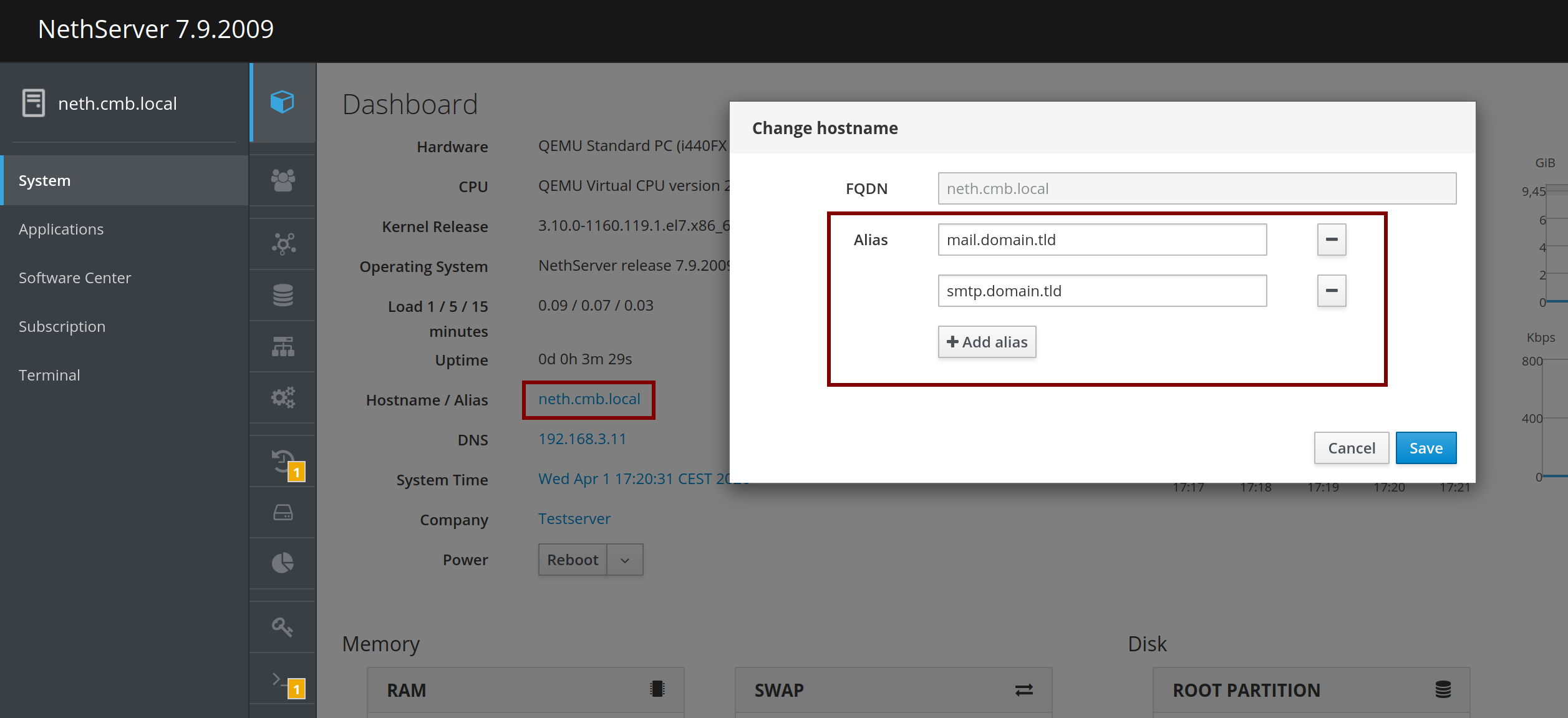
The are not added as aliases, I have only the hostname listed there. What I don’t understand is why the DNS wasn’t migrated together with the accounts.
I added all entries to a new DNS server and it solved most of the problems. I used Adguard to rewrite the external addresses to use the internal IP, I also had to stop using the Private relay for the internal network on iOS devices. So in general seems everything to work now.