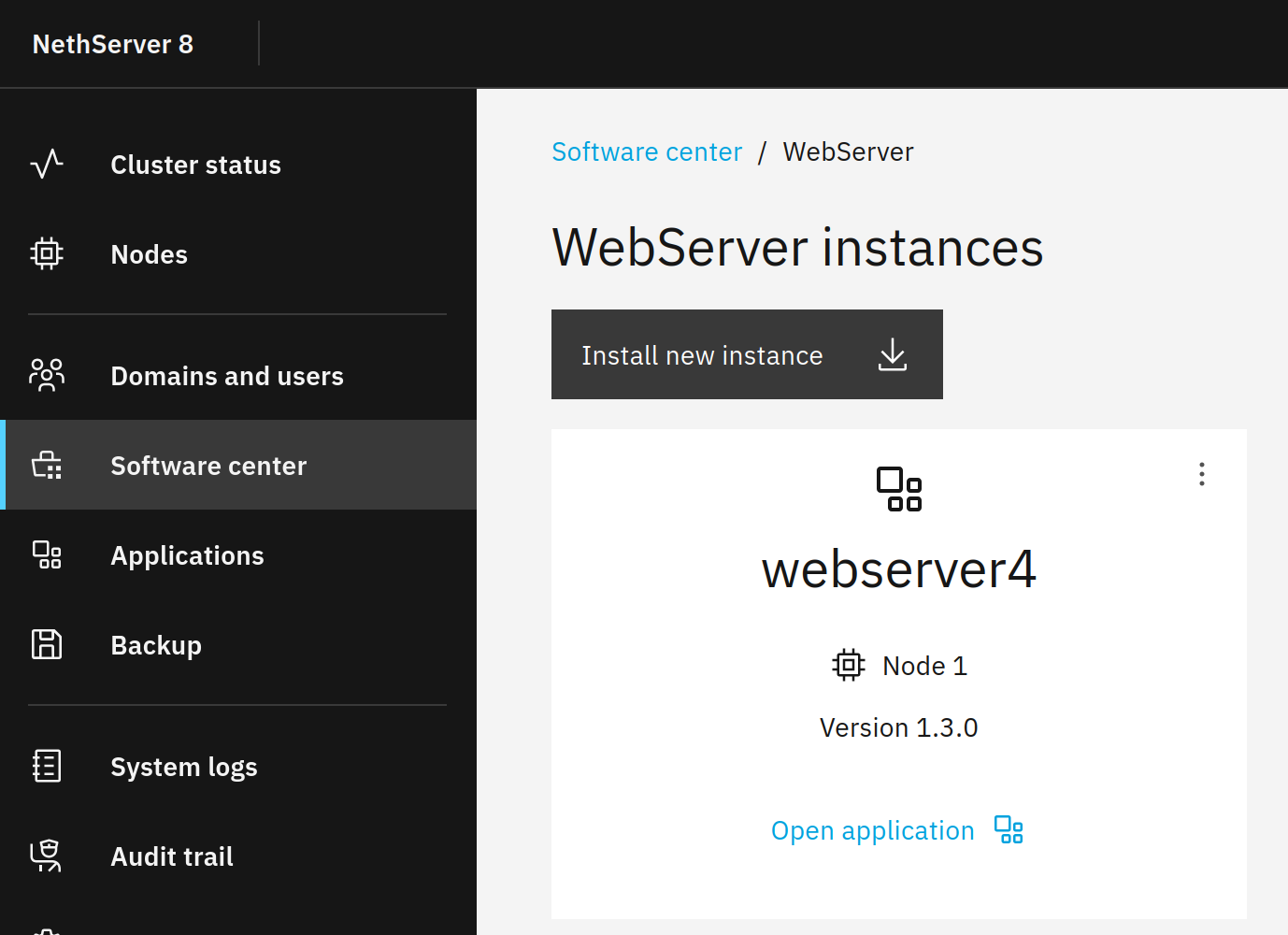
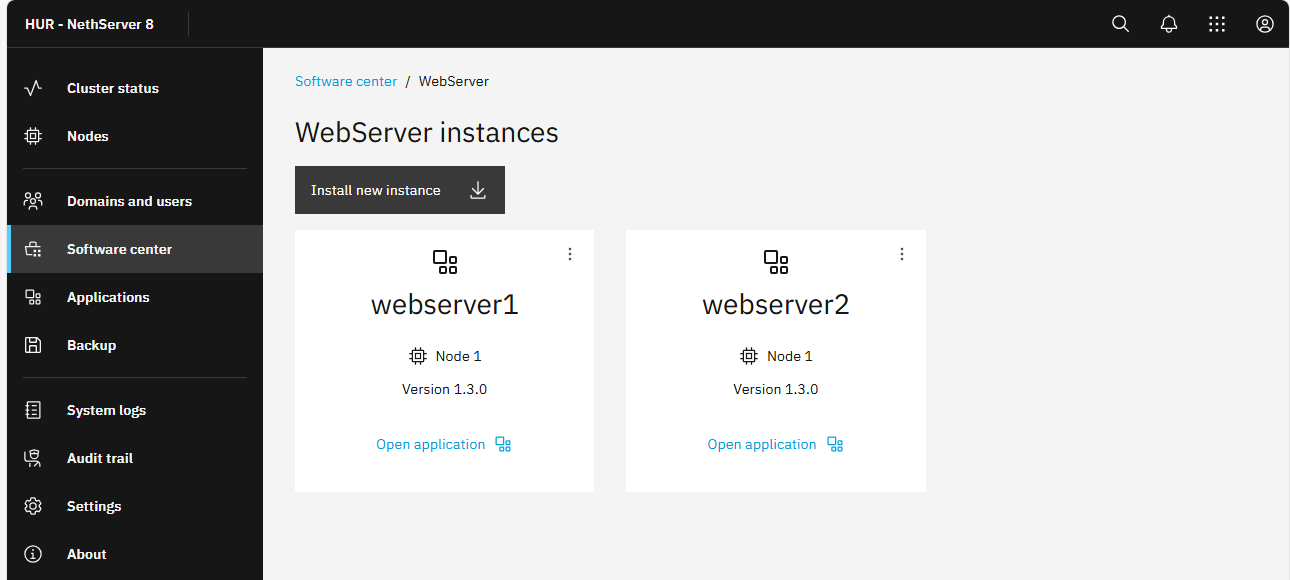
runagent -m webserver1 podman exec php7.4-fpm /usr/bin/openssl version
BTW, usually runagent -m webserver1 should work but you wrote /usr/local/bin/runagent -m webserver1
I think you used su to get root but to get the right environment, you should use
su -
This way just runagent without the path should work.
Thank you for clarification @mrmarkuz.
But neither these attempts work:
[root@hur-ns8 ~]# runagent -m webserver1 podman exec php8.2-fpm /usr/bin/openssl version Error: crun: executable file /usr/bin/openssl not found: No such file or directory: OCI runtime attempted to invoke a command that was not found [root@hur-ns8 ~]# runagent -m webserver2 podman exec php7.4-fpm /usr/bin/openssl version Error: crun: executable file /usr/bin/openssl not found: No such file or directory: OCI runtime attempted to invoke a command that was not found
Sorry, openssl isn’t installed by default. It was a testing machine where I installed openssl manually some time ago…
So to test if it works from inside the container you could install openssl with following commands: (After restarting webserver, openssl isn’t installed anymore, it’s not persistent)
I think it could be useful.
For sending via the local mail instance, disabling SSL and send via 10.5.4.1:25 should be ok but for reaching external (mail) servers it’s needed. (openssl + ca-certificates)
Hi,
if I undestand well, the Webserver app is not ready yet to deploy projects which involve sending e-mails?
If so, I will probably have to turn back for my current project to the LAMP app again, where this works (despite I would otherwise prefer a bit more the Webserver app, partly for being 2/5 certified, and also for the possibility to create virtual hosts direcly from admin webgui, which is not possible in the Lamp app, if I get it right).