Jitsi Meet on NS8

Question is, can we configure it, not exposed publicly, but still get it working with nextcloud and others.

Could we implement a config within the setting menu to achieve this, in the meantime, pending authentication.

OR shouw we use internal ports to do this, but still webUI is exposed…

As I wrote above, it works with the NC App Jitsi Integration without any problems. And securing the NC instance is possible with 2-FA or an ID card. You can then use Traefik to set direct access to Jitsi via the fqdn so that this is only permitted from the local LAN. Jitsi can then still be accessed via NC. This also indirectly provides user authentication. Just the one from NS8 / the NC instance.

1 Like

Here are good instructions here. But unfortunately I don’t have the knowledge to implement it.

2 Likes

Is it not possible to implement a user administration in Traefik?
Then the problem would be at least partially solved.

1 Like

No, unfortunately not.
I think the best way would be to make a NS8 user domain work.
I’m going to retest…
If nothing works we could use something like keycloak but it’s another layer to configure which shouldn’t be necessary.

1 Like

If necessary, you can put an Nginx reverse proxy in front of it. I tried this last night. You can create users and assign the corresponding rights. But it is also cumbersome again.

1 Like

Hi @mrmarkuz

Updated to the newest release and nothing goes on. Connection to jitsi is not possible.

1 Like

Thanks for testing but you’re too fast. Which version did you test?

I updated the working version 1.0.1 now.

1 Like

1.0.0

This was offered to me via Softwarecenter.

1 Like

Sorry, it still had a bug as regard internal auth.

Do you mean the connection to jitsi website or using a jitsi app?

I mean the connection via Webbrowser and also via App on my eggPhone.
I cant connect to the server and see this message.

1 Like

Thanks, I’m going to retest.

Could it be because of the cluster admin access restriction that you setup?

1 Like

No, I have entered all networks in the permission list. This also worked before the update. But I can’t find any settings for the user authentication either.

Usually it helps to hard refresh the browser to show the new UI stuff:

1 Like

Why for Guacamole? It is not installed.

It’s a copy/paste error but it should be fixed in version 1.0.1.

Please give me the command for update via ssh.

It’s also possible to install/update version 1.0.1 via Software Center.

This command updates the instance jitsi1:

api-cli run update-module --data '{"module_url":"ghcr.io/mrmarkuz/jitsi:1.0.1","instances":["jitsi1"],"force":true}'
1 Like

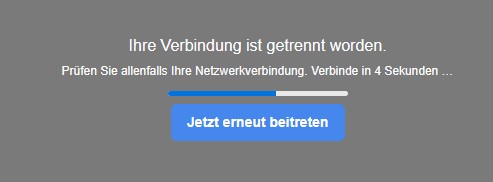
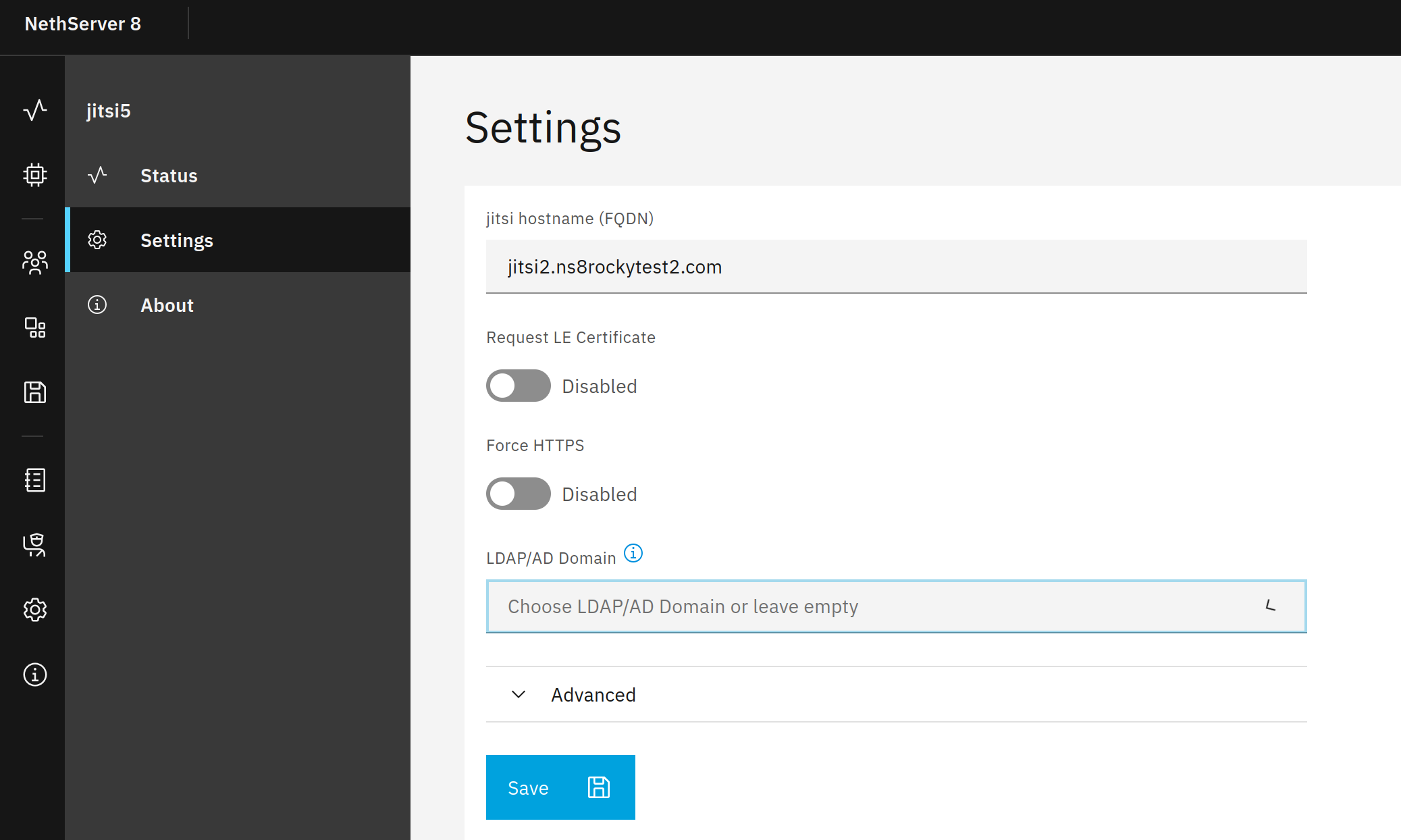
Can somebody confirm that you can have a conference with multiple people in the same room? When I try to join a room I started on my PC from my cell, I only see myself and a notice that is so fast that I can n0t read it.
2 Likes

Thanks for testing.
Sorry, there’s another bug.
I’ll announce the Jitsi app as soon as I got everything working.

2 Likes